ComfyUI on Mac M4 Max Complete Setup Guide
Set up ComfyUI on Apple Silicon M4 Max for optimal performance with MLX acceleration, memory optimization, and workflow configuration
Expert tutorials on open source AI models, ComfyUI workflows, LLMs, image/video/audio generation, and programming. Learn cutting-edge techniques for creative AI applications.
Set up ComfyUI on Apple Silicon M4 Max for optimal performance with MLX acceleration, memory optimization, and workflow configuration
Fix all common ComfyUI Manager issues including installation failures, update errors, node conflicts, and database problems
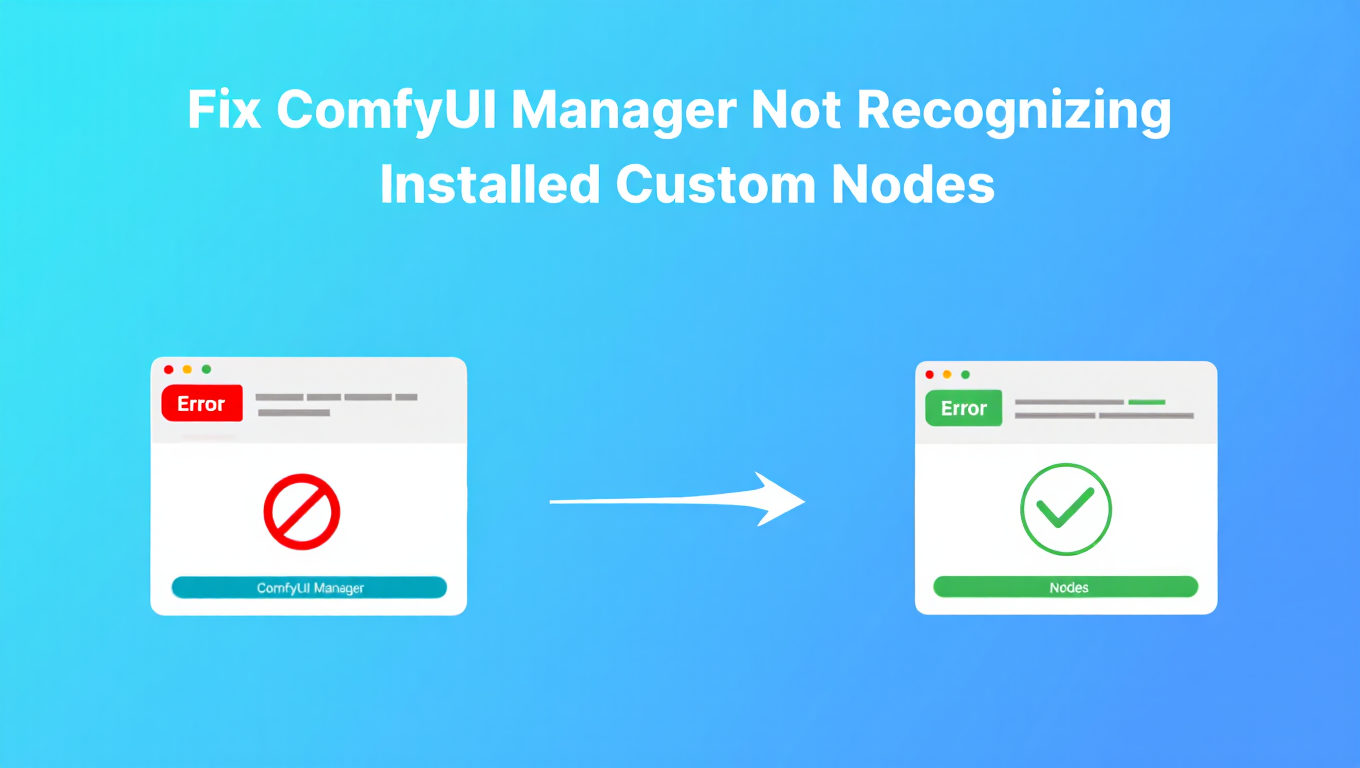
Solve the frustrating issue of ComfyUI Manager showing nodes as not installed when they're already in your custom_nodes folder with these proven fixes
Accelerate ComfyUI on Apple Silicon by 70% using MLX extension with optimized models and native Metal performance
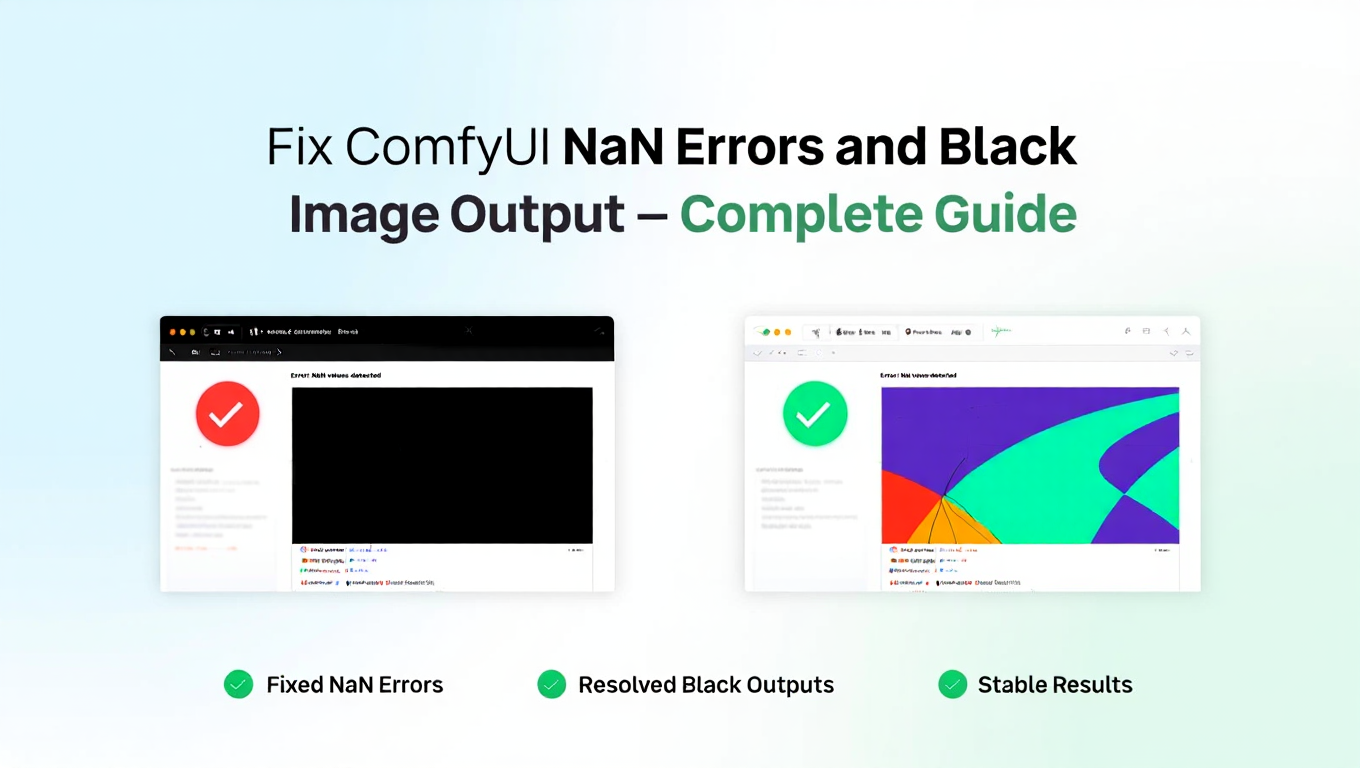
Solve NaN errors causing black or corrupted images in ComfyUI with precision fixes, VAE solutions, and model troubleshooting techniques
Solve ComfyUI workflow JSON loading failures from missing nodes, version mismatches, and file corruption with these proven fixes
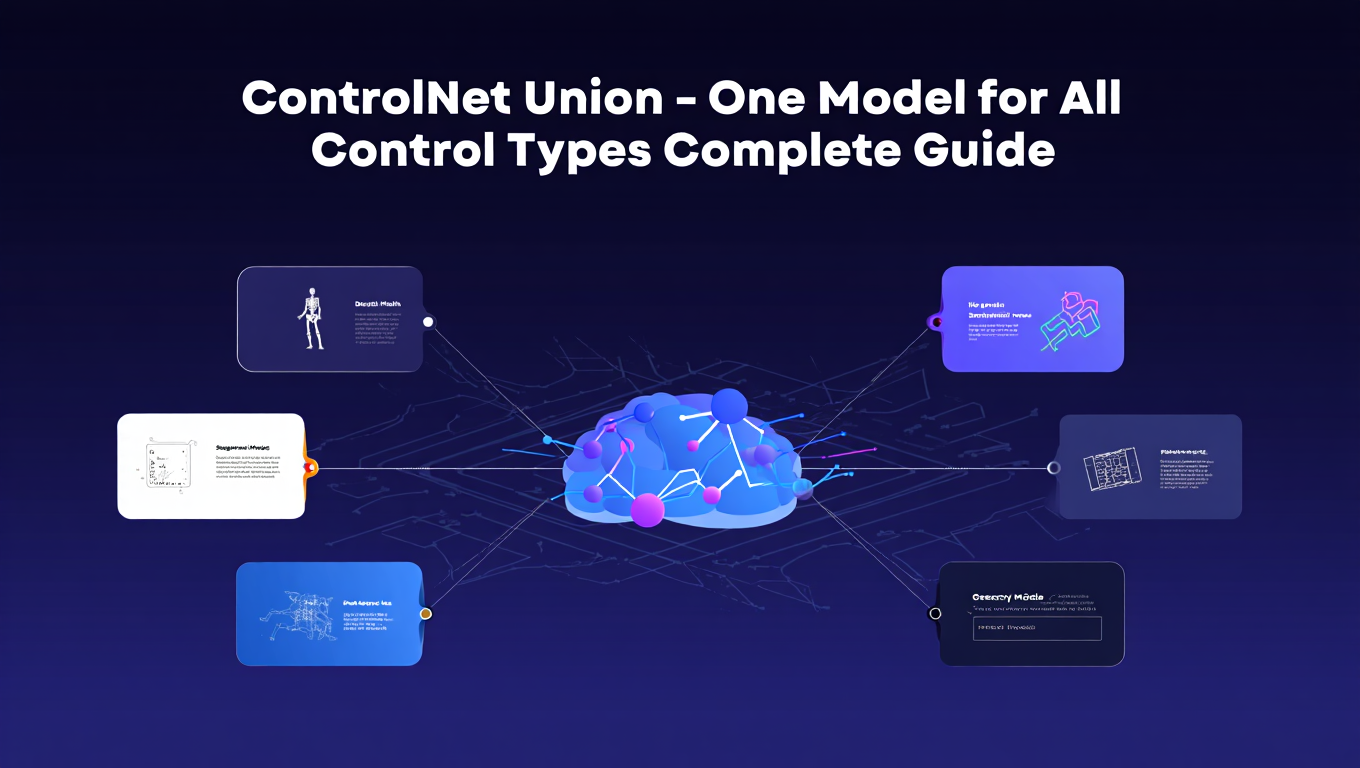
Master ControlNet Union that combines canny, depth, pose, and more into a single model for simplified workflows and VRAM efficiency
Solve broken custom nodes after ComfyUI updates with dependency fixes, version pinning, and safe update strategies for stable workflows
Discover the best alternatives to Dreambooth for Mac users including cloud services and Apple Silicon optimized tools
Solve OOM errors when training Flux LoRAs on RTX 4090 with gradient checkpointing, batch size optimization, and memory management techniques
Solve compatibility issues when using GGUF quantized models with LoRAs and ControlNet in ComfyUI. Troubleshooting solutions included.
Master GGUF quantized models for AI image generation including formats, quality tradeoffs, loading in ComfyUI, and compatibility considerations
Solve Hunyuan Video crashes, OOM errors, and black outputs on RTX 3090 with these proven optimization techniques and memory management fixes
Master text rendering in AI images with Ideogram 3.0. Techniques for readable typography, logos, and text-heavy designs with consistent quality.
Master inpainting mask feathering and seam blending for smooth AI image edits without visible boundaries