Personalize Your Persona
Build a reusable reference set, generate with it and review the results. Saved references do not train a custom model or guarantee identical output.
Choose a niche, build a persona and generate images or clips. Save references, review each result and publish on your own schedule.
Your workflow
Generate and review
Explore these creative brief ideas, then choose an available workflow in the app. They are inspiration examples, not a list of prebuilt personas or guaranteed outputs.
Workout routines, macro tips, transformation content.
Reading lists, chapter breakdowns, literary hot takes.
Cover art, tour teasers, studio behind-the-scenes.
Product ads, unboxings, demo visuals for any brand.
Recipe reels, plated dishes, ingredient close-ups.
Gadget reviews, desk setups, unboxing hero shots.
Destination guides, itineraries, on-location shots.
Lookbooks, outfit-of-the-day posts, style edits.
Stream thumbnails, highlight reels, character art.
Meme posts, skit storyboards, viral-format content.
Mindfulness, yoga flows, calming lifestyle visuals.
Makeup tutorials, skincare routines, product flat-lays.
Family moments, parenting tips, kid-friendly content.
Money tips, chart visuals, economics explainers.
Pet portraits, training tips, adorable daily posts.
Connect Apatero to a compatible Claude client to access twenty tools for generation, saved references and content batches. Operations consume account credits; some require an active subscription, and Story Mode requires Studio access. Review outputs before publishing.
"Create an AI influencer named Lena and put her on a rooftop at golden hour."
Check your Claude plan and workspace permissions
For individual accounts, open Customize, then Connectors and add a custom connector. Team and Enterprise setup may require a workspace owner. Follow the current Claude setup instructions, paste the URL below and sign in with Apatero.
https://mcp.apatero.ai/mcp Terminal
One command wires Apatero to your API key.
claude mcp add --transport http apatero https://mcp.apatero.ai/mcp --header "Authorization: Bearer <apatero API key>" Connect your account and check the client setup instructions, available credits and tool requirements.
Choose a brief, generate with references, then review and publish.
Choose an available niche template or write a project brief. Adapt the prompt to your project; a template is not a factual review or a publishing plan.
A cinematic sunset over mountains
Processing
Analyzing style, composition & details
Create portrait candidates and save selected reference images as a Soul. Reuse references where the selected operation supports them, then check identity and details in every result.
Request a content batch when you need it, then choose and edit the results. Prepare captions and disclosures, and publish through your chosen platform. Generation does not automatically schedule daily posts.
Here's your creation!
Use these examples to plan a brief. Available tools, models and output controls vary by operation.
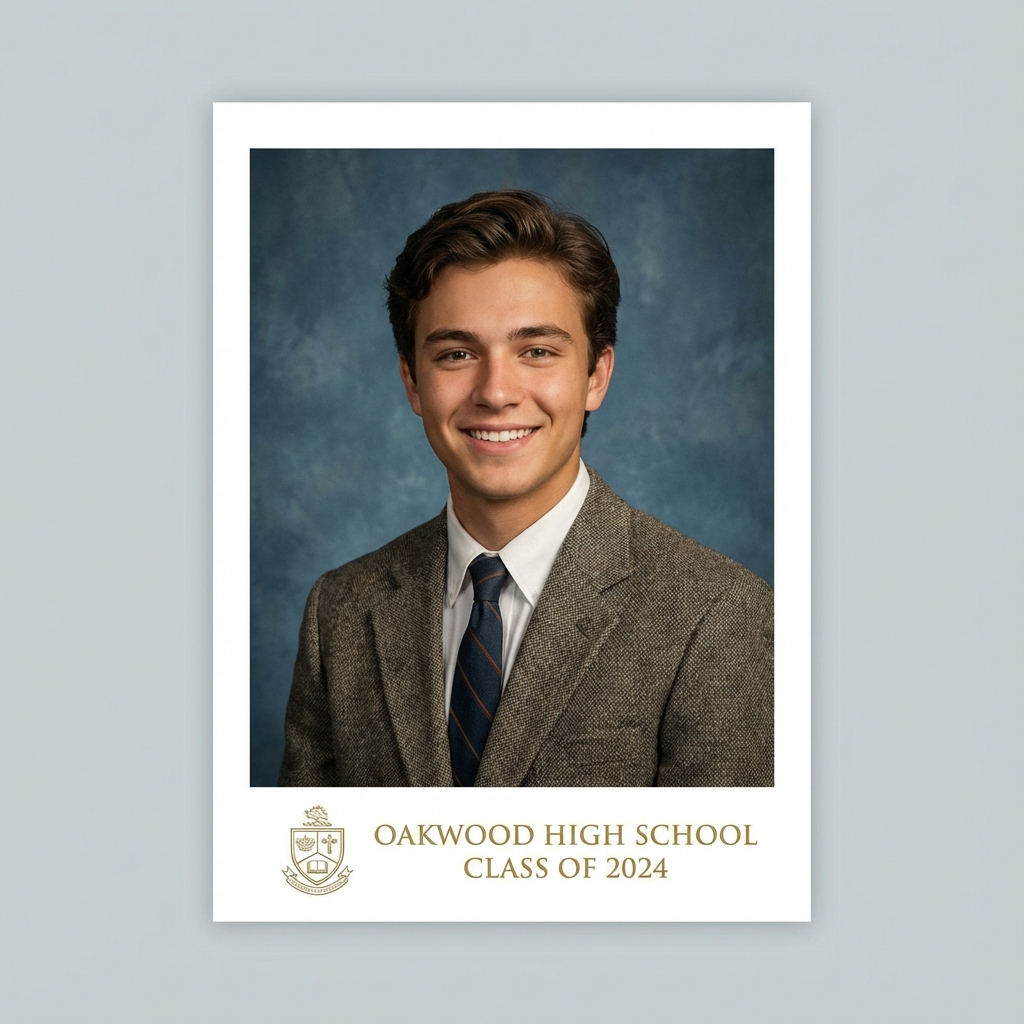
Ghibli Style, Action Figure, AI Yearbook, Pixar Character
Animation, Talking Clips, Cinematic Scene Ideas
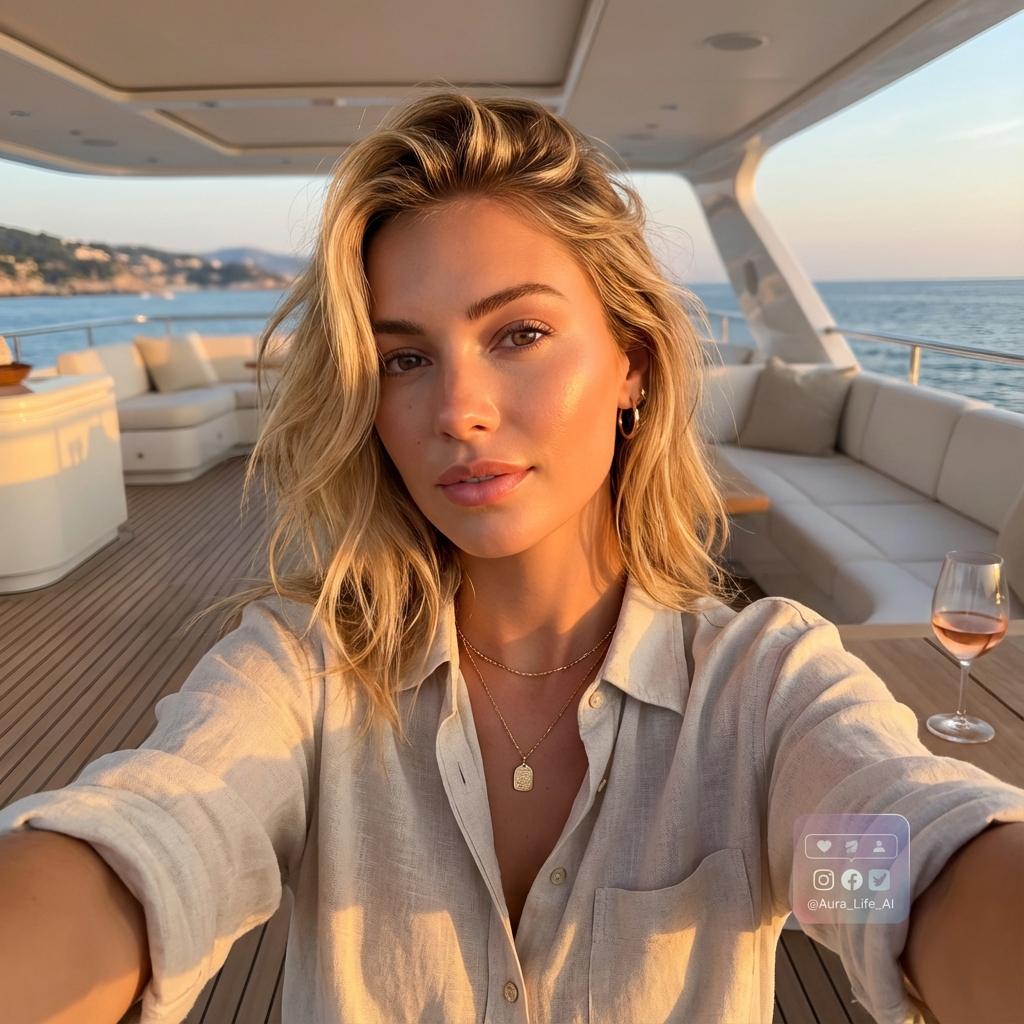
Virtual Personas, Instagram Models, Lifestyle Content, Content Stars
Fantasy Worlds, Concept Art, Creative Scenes, Artistic Styles
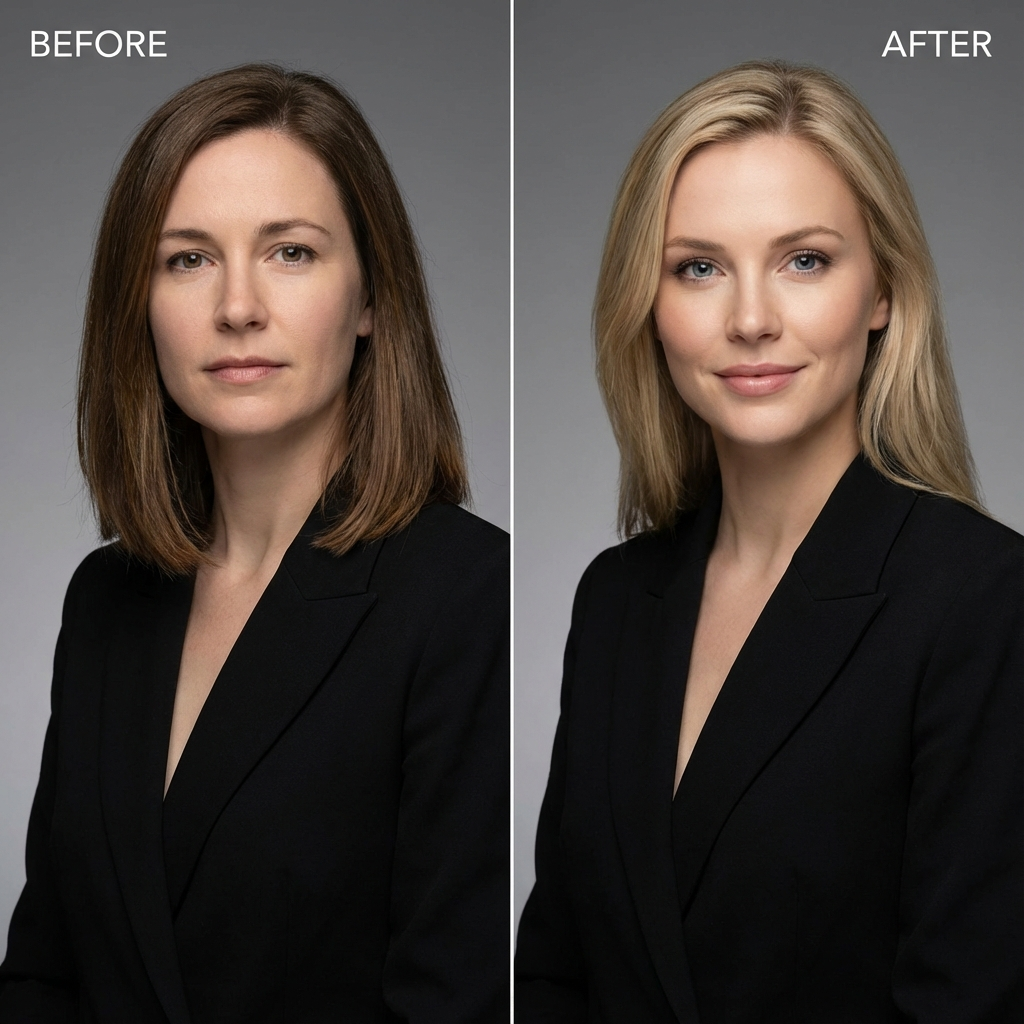
Face Swap, Video Face Swap, Age Transform, Character Swap
LinkedIn Headshot, Product Shot, Billboard Ad, Virtual Staging
GTA Style, Minecraft, Simlife, Pixel Game, Game Art
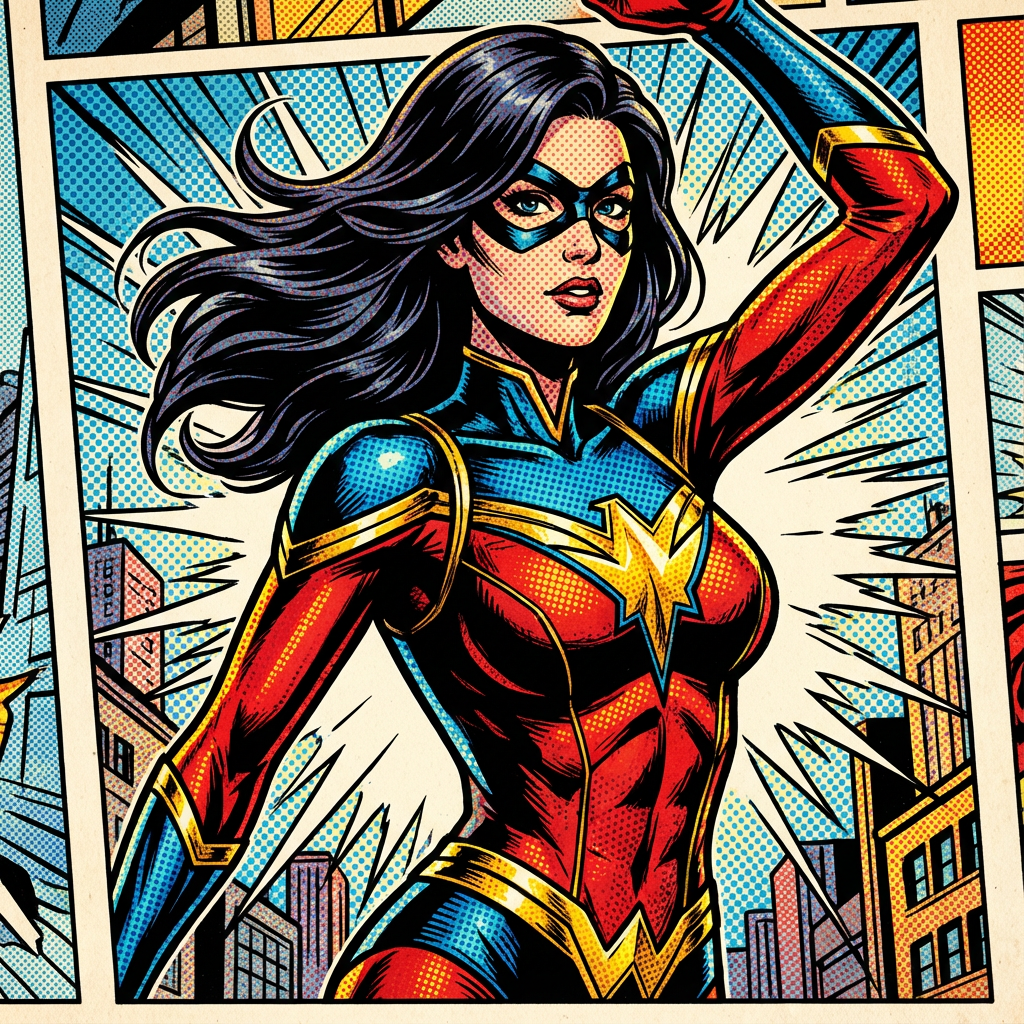
Comic Book, Renaissance, Anime, Watercolor, Oil Painting
This is Fine, Storm Creature, Surprised Pikachu, Wojak
Hologram, 3D Rotation, Explosion, Magic, Superhero Powers
YouTube Thumbnail, Album Cover, Movie Poster, Trading Card
Virtual Try-On, Runway Model, Vogue Cover, Outfit Generator
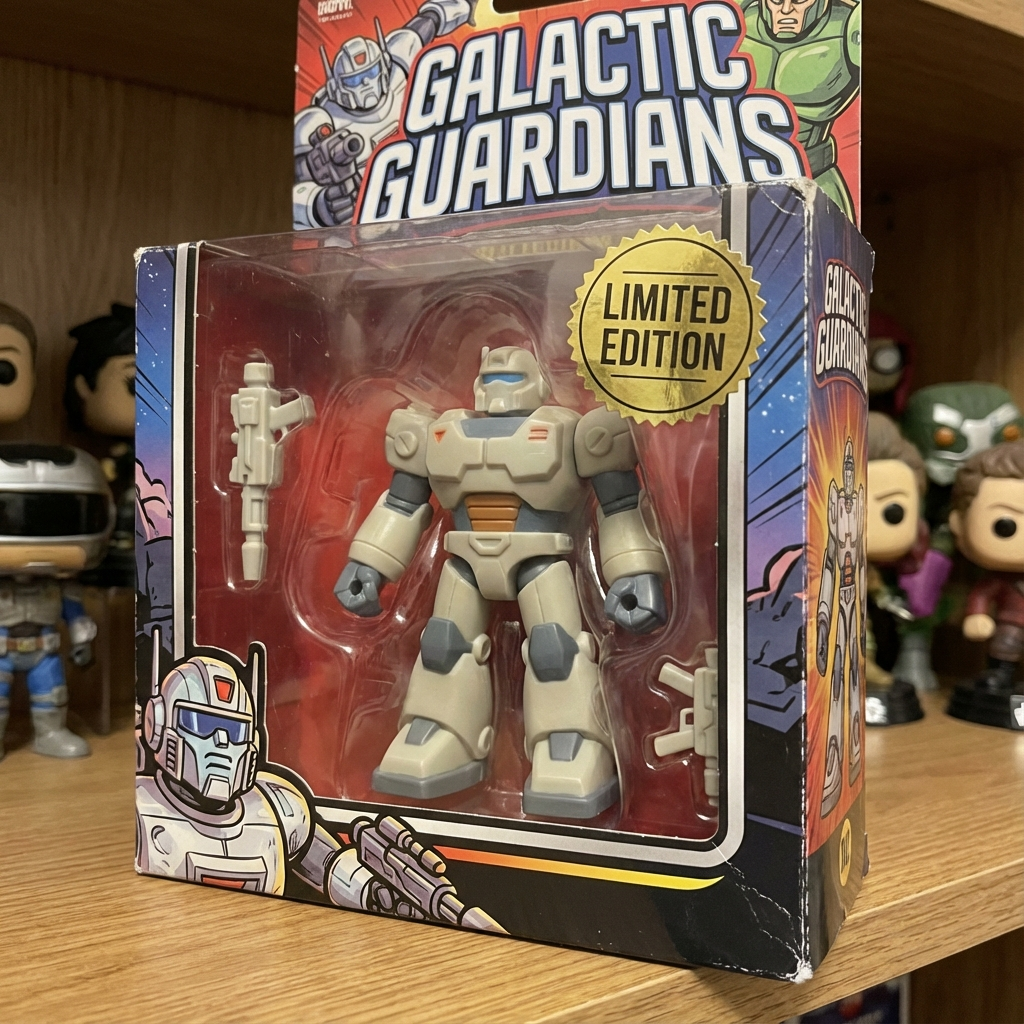
Action Figure, 3D Character, Product Render, Collectibles
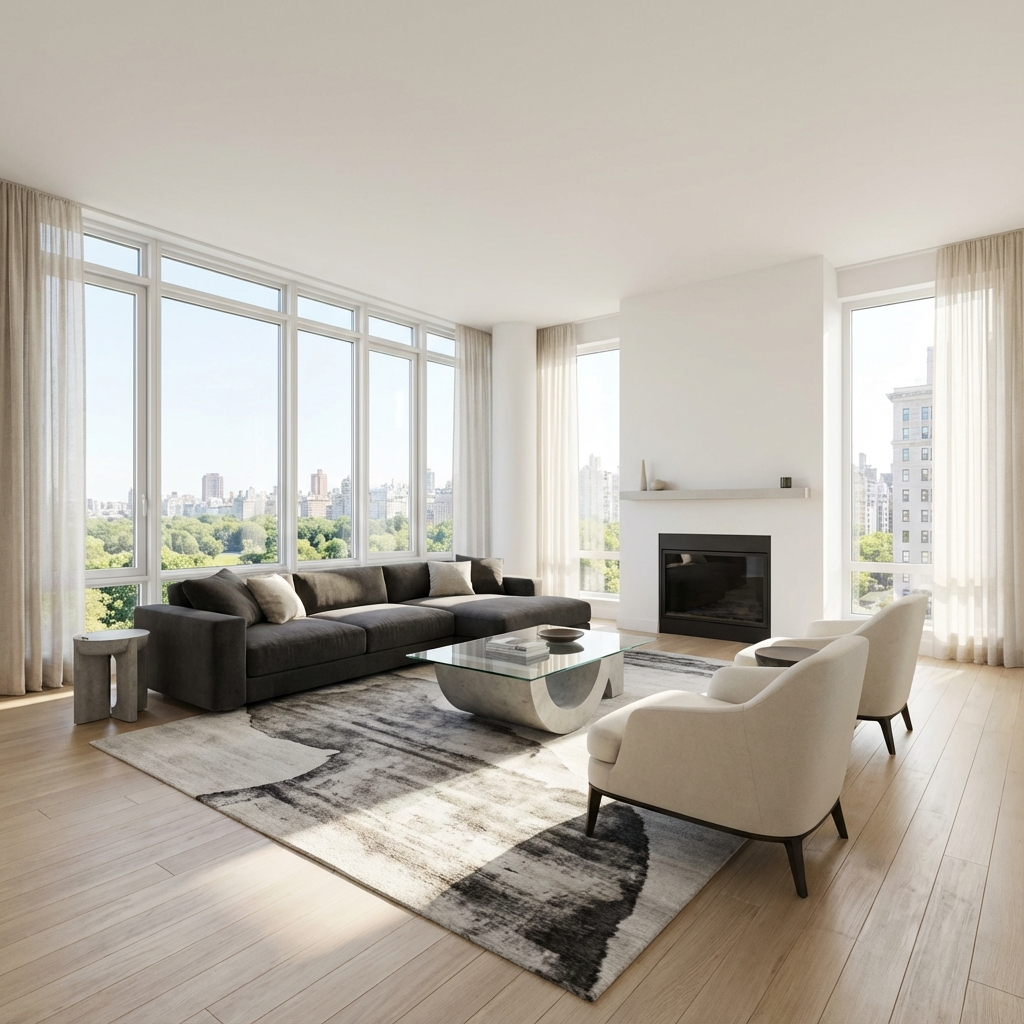
Virtual Staging, Interior Design, Property Enhancement
AI Yearbook, Professional Headshots, Family Photos, Pet Portraits
Dragons, Aliens, Cyberpunk, Medieval, Space Scenes
These are creative brief examples, not a promise that every effect has a dedicated tool. Check the current model catalog, operation requirements and usage rights in the application.
Save selected reference images as a Soul and reuse them in supported generation workflows. Review likeness and details in each result.
Build a reusable reference set, generate with it and review the results. Saved references do not train a custom model or guarantee identical output.
Avoid unclear or conflicting references. Check permission to use every uploaded image.
A Soul stores reference images and persona information for reuse. It is not a claim that a new LoRA has been trained.
Check the charge shown for each image, batch or clip. Reusing a reference does not make future generations free.
A reference set you can reuse and refine as you evaluate different scenes and outputs.
Reference. Generate. Review.
Choose clear inputs and inspect the resulting likeness
Save reusable inputs for supported generation actions
Review identity, composition and intended use before posting
Check current account access and operation costs before generating
Plan a content experiment, understand offer costs and compare video workflows using documented capabilities.
Plan a virtual character’s audience, visual identity and content tests. Measure real responses with a worksheet instead of invented growth or income forecasts.
Compare affiliate, sponsorship, product, membership and merchandise income. Budget from actual terms and costs rather than follower-based earnings promises.
Evaluate Seedance, Sora, Kling and Veo for a specific shot. Record model versions, reference inputs, usable footage and costs with a comparison worksheet.
Create portrait candidates, save references and request content batches. Plans start at $12.99 per month equivalent, billed $155.88 yearly; monthly billing starts at $24.99.
Find Apatero listings and discussions on these external sites.
Can't find the answer you're looking for? Ask us.
Start with a brief or reference images. The guided workflow offers portrait candidates, saved references, content batches and optional clips. Check the displayed operation cost and review the results before publishing.
The app offers niche prompt templates; the homepage also shows broader creative brief ideas. Customize the brief and check any factual advice yourself. Templates do not establish expertise or measured audience demand.
Content batches are requested by the user. Choose, edit and approve the outputs, then publish through your chosen platform or scheduler. Creating a persona does not enable an automatic daily publishing service.
Saved references provide reusable inputs. They do not guarantee identical features across all poses, scenes or models. Keep useful results and revise inputs when details drift.
Check the applicable service terms, model conditions and rights to uploaded material. Commercial-use permission does not clear third-party trademarks, copyrighted material or a person's likeness, and does not guarantee exclusive rights.
Starter is $24.99 with monthly billing or $155.88 billed yearly, equivalent to $12.99 per month. It includes 450 monthly tokens. Charges vary by operation; confirm the current plan and renewal terms at checkout.
Manage cancellation through account billing. Cancellation stops future renewal; check the displayed access end date and applicable refund terms. A refund is a separate question.
Check your available welcome credits and the selected operation's charge. A welcome allowance does not guarantee a free video, batch or full guided workflow.