AI Video Generator Comparison 2025: WAN vs Kling vs Runway vs Luma vs Apatero
In-depth comparison of the best AI video generators in 2025. Features, pricing, quality, and which one is right for your needs including AI capabilities.
Make AI images and video in your browser
Characters, video, photo packs. No GPU, no setup. Your first generation is free.
AI video generation has exploded in 2025. Every month brings new models, new features, and new claims about which tool is "the best." I've spent hundreds of hours testing WAN, Kling, Runway, Luma, and Apatero across different use cases. Here's what actually matters.
Quick Answer: There's no single "best" AI video generator. WAN 2.6 offers the best open-source flexibility and quality. Kling excels at motion and longer clips. Runway Gen-3 Alpha has the most polished interface. Luma Dream Machine is fastest. Apatero is the leading option for flexible AI video with character consistency. Your choice depends on your specific needs.
- WAN 2.6: Best open-source option, 14B parameter model, excellent quality
- Kling AI: Best motion quality and 10-second clip generation
- Runway Gen-3: Most polished interface, excellent prompt adherence
- Luma Dream Machine: Fastest generation, good for iteration
- Apatero: Only option for AI video with character consistency
- Price ranges from $0.10/video to $150+/month subscriptions
The AI Video Landscape in 2025
Let me set the stage. AI video generation went from "impressive demos" to "actually usable" in 2024-2025. The key developments:
- WAN 2.1/2.2/2.6 brought open-source video generation to professional quality
- Kling AI proved Chinese labs could match or beat Western offerings
- Runway Gen-3 finally delivered on years of promises
- Luma Dream Machine made fast iteration possible
- Specialized tools emerged for specific use cases (including broader creative styles)
The question isn't whether AI can generate good video. It can. The question is which tool fits your workflow, budget, and content type.
Quick Comparison Table
| Feature | WAN 2.6 | Kling AI | Runway Gen-3 | Luma | Apatero |
|---|---|---|---|---|---|
| Max Length | 16s | 10s | 10s | 5s | 5s |
| Resolution | 1080p | 1080p | 1080p | 720p | 720p |
| Image-to-Video | Yes | Yes | Yes | Yes | Yes |
| Character Consistency | With LoRA | Limited | Limited | Limited | Built-in |
| Motion Quality | Excellent | Excellent | Very Good | Good | Good |
| Speed | Slow | Medium | Medium | Fast | Medium |
| Open Source | Yes | No | No | No | No |
| AI Support | Local only | No | No | No | Yes |
| Pricing Model | Free/Local | Credits | Subscription | Credits | Pay-per-use |
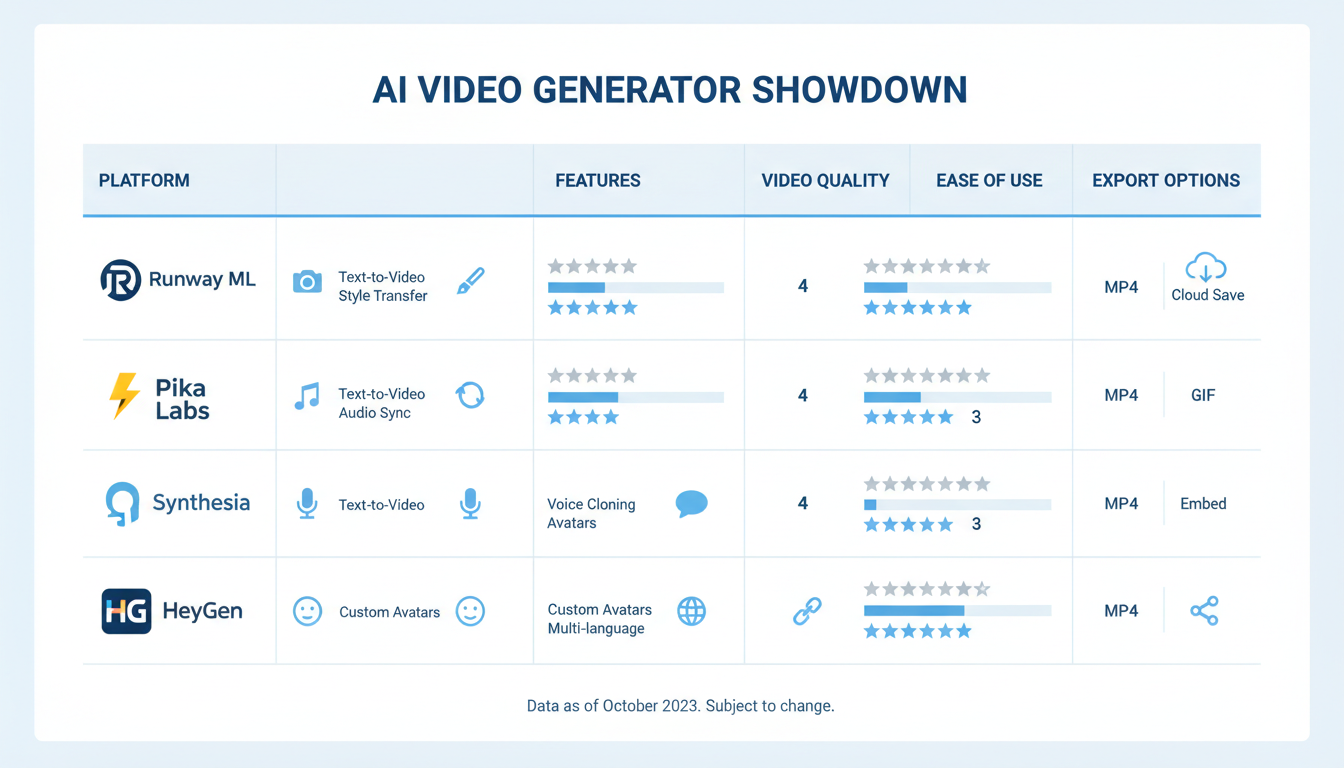 Feature comparison across all five platforms
WAN 2.6: The Open Source Powerhouse
WAN (Wavespeed AI Network) represents what's possible with open-source video generation. The latest 2.6 release brings multi-shot video generation and significantly improved quality.
What WAN Does Well
Quality: The 14B parameter model produces some of the best-looking AI video available. Motion is natural, details are preserved, and artifacts are minimal compared to earlier generations.
Flexibility: Being open-source means unlimited customization. Train your own LoRAs, build custom workflows, integrate with other tools. No API limits and no per-generation fees when run locally.
Multi-shot generation: WAN 2.6 specifically introduced better handling of multi-shot sequences, making it viable for longer narrative content.
Cost: Free to run locally (hardware costs aside). No per-video fees, no subscriptions.
WAN Limitations
Hardware requirements: The 14B model needs serious GPU power. 24GB+ VRAM recommended. Not accessible to everyone.
Setup complexity: ComfyUI workflows, model downloads, dependency management. Not a click-and-generate experience.
Speed: Generation is slow compared to cloud services. A 5-second clip can take 10-20 minutes depending on hardware.
No cloud option with full features: Cloud deployments exist but often have restrictions or reduced capabilities.
Best For
- Creators with capable hardware
- Those needing maximum control and customization
- Long-term production workflows where setup time pays off
- Anyone needing flexible local generation
I covered WAN 2.6's multi-shot capabilities in my complete WAN 2.6 guide.
Kling AI: Motion Quality Leader
Kling AI, developed by Kuaishou, emerged as a serious Runway competitor and arguably surpassed it in motion quality.
What Kling Does Well
Motion: This is Kling's standout feature. Character movement looks natural. Physics make sense. Camera motion is smooth. It's noticeably better than most alternatives for dynamic scenes.
Length: 10-second generations are possible, giving you more usable footage per generation.
Consistency: Subject consistency within a single clip is strong. The model maintains identity and scene coherence well.
Accessibility: Web-based interface works without any setup. Generate video in minutes after signing up.
Kling Limitations
Credit system: Pay-per-generation means costs add up quickly for heavy users.
Content restrictions: Standard mainstream platform limitations. Restrictions on violence, celebrity likeness, brand logos, and copyrighted styles.
Queue times: During peak usage, you may wait for generation slots.
Limited customization: What you see is what you get. No custom training, no workflow modifications.
Best For
- Action and motion-heavy content
- Quick turnaround projects
- Those prioritizing motion quality over other factors
- Users comfortable with credit-based pricing
Runway Gen-3 Alpha: The Polished Experience
Runway has been in the AI video space longer than most. Gen-3 Alpha represents years of iteration and refinement.
What Runway Does Well
Interface: The most polished, professional interface of any AI video tool. Easy to use, clear options, good preview functionality.
Prompt adherence: Runway is excellent at understanding and executing complex prompts. It "gets" what you're asking for more reliably than most.
Ecosystem: Integration with other Runway tools, frame interpolation, video editing features. A more complete package than pure generation tools.
Text-to-video quality: For pure text prompts without reference images, Runway's output is competitive with anyone.
Runway Limitations
Price: The subscription model adds up quickly. The free tier is very limited. Professional use requires significant investment.
Motion: While good, motion quality has fallen behind Kling for dynamic scenes.
Free ComfyUI Workflows
Find free, open-source ComfyUI workflows for techniques in this article. Open source is strong.
Content restrictions: Strict content policies. No AI, limited violence, careful about likenesses.
Generation limits: Even paid tiers have monthly caps that active users can burn through.
Best For
- Professional productions with budget
- Teams needing reliable, polished tools
- Those prioritizing ease of use
- Projects requiring the broader Runway ecosystem
Luma Dream Machine: Speed Demon
Luma Dream Machine carved out its niche by being fast. Really fast.
What Luma Does Well
Speed: Generation happens in seconds to minutes, not minutes to hours. Iterate quickly, try variations, experiment freely.
Image-to-video: Luma's image-to-video is particularly strong. Give it a reference image and it extrapolates motion well.
API access: Developers can integrate Luma into automated workflows easily.
Pricing: Competitive per-generation pricing makes it accessible for experimentation.
Luma Limitations
Length: 5-second maximum is limiting for many use cases.
Resolution: 720p is below the competition.
Quality ceiling: Speed comes with trade-offs. Luma's output doesn't match WAN or Kling at their best.
Motion complexity: Struggles more with complex multi-subject scenes.
Best For
- Rapid prototyping and iteration
- Social media content where speed matters
- Developers building automated pipelines
- Budget-conscious creators
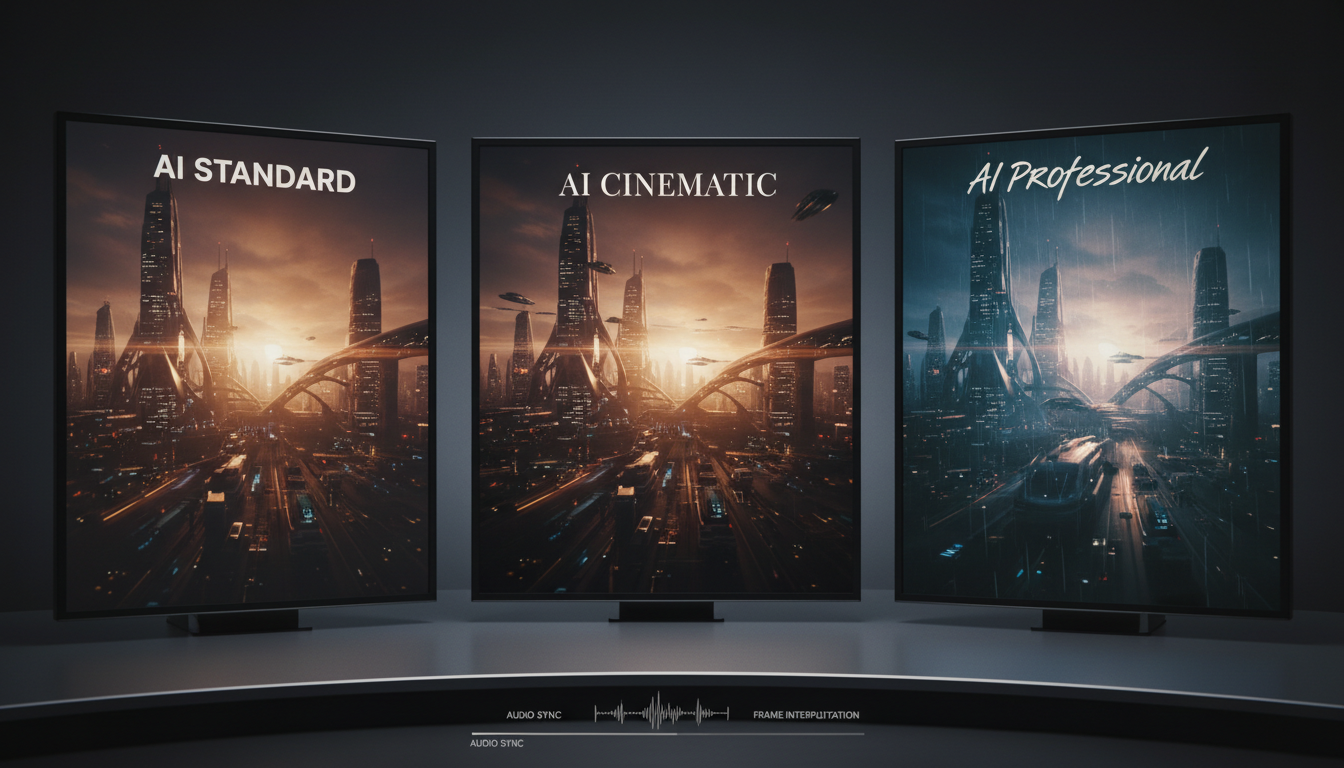 Quality comparison across different generators
Apatero: The AI Video Option
Full disclosure: I work with Apatero. But I'm including it here because it solves a problem the other tools explicitly refuse to address.
Want to skip the complexity? Apatero gives you professional AI results instantly with no technical setup required.
What Apatero Does Well
Broad creative style support: This is the key differentiator. While every other major platform restricts you to a small set of pre-approved aesthetics, Apatero supports a wider range of artistic styles directly using WAN models.
Character consistency: Built-in character system maintains identity across generations. Create a character once, use it across images and video without complex LoRA training.
Pay-per-use: No subscription. Pay for what you generate. Scales down for light use, up for heavy production.
Integrated workflow: Image and video generation in one platform. No juggling multiple tools.
Apatero Limitations
Video length: Currently limited to shorter clips (comparable to Luma).
Hardware independence: Cloud-based means you don't benefit from your own GPU power.
Newer platform: Less mature than established players. Feature set still expanding.
Niche focus: Optimized for specific use cases, not general-purpose video production.
Best For
- Creators working across broad artistic styles (one of the few real options for flexible AI video)
- Those needing character consistency without technical setup
- Pay-per-use preference over subscriptions
- Creators wanting integrated image + video workflow
Real-World Performance Comparison
Let me share actual results from testing the same prompts across platforms.
Test 1: Simple Scene (Person Walking)
Prompt: "A woman in a red dress walking down a city street at sunset, cinematic"
| Platform | Motion Quality | Consistency | Artifacts | Time |
|---|---|---|---|---|
| WAN 2.6 | 9/10 | 9/10 | Minimal | 15 min |
| Kling | 9/10 | 8/10 | Minimal | 3 min |
| Runway | 8/10 | 8/10 | Some | 2 min |
| Luma | 7/10 | 7/10 | Moderate | 30 sec |
| Apatero | 7/10 | 8/10 | Some | 2 min |
Winner: Tie between WAN and Kling. WAN edges out on consistency, Kling on speed.
Test 2: Complex Motion (Dancing)
Prompt: "A dancer performing contemporary dance in an empty studio, dramatic lighting"
| Platform | Motion Quality | Physics | Flow | Time |
|---|---|---|---|---|
| WAN 2.6 | 9/10 | 8/10 | 9/10 | 18 min |
| Kling | 10/10 | 9/10 | 9/10 | 4 min |
| Runway | 7/10 | 7/10 | 7/10 | 3 min |
| Luma | 6/10 | 6/10 | 6/10 | 45 sec |
| Apatero | 7/10 | 7/10 | 7/10 | 3 min |
Winner: Kling. Complex motion is where it really shines.
Earn Up To $1,250+/Month Creating Content
Join our exclusive creator affiliate program. Get paid per viral video based on performance. Create content in your style with full creative freedom.
Test 3: Character Consistency (Same Character, Different Scene)
Prompt: "Same character from reference image in a new setting"
| Platform | Identity Preserved | Natural Look | Setup Required |
|---|---|---|---|
| WAN 2.6 + LoRA | 9/10 | 9/10 | Hours of training |
| Kling | 6/10 | 7/10 | Reference image only |
| Runway | 6/10 | 7/10 | Reference image only |
| Luma | 5/10 | 6/10 | Reference image only |
| Apatero | 8/10 | 8/10 | Create character once |
Winner: WAN with trained LoRA, but Apatero wins for ease of setup.
 Motion quality varies significantly between platforms
Pricing Breakdown
Let's talk money. AI video isn't cheap, but costs vary dramatically.
WAN 2.6
- Local: Free (hardware costs: $1,000-$4,000 GPU)
- Cloud services: $0.10-0.50 per 5-second clip
- Best for: High-volume users with hardware
Kling AI
- Free tier: 50 credits/month (~10-25 videos)
- Pro: $66/month (660 credits)
- Per video: Roughly $0.10-0.20 depending on settings
Runway Gen-3
- Basic: $12/month (125 credits)
- Standard: $28/month (625 credits)
- Pro: $76/month (2,250 credits)
- Unlimited: $188/month
- Per video: $0.03-0.10 depending on plan
Luma Dream Machine
- Free tier: 30 generations/month
- Standard: $23.99/month (150 generations)
- Pro: $99.99/month (unlimited)
- API: ~$0.15 per generation
Apatero
- Pay-per-use: Credits for generations
- No subscription required
- Video: Variable based on length/quality
- Best for: Flexible usage patterns
Cost Analysis
For casual use (10-20 videos/month): Luma or Kling free tiers work.
For regular use (50-100 videos/month): Runway Standard or Kling Pro offer best value.
For heavy use (200+ videos/month): Local WAN or Runway Unlimited becomes cost-effective.
For pay-as-you-go workflows: Apatero's credit model is the most cost-efficient option when your volume is unpredictable month to month.
Which Should You Choose?
After extensive testing, here's my recommendation framework:
Choose WAN 2.6 If:
- You have 24GB+ VRAM GPU
- You need maximum quality and control
- You're building production pipelines
- You want to train custom LoRAs
- Budget is flexible for hardware, not subscriptions
Choose Kling If:
- Motion quality is your priority
- You need longer clips (10 seconds)
- You want good quality without technical setup
- Credit-based pricing works for your usage
Choose Runway If:
- You value polished interfaces and reliability
- You're part of a professional team
- You need the broader Runway ecosystem
- Budget includes subscription costs
Choose Luma If:
- Speed is your top priority
- You're iterating and experimenting frequently
- You're building automated workflows via API
- Quality can be "good enough" rather than "best"
Choose Apatero If:
- You need AI video generation
- Character consistency matters without technical setup
- You prefer pay-per-use over subscriptions
- You want integrated image + video in one platform
The AI Reality
Let me address this directly since it affects many creators.
WAN, Kling, Runway, and Luma all restrict you to a small set of pre-approved aesthetics. Period. Their terms of service are clear, and pushing outside the allowed aesthetic can get you banned.
If you need video generation across a broader style range, your options are:
- Local WAN with appropriate models (requires hardware)
- Apatero (cloud-based, built for flexible creative workflows)
- Specialized alternative AI tools (varying quality)
For creators working across broad artistic styles, this isn't a feature comparison issue. It's a "what's actually available" issue. Apatero exists specifically because the mainstream tools refuse to serve this market.
Future Outlook
The AI video space is evolving rapidly. Here's what I expect in the next 6-12 months:
WAN: Continued open-source development, better efficiency, stronger community tools.
Kling: Likely to extend clip length, improve API access, expand globally.
Runway: Gen-4 probably in development. Expect incremental improvements.
Luma: May push into higher quality territory as speed advantage gets matched.
Apatero: Feature expansion, longer clips, more model options.
The winners will be those who find a sustainable business model while continuing to improve quality. Right now, the technology is advancing faster than business models are stabilizing.
Frequently Asked Questions
Which AI video generator has the best quality?
WAN 2.6 and Kling are currently tied for best quality, with WAN having a slight edge in photorealism and Kling leading in motion naturalness.
Can I use these for commercial projects?
Yes, all platforms allow commercial use in their paid tiers. Check specific terms for each platform regarding rights and attribution requirements.
Which is best for social media content?
Luma for speed, Kling for quality. Most social media content doesn't need maximum quality, making speed more valuable for iteration.
Can I generate AI video with these tools?
Only local WAN (with appropriate models) and Apatero support AI video generation. All other major platforms prohibit it.
How long until AI video matches real footage?
For many use cases, we're already there. The gap is closing rapidly for complex motion, but perfect consistency remains challenging.
Should I wait for better tools?
No. Tools will always improve. Learn with current tools and upgrade your workflow as technology advances.
Final Thoughts
There's no single "best" AI video generator because there's no single use case. The right choice depends on your priorities: quality, speed, price, content type, and technical comfort level.
For most mainstream creators, I recommend starting with Kling or Luma for their balance of quality and accessibility. Graduate to WAN if you need more control and have the hardware.
For AI creators, Apatero is currently the most practical cloud-based option. Local WAN is an alternative if you have the hardware and technical skills.
The AI video revolution is real. These tools produce usable results today, and they're improving monthly. Pick one that fits your workflow and start creating.
Related guides: WAN 2.6 Complete Guide, Kling AI ComfyUI Workflow
Make AI images and video in your browser
Characters, video, photo packs. No GPU, no setup. Your first generation is free.
Related Articles
AI Video Denoising and Restoration: Complete Guide to Fixing Noisy Footage (2025)
Master AI video denoising and restoration techniques. Fix grainy footage, remove artifacts, restore old videos, and enhance AI-generated content with professional tools.
AI Video Multi-Clip Editing: Complete Workflow for Smooth Transitions (2025)
Master multi-clip AI video editing workflows. Learn to combine LTX-2, WAN, and Hunyuan clips into cohesive videos with smooth transitions and consistent style.

LTX-2 on 8GB VRAM: Complete Optimization Guide for Low-End GPUs (2025)
Run LTX-2 video generation on 8GB VRAM GPUs. Complete guide to memory optimization, FP8 quantization, tile processing, and settings for RTX 3070, 3060, and similar cards.