What Is MCP? The Model Context Protocol Explained for Creators
A plain language explanation of MCP, the protocol that lets Claude use real tools, and what it means for creators who make images, video, and content

Ask three people what MCP is and you will usually get three different answers, none of them clear. The plain version is short. MCP stands for Model Context Protocol, an open standard that Anthropic introduced in November 2024 for connecting AI assistants to external tools and data. It is the piece of plumbing that lets Claude stop describing your work and start doing some of it.
Most explanations of MCP are written for developers, full of protocol diagrams and code samples. This one is for creators. You do not need to read a single line of code to use MCP, and by the end of this post you will know what it does, how to stay safe with it, and what it changes for people who make images, video, and content.
Quick Answer: MCP, short for Model Context Protocol, is an open standard that lets an AI assistant like Claude connect to outside tools and services. Once a service is connected, Claude can take real actions for you, like generating an image or checking an account balance, instead of only explaining how you might do it yourself.
The Problem MCP Solves
For years, a chat assistant was a sealed box. Claude could reason through a brief, write strong copy, and plan an entire campaign, but it could not touch anything outside the chat window. However smart the thinking got, the output was always the same thing, text.
That gap turned every session into a copy and paste relay.
- It could write a detailed image prompt, but you had to carry that prompt into a separate image tool by hand.
- It could plan thirty days of Instagram content, but you had to produce every single post yourself.
- It could recommend the perfect next step, but it had no way to run, check, or deliver anything on your behalf.
There was a deeper problem underneath. Before MCP existed, every company that wanted to plug its product into an AI assistant had to build a custom integration, and none of that work carried over anywhere else. MCP replaces the mess with one shared protocol, documented for everyone at modelcontextprotocol.io. An open standard means the rules are published for anyone to build on, so any service can offer its tools to any assistant that speaks the protocol.
How MCP Actually Works
You need exactly three ideas to understand MCP, and none of them involve code. I find a restaurant is the easiest way to hold all three at once.
- The server is the kitchen. A service like an image generator runs an MCP server, and that server is where the real work gets done.
- The tools are the menu. Each tool is one action the service offers, with a plain name and a short description, like generating an image or checking a credit balance.
- The client is the waiter. That is the app you are chatting in, and it carries your request to the kitchen and brings the result back to your table.
When you ask for something, Claude reads the menu of available tools, picks the one that fits, fills in the details from your request, and sends it off. The service does the real work on its own computers and hands the result back into your conversation. You never see the plumbing, which is the entire point.
The client side is wider than most people realize. Claude on the web, Claude Desktop, and Claude Code all speak MCP, and so do tools from other companies, including VS Code GitHub Copilot and Microsoft 365 Copilot. I spend most of my working day inside Claude Code, which I covered in why I quit Cursor for Claude Code, and the same connectors follow me across all of these apps because they share one standard.
What Connectors Mean for Claude Users
A connector is a remote MCP server that you add to Claude by pasting a URL. Remote means it runs on the service's own computers, so there is nothing to download, install, or update on your machine. Adding one takes about a minute.
- Open Settings in Claude.
- Go to Connectors.
- Choose Add custom connector.
- Paste the URL the service gives you, then sign in when asked.
Custom connectors are available on every claude.ai plan, including Free, Pro, Max, Team, and Enterprise. Anthropic publishes an official guide to custom connectors that walks through the same steps. Once a connector is added, its tools quietly join your conversations, and you never call them by name. You describe what you want, and Claude decides when a tool is the right way to get it.
The first connector I added was the one from Apatero, and it is still the one I use most, so it will carry the examples for the rest of this post.
MCP Apps and Inline Panels
Tool results used to come back as plain text, and for anything visual that meant a link you opened somewhere else. It worked, but it broke the flow. You asked inside the conversation and judged the result outside of it.
MCP Apps closes that gap. It is a 2026 extension of the standard, announced in January 2026 on the official MCP blog, and it lets a connector render interactive panels directly inside the conversation. In plain terms, an image you generate through a connector can appear in the chat as an actual picture instead of arriving as a link.
That sounds minor until you feel it. Creative work is a loop of asking, looking, and adjusting, and inline results keep the whole loop in one window. You see the image where you asked for it, say what to change, and keep moving.
Is It Safe to Connect Things to Claude
This is the right question to ask before pasting any URL into any app, and the answer is reassuringly boring. Remote connectors authenticate with OAuth, the same sign-in pattern you use when an app asks you to log in with an account you already own. You sign into the service directly, and the connector can act only on your account, with your permission.
A few habits keep this simple.
- You approve the connection up front, and you can disconnect it at any time from the same settings page.
- A connector reaches only the account you signed into, not your computer, your files, or your other services.
- Only add connectors from services you already trust enough to hold an account with.
- Know which tools spend credits or change things, and which ones only read information, before you hand over a big job.
None of this requires paranoia. It is the same judgment you already apply when one app asks for permission to use another, pointed at a new kind of tool.
What Creators Can Do With It Today
Enough theory. The connector I know best is Apatero's, which lives at https://mcp.apatero.ai/mcp and turns Claude into a working creative studio with 20 tools. You paste that URL using the steps from earlier, sign in, and the studio becomes part of the conversation.
Here is a sample of what those 20 tools cover.
- Image generation from 9 credits per image, with finished images appearing directly in the conversation.
- Video generation through the Seedance 2.0 model.
- Talking avatars for clips where a character needs to speak.
- Souls, the studio's consistent characters, so the same face stays recognizable across many generations.
- Instagram batches for producing a set of posts in one request.
The pricing is easy to hold in your head. Generation spends the credits of the account you connected, the same balance you would use inside the app itself, while read-only tools cost nothing. Listing available models or checking your balance is free. Rendering a video is not, which is exactly how you would want it to work.
The feel of it is the real story. You brainstorm a concept in plain conversation, ask for the image in the same thread, look at it inline, and refine it in the next message, without switching tabs or re-explaining your idea to a second app. The chat stops being a planning document and becomes the workspace. I keep a complete breakdown of all 20 tools if you want the full menu, and a step by step walkthrough to connect Claude and generate your first image if you would rather just do it.
Where This Is Heading
Nobody knows the exact shape of what comes next, but the direction is hard to miss. Once assistants can use tools, the chat window stops being where you talk about work and becomes where work happens. Every service that publishes a server makes every MCP client more capable, and because the standard is open, no single company controls where it goes.
For creators, I think the durable skills are shifting. The mechanical steps between an idea and a finished asset keep shrinking, so the value moves to describing what you want precisely and judging results quickly. Taste and clarity were always the job. MCP just strips away more of the friction that sat between them and the output.
It is still early, and I will not pretend otherwise. Connectors vary in quality, plenty of services do not offer one yet, and a tool call will occasionally fail and make you ask twice. The direction matters more than the rough edges.
Key Takeaways
- MCP stands for Model Context Protocol, an open standard introduced by Anthropic in November 2024 for connecting AI assistants to external tools and data.
- An MCP server publishes tools, which are single actions like generating an image, and a client such as Claude calls them when your request needs them.
- A connector is a remote MCP server you add to Claude by pasting a URL under Settings, and custom connectors are available on every plan, including Free.
- MCP Apps, a 2026 extension of the standard, lets connectors show images and interactive panels directly in the conversation instead of links.
- Connectors authenticate with OAuth, act only on your account with your permission, and can be disconnected at any time.
- Generation through a connector spends the connected account's credits, while read-only tools are free to call.
Frequently Asked Questions
Is MCP Only for Developers?
No. Building an MCP server takes programming, but using one does not. If you can paste a URL into a settings page and sign into an account, you have all the technical skill a connector requires.
Does It Cost Anything to Use MCP?
The protocol itself is an open standard and costs nothing, and custom connectors are available on every claude.ai plan, including Free. What can cost money is usage on the connected service. Through the Apatero connector, for example, generating an image spends credits from your account, while read-only tools like checking your balance are free.
Can a Connector Act Without My Permission?
No. A connector works only after you have added it and signed in through OAuth, and it acts only on your account, with your permission. You can disconnect it at any time, which ends its access.
What Is the Difference Between a Connector and a Plugin?
A plugin in the traditional sense is an add-on built for one specific app, useless anywhere else. A connector is a remote MCP server built on an open standard, so the same one works in any client that supports the protocol. It is one integration that travels, instead of a separate build for every platform.
Do I Need to Install Anything to Use a Connector?
No. Remote connectors run entirely on the service's own servers, which is what remote means in this context. You add one by pasting its URL into Claude's settings, and there is nothing to download, update, or maintain.
Which Apps Support MCP Right Now?
Claude on the web, Claude Desktop, and Claude Code all support it, along with VS Code GitHub Copilot, Microsoft 365 Copilot, and others. The standard is open, so the list is not tied to any single company's products.
What Happens When I Disconnect a Connector?
Its access ends and its tools stop appearing in your conversations. Your account on the underlying service is untouched, along with everything you created there. If you want the tools back, you add the connector again and sign back in.
If this post did its job, MCP should feel less like an acronym and more like a door. The quickest way to make it concrete is to try one real connector on one real task. You can create an Apatero account, add the connector to Claude, and watch your first generated image arrive inside the conversation. Reading about the Model Context Protocol explains it, but seeing a picture appear where a wall of text used to be is what makes it stick.
Make AI images and video in your browser
Characters, video, photo packs. No GPU, no setup. Check your welcome allowance and the displayed cost before generating.
Related Articles
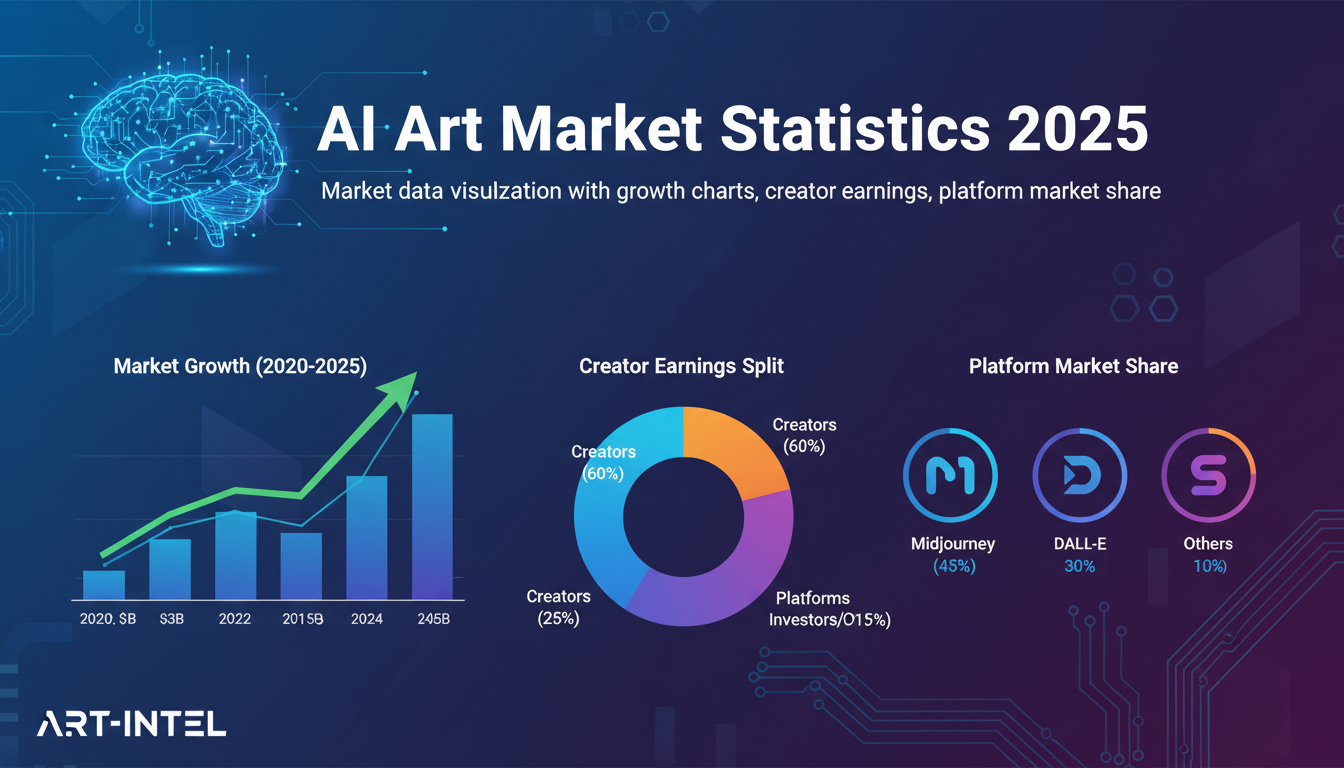
AI Art Market Statistics 2025: Industry Size, Trends, and Growth Projections
Comprehensive AI art market statistics including market size, creator earnings, platform data, and growth projections with 75+ data points.
AI Automation Tools: Transform Your Business Workflows in 2025
Discover the best AI automation tools to transform your business workflows. Learn how to automate repetitive tasks, improve efficiency, and scale operations with AI.
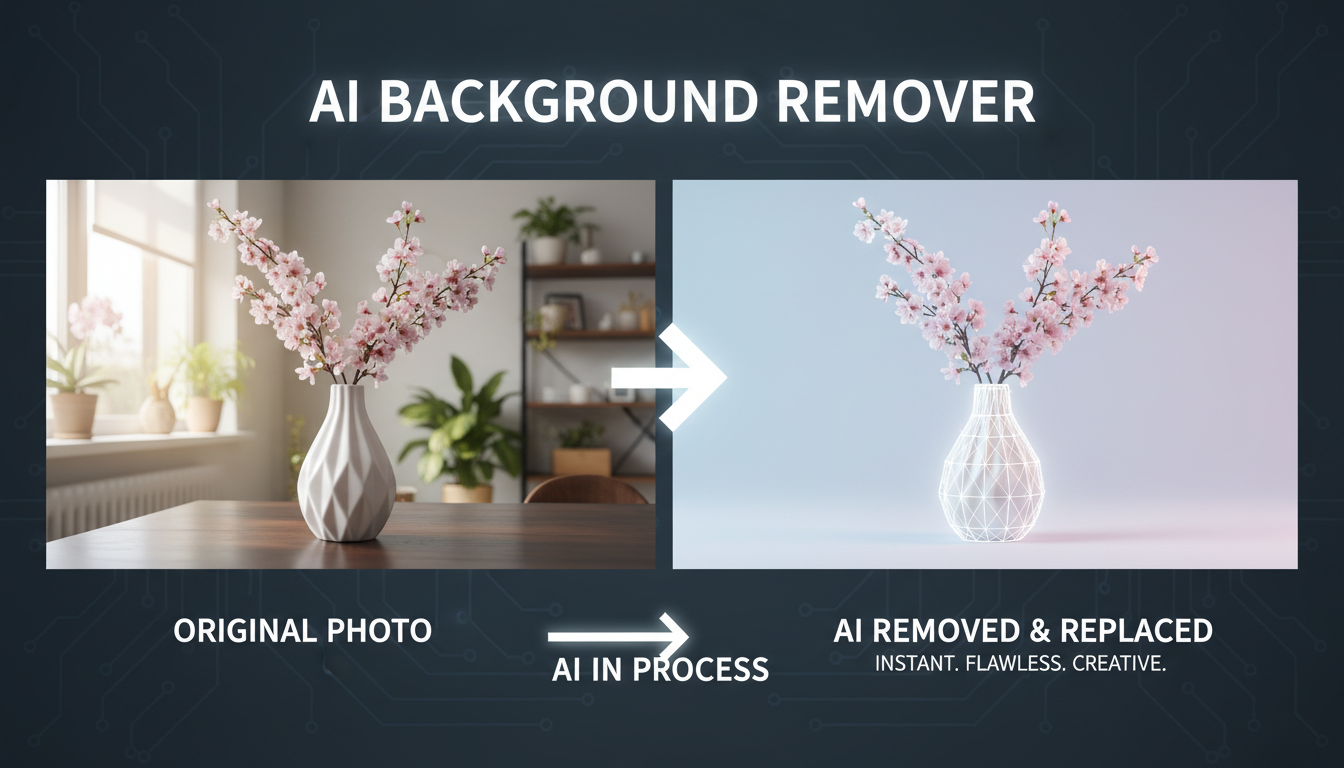
AI Background Remover and Generator: The Complete Guide to Replacing, Creating, and Perfecting Image Backgrounds
Master AI background removal, replacement, and generation. Compare the best tools, learn proven techniques, and transform your product photos and portraits.