Apatero MCP Tools Explained, a Complete Tour of the Claude Connector
Every tool in the Apatero MCP connector explained, from image generation and video to Souls, brands, InstaDump batches, and talking avatars in Claude

The Apatero MCP tools turn Claude into a working creative studio. One connector URL hands Claude twenty tools it can call on your behalf, covering image generation, video, talking avatars, consistent AI characters, brand kits, Instagram batches, and illustrated stories. You describe what you want in plain language, Claude picks the right tool, and the results land directly in the conversation.
Twenty tools is a lot to hold in your head, so this guide is the reference tour. It groups every tool by the job it does, explains each one in plain terms with a single example prompt, and closes with a complete chained workflow that takes a brand new AI character from first portrait to a finished content batch. If the connector is not set up yet, the five minute setup walkthrough covers that part, and if the protocol itself is new territory, this plain language MCP explainer is the right place to start.
Quick Answer: The Apatero MCP connector at
https://mcp.apatero.ai/mcpgives Claude 20 tools in four groups. Nine lookup tools are free and read your models, prices, credits, history, Souls, and brand kits. Four generation tools make images, video, talking avatars, and seed remixes, five character tools build and reuse consistent personas, and two more handle brand kits and illustrated stories. Reads cost nothing, while generation spends credits from your connected account.
The Nine Lookup Tools That Never Spend a Credit
Nearly half of the twenty tools never touch your balance. They are read only calls that Claude uses to check facts before it spends anything, and that matters more than it sounds. Every tool here follows the open Model Context Protocol standard, which means Claude decides on its own when a lookup would help and quietly makes the call in the middle of the conversation.
In practice these nine do constant background work. Ask a vague question about your account, your history, or your saved characters, and one of them answers it without any cost or ceremony.
apatero_list_models does the menu reading. It returns every model the studio currently offers along with the credit price of each one, so a prompt like What models are available and what does each one cost? gives you the full menu before you commit to anything. Its natural partner is apatero_credit_balance, which does exactly what the name suggests. A quick How many credits do I have left? tells you whether the video idea you are sitting on actually fits your balance.
Three more tools handle history and display. apatero_recent_generations does the remembering, so Show me my last five generations pulls your latest work back into the chat. apatero_generation_status does the progress checking on a specific job, and when the finished job is an image, the result renders inline the moment you ask. Something as casual as Is that video done yet? works while a render is cooking.
apatero_show_image does the recall work for anything visual. It can display any earlier generation, the face of a saved Soul, or an arbitrary image URL right inside the conversation. That makes Show me the portrait from my Rin Soul genuinely useful when you have forgotten what a character looks like.
The last four are library and job checks. apatero_list_souls does the character inventory, so Which Souls do I have saved? returns your full roster of reusable faces. apatero_list_brands does the same for brand kits, which helps when a kit was set up months ago and the details have gone fuzzy.
The two remaining status tools track longer jobs. apatero_instadump_status does the batch tracking for a running InstaDump job, so How is my InstaDump batch coming along? gets a live progress read. And apatero_story_status does the equivalent for illustrated story drafts, answering prompts like Where is my lighthouse story at? without opening anything else.
The Generation Tools for Images, Video, and Avatars
This is the group that spends credits and does the actual making. Four tools cover stills, motion, speech, and rerolls, and each one accepts plain English rather than model specific syntax. Claude translates your request into the right parameters, which is most of the reason this feels different from a dashboard.
Prices follow the model rather than the tool. Here is the current menu that apatero_list_models reports, in credits per generation.
| Model | Job | Credits |
|---|---|---|
| Nano Banana 2 | Text to image | 9 |
| Nano Banana 2 Edit | Image editing | 9 |
| GPT Image 2 | Text to image | 40 |
| GPT Image 2 Edit | Image editing | 40 |
| SeedVR Upscale | Upscaling | 2 |
| Seedance 2.0 | Text to video and image to video | 165 |
| MiniMax Music | Music generation | 17 |
| Hunyuan 3D | Text to 3D | 25 |
| ReconViaGen | Image to 3D | 33 |
apatero_generate_image does the heavy lifting for stills. It handles straight text to image, edits against an existing image, and composing with reference images, so one tool covers everything from Generate a photoreal shot of a ceramic mug on a rain streaked windowsill in soft morning light to a follow up edit on something you made an hour ago. At 9 credits per Nano Banana 2 image, iterating on a concept stays cheap enough to do casually.
apatero_generate_video does motion through Seedance 2.0, in either text to video or image to video mode. It returns a generation id immediately and the render takes one to five minutes, so the conversation keeps moving while the job runs and Claude checks progress through the status tool when you ask. A prompt like Animate the mug image into a slow push in with steam rising is all it needs to get started.
apatero_talking_avatar does speech. Built on Kling Avatar v2 Pro, it takes a portrait and either speaks a script through text to speech or lip syncs to audio you provide, which turns a single still face into a presenter. Try Have this portrait read my thirty second welcome script and you get a talking version of the image.
apatero_remix does the rerolling. It takes an existing generation and runs it again with a new seed, so Remix that last one, same prompt, new seed becomes the fastest way to get variations without rewriting anything. When a result is close but not quite right, a remix is usually smarter than a fresh prompt.
One detail makes this whole group land differently than an API. Results do not arrive as links you have to click through. On claude.ai and Claude Desktop, images render through an inline Apatero panel built on the MCP Apps extension to the protocol, and in Claude Code they appear inline in the conversation itself.
The Character Tools That Keep a Face Consistent
Anyone who has tried to generate the same character twice knows the core problem. Standard image models hand you a brand new stranger on every run, which quietly kills any project built around a recurring person. This group solves that with Souls, the studio's format for a saved, reusable character that survives across sessions.
One practical note before the tools. Souls, InstaDump, and influencer creation involve uploads behind the scenes, so these need an active plan on the connected account rather than just a login.
apatero_create_influencer does the from scratch route. Describe a persona in a sentence or two and it generates a full portrait set, then saves the character as a Soul that every other tool can reference. Something like Create an influencer, a mid 20s Tokyo streetwear stylist named Rin with silver hair is enough to produce a complete, reusable person.
apatero_create_soul does the same job from the opposite direction. Instead of a description, it builds a Soul from your own reference photos, so Create a Soul from these three photos and call it Studio Kevin locks a real face into the system. Founders who want to appear in their own marketing without booking a shoot tend to live in this tool.
apatero_generate_with_soul does the payoff. Once a Soul exists, it places that exact face into any new scene you describe, so Put Rin in a vintage camera shop, 35mm film look, candid angle returns the same character in a new setting rather than a plausible lookalike. This is the tool you will call more than any other in this group, and the AI influencer guide builds an entire character around it step by step.
apatero_influencer_clip does short video for a character, optionally with the character talking. A prompt like Give me a short clip of Rin waving at the camera and saying hi covers motion and voice in a single request, which is how a still persona starts feeling like an actual creator.
apatero_instadump does volume. Feed it one photo and it produces anywhere from 3 to 15 Instagram ready posts at about 9 credits per output. That turns Run an InstaDump on the camera shop shot, ten posts into roughly a week of feed content from a single source image.
The Brand and Story Tools
The last two tools point at marketing teams and storytellers rather than character builders. They are a small group, but they close two real gaps that generic image generation never handles well.
apatero_generate_with_brand does on brand image generation. It pulls from a saved brand kit, which carries your voice, palette, tagline, and logo, and produces marketing images that actually look like your company made them. A prompt like Create a launch announcement image with my Driftline brand kit and keep the tagline readable skips the usual round of off palette drafts, and the free apatero_list_brands call reminds you which kits exist when memory fails.
apatero_create_story does illustrated narratives. It kicks off a multi panel story draft from a premise you give it, and you then finish the panels and layout inside the Apatero Studio UI where the full editing tools live. Try Start an illustrated story about a lighthouse keeper who collects lost letters, keep working on other things, and check back later with the free apatero_story_status call.
One Complete Workflow From New Face to Finished Feed
Everything above gets more interesting the moment the tools chain. Here is a real pipeline, run entirely inside one Claude conversation, that goes from nothing to a content batch with a talking video on top. It uses four generation tools and a couple of free lookups in between, and no step requires leaving the chat.
Start with the character. Create an influencer for me, a 28 year old Lisbon surf photographer named Mara, sun bleached hair, warm smile fires apatero_create_influencer, which generates her portrait set and saves her as a Soul. A free apatero_list_souls call confirms she is on the roster, and apatero_show_image can pull her face up any time you want a reminder.
Next comes scene work. Generate Mara reviewing photos on her laptop in a beach cafe at golden hour, candid runs apatero_generate_with_soul, and the exact face from the portrait set shows up in the new setting. Run two or three scene prompts until one lands. If a result is close but the composition is off, Remix that one with a new seed buys another roll of the dice without touching the prompt.
Then scale the winner. Run an InstaDump on the beach cafe shot, ten posts hands the image to apatero_instadump, which spins it into ten Instagram ready posts at about 9 credits per output. While the batch processes, a casual How is the batch doing? routes through the free status tool and reports progress without interrupting anything else you are working on.
Finish with motion. Make a short clip of Mara holding up her camera and telling followers about the new photo series calls apatero_influencer_clip, and a talking video of the same character tops off the batch. One conversation, one consistent face, and a feed's worth of content, which is the whole pitch of running a studio through a chat window.
Key Takeaways
- One connector URL,
https://mcp.apatero.ai/mcp, hands Claude all 20 tools across four groups. - Nine lookup tools are completely free, so Claude can check models, prices, balances, history, and libraries before spending anything.
- Generation pricing follows the model, from 2 credits for an upscale and 9 for a Nano Banana 2 image up to 165 for Seedance 2.0 video.
- Souls are the consistency layer. Create a character once, from a description or your own photos, then reuse the exact same face across scenes, batches, and video.
- Results render inline, through an Apatero panel on claude.ai and Claude Desktop and directly in the conversation in Claude Code.
- The tools chain naturally. Influencer creation, Soul scenes, InstaDump batches, and talking clips can run back to back in a single chat.
Frequently Asked Questions
How Do I Connect the Apatero MCP Server to Claude?
On claude.ai, open Settings, then Connectors, then Add custom connector, and paste https://mcp.apatero.ai/mcp. In Claude Code a single command does the same job.
claude mcp add --transport http apatero https://mcp.apatero.ai/mcp --header "Authorization: Bearer YOUR_APATERO_API_KEY"
The full setup guide walks through both paths end to end, including where the API key comes from.
If you want the connection options side by side, four ways to install the Apatero MCP lays out each path.
Which of the 20 Tools Are Free to Use?
The nine lookup tools cost nothing to call. That covers model listings, credit balance, generation history, status checks, inline image display, and the Soul and brand kit rosters. Anything that generates new pixels, motion, or speech spends credits from the connected account.
Where Do Generated Images Actually Show Up?
Directly in the conversation, not behind a link. On claude.ai and Claude Desktop they render inside an inline Apatero panel, and in Claude Code they appear inline in the chat itself. There is no separate dashboard you are forced to open just to see what you made.
How Long Does Video Generation Take?
Seedance 2.0 renders take one to five minutes. The tool returns a generation id right away, so the conversation never blocks, and Claude polls apatero_generation_status whenever you ask how the job is going. The same pattern applies to InstaDump batches and story drafts through their own status tools.
What Is the Difference Between an Influencer and a Soul?
An influencer is one way of making a Soul. apatero_create_influencer builds a character from a written persona description, while apatero_create_soul builds one from reference photos you already have. Both end up saved as Souls, and both plug into apatero_generate_with_soul for new scenes afterward.
Do I Need a Paid Plan for Every Tool?
No. The nine read tools are free to call with a connected account. Generation spends credits, and the tools that involve uploads, meaning Souls, InstaDump, and influencer creation, need an active plan. Current options are listed on the pricing page.
Does the Connector Work in Claude Code?
Yes, over HTTP transport with an API key passed as a bearer header. The same 20 tools load, and generated images render inline in the conversation rather than inside a panel. Agentic coding sessions can call the free lookups and the generation tools exactly like a claude.ai chat can.
Can Claude Check Costs Before It Spends My Credits?
Yes, and it usually does this on its own. apatero_list_models returns every model with its credit price, apatero_credit_balance reports what you have left, and both calls are free. A prompt like What would a video cost me right now? gets an answer grounded in both before anything is generated.
The fastest way to make twenty tools feel small is to connect them and ask Claude what it can see. Create your Apatero Studio account, add https://mcp.apatero.ai/mcp as a connector, and start with the free lookups before you spend a single credit. The rest of the studio lives at apatero.com whenever you want the bigger canvas.
Render the video you just read about
Kling, Veo, Seedance and more, in your browser, no queue to build. Check your welcome allowance and the displayed cost before generating.
Related Articles
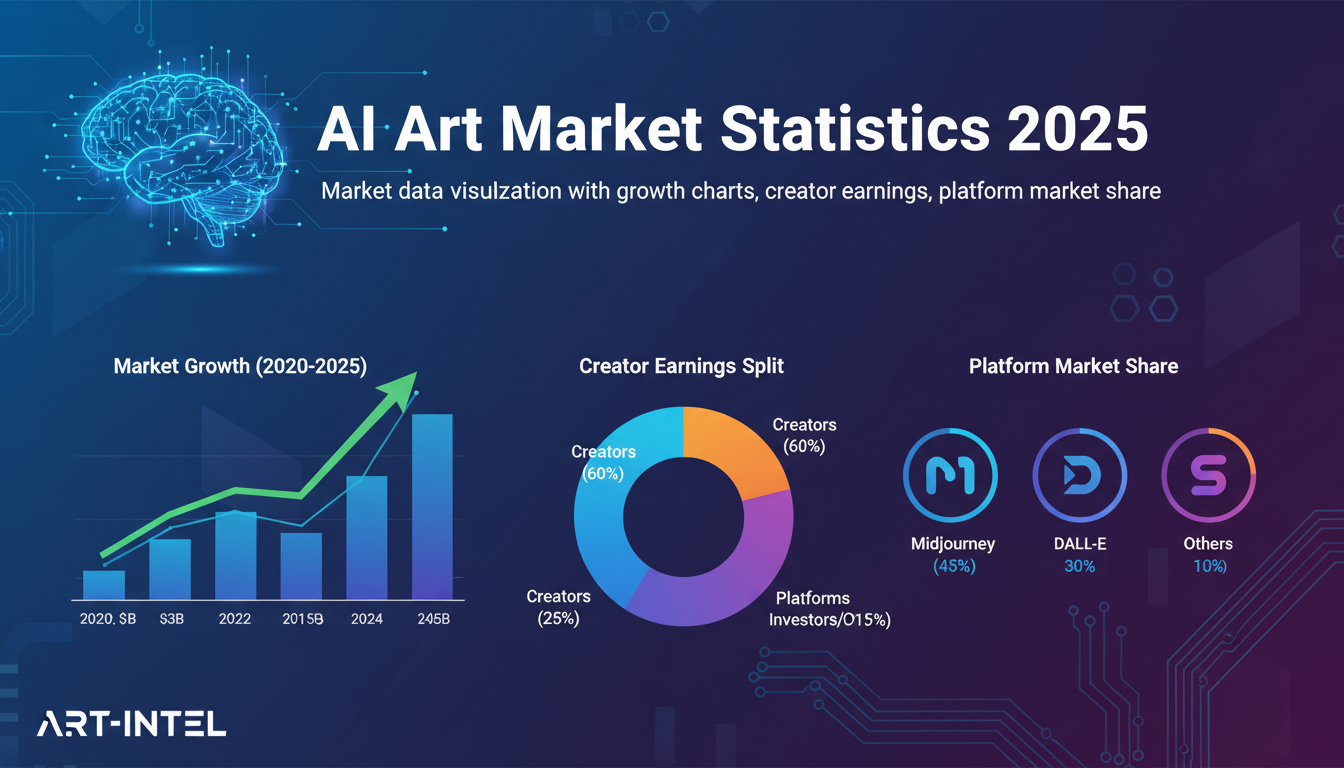
AI Art Market Statistics 2025: Industry Size, Trends, and Growth Projections
Comprehensive AI art market statistics including market size, creator earnings, platform data, and growth projections with 75+ data points.
AI Automation Tools: Transform Your Business Workflows in 2025
Discover the best AI automation tools to transform your business workflows. Learn how to automate repetitive tasks, improve efficiency, and scale operations with AI.
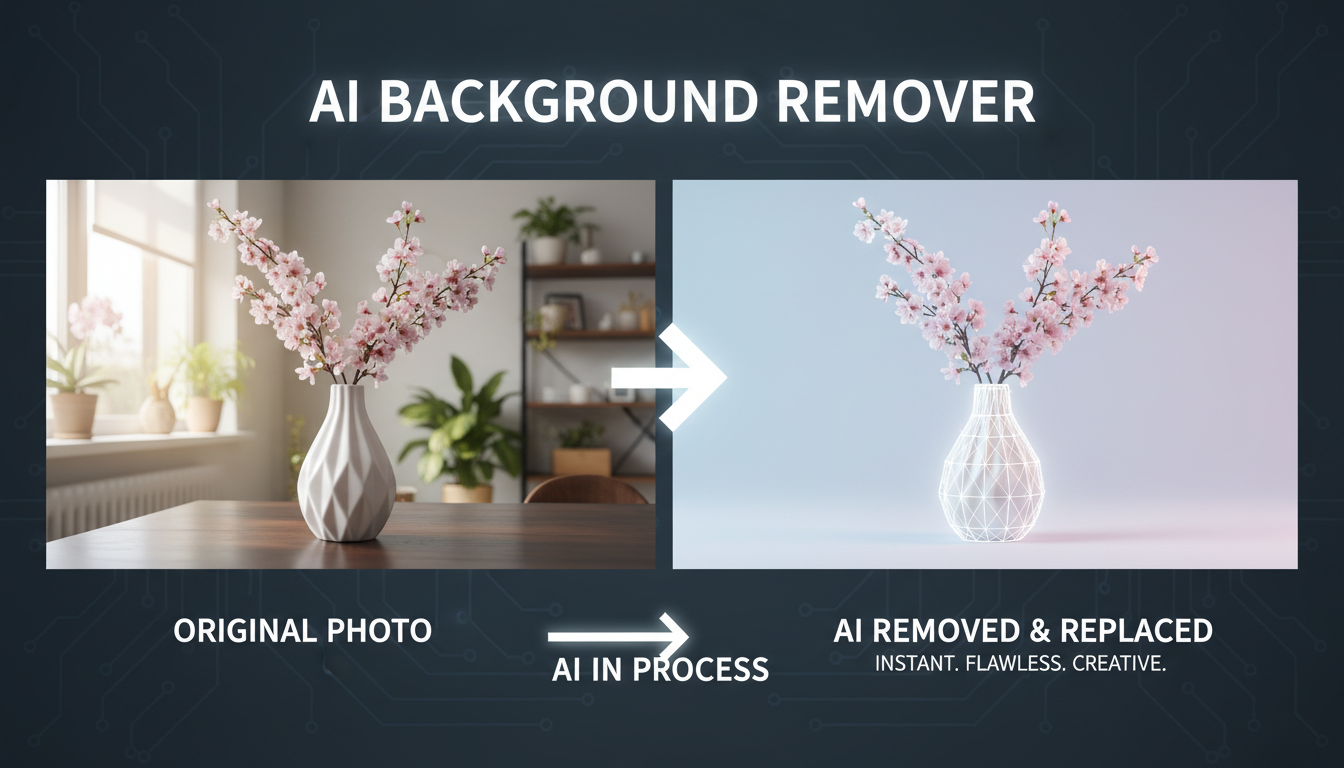
AI Background Remover and Generator: The Complete Guide to Replacing, Creating, and Perfecting Image Backgrounds
Master AI background removal, replacement, and generation. Compare the best tools, learn proven techniques, and transform your product photos and portraits.