How to Generate On-Brand Marketing Images From a Saved Brand Kit
Stop re-explaining your brand every time you make an ad. Save a brand kit once in Apatero, then generate on-brand marketing images that match your palette, voice, and logo.
You've felt this if you make marketing images with AI. The picture looks great on its own, but next to your actual site it's off. Wrong blues, a mood that doesn't match your voice, a layout that could belong to any company. So you paste your colors and your tagline into the prompt again, and again, and it's still a coin flip.
The problem isn't your prompt. It's that the tool has no memory of your brand. Every generation starts from a blank slate that knows nothing about who you are. A brand kit fixes that by saving your identity once so the studio can pull from it every time.
Quick Answer: A brand kit is a saved profile of your brand's voice, color palette, tagline, and logo. Once you save one in Apatero, you generate marketing images that inherit those details automatically, so the output lands on-brand instead of generic. You describe the marketing image you want, and the saved kit supplies the look, the tone, and the identity around it without you re-typing your colors every single time.
- A brand kit saves your palette, voice, tagline, and logo as one reusable profile.
- Generating with the kit produces marketing images that match your identity by default.
- It removes the guesswork of re-describing your brand in every prompt.
- One kit powers many assets, so a whole campaign reads as one brand.
- You can keep separate kits for separate brands or sub-brands.
What Is a Brand Kit, Really?
A brand kit is your identity saved in a form the studio can use. Instead of your brand living in your head and getting typed into prompts inconsistently, it lives in a profile the tool references on every generation.
Think about what actually makes something feel on-brand. It's the specific colors, the tone of the words, the tagline you repeat, and the logo that ties it together. A brand kit holds exactly those pieces. You set them once, and from then on they're the default backdrop for anything you make.
That's the whole shift. Without a kit, your brand is a description you have to remember and retype. With one, your brand is a saved setting. The generation still changes with every prompt, but the identity around it stays locked. It's the same principle behind saving a character as a Soul, applied to a brand instead of a face.
Why Not Just Put Your Colors in the Prompt?
You can, and for one quick image it's fine. The trouble is what happens across a campaign. Type your palette by hand ten times and you'll describe it ten slightly different ways, and the tool will interpret each phrasing a little differently. Consistency built on memory always drifts.
There's also the mood problem. Colors are the easy part to type. Voice is not. "Make it feel premium but approachable" means something specific for your brand and something else for the next one, and a fresh prompt has no way to know which. A saved kit carries that intent so you don't have to re-argue it every time.
Here's what changes when the identity is saved instead of typed:
- You stop re-describing your palette, and the colors stop drifting between assets.
- The tone stays consistent because the voice is stored, not improvised each prompt.
- Your logo and tagline show up reliably instead of being forgotten half the time.
- A ten-image campaign reads as one brand because every image pulled from the same source.
For anyone running ads, a product feed, or a social calendar, that reliability is the difference between a set of images and an actual brand system. The reason big brands look unified is that nothing is left to chance per asset, and a saved kit is how you get that without a design team re-checking every file.
How Do You Set Up a Brand Kit in Apatero?
The setup is a one-time job, and it's the part that pays off forever. You save the pieces of your brand into a kit so the studio has them on file.
You provide the identity elements that define your look. That means your color palette, the voice or tone you want the copy and mood to carry, your tagline, and your logo. Apatero stores these together as a named brand, and that saved brand is what future generations reference. You can keep more than one, which is how you'd handle a main brand and a sub-brand, or two separate businesses, without them bleeding into each other.
Once a kit exists, you can see what you've saved at any time. Apatero lets you list your saved brands so you can confirm the right one is in place before you start generating a batch. That small check saves you from making a week of assets against the wrong kit.
The important mental model is that the kit is the foundation and the prompt is the variable. You set the foundation once. After that, every marketing image is just a new prompt sitting on top of a fixed identity.
How Do You Generate On-Brand Images Once the Kit Is Saved?
This is where the setup earns its keep. With a kit in place, you generate a marketing image by describing the asset you want, and the saved brand supplies the look around it. Your prompt is about the scene and the message, not the colors.
You're not writing "use hex codes X and Y, our tagline is Z, keep the tone premium" anymore. You write what the image is for.
A launch announcement banner for our new plan,
clean product-forward composition, headline space at the top.
A social post promoting the free trial,
friendly and energetic, room for a short caption.
Both come back wearing your palette, your tone, and your identity because the kit is doing that work underneath. You changed the message and the format, and the brand stayed constant. That's exactly the outcome you want across a campaign, and it's why generating from a kit beats generating from scratch and hoping.
If you want the same consistency in your photography-style content instead of marketing graphics, the same idea shows up in our guide to keeping a consistent visual style across an image set. A brand kit is that discipline made automatic for marketing assets.
Can You Do All of This Through Claude?
Yes, and it's one of the smoother ways to work. Apatero exposes its studio through an MCP connector, so your saved brand kits are reachable right inside a Claude conversation using plain language.
Once the connector is added, you ask Claude to make an on-brand image, and it generates against your saved kit and returns the result in the thread. The nice part is context. You might be drafting the campaign copy and the image request in the same conversation, so the words and the visuals stay in sync. Our connection walkthrough covers the quick setup, and the full tool tour shows where brand generation sits among the rest of the studio's tools.
The web app and the connector do the same core job here. The app is the click-through version, and the connector folds brand generation into a larger working session. Either way the saved kit is the same underneath.
When Does a Brand Kit Actually Pay Off?
Not every project needs one. A single one-off graphic doesn't. The payoff scales with how much you'll repeat.
| Situation | Brand kit worth it? | Why |
|---|---|---|
| One quick image, no follow-up | Not really | Nothing to stay consistent with |
| A social calendar for a brand | Strongly yes | Every post has to match the last one |
| A run of ad variations | Yes | The set has to read as one campaign |
| Two brands you both manage | Yes, one kit each | Keeps their identities from mixing |
| A client's recurring content | Yes | Onboard the brand once, reuse for months |
The pattern is simple. The more assets a brand needs over time, the more a kit saves you, because you set the identity once and every later image inherits it for free. A one-off doesn't clear that bar. A campaign clears it easily.
Frequently Asked Questions
What goes into a brand kit? The core pieces of your visual identity. That's your color palette, the voice or tone you want carried through, your tagline, and your logo. Apatero saves them together as a named brand, and that saved brand is what your generations reference.
Can I have more than one brand kit? Yes. You can save separate kits for separate brands or sub-brands, and Apatero lets you list your saved brands so you can pick the right one before generating. Keeping them separate is how you stop two brands' identities from bleeding together.
Does a brand kit only make graphics, or photos too? It's aimed at on-brand marketing imagery, and it carries your palette and tone into whatever you generate against it. For character-driven photo content you'd usually pair it with a saved character. The brand kit handles the brand look, and a Soul handles a consistent face.
How is a brand kit different from just saving a template? A template locks a layout. A brand kit locks an identity, meaning the colors, voice, tagline, and logo, while leaving the layout and message free to change per image. You get consistency of brand without being stuck with one fixed design.
Can I use my brand kit inside Claude? Yes. With the Apatero MCP connector added, you generate on-brand images by asking Claude in plain language, and it runs against your saved kit. The image comes back in the same thread where you might also be writing the campaign copy.
Will every image look identical if they share a kit? No, and that's the point. The kit fixes the identity, not the composition. Each prompt still produces a different image, but all of them wear the same brand, which is what makes a campaign feel unified instead of random.
Wrapping Up
A brand kit is a small setup that changes every marketing image you make afterward. Instead of re-typing your colors and re-explaining your voice on every prompt and hoping it lands, you save your identity once and let every generation inherit it.
If your AI marketing images keep coming out almost-right but never quite on-brand, this is the fix. Save a kit from your real palette, voice, tagline, and logo, generate a couple of test assets, and you'll see a whole campaign start to look like it came from one brand. Because now it did.
Make AI images and video in your browser
Characters, video, photo packs. No GPU, no setup. Check your welcome allowance and the displayed cost before generating.
Related Articles
AI Art for Game Developers: Complete Guide to Asset Creation
Learn how indie game developers use AI for concept art, sprites, backgrounds, and UI. Practical workflows for integrating AI into game asset pipelines.
How to Create Professional Book Covers with AI for Self-Publishing
Design stunning book covers using AI image generators. Complete guide for self-published authors covering every genre from fantasy to romance to thriller.
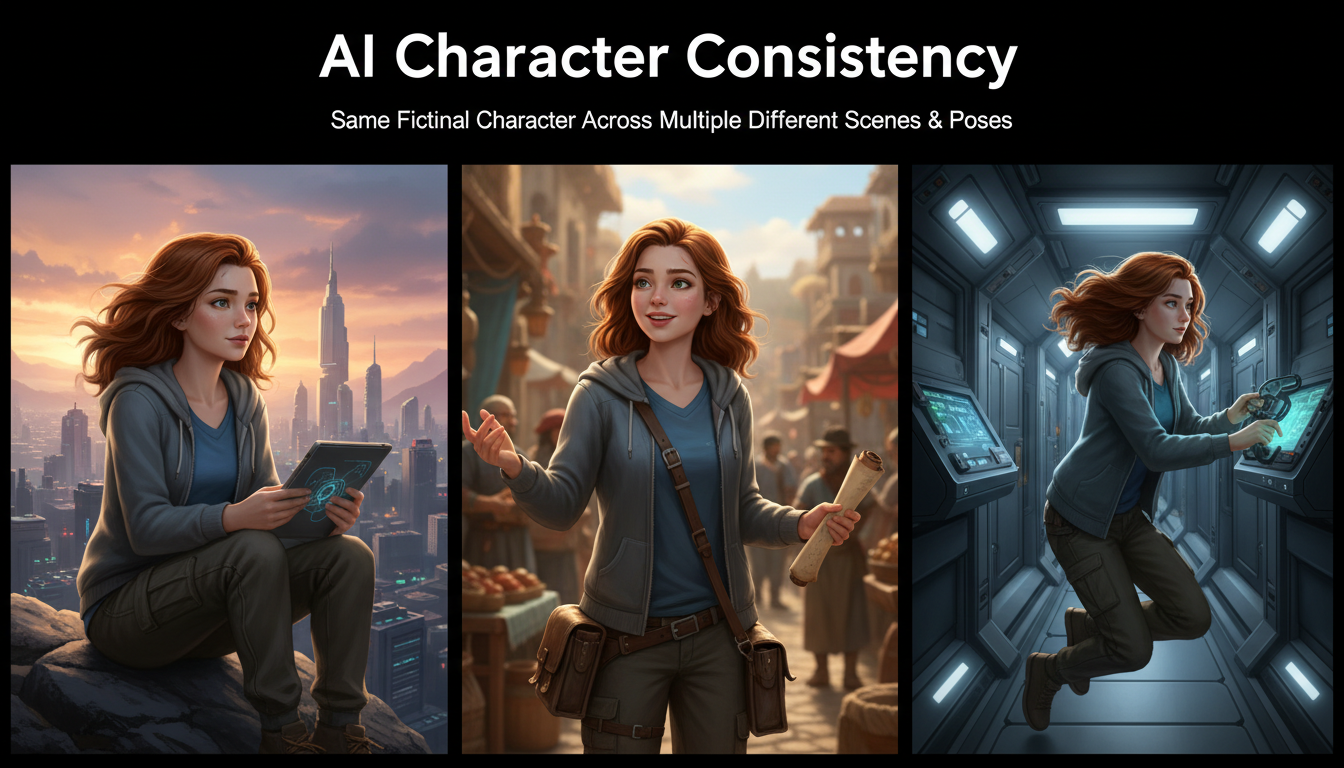
AI Consistent Character Generator: How to Keep the Same Character Across Multiple Images
Learn how to generate the same AI character across multiple scenes using LoRA training, IPAdapter, Midjourney cref, and reference image techniques. Complete 2026 guide.