Run a One-Chat Content Studio: Batch Posts, Captions, and a Schedule
Stop bouncing between an image app, a caption doc, and a scheduler. Do the whole Instagram week in one Claude conversation with the Apatero connector.
Most people who batch content don't batch content. They batch images in one app, then open a doc to write captions, then open a third tool to schedule everything, and by the time they're done the "batch" took a whole evening across four tabs. The images and the words never talked to each other, so half the captions don't quite match the shots.
There's a tighter way to run this. When your image generator lives inside the same chat where you can also write and plan, the week becomes one session instead of a relay race between tools. Here's how to run an entire content studio out of a single Claude conversation.
Quick Answer: Add the Apatero MCP connector to Claude, then run the whole week in one thread. Generate a batch of on-persona posts with apatero_instadump from a single reference photo, have Claude write a caption for each image right there next to it, and ask it to lay out a posting order across the week. Because the images render inline in the same conversation, the captions and schedule are written against the actual shots rather than guesses. Apatero supplies the images, Claude handles the words and the plan.
- The bottleneck in batching isn't making images, it's the tool-switching between images, captions, and scheduling.
- One conversation can generate the posts, write every caption, and order the week.
- Captions written next to the actual inline images fit the shots instead of guessing at them.
apatero_instadumpproduces up to 15 on-persona posts from one reference photo per run.- For a character you reuse, save a Soul so future weeks start from a stored identity, not a re-upload.
Why Does Batching Usually Fall Apart?
On paper, batching is obviously smart. Do all the same-type work at once and you save the cost of context-switching. In practice, most content batching still forces a switch, just a slower one, between the app that makes images and the tools that turn images into posts.
That handoff is where the plan leaks. You export a folder of images, open a caption doc, and now you're writing about shots you can't see while you type. The captions come out generic because they're describing images from memory. Then the schedule gets built in yet another tool with no view of either.
The fix isn't a better scheduler. It's collapsing the steps into one place where the images, the words, and the plan can actually reference each other. When the generator is a connector inside your chat, that collapse happens naturally. Our earlier post on batching Instagram content with InstaDump covers the image half in depth, and this post is about wrapping the whole studio around it.
How Do You Generate the Week's Images First?
Everything starts with the images, because captions and schedules are downstream of the shots. The apatero_instadump tool takes one reference photo of your persona and returns up to 15 Instagram-ready posts of the same face in different scenes, which is enough for a heavy week once you split it across feed and stories.
One prompt kicks it off.
Here's my persona photo. Run an InstaDump batch in the fitness coach
niche, mixed formats, 12 outputs. I want a week of feed posts and a
few stories.
The batch runs, and because larger counts take a few minutes, ask Claude to check the status so the first finished posts appear inline while the rest render. At roughly 9 credits per output, a 12-post batch is around 108 credits, which is the whole visual side of a posting week done in a coffee break.
The key detail for what comes next is that the images land inline in this same conversation. They're not in a folder somewhere. They're right here, visible, which is exactly what makes the caption step actually good instead of generic.
How Do You Write Captions That Match the Shots?
This is the step that separates a real workflow from a folder of images. With the batch sitting inline, you ask Claude to write a caption for each post, and it's writing against images it can actually see in the thread, not a vague brief.
Write a caption for each of these posts. Match the caption to what's
actually in each image. Keep the voice upbeat and practical, add three
or four relevant hashtags, and give each one a short hook first line.
Because the words are generated next to the shots, they fit. A caption for the kitchen post talks about the kitchen post. You can push further in the same breath.
- Ask for a scroll-stopping first line on each, since the hook is what earns the read.
- Ask for a consistent voice across all captions so the feed sounds like one person.
- Ask for a mix of caption lengths, some short and punchy, some with a bit more story.
- Ask it to flag any image where a strong caption is hard to write, which usually means that image is weak and should be regenerated.
That last point is quietly valuable. When the captioner and the generator share a conversation, a weak image gets caught at the caption stage and you can rerun it on the spot, before it ever reaches the schedule.
How Do You Turn a Batch Into a Real Schedule?
Now you have images and captions in one thread. The last step is deciding what posts when, and Claude can lay that out because it can see everything above it.
Now build me a 7-day posting schedule from these. Order the feed posts
so the grid flows visually, spread the stories across the week, and
suggest a posting time for each. Give it to me as a simple day-by-day
plan I can follow.
You get a plan that references the actual posts by their content, not placeholder slots. Because the images are visible, Claude can order them so the grid reads well rather than clumping three similar shots together. You can iterate right there.
- Reorder days if a launch or event should anchor a specific post.
- Ask it to balance content types across the week so it isn't all one format.
- Ask for a lighter or heavier cadence, and it reflows the plan.
For the deeper strategy of what a good month actually looks like, our 30-day content calendar guide covers planning principles, and the reels mastery guide handles the short-form side. The point here is that the schedule is built against the real posts in the same session, not in a vacuum.
What About Doing This Every Week?
A single reference photo works great for one batch. But if you run the persona every week, you don't want to hunt for and re-upload the anchor photo each time, and you don't want tiny variations in which photo you grabbed causing drift over a month.
The durable version saves the character. Create a Soul once, and future weeks start from a stored identity rather than a re-uploaded file. The batching workflow chains cleanly with it.
- Run an InstaDump batch to fill this week fast.
- Save the persona as a Soul so the identity outlives this single batch.
- Next week, generate from the saved character instead of re-uploading, and run the same caption-and-schedule flow.
- Return to InstaDump whenever you want a big multi-scene drop in one shot.
That turns a one-time batch into a repeatable studio. The character side, from first portrait to a persona with an actual personality, lives in our create an AI influencer guide. Running two personas? Keep each in its own thread so their batches and schedules never cross.
There's a compounding benefit to running the studio this way that isn't obvious on week one. Because each week lives in a conversation, you build a record of what you actually shipped. When you start a new week, you can point Claude at the last batch and ask it to avoid repeating the same scenes, vary the niches you've overused, or lean into whatever format performed. The thread becomes a memory of the account, not just a factory for it.
That's also where batching stops being a chore and starts being strategy. A folder of images tells you nothing. A running studio thread lets you ask "what haven't I posted lately" and "which of these is weakest" and act on the answer in the same place you make the work. Our content batching efficiency guide covers the discipline side of keeping a cadence without burning out on it.
Frequently Asked Questions
Can I really do images, captions, and scheduling in one conversation?
Yes. The image generation runs through the Apatero connector and the results render inline, so the same Claude conversation that made the images can also write captions against them and lay out a posting order. There's no export step between the three.
Why are the captions better this way?
Because Claude writes them next to images it can actually see in the thread, rather than from a written brief or your memory of a folder. Captions written against the real shots fit those shots, which is the difference between specific and generic.
How many posts can one batch make?
A single InstaDump run produces 3 to 15 outputs from one reference photo. Twelve to fifteen covers a heavy posting week once you split it across feed posts and stories. For more, run a second batch and the face carries over.
Does the schedule account for how the grid looks?
It can, because the images are visible in the conversation. Ask Claude to order the feed posts so the grid flows and doesn't clump similar shots, and it arranges them against the actual content rather than blind slots.
What does a week's batch cost in credits?
InstaDump runs about 9 credits per output image, so a 12-post batch is roughly 108 credits. Captions and scheduling are Claude doing text, which is the cheap part. The images are the main line item, and the pricing page shows where plan tiers land.
How do I keep this repeatable week over week?
Save your persona as a Soul after the first batch. Then future weeks generate from the stored identity instead of a re-uploaded photo, which removes both the file-hunting and the drift that comes from grabbing a slightly different anchor each time.
Wrapping Up
Batching only pays off when it's actually one motion, not a relay across four tabs. Generate the week's images, write every caption against the shots you can see, and lay out the schedule, all in a single conversation where each step can reference the last.
Run one batch this way and the difference is obvious. The captions fit, the weak images get caught before they post, and the schedule is built around real content instead of empty slots. Save the persona as a Soul, and next week the whole studio spins up again from one prompt.
Reuse a character reference
Save a character as a Soul and put them in any scene, image or video, without retraining anything. Check your welcome allowance and the displayed cost before generating.
Related Articles
AI Art for Game Developers: Complete Guide to Asset Creation
Learn how indie game developers use AI for concept art, sprites, backgrounds, and UI. Practical workflows for integrating AI into game asset pipelines.
How to Create Professional Book Covers with AI for Self-Publishing
Design stunning book covers using AI image generators. Complete guide for self-published authors covering every genre from fantasy to romance to thriller.
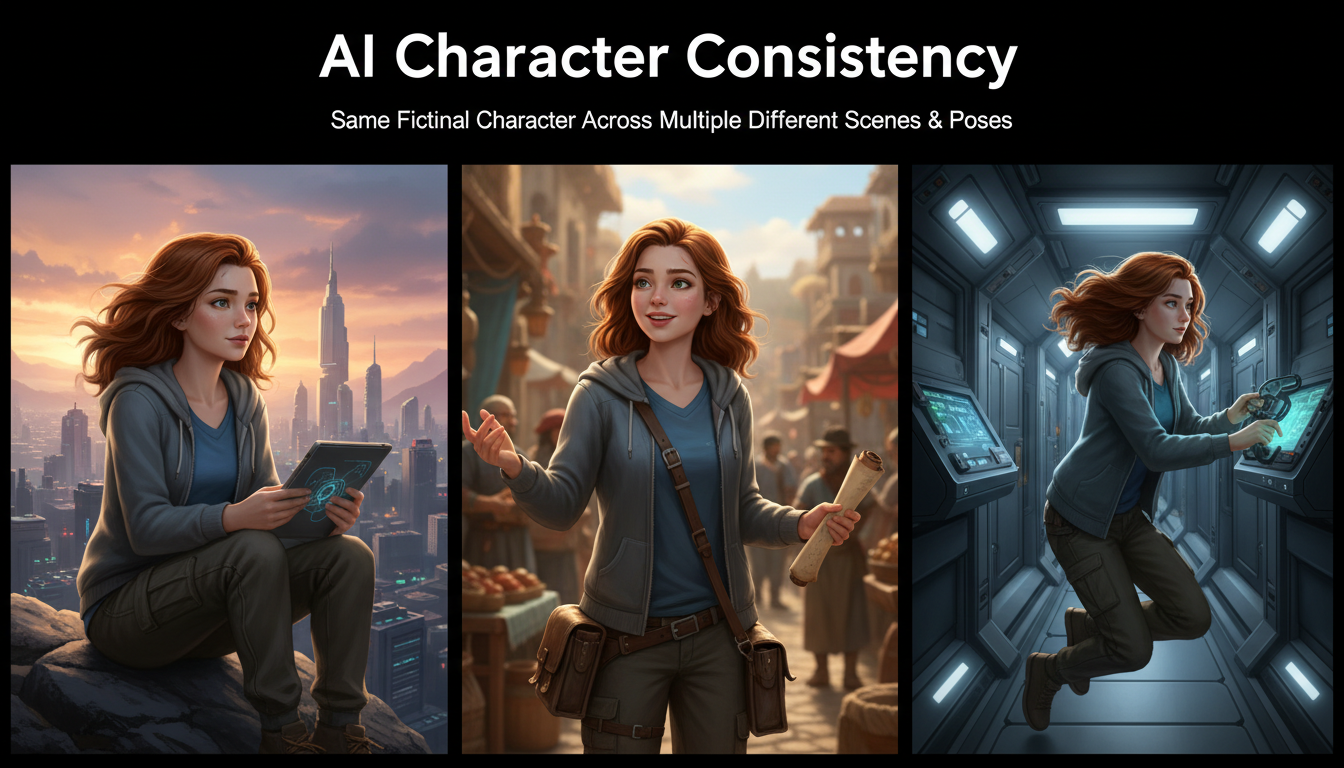
AI Consistent Character Generator: How to Keep the Same Character Across Multiple Images
Learn how to generate the same AI character across multiple scenes using LoRA training, IPAdapter, Midjourney cref, and reference image techniques. Complete 2026 guide.