AI Product Photos for Etsy Sellers: Complete Guide to Better Listings
Learn how to create professional product photos for your Etsy shop using AI. Generate backgrounds, mockups, and lifestyle images that sell.
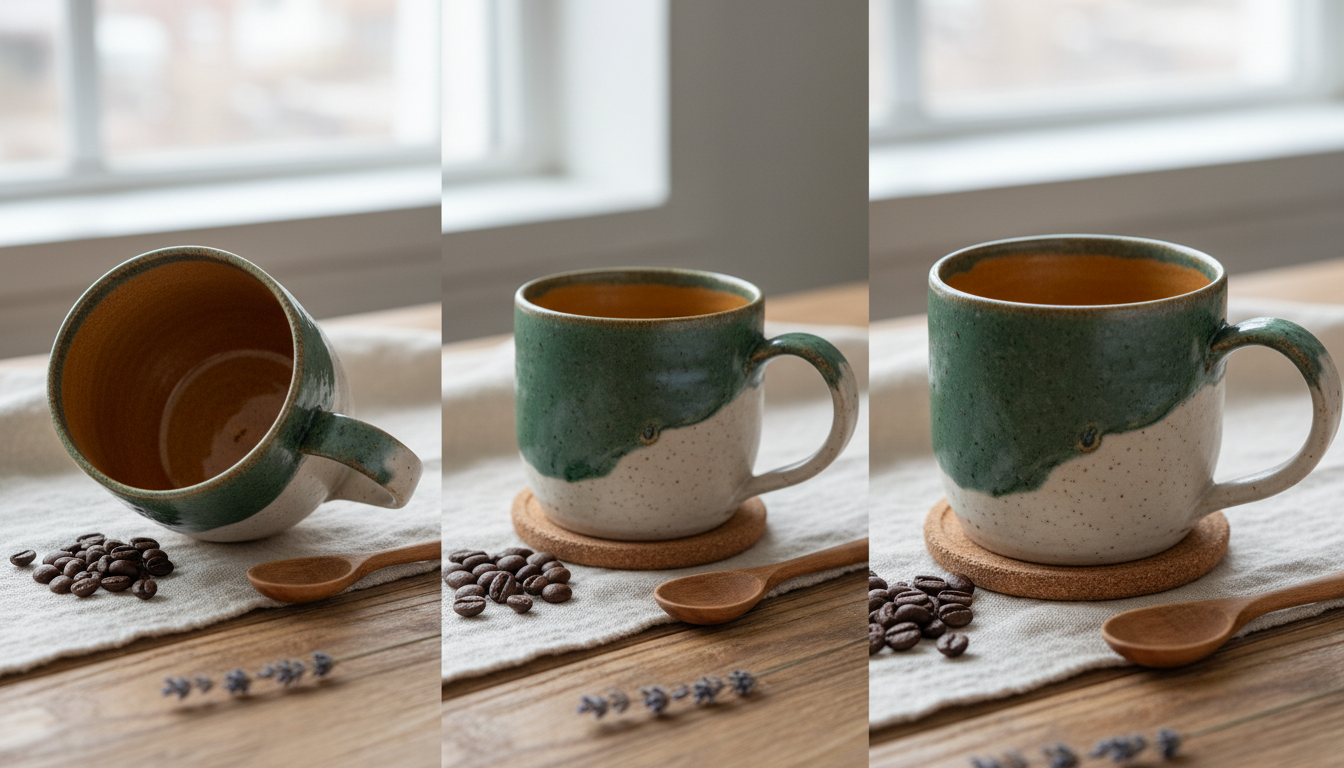
Your handmade products deserve better than smartphone photos against a bedsheet backdrop. Professional product photography costs $50-200 per item from photographers. AI can help you create stunning listing images at a fraction of the cost.
Here's how Etsy sellers are using AI to level up their product photos.
Quick Answer: AI excels at generating professional backgrounds, lifestyle context, and mockup variations for your products. You still need good photos of your actual items, but AI transforms those basic shots into scroll-stopping listing images. Apatero and similar platforms make this affordable at ~$0.03-0.05 per generated image.
:::tip[Key Takeaways]
- Key options include Main product shot and Scale reference
- Start with the basics before attempting advanced techniques
- Common mistakes are easy to avoid with proper setup
- Practice improves results significantly over time :::
- Background replacement - Professional backdrops
- Lifestyle contexts - Products in use scenarios
- Mockup generation - Multiple presentation styles
- Seasonal variations - Holiday and themed shots
What AI Can (and Can't) Do
AI Can Do
Generate professional backgrounds:
- Clean studio-style backdrops
- Lifestyle settings (kitchen, bedroom, office)
- Seasonal themes (Christmas, summer, fall)
- Textured surfaces (marble, wood, fabric)
Create context:
- Hands holding products
- Products in use situations
- Multiple products arranged together
- Complementary props and styling
Produce variations:
- Different color backgrounds
- Various lighting moods
- Multiple mockup styles
- A/B testing options
AI Cannot Do
Replace your actual product:
- You need real photos of your item
- AI generates context, not your specific product
- Photo editing tools (like background removal) work with AI generation
Create exact replicas:
- If you need photorealistic shots of YOUR specific item, you need photography
- AI creates generic product-type images
Best Workflow
- Take basic photos of your actual product
- Use AI to generate professional backgrounds/contexts
- Combine using image editing (or use AI image-to-image features)
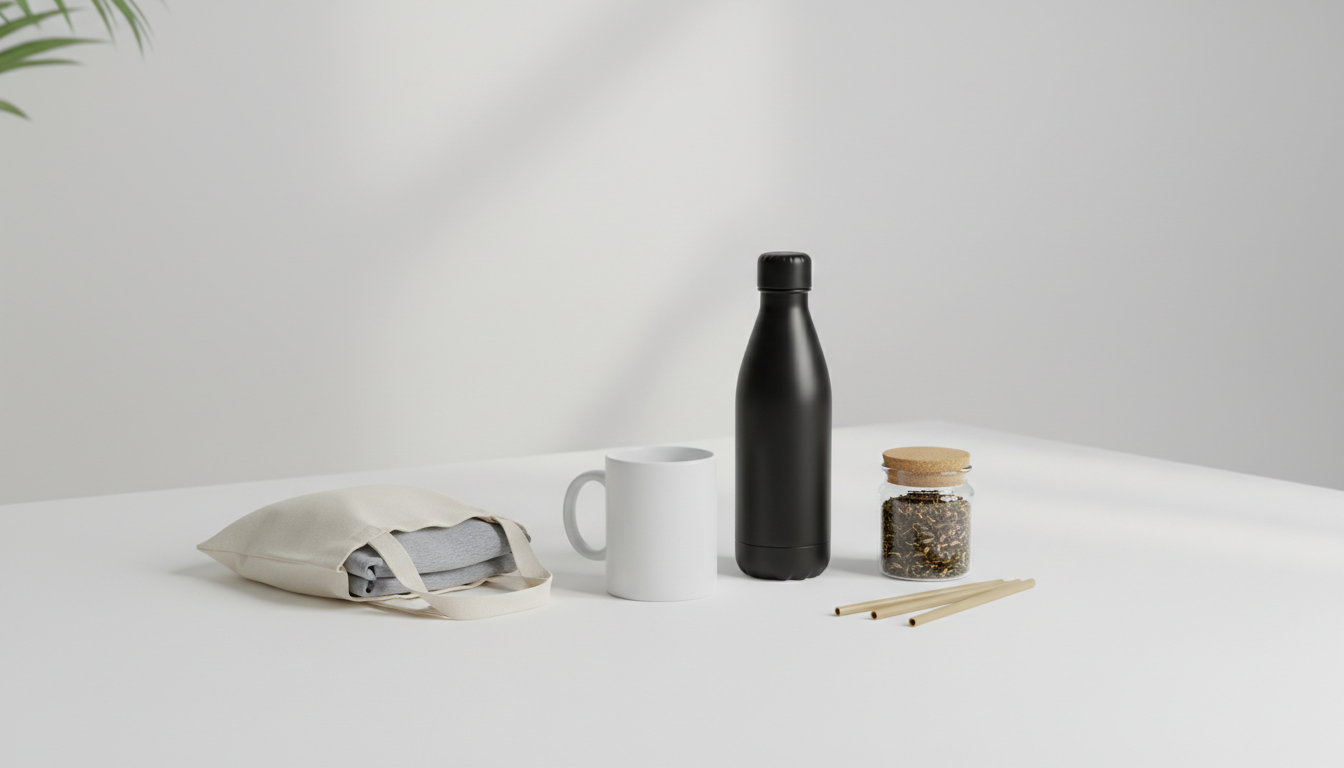 Professional product presentations for ecommerce
AI Use Cases for Etsy
1. Background Generation
Your product photo has a cluttered background. Generate a clean replacement.
Prompt Example:
clean white marble surface, soft natural lighting from left,
subtle shadows, product photography background, minimalist,
professional studio lighting, 4k quality
Then composite your product onto this background using photo editing software.
2. Lifestyle Context Images
Show how your product fits into life.
For Jewelry:
elegant woman's neck and collarbone area, soft lighting,
wearing delicate gold necklace, neutral background,
product photography style, focus on jewelry area,
professional fashion photography
For Home Decor:
modern minimalist living room corner, [YOUR ITEM TYPE] on
floating shelf, soft natural window light, scandinavian style,
clean aesthetic, interior design photography
For Candles:
cozy evening scene, lit candle on wooden nightstand,
soft bokeh background, warm ambient lighting,
hygge atmosphere, lifestyle product photography
3. Seasonal Variations
Update listings for holidays without reshooting.
Christmas Theme:
[product] on rustic wooden table, christmas decorations
in background, pine branches, red berries, fairy lights bokeh,
warm cozy holiday atmosphere, product photography
Summer Theme:
[product] on light linen fabric, bright natural sunlight,
beach vibes, seashells and driftwood props,
fresh summer aesthetic, lifestyle product photography
4. Mockup Generation
Generate packaging and presentation mockups.
Gift Box Mockup:
elegant gift box, slightly open showing tissue paper,
ribbon bow, professional product photography,
white background, soft shadows, premium packaging
Flat Lay Arrangement:
flat lay product arrangement, [your product type],
complementary props, top-down view, styled composition,
instagram aesthetic, professional product photography
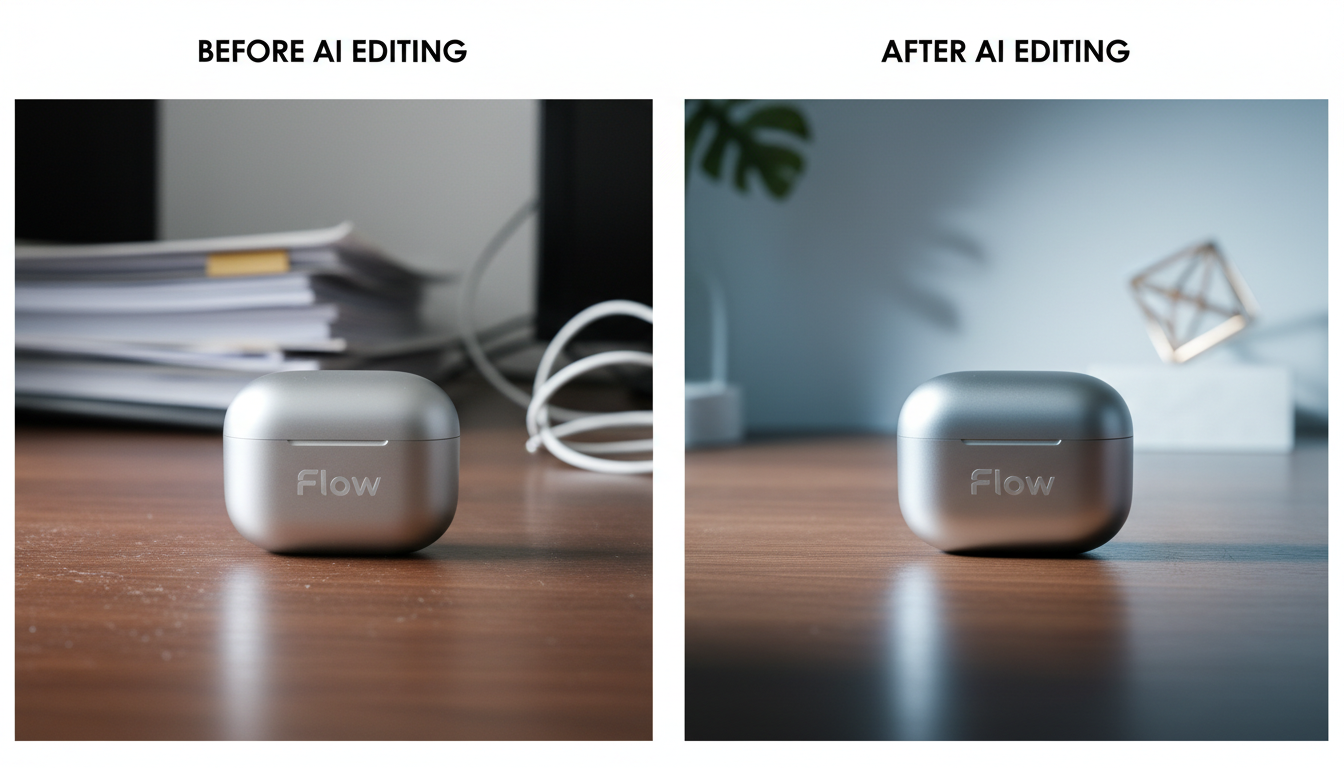 Transforming basic shots into professional images
Step-by-Step Workflow
Step 1: Capture Your Product
Take the best photos you can of your actual item:
Basic requirements:
- Good lighting (natural daylight near window)
- Clean, uncluttered background
- Multiple angles (front, side, detail shots)
- Highest resolution your camera allows
For Background Replacement:
- Consistent lighting on product
- Shoot against contrasting background for easy extraction
- Capture product's full edge clearly
Step 2: Generate AI Backgrounds
Use Apatero or similar platform to generate backgrounds.
Prompt Structure:
[surface type], [lighting description], [mood/atmosphere],
product photography background, professional, high quality
Example Prompts:
For Jewelry:
black velvet fabric surface, dramatic side lighting,
elegant luxury atmosphere, jewelry product photography,
professional, subtle reflections
For Handmade Crafts:
rustic wooden table, warm natural light from window,
artisan workshop atmosphere, craft product photography,
authentic handmade feeling
For Skincare/Beauty:
clean white surface with soft pink accents, bright even lighting,
fresh clean aesthetic, beauty product photography,
spa-like atmosphere, minimal
Step 3: Combine Product and Background
Option A: Photo Editing Software
- Remove background from product photo (Photoshop, GIMP, remove.bg)
- Place product on AI-generated background
- Adjust shadows and lighting to match
- Export for Etsy
Option B: AI Image-to-Image If your platform supports it:
- Upload product photo
- Use inpainting/outpainting to replace background
- Let AI blend product into new context
Step 4: Create Multiple Variations
Generate several background options:
- Clean white for main listing image
- Lifestyle context for secondary images
- Seasonal variation for holiday sales
- Dramatic lighting for premium feel
Cost: 10-15 AI generations = ~$0.50-0.75
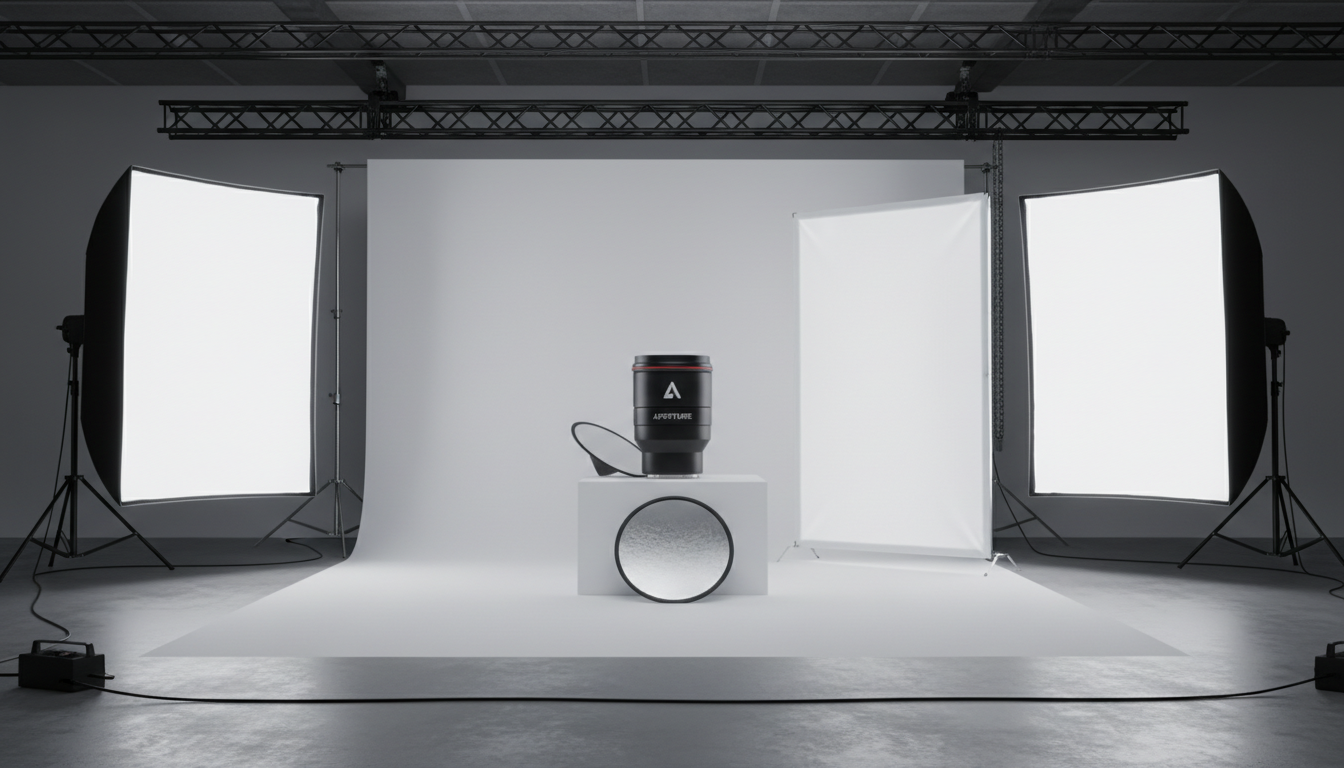 Understanding product photography principles
Prompts by Product Category
Jewelry
Main Listing:
jewelry display, white satin fabric background, soft diffused lighting,
elegant luxury feel, professional jewelry photography, subtle shadows
Lifestyle:
close-up of woman's hand, elegant pose, wearing delicate bracelet,
soft natural lighting, fashion editorial style, focus on jewelry
Clothing/Accessories
Flat Lay:
fashion flat lay, [garment type] neatly arranged,
complementary accessories, white background,
clean editorial style, fashion photography
Lifestyle:
casual lifestyle scene, [item] draped over chair,
soft morning light, bedroom setting, fashion editorial
Home Decor
Room Context:
modern living room interior, [item type] as focal point,
natural daylight, minimalist scandinavian design,
interior photography, styled home
Detail Shot:
close-up product detail, [item], soft focused background,
professional product photography, texture visible,
artisan quality
Handmade Crafts
Artisan Setting:
handmade [item] on reclaimed wood surface, natural materials,
warm lighting, artisan workshop atmosphere,
authentic handcrafted aesthetic
Gift Ready:
[item] with craft paper wrapping, twine bow,
rustic gift presentation, handmade tag,
shop-ready packaging photography
Etsy-Specific Tips
First Image Optimization
Your first listing image must:
- Show the product clearly
- Work as a small thumbnail
- Stand out in search results
AI can help create clean, professional first images that pop.
The 10-Image Strategy
Etsy allows 10 images. Use them strategically:
- Main product shot - Clean background, AI-enhanced
- Scale reference - Product with common object
- Detail close-up - AI background, focus on craftsmanship
- Lifestyle context - AI-generated scene
- Alternate angle - Different view
- In-use shot - AI lifestyle generation
- Packaging - Gift-ready presentation
- Size/color variations - Multiple options
- Process/materials - Behind-the-scenes
- Seasonal/themed - Holiday variation
Mobile Optimization
Most Etsy browsing happens on mobile. Ensure AI-generated images:
- Have strong product visibility even small
- Don't have important details at edges
- Use high contrast between product and background
Cost Analysis
Traditional Product Photography
- DIY setup: $100-300 one-time, plus time
- Per-product photographer: $50-200
- Photo studio rental: $50-150/hour
AI-Enhanced Workflow
- Background generations: 5-10 per product × $0.04 = $0.20-0.40
- Multiple variations: Additional $0.20-0.40
- Total per product: ~$0.40-0.80
For 50-product shop:
- Traditional: $2,500-10,000
- AI-enhanced: $20-40
Time Investment
Traditional:
- Setup: 1-2 hours
- Shooting: 15-30 min per product
- Editing: 15-30 min per product
AI-Enhanced:
- Basic product photos: 5-10 min per product
- AI generation: 2-3 min per product
- Compositing: 5-10 min per product
Common Mistakes to Avoid
Using AI to Fake Products
Don't:
- Generate products you don't have
- Show items in colors you can't produce
- Mislead buyers about what they're purchasing
Do:
- Use AI for background/context only
- Show your actual products clearly
- Use AI to enhance, not deceive
Inconsistent Style
Don't:
- Mix wildly different background styles across listings
- Have some professional, some amateur photos
Do:
- Create consistent visual branding
- Use similar lighting/mood across products
- Build recognizable shop aesthetic
Over-Editing
Don't:
- Make products look dramatically different from reality
- Use AI styling that doesn't match product quality
Do:
- Enhance while keeping realistic expectations
- Match image sophistication to product quality
Frequently Asked Questions
Is it allowed to use AI images on Etsy?
Yes, for backgrounds and contexts. Your actual product should be photographed, not AI-generated.
Will customers know the backgrounds are AI?
High-quality AI backgrounds are indistinguishable from studio photography. Customers care about seeing your product clearly.
How many AI images should I generate per product?
5-10 background options gives you good selection. You'll use 3-5 in final listings.
Can AI replace a product photographer entirely?
For basic Etsy listings, largely yes. For high-end brand photography or complex products, professional photography may still be worthwhile.
What about video? Can AI help?
Apatero offers video generation. You could create promotional videos or product showcases, though product demonstrations should show your actual items.
How do I maintain consistency across 100+ products?
Save your best prompt templates. Use the same background styles across product categories. Create a style guide for your shop.
The Bottom Line
AI transforms Etsy product photography from a major expense into a minor cost:
- Take good basic photos of your actual products
- Generate professional backgrounds with AI
- Combine using photo editing
- Create variations for different listing images
Platforms like Apatero make this affordable at cents per image, letting you create professional listings without professional photography budgets.
Your handmade products deserve to look as good as they actually are. AI helps you show them at their best.
Turn a phone snapshot into a listing photo
Clean, styled product shots for Etsy, Shopify and Amazon, from the photo you already have. Check your welcome allowance and the displayed cost before generating.
Related Articles
AI Art for Game Developers: Complete Guide to Asset Creation
Learn how indie game developers use AI for concept art, sprites, backgrounds, and UI. Practical workflows for integrating AI into game asset pipelines.
How to Create Professional Book Covers with AI for Self-Publishing
Design stunning book covers using AI image generators. Complete guide for self-published authors covering every genre from fantasy to romance to thriller.
AI Consistent Character Generator: How to Keep the Same Character Across Multiple Images
Learn how to generate the same AI character across multiple scenes using LoRA training, IPAdapter, Midjourney cref, and reference image techniques. Complete 2026 guide.