Simlife
Life simulation style
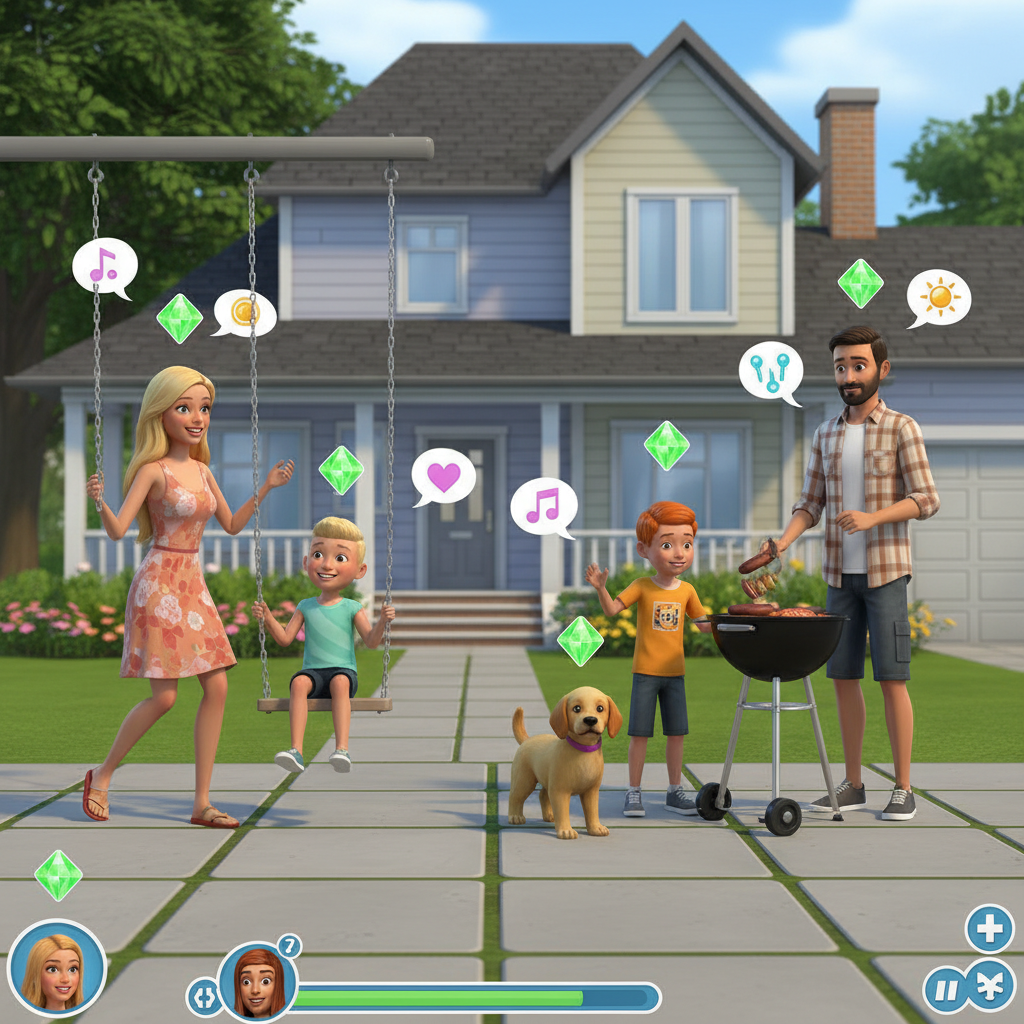
About Simlife
Transform photos into charming Sims-style life simulation artwork with our AI Simlife Generator – capture the cheerful, colorful aesthetic of the world's most beloved life simulator. Our AI creates characters with that distinctive Sims look: slightly exaggerated proportions, expressive faces, vibrant colors, and the optimistic suburban lifestyle that's made the franchise a 20+ year phenomenon. Include the iconic green plumbob floating above heads, place characters in cozy suburban homes, or recreate classic Sims loading screen compositions. Perfect for Sims community content, family portrait alternatives with a playful twist, gaming channel branding, social media profiles, and fans who've spent countless hours building virtual lives and want to see themselves in that world. From Sims 2's classic look to Sims 4's modern style, capture the life simulation magic.
Features
- Life simulation aesthetic
- Plumbob character style
- Suburban home backgrounds
- Colorful family scenes
- Sims-like proportions
- Happy lifestyle vibes
Use Cases
Perfect for these applications and more
How to Create Your Simlife
Follow these simple steps to get started
Upload Your Photo
Provide any portrait or group photo. Our AI will transform subjects into charming Sims-style characters.
Choose Sims Era
Select your preferred look: classic Sims 2 style, Sims 3 semi-realistic, or modern Sims 4 cartoony aesthetic.
Add Life Elements
Include signature elements: the iconic plumbob, suburban home, swimming pool, or classic Sims activities and poses.
Generate Simlife Art
Our AI creates authentic life simulation artwork with the cheerful, colorful aesthetic Sims players love.
Example Prompts for Simlife
Try these prompts to get amazing results
"Transform my family photo into Sims 4 style characters"
"Create a Sims-style portrait with green plumbob above head"
"Make my house look like a Sims suburban home"
"Generate a Sims loading screen style family portrait"
"Create Sims-style characters doing everyday activities"
Why Choose APATERO for Simlife?
What makes us different from other AI generators
Frequently Asked Questions
Everything you need to know about Simlife
Simlife transforms photos into the charming aesthetic of life simulation games like The Sims: slightly stylized proportions, warm domestic scenes, vibrant neighborhoods, and that cozy virtual life feeling. Perfect for avatars and creative content.
Yes! Upload your photo and get a Sim-style character: the distinctive big eyes, stylized facial features, Create-a-Sim aesthetics, and that charming virtual person look. Perfect for Sims player profiles and fan content.
Our AI replicates multiple Sims generations: Sims 2 stylization, Sims 3 pudding-face era, and modern Sims 4 aesthetics. Each captures the characteristic warmth and slightly exaggerated proportions of each generation.
Absolutely! Transform real interior or architecture photos into Sims-style builds: that isometric dollhouse feel, cozy decorated rooms, and the distinctive object placement style. Great for build inspiration and thumbnails.
Perfect for Simmers! Create custom avatar portraits, thumbnail art, custom content previews, and promotional material with authentic Sims aesthetics. Stand out in the Sims community with AI-generated visual content.
Ready to Create with Simlife?
Start generating amazing content with AI. Free tokens on signup.