Minecraft
Blocky voxel aesthetic
About Minecraft
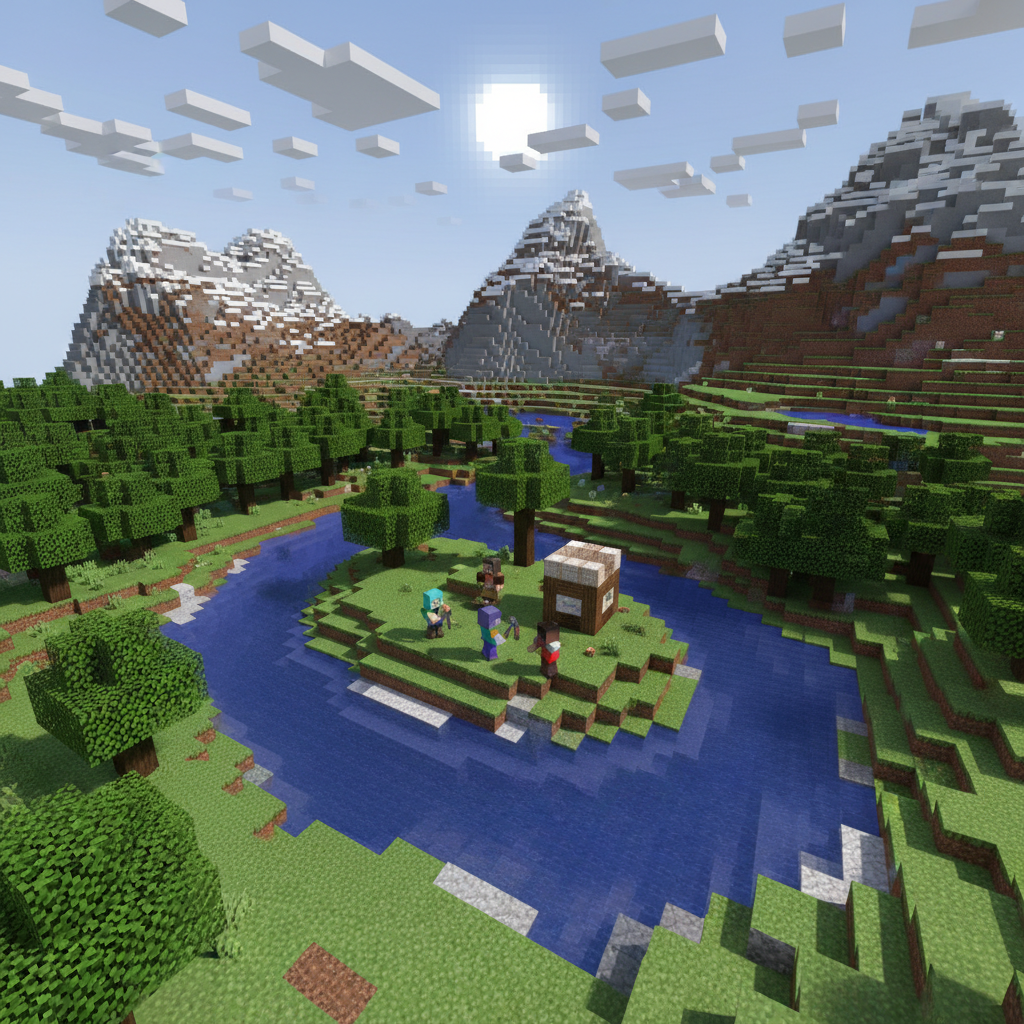
Enter the blocky universe with our AI Minecraft Style Generator – transform any image into the beloved voxel aesthetic that's captured hearts for over a decade. Our AI converts photos into authentic Minecraft style with cubic proportions, pixelated textures, and the distinctive blocky charm that makes the sandbox game an enduring cultural icon. Transform portraits into Steve/Alex-proportioned characters, convert landscapes into explorable biomes, or turn pets into Minecraft mobs. The generator understands Minecraft's visual language: limited color palettes per block, proper voxel geometry, and that unmistakable look that's instantly recognizable to the hundreds of millions who've played. Perfect for server artwork, YouTube thumbnails, streaming overlays, Discord communities, fan projects, and anyone who wants to bring the real world into the world's most popular sandbox game.
Features
- Blocky voxel aesthetic
- Cubic character design
- Pixelated textures
- Sandbox world style
- Steve/Alex proportions
- Minecraft biome backgrounds
Use Cases
Perfect for these applications and more
How to Create Your Minecraft
Follow these simple steps to get started
Upload Your Image
Provide any photo – portrait, landscape, or object. Our AI will convert it into authentic Minecraft blocky style.
Choose Block Style
Select aesthetic: classic Minecraft look, shaders-enhanced with RTX lighting, or artistic interpretation with more detail.
Set the Biome
Choose your world: plains, forest, desert, snow, nether, end dimension, or custom Minecraft-inspired environments.
Generate Minecraft Art
Our AI creates blocky voxel artwork with authentic Minecraft proportions, textures, and the beloved sandbox aesthetic.
Example Prompts for Minecraft
Try these prompts to get amazing results
"Transform my portrait into a Minecraft character with diamond armor"
"Create a Minecraft-style landscape from this nature photo"
"Make my pet look like a Minecraft wolf or cat"
"Generate a Minecraft base scene from this house photo"
"Create a Nether portal scene with Minecraft style characters"
Why Choose APATERO for Minecraft?
What makes us different from other AI generators
Frequently Asked Questions
Everything you need to know about Minecraft
Transform any image into Minecraft's iconic blocky voxel aesthetic: pixelated textures, cubic geometry, vibrant block-based colors, and that beloved sandbox game look. Perfect for fan art, profile pictures, and creative projects.
Yes! Upload a photo and our AI creates a Minecraft-style representation: blocky proportions, pixel skin textures, and that distinctive Steve/Alex character look. Perfect for Minecraft player avatars and fan content.
Absolutely! The AI replicates Minecraft's signature 16x16 pixel texture aesthetic, block-based geometry, limited color palettes, and the chunky voxel world look. Results feel authentically Mojang-crafted.
Yes! Transform real photos into Minecraft biomes: forests become blocky trees on grass blocks, mountains turn into procedural terrain, cities transform into pixel architecture. Create convincing builds from real references.
Generate custom mobs, items, blocks, and entities in authentic Minecraft aesthetic. Perfect for mod concepts, texture pack previews, server promotional material, and custom content creation with that official game look.
Ready to Create with Minecraft?
Start generating amazing content with AI. Free tokens on signup.