Pixel Game
Retro 8-bit/16-bit art
About Pixel Game
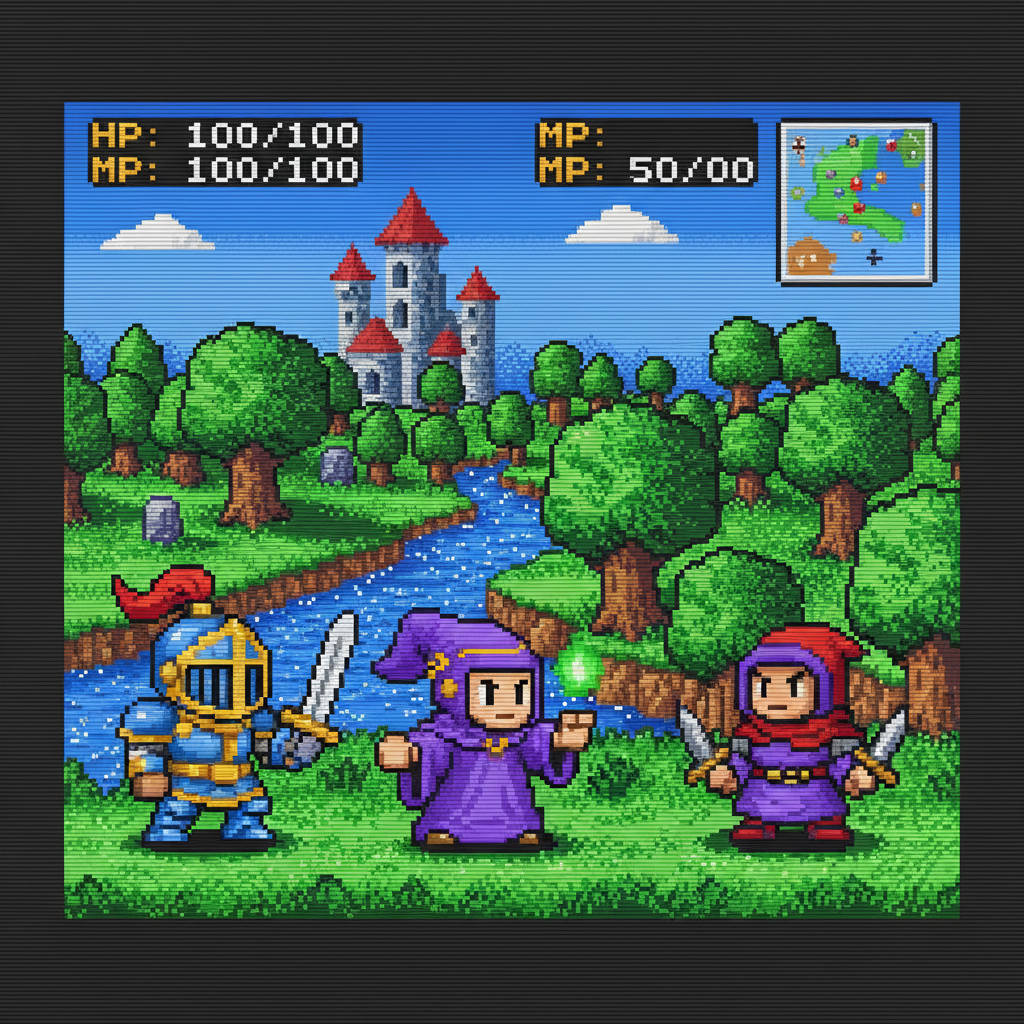
Step back into gaming's golden age with our AI Pixel Art Generator – transform any image into authentic retro video game graphics from the 8-bit and 16-bit eras. Our AI understands the technical constraints and artistic techniques that defined classic gaming: limited color palettes, careful dithering, deliberate pixel placement, and the charm that made NES, SNES, Genesis, and arcade games timeless. Choose your era – chunky 8-bit sprites with bold, simple designs, detailed 16-bit characters with richer palettes and animation potential, Game Boy monochrome with green-tinted nostalgia, or arcade cabinet aesthetics with scanline authenticity. Perfect for indie game developers creating assets, retro gaming content creators, nostalgic profile pictures, streaming overlays, and anyone who grew up with controllers in hand and pixels on screen. Authentic retro gaming aesthetics, generated instantly.
Features
- 8-bit and 16-bit styles
- Retro sprite aesthetics
- Limited color palettes
- Scanline effects
- SNES/Genesis era look
- Nostalgic game feel
Use Cases
Perfect for these applications and more
How to Create Your Pixel Game
Follow these simple steps to get started
Upload Your Image
Provide any photo or artwork. Our AI will convert it into authentic retro pixel art with proper dithering and color reduction.
Choose Era Style
Select your retro era: 8-bit NES style, 16-bit SNES/Genesis, arcade cabinet look, or Game Boy monochrome.
Set Resolution
Choose pixel density: chunky low-res for authentic 8-bit, detailed 16-bit, or higher resolution pixel art styles.
Generate Pixel Art
Our AI creates authentic retro game graphics with proper pixel placement, limited palettes, and nostalgic charm.
Example Prompts for Pixel Game
Try these prompts to get amazing results
"Transform my portrait into 16-bit SNES RPG character style"
"Create an 8-bit NES style sprite from this photo"
"Make pixel art of my pet in Game Boy style"
"Generate a retro arcade game character from my portrait"
"Create a 16-bit fighting game character style portrait"
Why Choose APATERO for Pixel Game?
What makes us different from other AI generators
Frequently Asked Questions
Everything you need to know about Pixel Game
Pixel Game transforms images into classic retro gaming aesthetics: 8-bit NES style, 16-bit SNES/Genesis look, arcade pixel art, and indie game visuals. Perfect for nostalgic gaming content, game development, and retro-style projects.
Yes! Select from multiple retro styles: strict 8-bit with limited palettes (NES era), lush 16-bit (SNES/Genesis golden age), Game Boy monochrome, arcade cabinet art, and modern indie pixel aesthetics. Each era has distinct characteristics.
Absolutely! Generate concept art, character sprites, background tiles, and promotional material in consistent pixel art styles. Speed up your game dev workflow with AI-generated pixel assets that match your aesthetic vision.
Yes! Transform real photos into pixel art character designs: RPG heroes, platformer protagonists, fighting game sprites, or any game character style. Perfect for custom avatars and game character concepts.
Generate authentic pixel art at various resolutions from strict low-res (16x16, 32x32) to HD pixel art. Palettes range from NES-accurate 54 colors to expanded indie game palettes. Match any pixel art aesthetic precisely.
Ready to Create with Pixel Game?
Start generating amazing content with AI. Free tokens on signup.