Compare AI Video Models by Inputs, Shot Tests and Cost
Evaluate Seedance, Sora, Kling and Veo for a specific shot. Record model versions, reference inputs, usable footage and costs with a comparison worksheet.

Correction, September 20, 2026: The earlier article claimed a two-week experiment, success rates and client results without supporting artifacts. Those claims and their rankings have been removed. This is a proposed comparison method, not a report of completed tests. The original publication date is retained; ByteDance's public Seedance 2.0 launch announcement is dated February 12, after that original date.
Choose a video workflow around the shot, the inputs and the footage that survives review. A model name alone does not identify an interface's controls, billing or available output settings. Seedance, Kling and Veo may be exposed through different products; record the exact provider and model before comparing them.
Sora status: Sora's web and app experiences ended April 26, 2026; its notice schedules API discontinuation for September 24. Do not plan new recurring work around assumed ongoing access. OpenAI's notice
Record The Interface And Operation
| Field | What to save before generating |
|---|---|
| Identity | Provider, interface, exact model/version and date |
| Operation | Text-to-video, image-to-video, reference generation, extension or editing |
| Inputs | Accepted images, clips or audio and the role of each |
| Output | Available duration, aspect ratio, resolution and audio settings |
| Billing | Charge unit, displayed price and any mode-dependent adjustment |
| Rights | Permission for input assets and the intended use |
Do not combine start/end frames, subject references and video extension into one vague “reference count.” They perform different jobs. If an interface does not expose the option a provider documents elsewhere, record that limitation rather than assume parity.
ByteDance's official Seedance 2.0 launch describes text, image, audio and video inputs, with up to nine images, three video clips and three audio clips, plus output up to 15 seconds. These are developer-documented capabilities, not this publication's measured quality results. The developer also acknowledges remaining defects. ByteDance launch announcement
Google's Veo documentation distinguishes model variants and supported configurations. Check the exact endpoint for resolution, duration and reference mode rather than use one specification for every Veo product. Google Veo documentation
No current Kling feature or price claim is established here. Apply the same worksheet to the exact Kling interface you can access. An omitted figure is preferable to an invented comparison cell.
Define One Proposed Shot Test
Example brief: a fictional character walks three steps, turns toward the camera and places a cup on a table. Use a licensed reference and hold the required action, framing and intended output constant where the interfaces allow it. This is a suggested exercise, not a test we ran.
Before generation, define acceptance criteria: the action occurs in order, the character remains recognizable, cup contact is plausible, the table does not deform and the ending can be edited cleanly. Record configuration differences that prevent a like-for-like comparison.
Keep every attempt. For each rejection, name the defect and when it occurs. A beautiful opening frame does not make an unusable ending acceptable, and choosing one favorable sample does not establish repeatability.
Review Audio And The Edit Separately
Watch for synchronization, intelligibility, unwanted sound and whether the timing supports the intended edit. If you plan to replace the generated audio, record that extra work. A clip can pass a visual test and still be unsuitable for the final sequence.
Trim the accepted footage into a rough edit before calculating usable duration. Record transitions or repair work that remain necessary. Preserve source clips and the edit decision so another reviewer can understand the outcome.
Calculate Cost From Usable Output
Record all charged attempts, including rejected footage. For comparable clips, divide generation spend by accepted clips. For an edited sequence, divide it by usable seconds. Keep editing time and other costs in separate columns.
Illustrative arithmetic: a $12 batch yielding 24 usable seconds costs $0.50 per usable second in generation charges. If only 12 seconds survive review, the same spend costs $1 per usable second. These assumed numbers are not provider prices or measured performance.
Choose from the evidence you record for the intended shot. Recheck when the model or interface changes. This method does not declare a universal winner, prove every named model is offered inside Apatero, or promise that a particular prompt will succeed.
Render the video you just read about
Kling, Veo, Seedance and more, in your browser, no queue to build. Check your welcome allowance and the displayed cost before generating.
Related Articles
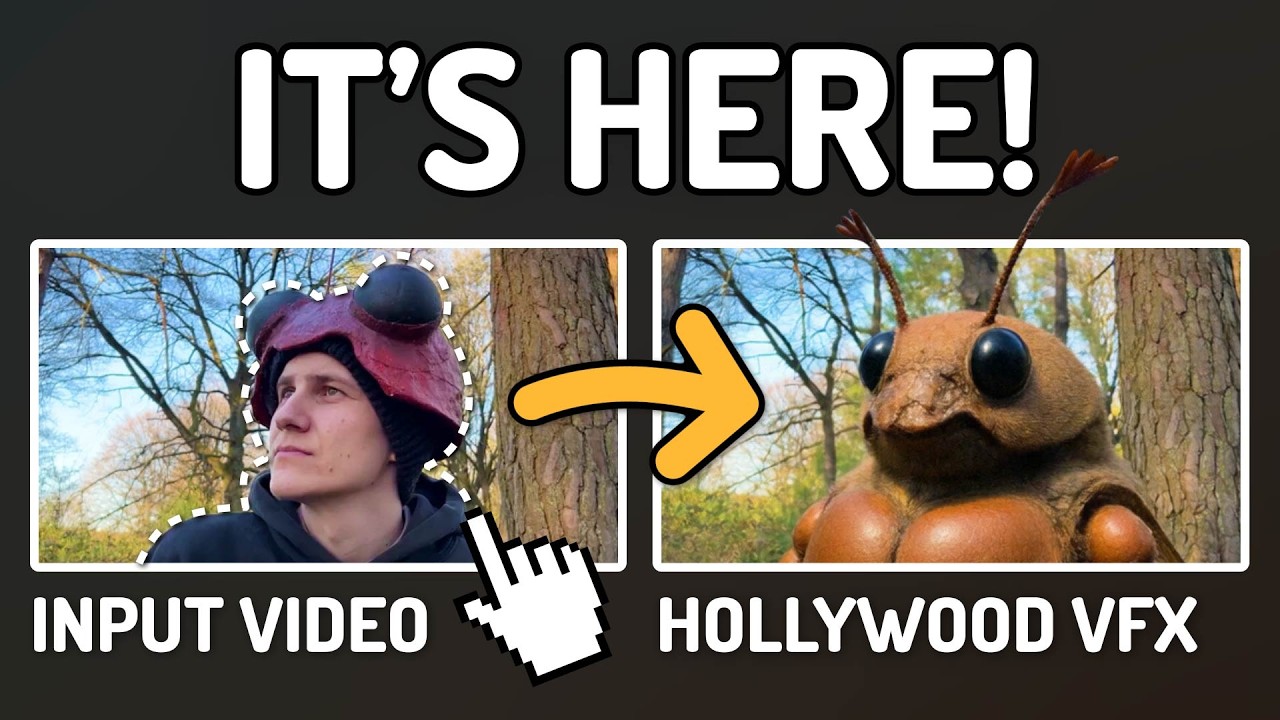
AI Documentary Creation: Generate B-Roll from Script Automatically
Transform documentary production with AI-powered B-roll generation. From script to finished film with Runway Gen-4, Google Veo 3, and automated...
AI Making Movies in 2026: The Current State and What's Actually Possible
Realistic assessment of AI filmmaking in 2026. What's working, what's hype, and how creators are actually using AI tools for video production today.

AI Music Videos: How Artists Are changing Production and Saving Thousands
Discover how musicians like Kanye West, A$AP Rocky, and independent artists are using AI video generation to create stunning music videos at 90% lower costs.