Choosing an AI Image Generator: A Practical Comparison Worksheet
Compare current AI image tools against your actual task, recording accepted outputs, revisions, costs, and licensing checks without invented rankings.

The best AI image generator for your project is the one that produces acceptable work within your budget and workflow. Compare current model versions on your own task before choosing a subscription or building an automated pipeline. This guide provides a selection worksheet; it does not rank tools from a completed benchmark.
Correction, September 19, 2026: The earlier article claimed a 1,500-image experiment, a 12-person panel, and measured quality results without supporting records. Those claims, unsupported rankings, and stale price comparisons have been removed.
Identify the Work You Need to Finish
A mood board, an accurate product image, and a recurring illustrated character require different checks. Write one concrete deliverable, including its output size, deadline, editing requirements, and intended publication. Record which details are negotiable and which must be correct.
For a product image, packaging and controls may be essential. For a book illustration, recurring clothing and character features may matter more. For a diagram, readable labels and correct relationships take priority over attractive rendering.
Keep this brief short enough that another person could use it to judge the result. “Looks professional” alone does not tell a reviewer whether an image is usable.
Compare the Current Workflows
| Option | What to investigate | Evidence to keep |
|---|---|---|
| ChatGPT image creation and editing | Whether conversational revisions and reference inputs meet the brief | The current model, reference inputs, revisions, and accepted export |
| Midjourney | Available model and reference controls for the intended style or character task | Version, reference method, settings, and output |
| FLUX models | Whether a hosted endpoint or an available local model supports the required task | Exact variant, endpoint or local workflow, and applicable terms |
| A local diffusion workflow | Hardware fit, dependencies, model license, and editing control | Model files, workflow version, settings, and setup effort |
These are evaluation paths, not quality rankings. Model names alone do not establish equal capabilities or licensing. In particular, do not treat a hosted commercial variant and an open-weight model from the same family as the same product.
OpenAI's ChatGPT Images 2.5 announcement describes its current image capabilities. Midjourney's reference documentation explains model-specific reference controls. Black Forest Labs' FLUX.2 repository identifies its available model variants and associated resources. Check these current primary sources before following an older tutorial.
Run a Small, Recorded Comparison
Use a brief you would genuinely publish, rather than a collection of spectacular prompts unrelated to your work. Start each candidate with the same requirements and equivalent reference permissions. Save the actual prompt supplied to each tool; interfaces can interpret or expose controls differently.
Decide how many attempts and revisions you will allow before starting. Keep failures as well as selected outputs. If one tool receives extra editing time, record it instead of presenting the finished images as equal first attempts.
Evaluate each result against the brief. Check factual details, anatomy where relevant, text, unwanted artifacts, and whether the exported file meets the delivery requirements. A visually appealing output can still fail a task that requires an exact product feature or a correct diagram.
Calculate Cost Per Accepted Deliverable
Include the resources needed to reach an accepted result: failed attempts, revisions, upscaling, editing time, and any required plan. A local model may avoid a hosted subscription while still requiring hardware, electricity, maintenance, and setup work.
Use actual charges and a clearly stated allocation method for subscriptions. A hypothetical example: if a recorded batch costs $12 and yields four accepted images, the generation cost is $3 per accepted image before other expenses. This is arithmetic, not a quoted price or a performance result for any tool.
Do not infer commercial rights from a paid plan or from the word “open.” Read the license and service terms for the model and assets used. Check recognizable people, trademarks, and source images separately where they affect the intended publication.
Make the Decision Inspectable
Deliverable and acceptance criteria:
Tool, model, and date checked:
Reference assets and permissions:
Attempts and revisions:
Accepted results and rejection reasons:
Direct charges and allocated subscription cost:
Editing and setup time:
Export limitations:
Decision and remaining uncertainty:
Choose the workflow that fits the recorded task, and retain the evidence for a later review. Recheck when a model, plan, license, or production requirement changes. One successful example does not establish a universal winner.
Apatero publishes this guide and offers generation tools. Treat its product recommendations as publisher content, and compare its current available models and displayed costs using the same criteria.
Make AI images and video in your browser
Characters, video, photo packs. No GPU, no setup. Check your welcome allowance and the displayed cost before generating.
Related Articles
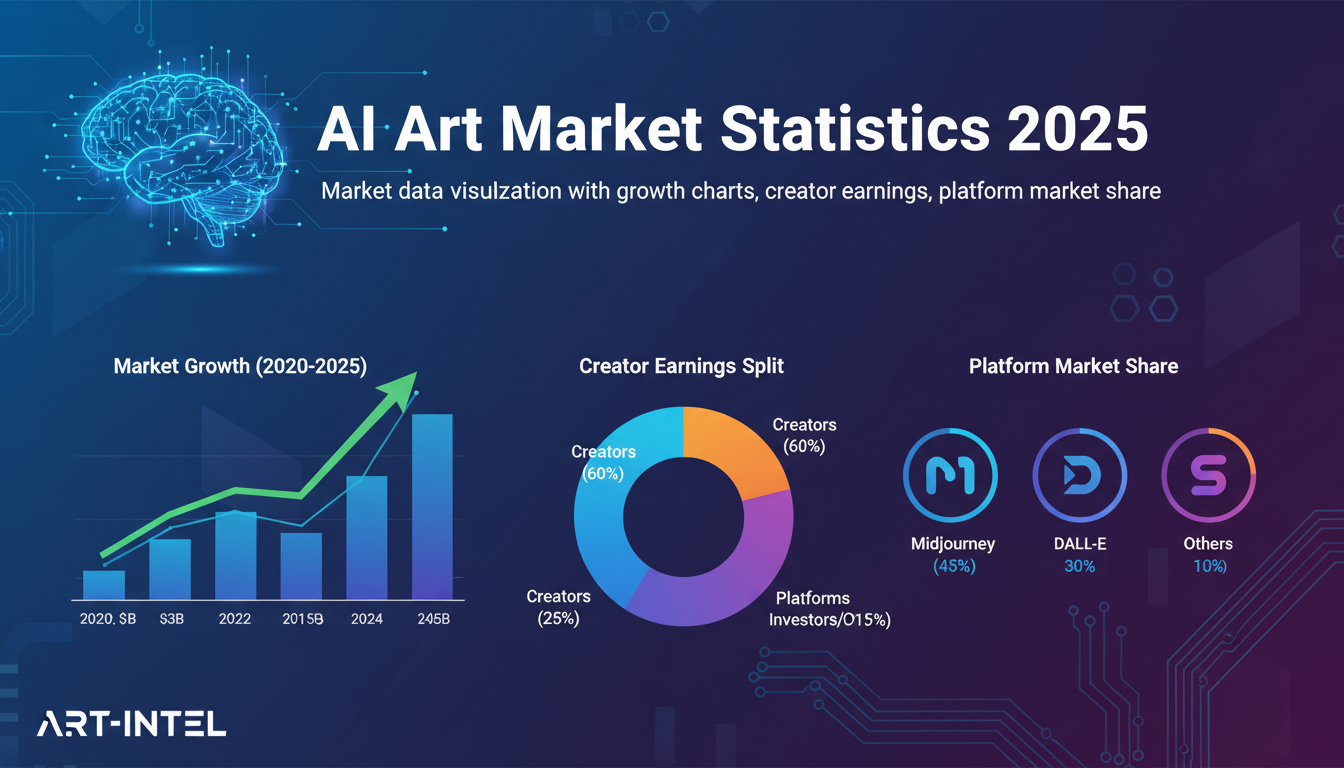
AI Art Market Statistics 2025: Industry Size, Trends, and Growth Projections
Comprehensive AI art market statistics including market size, creator earnings, platform data, and growth projections with 75+ data points.
AI Automation Tools: Transform Your Business Workflows in 2025
Discover the best AI automation tools to transform your business workflows. Learn how to automate repetitive tasks, improve efficiency, and scale operations with AI.
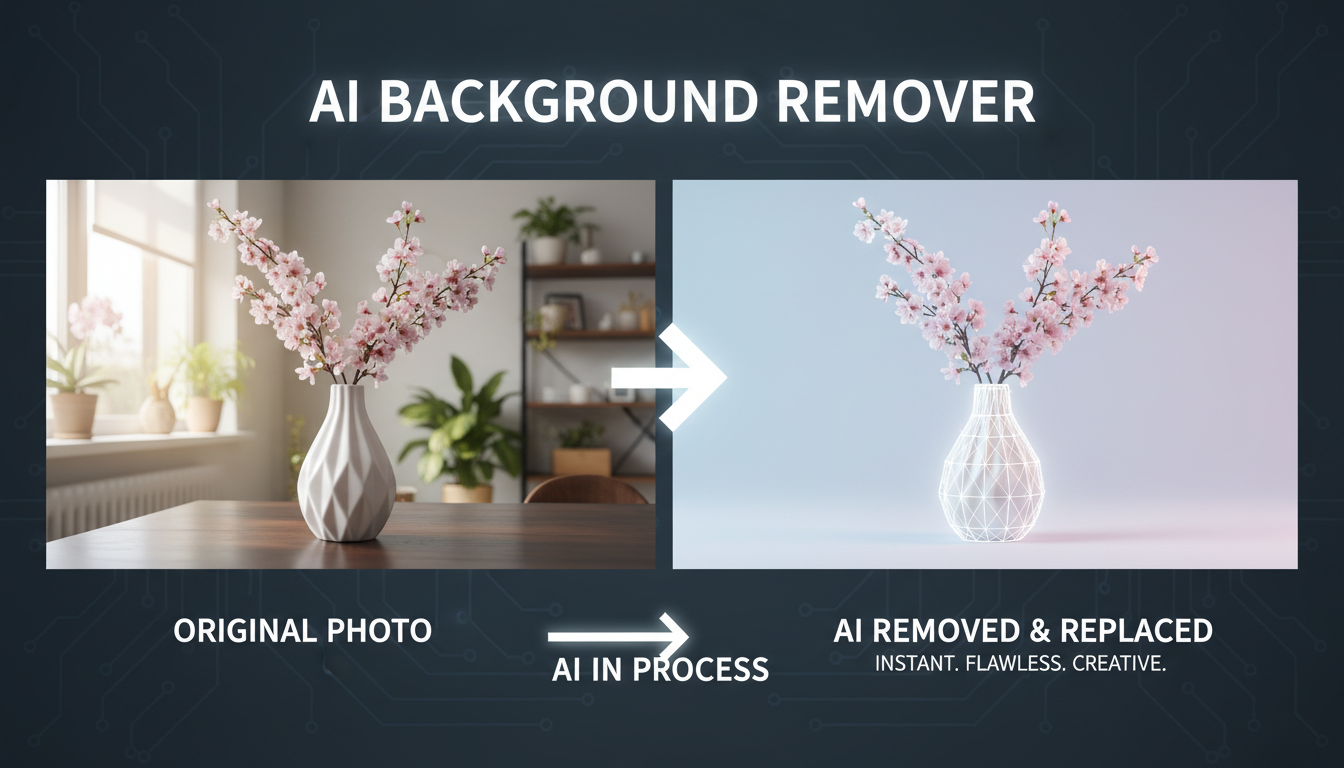
AI Background Remover and Generator: The Complete Guide to Replacing, Creating, and Perfecting Image Backgrounds
Master AI background removal, replacement, and generation. Compare the best tools, learn proven techniques, and transform your product photos and portraits.