Sepia
Vintage brown tones
About Sepia
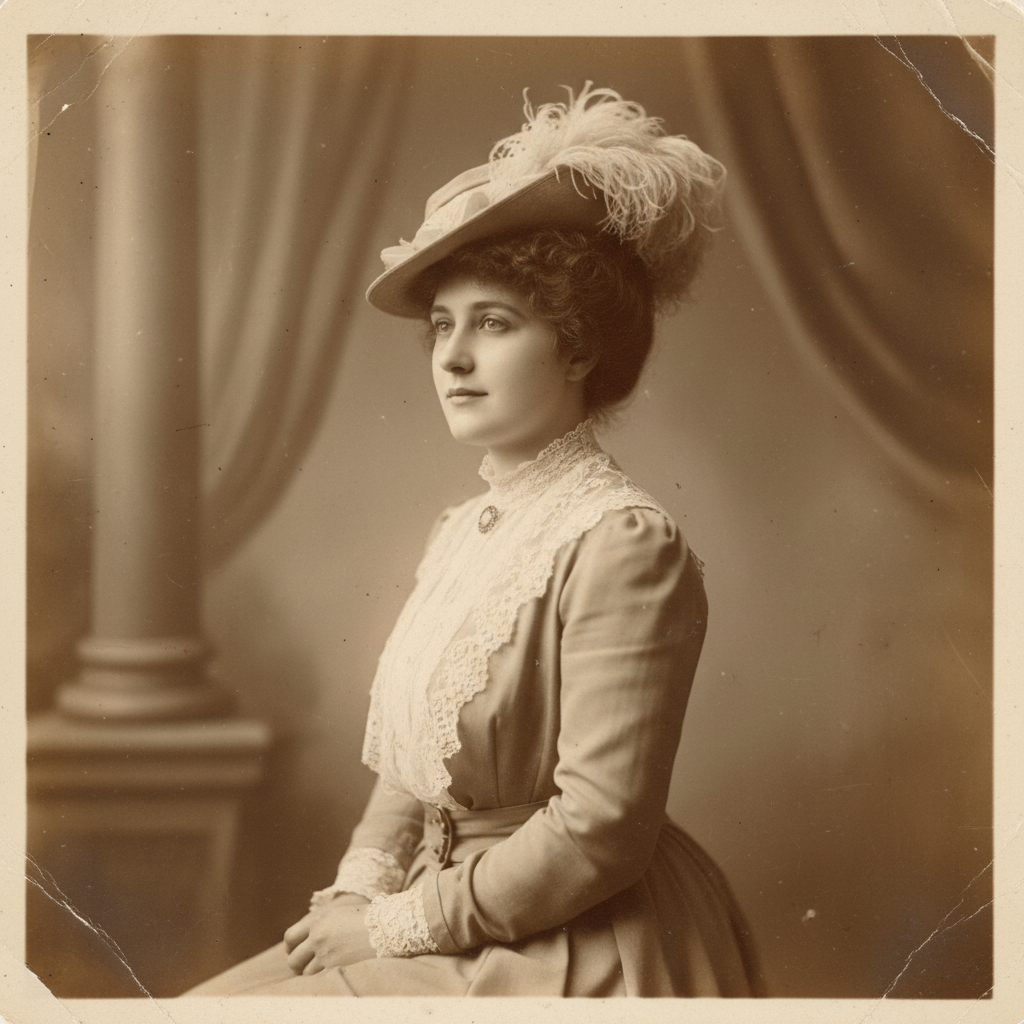
Travel back in time with our AI Sepia Tone Generator – transform modern photos into vintage treasures with authentic antique character. Sepia toning was originally a chemical process that both beautified and preserved photographs, giving 19th and early 20th century images their distinctive warm brown palette. Our AI recreates this effect with period-accurate color science: true sepia warmth ranging from golden honey to deep chocolate, the characteristic fadeout that age produces, subtle vignetting from old lenses, and optional wear effects like creases and chemical spots that tell stories of time passed. Perfect for wedding photography with timeless elegance, memorial portraits honoring heritage, historical theme projects, period film production, or anyone who appreciates the romantic nostalgia of photographs that feel like family heirlooms. Some photos deserve to look like treasured antiques.
Features
- Authentic sepia tones
- Vintage warmth
- Nostalgic atmosphere
- Antique aging
- Classic elegance
- Timeless quality
Use Cases
Perfect for these applications and more
How to Create Your Sepia
Follow these simple steps to get started
Upload Your Photo
Provide any photo you want to transform. Our AI will apply beautiful sepia toning with vintage character.
Choose Sepia Style
Select your era: warm golden sepia, cool brown antique, aged faded look, or rich chocolatey tones.
Add Vintage Effects
Optionally add: vignetting, grain, scratches, fading, or aged paper texture for enhanced authenticity.
Generate Sepia Image
Our AI creates beautifully toned sepia images with authentic vintage character and timeless elegance.
Example Prompts for Sepia
Try these prompts to get amazing results
"Transform this portrait into classic sepia with warm tones"
"Create an antique-looking photo with faded sepia effect"
"Make this wedding photo look like a vintage treasure"
"Generate aged sepia photograph with subtle scratches"
"Turn this landscape into nostalgic sepia-toned art"
Why Choose APATERO for Sepia?
What makes us different from other AI generators
Frequently Asked Questions
Everything you need to know about Sepia
Sepia was a chemical photographic process using brown pigments from cuttlefish ink. Beyond color, it created characteristic warmth, improved archival stability, and the nostalgic aesthetic we associate with antique photographs from the 1800s-1900s.
Yes! From subtle warm tint to deep rich chocolate brown. Adjust the intensity from barely-there vintage warmth to full antique transformation. Also control related effects like vignetting and fade.
Optionally! Add authentic aging: subtle dust and scratches, chemical spots, edge wear, fading patterns, and paper texture. Create photos that look like they've survived a century, or keep them clean with just the color treatment.
Beautifully timeless! Sepia adds romantic elegance to wedding photos, making them feel like treasured heirlooms from the start. Many couples use sepia versions alongside color for a classic touch in albums.
Our AI specializes in the color-to-sepia direction. For best results, keep your original color files and create sepia versions separately. The transformation is an artistic interpretation, not a reversible filter.
Ready to Create with Sepia?
Start generating amazing content with AI. Free tokens on signup.