Sketch to Real
Drawing to photo
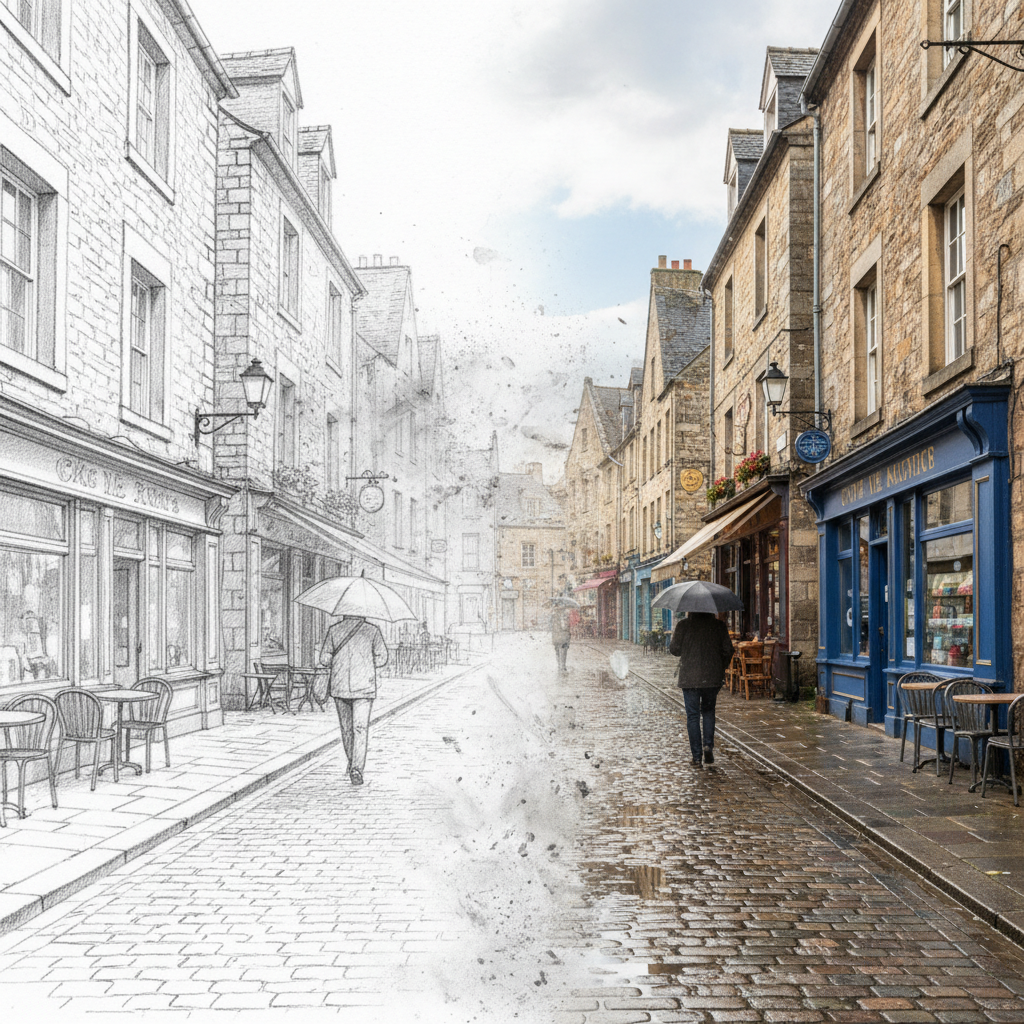
About Sketch to Real
Bridge the gap between imagination and reality with our AI Sketch to Real Generator – the transformation tool that brings drawings to life. Our AI understands the language of pencil strokes, ink lines, and concept sketches, interpreting artistic intent and filling in the realistic details that transform rough ideas into photorealistic images. Whether you're an architect visualizing buildings from blueprints, a character designer bringing concepts to life, a product designer prototyping ideas, or an artist exploring the boundary between sketch and reality, our AI maintains your original vision while adding convincing textures, materials, lighting, and environmental context. Perfect for visualization workflows, portfolio enhancement, creative exploration, and anyone who's ever wondered what their sketch would look like as a photograph. From concept to reality, instantly.
Features
- Sketch to photograph
- Concept art realization
- Detailed line recognition
- Realistic texture adding
- Multiple sketch styles
- Photorealistic output
Use Cases
Perfect for these applications and more
How to Create Your Sketch to Real
Follow these simple steps to get started
Upload Your Sketch
Provide any pencil drawing, line art, or concept sketch. Our AI understands various drawing styles and techniques.
Define Realism Level
Choose output style: full photorealistic, semi-realistic, or stylized real. Control how much detail to preserve.
Add Context
Describe materials, colors, lighting, and environment to guide the realistic transformation accurately.
Generate Reality
Our AI transforms your sketch into a photorealistic image, maintaining your original design intent beautifully.
Example Prompts for Sketch to Real
Try these prompts to get amazing results
"Transform this pencil sketch into a photorealistic portrait"
"Turn my architectural drawing into a realistic building render"
"Convert this character concept sketch into a photo"
"Make my product design sketch look like a real photograph"
"Transform this landscape drawing into a realistic scene"
Why Choose APATERO for Sketch to Real?
What makes us different from other AI generators
Frequently Asked Questions
Everything you need to know about Sketch to Real
Any sketch style works: pencil drawings, ink line art, charcoal sketches, architectural blueprints, fashion croquis, product design sketches, character concepts, storyboards, and rough ideation doodles. The AI interprets artistic intent.
Our AI analyzes line work, shading suggestions, proportions, and compositional intent. It interprets rough sketches as creative direction, filling in realistic details like textures, lighting, materials, and environmental context you've implied.
Yes! Choose from: fully photorealistic (indistinguishable from photos), semi-realistic (stylized but believable), concept art finish (polished illustration), or hybrid (partial sketch, partial real) for creative effects.
Essential for visualization! Transform architectural sketches into realistic renders, product designs into prototype previews, interior concepts into finished visualizations, and fashion sketches into photo-realistic garments on models.
Absolutely! Create hybrid outputs where parts remain as sketch and parts become realistic – perfect for "concept to reality" visualizations, artistic effects, and showing the design process from ideation to finished product.
Ready to Create with Sketch to Real?
Start generating amazing content with AI. Free tokens on signup.