Smart Retouch
AI photo editing
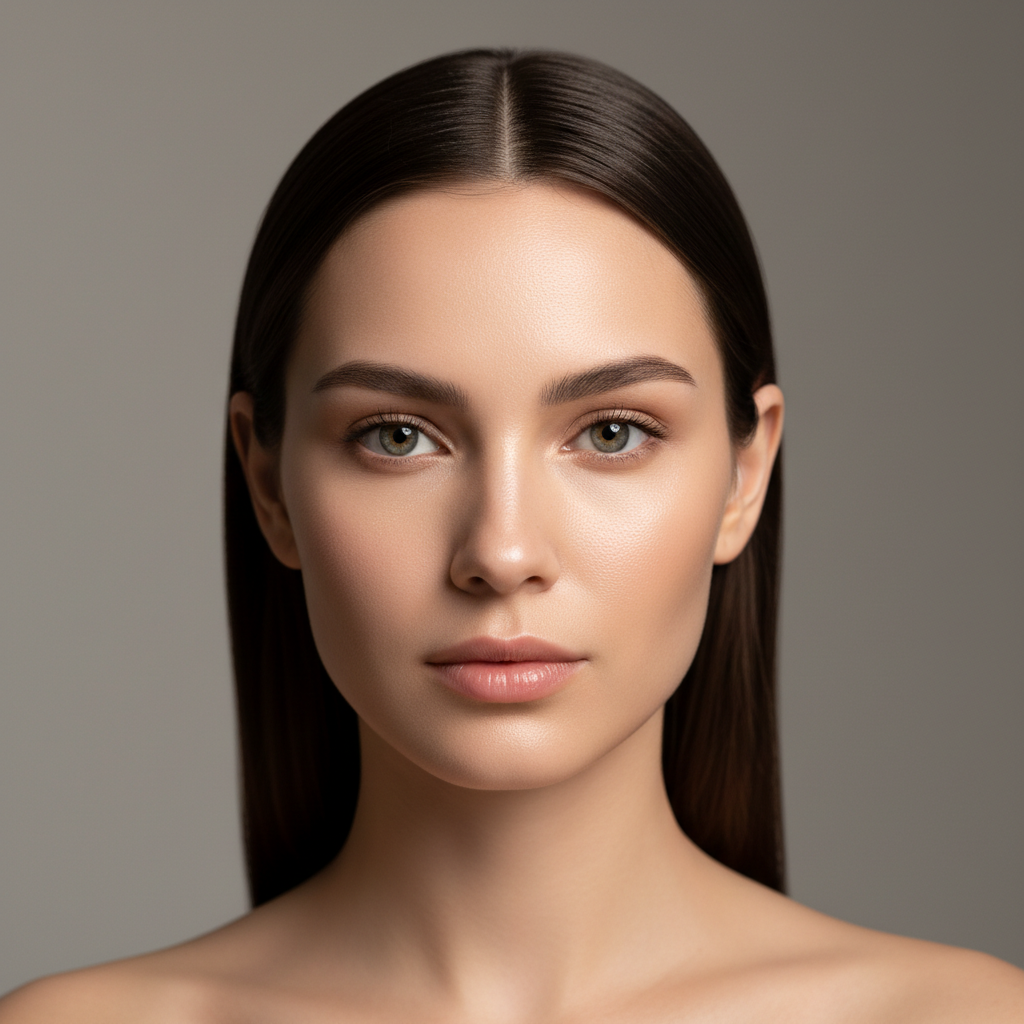
About Smart Retouch
Enhance photos intelligently with our AI Smart Retouch tool – portrait perfection that knows when to stop. Traditional retouching often crosses into obviously artificial territory: plastic skin, lost texture, faces that don't look human anymore. Our AI maintains the balance: reducing genuine imperfections while preserving the skin texture and natural variations that make faces believable. Smart detection identifies what to smooth and what to preserve: evening out blotchiness while keeping pores, reducing under-eye circles while maintaining depth, softening blemishes while preserving character. Results look like a good day, not like digital surgery. Perfect for professional headshots, social media photos, dating profiles, corporate portraits, family pictures, and any photo where you want to look your best while still looking like yourself. Enhancement, not transformation.
Features
- Intelligent enhancement
- Natural skin smoothing
- Blemish removal
- Portrait perfection
- Non-destructive editing
- Automatic detection
Use Cases
Perfect for these applications and more
How to Create Your Smart Retouch
Follow these simple steps to get started
Upload Your Photo
Provide any portrait or photo needing intelligent retouching and enhancement.
AI Analyzes Image
Our AI detects areas for improvement: skin texture, blemishes, lighting, and enhancement opportunities.
Adjust Intensity
Control retouching strength from subtle natural enhancement to more dramatic improvements.
Smart Enhancement
AI applies intelligent retouching that enhances without creating artificial, over-processed appearance.
Example Prompts for Smart Retouch
Try these prompts to get amazing results
"Naturally retouch this portrait keeping realistic look"
"Smart enhance this headshot for professional use"
"Subtly improve skin while keeping texture"
"Intelligent touch-up for this event photo"
"Enhance portrait without over-processing"
Why Choose APATERO for Smart Retouch?
What makes us different from other AI generators
Frequently Asked Questions
Everything you need to know about Smart Retouch
Intelligent targeting! Filters apply effects uniformly. Smart retouching analyzes your specific image, identifies what needs improvement, and applies selective enhancement while preserving what looks good.
That's the goal! Smart retouching enhances without transforming. You look like yourself on a great day—not like a different person. Natural results that improve without obviously altering.
Common portrait concerns! Temporary blemishes, uneven skin tone, under-eye circles, shine, minor wrinkles, and skin texture issues. All while keeping your natural character and features.
Ideal application! Create polished headshots for LinkedIn, company websites, or professional portfolios. Clean, professional appearance while maintaining authentic, trustworthy look.
Full control! Choose from subtle natural enhancement to more dramatic improvement. Most users prefer moderate settings that improve while keeping results believable and natural-looking.
Ready to Create with Smart Retouch?
Start generating amazing content with AI. Free tokens on signup.