Painting to Photo
Art to reality
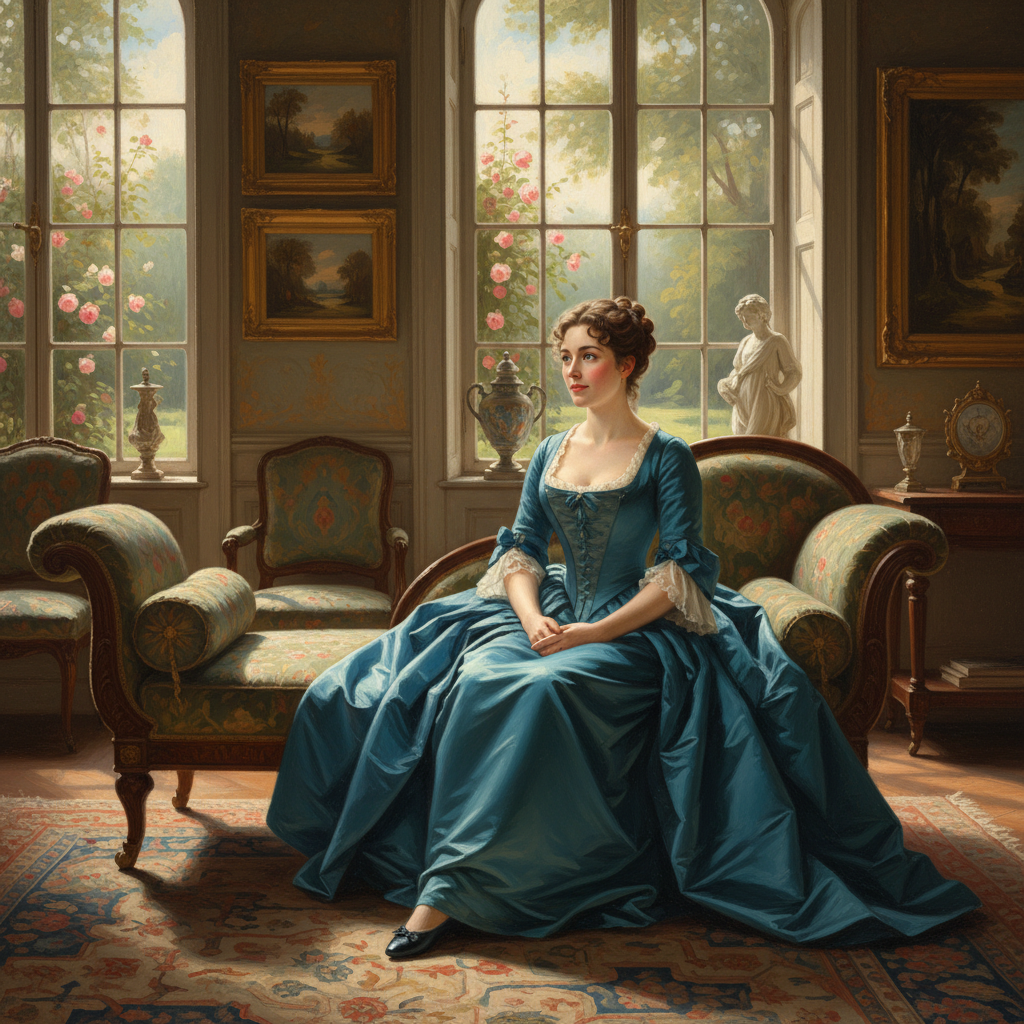
About Painting to Photo
See historical figures and painted subjects as they truly appeared with our AI Painting to Photo Converter – bringing artwork to photorealistic life. For centuries, we've wondered what Mona Lisa actually looked like, how historical figures painted in formal portraits appeared in person, what painted landscapes would look like photographed. Our AI bridges this gap: analyzing artistic interpretation, compensating for stylistic conventions of different periods, reconstructing probable photographic appearance while respecting the original artist's depiction. The results are fascinating: Renaissance portraits become believable modern headshots, classical landscapes become photography-quality vistas, painted characters become people you could meet on the street. Perfect for history educators, museum interactive displays, documentary filmmakers, art historians, and anyone curious about the reality behind painted fiction. Art history, photographically reimagined.
Features
- Art transformation
- Classical conversion
- Portrait realisation
- Historical recreation
- Museum quality
- Artistic interpretation
Use Cases
Perfect for these applications and more
How to Create Your Painting to Photo
Follow these simple steps to get started
Upload Painting
Provide any painting, portrait, or classical artwork for photorealistic conversion.
Select Style
Choose the era and photographic style: modern portrait, period photography, or cinematic.
Adjust Details
Fine-tune facial features, clothing accuracy, and environmental elements.
Generate Photo
Our AI transforms the painting into a convincing photorealistic interpretation.
Example Prompts for Painting to Photo
Try these prompts to get amazing results
"Transform this oil painting into a real photograph"
"Convert classical portrait to photorealistic person"
"Make this Renaissance painting look like a modern photo"
"Turn historical artwork into realistic photograph"
"Create photorealistic version of this painted portrait"
Why Choose APATERO for Painting to Photo?
What makes us different from other AI generators
Frequently Asked Questions
Everything you need to know about Painting to Photo
Yes! Our AI analyzes the painting's subject, compensates for artistic interpretation and period conventions, and reconstructs probable photographic appearance. Historical figures become surprisingly real.
Best with representational art! Realistic portraits, classical paintings, and naturalistic artwork convert most convincingly. Abstract or highly stylized paintings produce interesting but less photorealistic results.
It's an interpretation! The AI makes educated guesses about photographic reality based on the painting. Results are fascinating and plausible, but should be understood as artistic interpretation, not historical documentation.
Popular application! See Mona Lisa, Girl with a Pearl Earring, or historical figures as photorealistic people. Results often surprise with how different painted idealization looks from probable reality.
Useful tool! See what damaged paintings might have looked like, preview restoration goals, or create photorealistic references for understanding painted subjects. Valuable for conservators and art historians.
Ready to Create with Painting to Photo?
Start generating amazing content with AI. Free tokens on signup.