Object Remove
Clean deletion
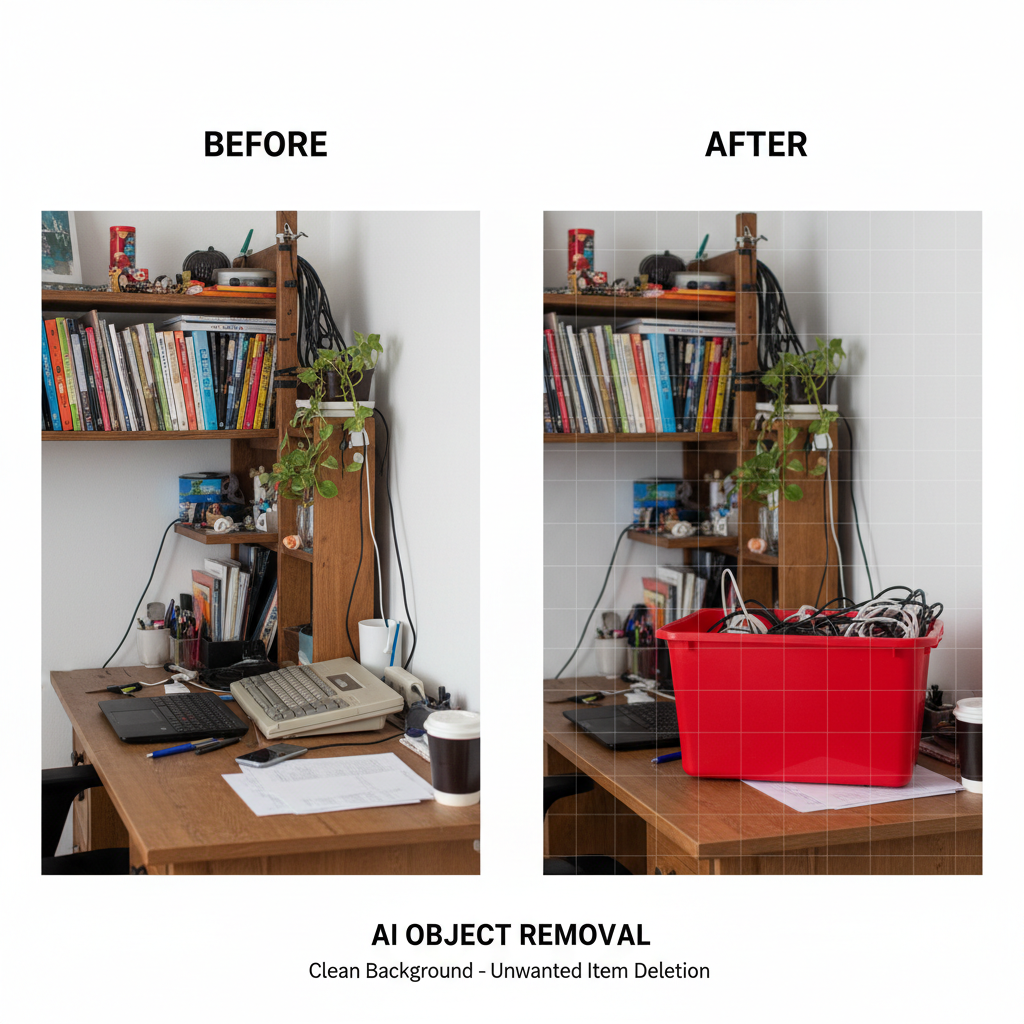
About Object Remove
Make unwanted elements disappear with our AI Object Removal tool – seamless deletion that leaves no trace. Every photographer knows the frustration: perfect shot ruined by a stranger walking through frame, beautiful landscape marred by powerlines, product image complicated by background clutter. Our AI makes it disappear: analyzing the surrounding area, understanding the scene's context, and filling the gap with content that matches seamlessly. Complex backgrounds are no problem: our inpainting handles textures, patterns, lighting gradients, and perspective with intelligent fill that makes viewers unable to spot where removal occurred. Perfect for real estate photography, product images, travel photos, portrait backgrounds, historical photo restoration, and any image where something shouldn't be there. Seamless erasure.
Features
- Seamless removal
- Background fill
- Person deletion
- Text removal
- Distraction cleanup
- Smart inpainting
Use Cases
Perfect for these applications and more
How to Create Your Object Remove
Follow these simple steps to get started
Upload Photo
Provide the image containing unwanted objects, people, or distractions you want removed.
Select Objects
Mark or describe what you want removed: people, items, text, watermarks, or other distractions.
AI Removal
Our AI intelligently removes selected objects and fills the space with convincing background.
Refine Results
Fine-tune the result if needed. Most removals are seamless on the first attempt.
Example Prompts for Object Remove
Try these prompts to get amazing results
"Remove person from this beach photo"
"Delete the signage from this building image"
"Remove watermark from this picture"
"Clear distracting elements from background"
"Remove photobomber from vacation picture"
Why Choose APATERO for Object Remove?
What makes us different from other AI generators
Frequently Asked Questions
Everything you need to know about Object Remove
Almost anything! People (strangers, photobombers), signs, wires, trash, vehicles, watermarks, text, unwanted items, and any visual element disrupting your image.
Intelligent inpainting! The AI analyzes surrounding content—textures, patterns, colors, lighting—and generates fill that continues the scene naturally. Results are seamless and invisible.
Yes! Even with detailed backgrounds, our AI understands scene context. It reconstructs what should be behind the removed person based on surrounding visual information.
Usually not! Quality removal is seamless. The AI matches lighting, texture, and perspective so precisely that edited areas are indistinguishable from original content.
Technically capable, but use responsibly! We can remove watermarks from your own images. Removing others' watermarks may violate copyright. Use ethically on images you own rights to.
Ready to Create with Object Remove?
Start generating amazing content with AI. Free tokens on signup.