Detail Enhance
Sharpening magic
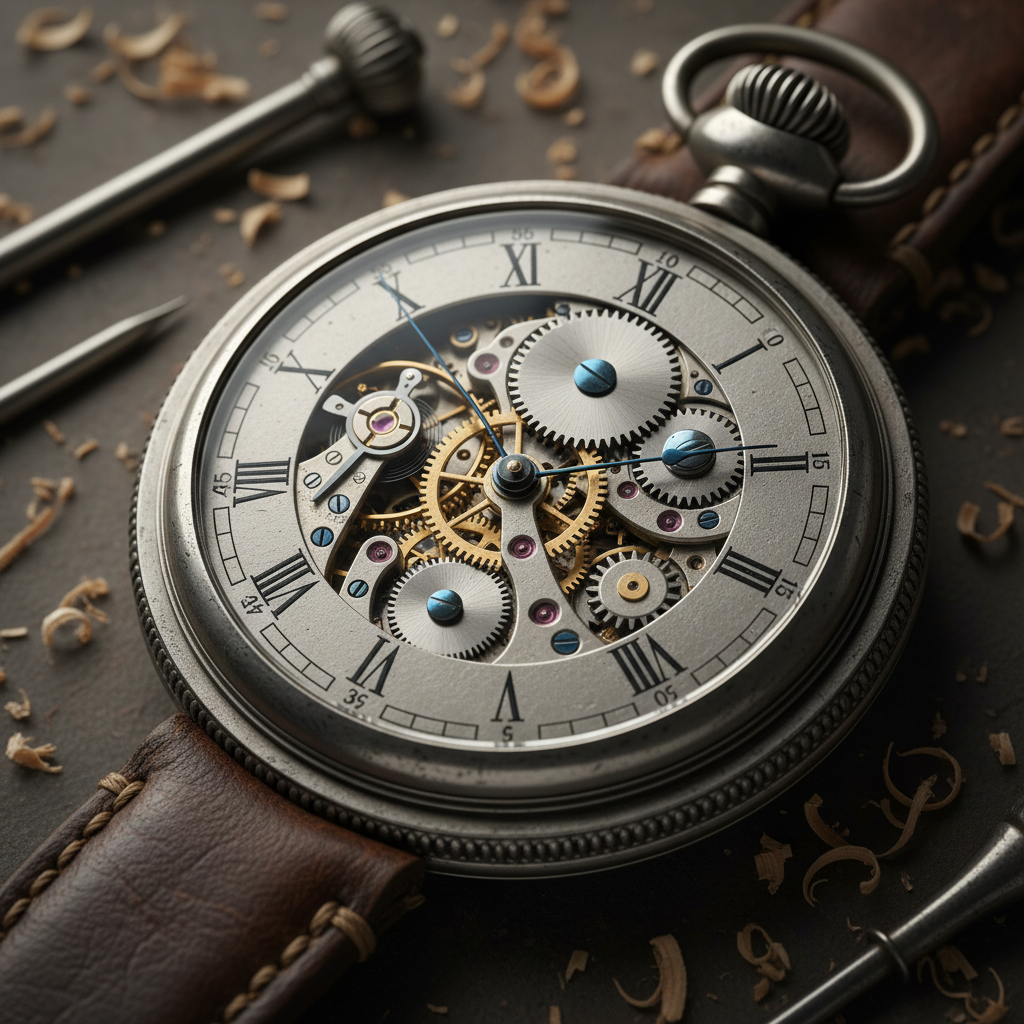
About Detail Enhance
Reveal hidden details with our AI Detail Enhancement tool – intelligent sharpening that brings clarity without artifacts. Standard sharpening creates halos and noise; over-processing makes images look artificial. Our AI enhances differently: understanding image structure, identifying genuine detail versus noise, and enhancing selectively to bring out texture and definition while maintaining natural appearance. Soft images become crisp, distant details become visible, textures become tactile. The enhancement is intelligent: areas that should be smooth stay smooth, while areas with detail get enhanced. Results look like they were captured with better equipment, not processed into oblivion. Perfect for old photo restoration, product photography, print preparation, web optimization, and any image that deserves to show its full detail. Clarity, intelligently applied.
Features
- Intelligent sharpening
- Clarity improvement
- Texture enhancement
- Noise reduction
- Edge definition
- Detail recovery
Use Cases
Perfect for these applications and more
How to Create Your Detail Enhance
Follow these simple steps to get started
Upload Image
Provide any photo needing detail enhancement, sharpening, or clarity improvement.
Analyze Quality
AI examines image structure, identifies areas for enhancement, and plans optimal improvements.
Set Enhancement Level
Choose intensity: subtle clarity boost, moderate sharpening, or maximum detail enhancement.
Enhance Details
AI intelligently enhances without artifacts: sharper edges, clearer textures, improved definition.
Example Prompts for Detail Enhance
Try these prompts to get amazing results
"Enhance details in this slightly soft photo"
"Sharpen this product image for e-commerce"
"Improve clarity and definition throughout"
"Bring out texture details in this close-up"
"Enhance sharpness without adding noise"
Why Choose APATERO for Detail Enhance?
What makes us different from other AI generators
Frequently Asked Questions
Everything you need to know about Detail Enhance
Intelligent versus mechanical! Traditional sharpening increases edge contrast uniformly, creating halos. AI enhancement understands image structure and enhances actual detail selectively.
Improves soft images! While severe motion blur is challenging, slightly soft or unfocused images see significant improvement. The AI reveals detail that was captured but not clearly visible.
Natural enhancement! Unlike over-sharpened images with obvious halos and noise, our AI produces results that look like they were captured with better equipment, not processed.
Many types! Product photography benefits from texture clarity, portraits from refined detail, landscapes from distant element definition, and any image where sharpness adds value.
Intelligent processing! The AI distinguishes between detail and noise, enhancing genuine detail while actually reducing noise artifacts. Results are cleaner and sharper simultaneously.
Ready to Create with Detail Enhance?
Start generating amazing content with AI. Free tokens on signup.