Creative Edit
Imaginative manipulation
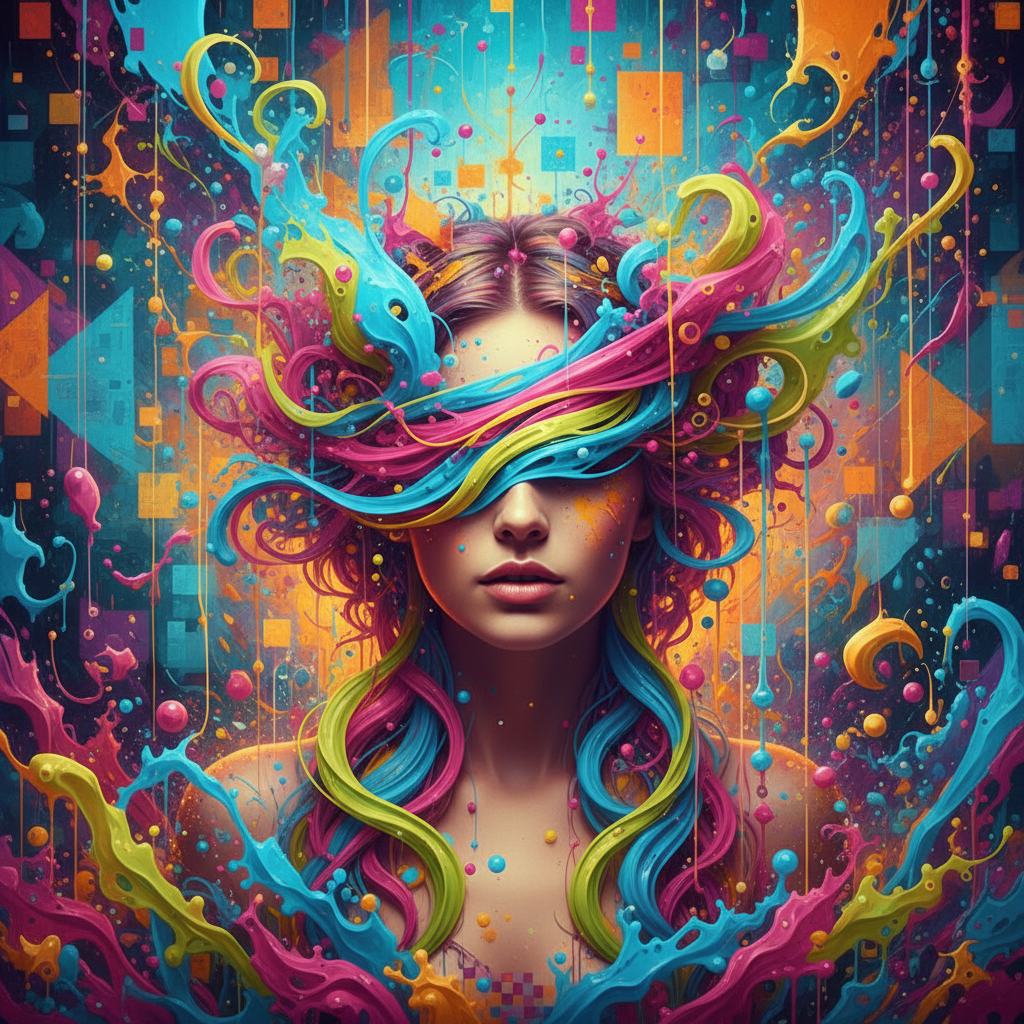
About Creative Edit
Unleash artistic freedom with our AI Creative Edit tool – transformation without limits, imagination without boundaries. While most editing enhances what's there, creative editing reimagines what could be: adding elements that never existed, transforming moods beyond recognition, taking photos into territories the camera never saw. Our AI is your creative partner: understanding artistic intention, generating elements that match style and lighting, blending additions seamlessly, and pushing images in whatever direction your imagination wants to go. This isn't correction; it's creation. Add fantastical elements to ordinary scenes, transform portraits into concept art, make the mundane magical or the ordinary extraordinary. Perfect for artists seeking tools that match their ambition, content creators needing unique visuals, and anyone whose imagination exceeds what their camera captured. Photography as starting point, imagination as destination.
Features
- Creative transformation
- Artistic manipulation
- Imaginative effects
- Bold edits
- Visual storytelling
- Artistic freedom
Use Cases
Perfect for these applications and more
How to Create Your Creative Edit
Follow these simple steps to get started
Upload Your Image
Provide any photo ready for creative transformation and artistic manipulation.
Describe Your Vision
Tell the AI what creative direction you want: surreal, colorful, dramatic, whimsical, etc.
Set Edit Parameters
Adjust how dramatic the creative edit should be, from subtle artistic touches to bold transformation.
Generate Creative Edit
AI transforms your image with imaginative, artistic treatments that go beyond standard editing.
Example Prompts for Creative Edit
Try these prompts to get amazing results
"Creative surreal transformation of this portrait"
"Add imaginative artistic elements throughout"
"Bold creative manipulation with vibrant colors"
"Transform into artistic visual story"
"Creative edit with dreamlike whimsy"
Why Choose APATERO for Creative Edit?
What makes us different from other AI generators
Frequently Asked Questions
Everything you need to know about Creative Edit
Imagination versus correction! Regular editing fixes problems. Creative editing transforms images into something the camera never captured—adding elements, changing moods, reimagining scenes entirely.
That's the point! Add fantastical elements, insert objects, create composite scenes, or transform ordinary photos into extraordinary concepts. The AI generates and blends seamlessly.
No limits! Turn portraits into fantasy characters, add magical elements to landscapes, transform day to night, change seasons—if you can describe it, the AI can attempt it.
Your choice! Creative edits can be seamlessly realistic or obviously artistic. The AI can match lighting and style for believability or create clearly fantastical transformations.
Professional quality! Create unique marketing visuals, social media content, album artwork, and creative campaigns. Results are high resolution and publication ready.
Ready to Create with Creative Edit?
Start generating amazing content with AI. Free tokens on signup.