IC-Light V2 Portrait Relighting: Complete ComfyUI Guide 2025
Master IC-Light V2 for AI portrait relighting in ComfyUI. Learn to add dramatic studio lighting, cinematic effects, and professional illumination to any photo.
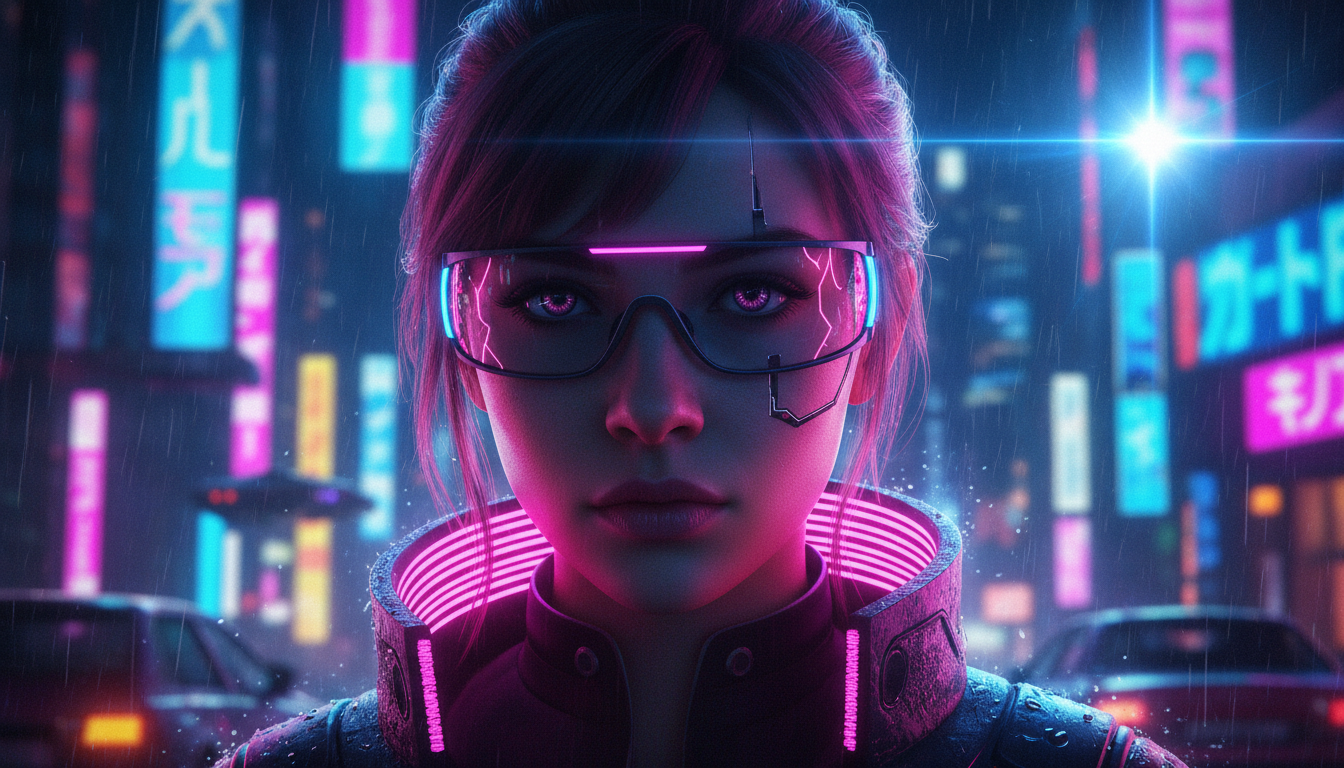
Poor lighting ruins otherwise great photos. IC-Light V2 solves this by letting you relight portraits after they're taken—adding studio-quality illumination to any image through AI.
Quick Answer: IC-Light V2 is an AI relighting model that adds consistent, controllable lighting to portraits. It works in ComfyUI through custom nodes, accepting text prompts like "dramatic side lighting" or "soft window light" to transform flat images into professionally lit portraits.
- IC-Light stands for "Imposing Consistent Light" on images
- Two modes: text-conditioned and background-conditioned relighting
- Works with SD 1.5 models in ComfyUI
- Ideal for portraits, product photos, and character art
- Light weight default is 0.18215 for ICLightConditioning
What Is IC-Light and How Does It Work?
IC-Light is an AI model designed specifically for adding and manipulating lighting in images. Unlike traditional photo editing where you adjust existing light, IC-Light generates new lighting that integrates naturally with your subject.
The model comes in two variants:
Text-Conditioned Model (iclight_sd15_fc): You describe the lighting you want in text, and the model applies it. Prompts like "golden hour sunlight from the left" or "dramatic studio lighting with strong shadows" guide the illumination.
Background-Conditioned Model (iclight_sd15_fbc): The lighting is derived from a background image you provide. Put your subject in front of a sunset, and they'll be lit as if actually standing there.
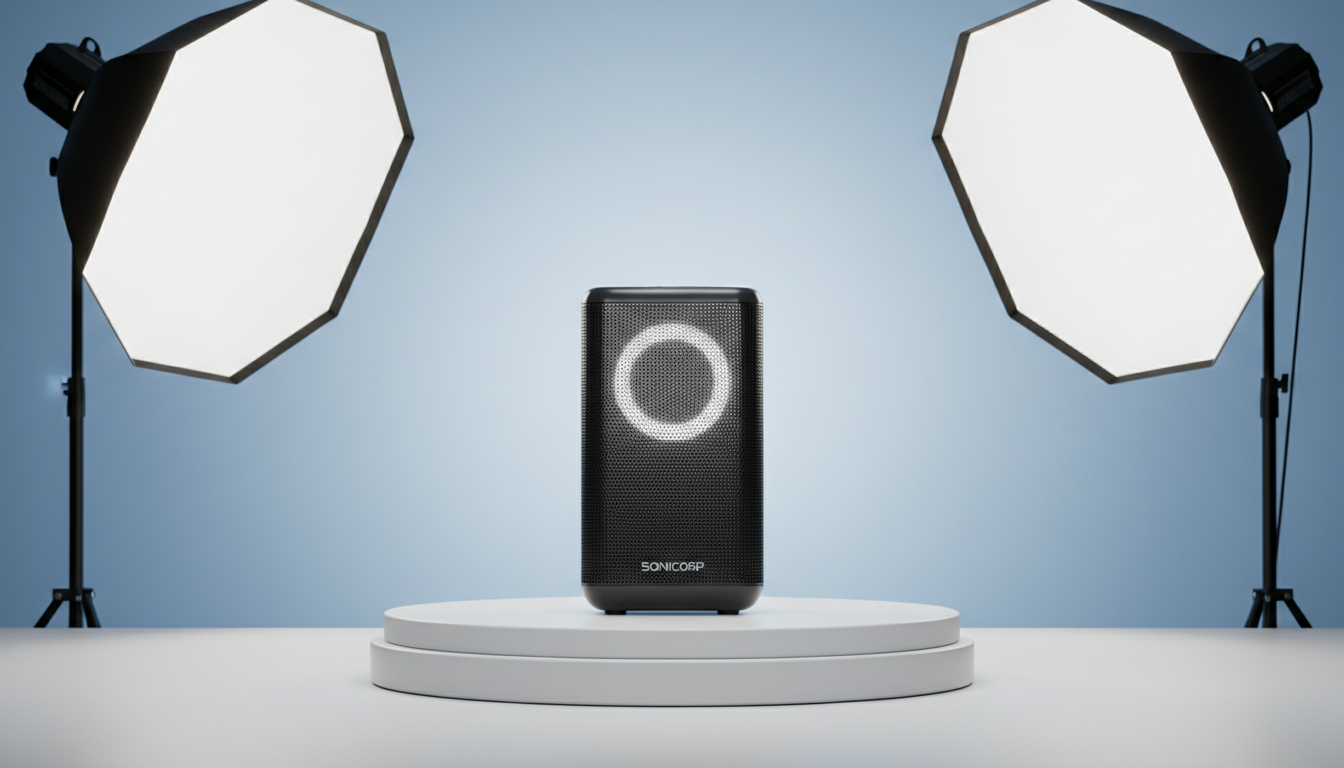 IC-Light transforms flat lighting into cinematic drama
Setting Up IC-Light in ComfyUI
Getting IC-Light running requires installing custom nodes and downloading models:
Step 1: Install the Custom Nodes
cd ComfyUI/custom_nodes
git clone https://github.com/kijai/ComfyUI-IC-Light
Alternatively, use ComfyUI Manager and search for "IC-Light."
Step 2: Download the Models
Download from HuggingFace and place in your models folder:
iclight_sd15_fc.safetensors→ComfyUI/models/unet/iclight_sd15_fbc.safetensors→ComfyUI/models/unet/
Step 3: Get a Compatible Base Model
IC-Light works with SD 1.5 models. ChilloutMix-Ni is recommended for photorealistic portraits. Place your checkpoint in the standard checkpoints folder.
Step 4: Configure Resolution
The recommended resolution is 768x1024 for portraits. This provides enough detail while keeping generation fast.
Understanding the IC-Light Workflow
A basic IC-Light workflow consists of:
- Load Image: Your source portrait
- Load Checkpoint: SD 1.5 base model
- Load IC-Light Model: The UNet for relighting
- ICLightConditioning: Where you set lighting parameters
- KSampler: Standard generation node
- Save Image: Output the relit portrait
The critical node is ICLightConditioning. Key parameters:
- Light Weight: Default 0.18215—controls how strongly the new lighting affects the image
- Prompt: Describes your desired lighting
- Negative Prompt: What to avoid in lighting
Mastering Lighting Prompts
Effective IC-Light prompts describe lighting characteristics, not subject characteristics:
Direction Prompts:
- "Light from the left side"
- "Overhead lighting"
- "Backlit with rim light"
- "Front flat lighting"
- "45-degree key light"
Quality Prompts:
- "Soft diffused light"
- "Hard dramatic shadows"
- "High contrast lighting"
- "Gentle even illumination"
Source Prompts:
- "Window light"
- "Studio softbox"
- "Neon light, city"
- "Sunshine from window"
- "Candlelight"
- "Golden hour sunlight"
Mood Prompts:
- "Cinematic film lighting"
- "Moody dark atmosphere"
- "Bright commercial lighting"
- "Mysterious shadows"
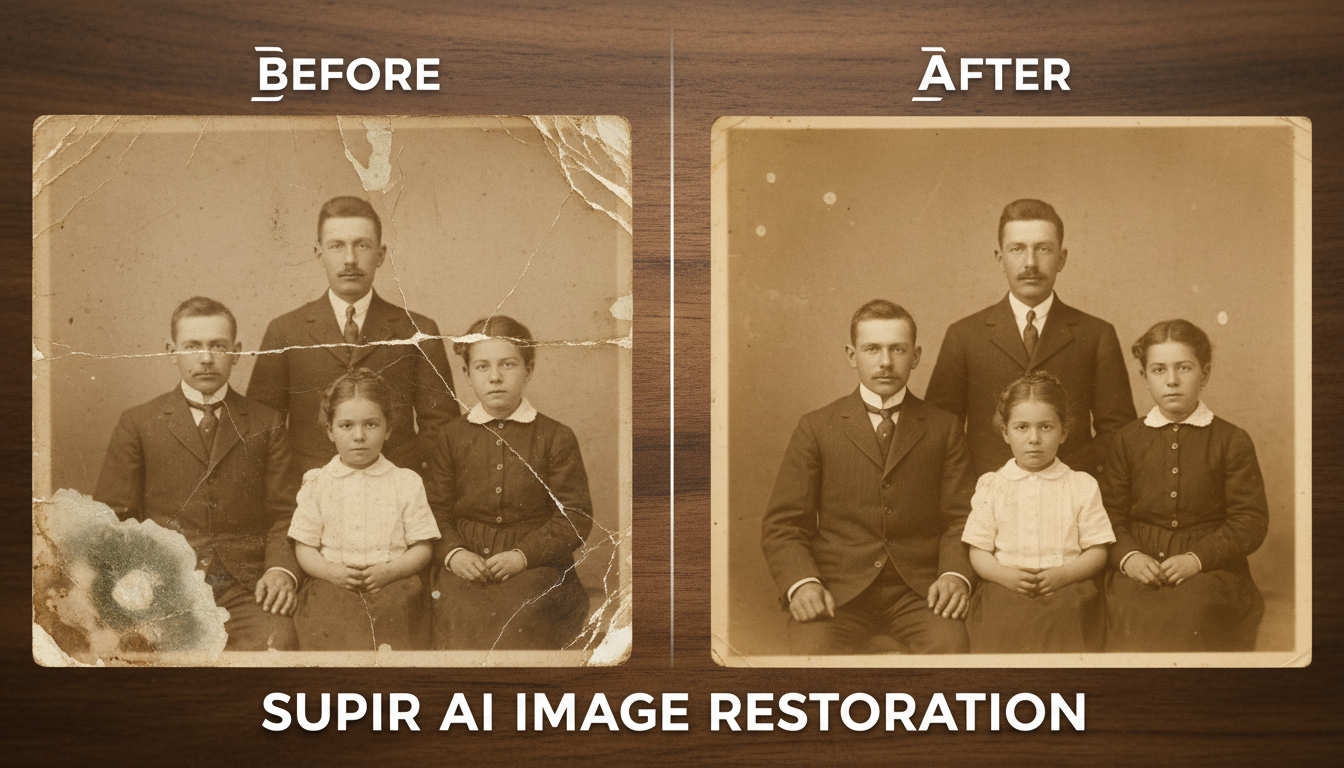 Creative lighting like neon city ambiance adds unique atmosphere
- Portrait Classic: "Soft key light from upper left, subtle fill light, dark background"
- Dramatic: "Strong side lighting, deep shadows, rim light from behind"
- Commercial: "Even soft lighting, minimal shadows, bright and clean"
- Cinematic: "Motivated practical lighting, film grain, warm color temperature"
IC-Light V2 Advanced Techniques
IPAdapter Integration: Combine IC-Light with IPAdapter to transfer lighting styles from reference images. This workflow:
- Load a reference image with lighting you like
- Use IPAdapter to extract the style
- Apply IC-Light for the actual relighting
- The combination produces more nuanced results
Multi-Pass Refinement: For maximum quality:
- First pass at low steps (15) for rough lighting
- Second pass at higher steps (30) for refinement
- Use the first output as the starting point for the second
Batch Processing: Process multiple portraits with consistent lighting:
- Set up a queue with all source images
- Use identical lighting prompts
- Results will have matching illumination for series consistency
Working with Background-Conditioned Mode
The background-conditioned model (fbc) offers different capabilities:
Instead of describing lighting, you provide a background image. The model analyzes that background's lighting and applies matching illumination to your subject.
This is powerful for:
- Compositing: Making subjects look natural in new environments
- Scene matching: Ensuring consistent lighting across elements
- Creative effects: Placing subjects in fantastical lit environments
Workflow:
- Load your subject image (ideally with transparent or neutral background)
- Load your background image
- The model matches the subject's lighting to the background
- Composite them together for smooth integration
Common Issues and Solutions
Issue: Subject's face changes Solution: Use a lower light weight (try 0.10-0.15) and add "preserve face details" to your prompt
Issue: Background also changes Solution: Use a mask to isolate the subject, or switch to the background-conditioned model
Issue: Lighting looks unnatural Solution: Simplify your prompt—complex lighting descriptions confuse the model
Issue: Colors shift unexpectedly Solution: Add color specifications: "warm lighting maintaining original skin tones"
Issue: Details blur Solution: Increase steps (25-35) and reduce denoising strength
IC-Light for Product Photography
Beyond portraits, IC-Light excels at product photos:
- Relight products to show different moods
- Create consistent catalog lighting across shots
- Add dramatic emphasis to hero product images
- Fix poorly lit e-commerce photos
For products, the approach is similar but prompts focus on:
- "Clean white studio lighting"
- "Dramatic spot lighting from above"
- "Soft gradient background lighting"
Comparing IC-Light Versions
IC-Light V1 vs V2: V2 offers improved detail preservation and more accurate lighting direction. V1 sometimes created artifacts around edges that V2 handles better.
SD15 vs SDXL: Currently IC-Light is optimized for SD 1.5 models. SDXL versions exist but are experimental. For best results, stick with SD 1.5 base models like ChilloutMix or Realistic Vision.
Performance Optimization
IC-Light is relatively lightweight:
- VRAM: ~6GB minimum for SD 1.5 workflow
- Speed: 3-5 seconds per image on RTX 3060
- Batch: Can process 4-8 images in parallel on RTX 4090
For faster processing:
- Use FP16 precision
- Reduce resolution during testing
- Enable xformers if available
Frequently Asked Questions
Does IC-Light work with SDXL?
Experimental SDXL support exists but isn't as refined as SD 1.5. For production work, SD 1.5 models are recommended.
Can I use IC-Light on video?
Yes, there's a video workflow for IC-Light that processes frame by frame. Temporal consistency requires additional care.
How is IC-Light different from ControlNet lighting?
IC-Light is purpose-built for relighting and produces more natural results. ControlNet can influence lighting but wasn't specifically trained for it.
What's the best base model for portraits?
ChilloutMix-Ni, Realistic Vision, and CyberRealistic all work well with IC-Light for photorealistic portraits.
Can I control light color specifically?
Yes, include color in your prompts: "warm orange light from left" or "cool blue rim light."
Conclusion
IC-Light V2 transforms portrait relighting from a complex post-processing task to a simple prompt-driven workflow. Whether you're fixing poorly lit photos, creating dramatic portraits, or matching lighting for composites, IC-Light delivers professional results with minimal effort.
Start with simple lighting descriptions and gradually explore more complex setups. The text-conditioned model is most versatile for general use, while the background-conditioned model excels at compositing work.
Combined with proper base models and optimized settings, IC-Light becomes an essential tool for anyone working with portraits in ComfyUI.
Some models you cannot download at any VRAM
Veo, Kling and Nano Banana have closed weights. There is no local build, no quantization, no 24GB workaround. Run them in the browser instead. Check current model access and generation costs in the app.
Related Articles

5 Proven AI Influencer Niches That Actually Make Money in 2025
Discover the most profitable niches for AI influencers in 2025. Real data on monetization potential, audience engagement, and growth strategies for virtual content creators.

AI Background Replacement: Professional Guide 2025
Master AI background replacement for professional results. Learn rembg, BiRefNet, and ComfyUI workflows for smooth background removal and replacement.

AI Character Consistency: How to Maintain Virtual Persona Identity Across Content
Learn techniques for maintaining AI character consistency across hundreds of images. Master the art of creating recognizable virtual personas with consistent visual identity.