YouTube Captions
Video subtitles
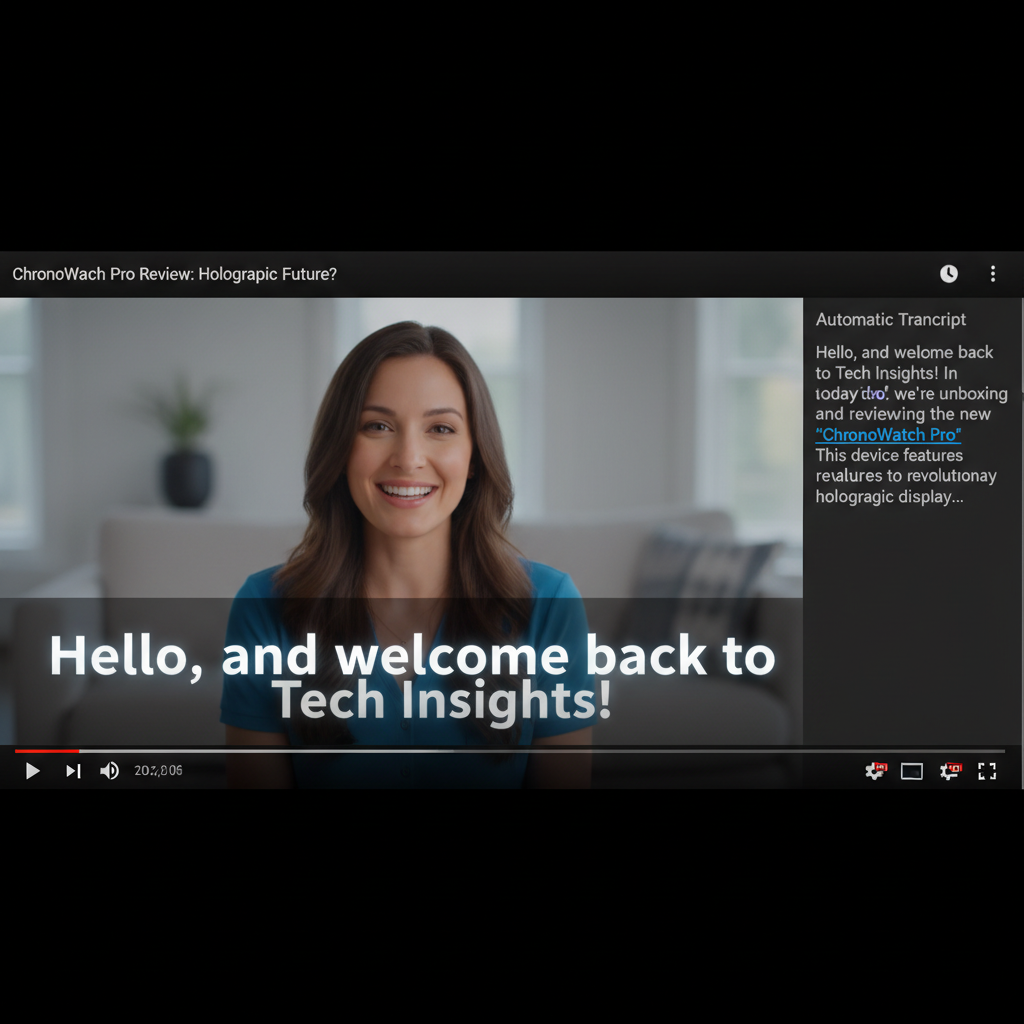
About YouTube Captions
Generate YouTube-optimized captions and SRT files with our AI YouTube Captions Generator – boost accessibility, SEO, and viewer retention. YouTube rewards videos with captions: they're indexed for search, improve accessibility, and keep viewers engaged. Our AI generates accurate transcriptions formatted specifically for YouTube, with proper timing, appropriate line breaks, and export to SRT format ready for upload. SEO keywords are captured. Speaker changes are noted. Editing is simple. Perfect for all YouTube content: tutorials, vlogs, reviews, educational videos, and any content that deserves to reach its full audience.
Features
- YouTube-optimized format
- SRT/VTT export
- Timestamp accuracy
- Multi-language support
- SEO keyword detection
- Easy editing interface
Use Cases
Perfect for these applications and more
How to Create Your YouTube Captions
Follow these simple steps to get started
Upload Video
Upload your YouTube video content
AI Transcription
Speech converted to text with timestamps
Formatting
Captions formatted for YouTube standards
Download
Get SRT file ready to upload
Example Prompts for YouTube Captions
Try these prompts to get amazing results
"Generate SRT for YouTube tutorial"
"Create captions for vlog"
"Transcribe educational video"
"Add subtitles to review video"
Why Choose APATERO for YouTube Captions?
What makes us different from other AI generators
Frequently Asked Questions
Everything you need to know about YouTube Captions
Yes! Our SRT files are specifically formatted for YouTube's caption upload system. Just upload directly to your video.
Absolutely! Captions are indexed by YouTube, improving searchability and helping your videos rank for spoken keywords.
Yes, review and edit all captions in our editor before downloading. Fix any errors and adjust timing as needed.
Timestamp markers are included. These can help you create YouTube chapters for better navigation.
We support videos of any length. Long-form content like podcasts and lectures are handled efficiently.
Ready to Create with YouTube Captions?
Start generating amazing content with AI. Free tokens on signup.