Object Swap
In-video replacement
About Object Swap
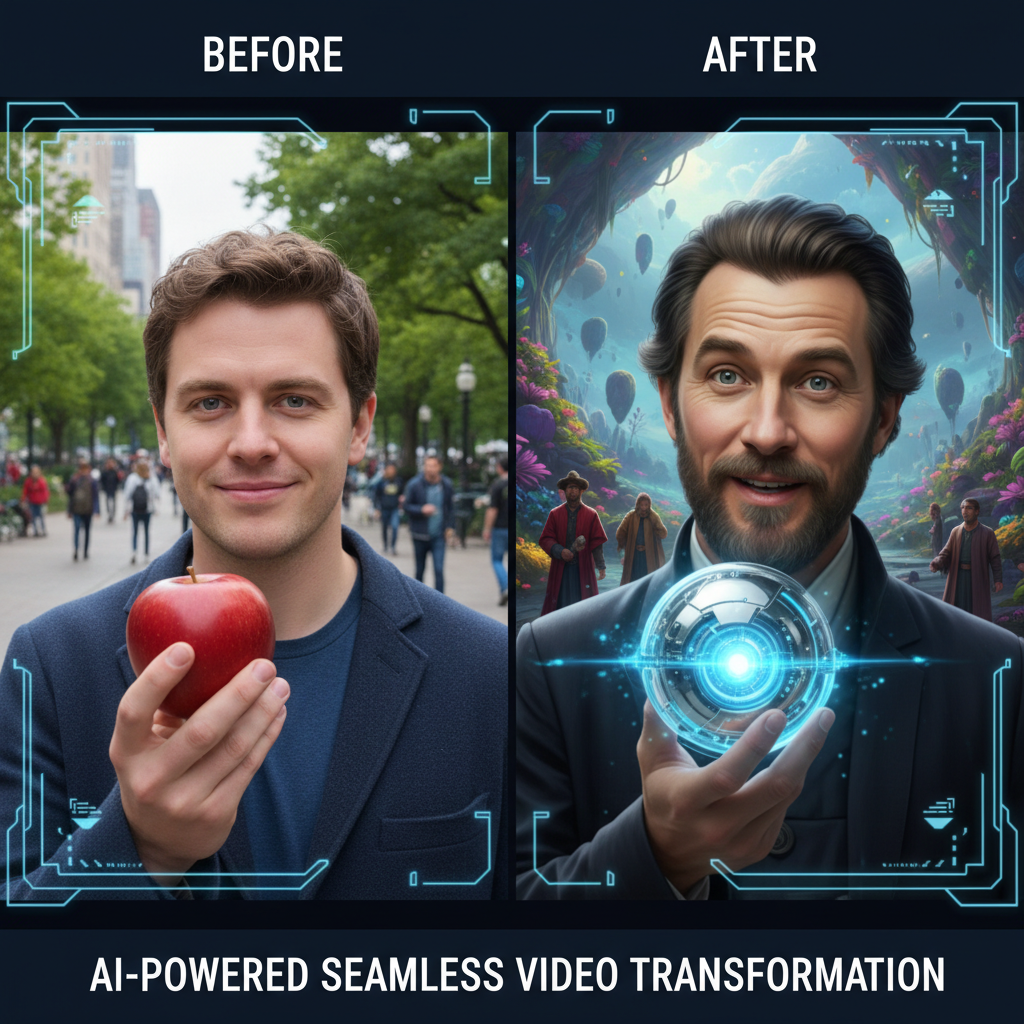
Swap faces and objects seamlessly in video with our AI Replacement Tool – professional compositing without frame-by-frame work. Video replacement has traditionally required painstaking frame-by-frame work. Our AI automates this entirely: track a face or object through footage and replace it with something else, maintaining proper lighting, perspective, and motion blur. Face swaps are seamless. Object replacements are convincing. The effect tracks naturally through motion. Perfect for creative projects, privacy protection, brand replacement, and any video where you need to change what's on screen.
Features
- Face replacement
- Object swapping
- Frame tracking
- Seamless blending
- Motion matching
- Natural integration
Use Cases
Perfect for these applications and more
How to Create Your Object Swap
Follow these simple steps to get started
Example Prompts for Object Swap
Try these prompts to get amazing results
"Replace product label with my brand"
"Swap face throughout entire video"
"Replace car model in footage"
Why Choose APATERO for Object Swap?
What makes us different from other AI generators
Frequently Asked Questions
Everything you need to know about Object Swap
Very seamless—the AI handles lighting, perspective, motion blur, and natural movement for undetectable results.
Yes! Advanced tracking handles fast movement, and motion blur is properly applied to maintain realism.
Absolutely! Replace multiple faces or objects in the same video, each with its own replacement.
The AI handles objects passing in front of swapped elements, maintaining natural occlusion throughout.
Yes, perfect for anonymizing faces in content while maintaining natural appearance and movement.
Ready to Create with Object Swap?
Start generating amazing content with AI. Free tokens on signup.