Thumbnail Upscale
Enlarge small images
About Thumbnail Upscale
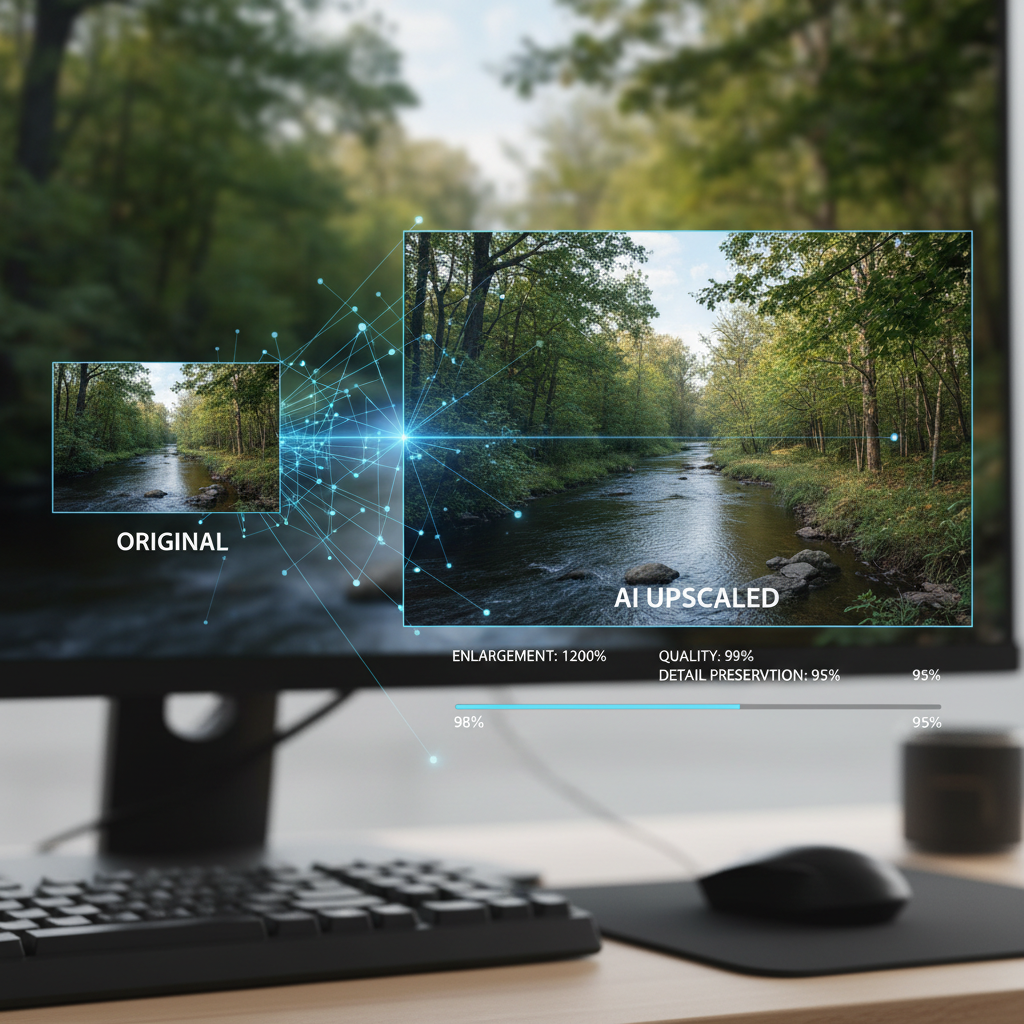
Enlarge tiny thumbnails and preview images to full size without the blur using our AI Thumbnail Upscaler – the technology that creates detail where none existed. Sometimes all you have is a tiny preview image, avatar, or thumbnail. Traditional enlargement produces unusable blur. AI upscaling generates realistic, appropriate detail – turning a 100x100 pixel thumbnail into a usable full-size image. Our technology understands image content and creates plausible detail at larger sizes: facial features, textures, edges, and patterns that look natural even at significant enlargement. Perfect for rescuing small reference images, enlarging social media avatars, recovering preview-only images, and any situation where you need a larger version of a tiny image.
Features
- Extreme upscaling
- Detail synthesis
- Quality preservation
- Multiple scale options
- Batch processing
- Smart enhancement
Use Cases
Perfect for these applications and more
How to Create Your Thumbnail Upscale
Follow these simple steps to get started
Upload Thumbnail
Upload your small image or thumbnail
Size Selection
Choose your target resolution
AI Upscaling
AI generates realistic detail at larger size
Download
Get your full-size enhanced image
Example Prompts for Thumbnail Upscale
Try these prompts to get amazing results
"Enlarge product thumbnail to full size"
"Upscale social media preview image"
"Make avatar image larger"
"Enhance small reference photo"
Why Choose APATERO for Thumbnail Upscale?
What makes us different from other AI generators
Frequently Asked Questions
Everything you need to know about Thumbnail Upscale
Our AI can work with images as small as 64x64 pixels, though larger sources produce better results. Even tiny thumbnails can be enlarged significantly.
Yes! The AI generates plausible detail based on image content—it doesn't just blur or stretch the original pixels.
Absolutely! Small profile pictures, avatars, and social media thumbnails are perfect candidates for AI upscaling.
We support up to 8x enlargement, though 4x typically provides the best quality-to-size ratio for most thumbnails.
Better source images produce better results, but our AI can create impressive enlargements even from very small, low-quality thumbnails.
Ready to Create with Thumbnail Upscale?
Start generating amazing content with AI. Free tokens on signup.