Screenshot Enhance
Sharpen captures
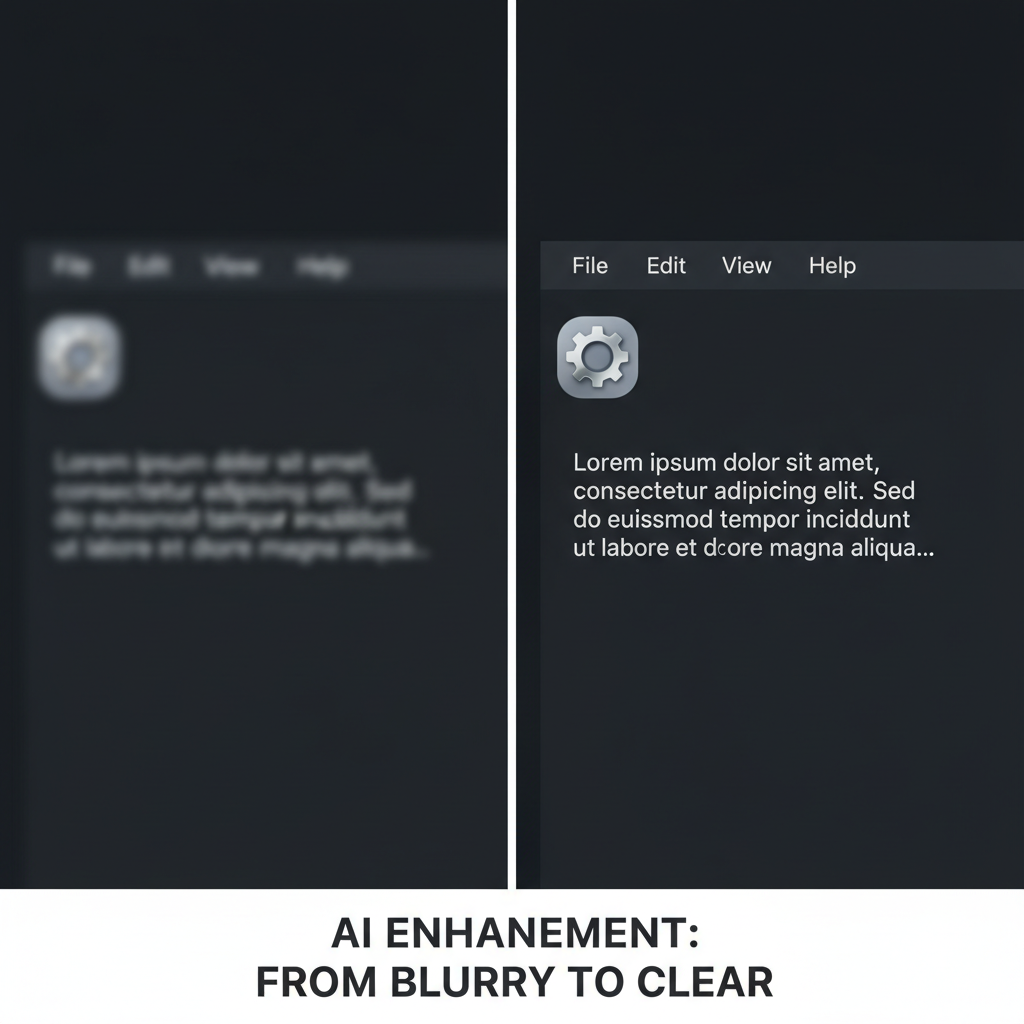
About Screenshot Enhance
Transform blurry, compressed screenshots into crisp, professional images with our AI Screenshot Enhancer – the technology that recovers clarity from compression artifacts. Screenshots suffer from unique problems: JPEG compression destroys text clarity, low resolution makes interfaces illegible, and quick captures often sacrifice quality. Our AI is specifically optimized for screenshot content, understanding text, UI elements, icons, and interface patterns. Text is sharpened to perfect readability. Compression artifacts are eliminated. Resolution is enhanced. Perfect for documentation, tutorials, bug reports, presentations, and any situation where you need clear, professional screenshots. Turn that blurry capture into a crisp, publication-ready image.
Features
- Text sharpening
- Artifact removal
- Resolution boost
- Interface clarity
- Compression fix
- Detail enhancement
Use Cases
Perfect for these applications and more
How to Create Your Screenshot Enhance
Follow these simple steps to get started
Upload Screenshot
Upload your screen capture image
Content Analysis
AI detects text, UI elements, and graphics
Enhancement
Sharpening and artifact removal applied
Download
Get your crisp, clear screenshot
Example Prompts for Screenshot Enhance
Try these prompts to get amazing results
"Sharpen blurry screenshot text"
"Remove JPEG artifacts from capture"
"Enhance low-res screen recording frame"
"Improve tutorial screenshot quality"
Why Choose APATERO for Screenshot Enhance?
What makes us different from other AI generators
Frequently Asked Questions
Everything you need to know about Screenshot Enhance
Yes! Our AI is specifically optimized for text content, making blurry or compressed text crisp and readable.
Absolutely. JPEG compression artifacts—those blocky, color-shifted areas—are intelligently removed and reconstructed.
Yes, our AI understands user interface patterns and enhances buttons, icons, and UI elements appropriately.
Typically 2-4x resolution enhancement with significantly improved clarity, especially for text and interface elements.
Yes! Individual frames from screen recordings can be enhanced for tutorials, documentation, or presentations.
Ready to Create with Screenshot Enhance?
Start generating amazing content with AI. Free tokens on signup.