Parallax Video
3D depth effect
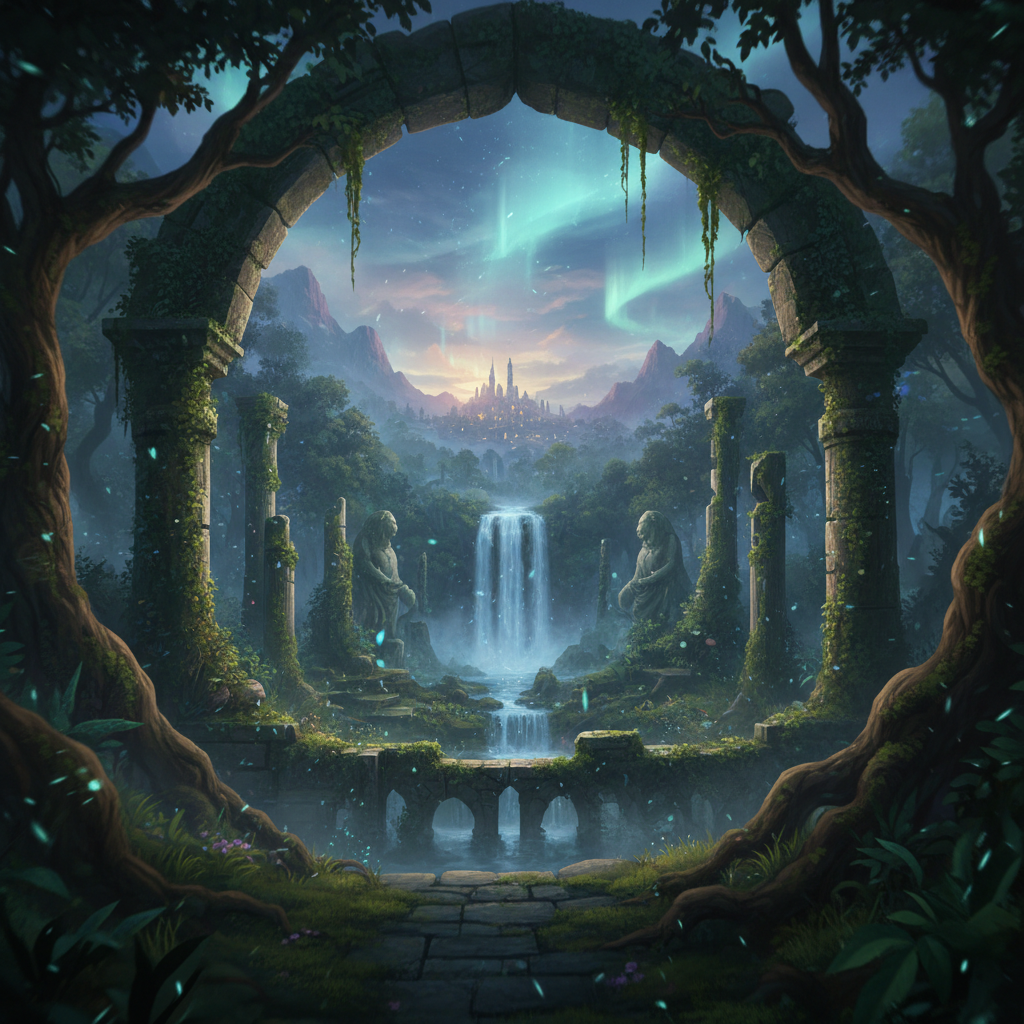
About Parallax Video
Transform any 2D image into an immersive 3D experience with our AI Parallax Video Generator – depth and dimension from flat photographs, creating the illusion of moving through space. Our AI analyzes your image to identify depth layers: separating foreground subjects from midground elements and distant backgrounds. Then it renders smooth camera movement through these layers, creating the parallax effect where closer objects move more than distant ones – the same depth perception that makes VR feel real, applied to your static images. Perfect for documentary visuals giving life to historical photos, memorial tributes adding emotional depth, real estate presentations creating virtual presence, marketing videos adding premium production value, social media content standing out from static posts, and photo slideshows transformed into cinematic experiences. The Ken Burns effect evolved – turn any photo into an immersive journey.
Features
- 3D depth from 2D
- Layered motion effects
- Immersive camera movement
- Ken Burns enhanced
- Depth map generation
- Smooth parallax motion
Use Cases
Perfect for these applications and more
How to Create Your Parallax Video
Follow these simple steps to get started
Upload Your Image
Provide any 2D image: photograph, artwork, illustration. Our AI analyzes depth cues and creates a 3D understanding of the scene.
Define Depth Layers
Review the AI-generated depth map separating foreground, midground, and background. Adjust if needed for perfect parallax effect.
Set Camera Movement
Design the virtual camera motion: gentle pan, dramatic push, slow zoom, or complex multi-directional path through the depth layers.
Generate Parallax Video
Our AI renders smooth parallax video with proper depth separation, creating the illusion of moving through a 3D space from your 2D image.
Example Prompts for Parallax Video
Try these prompts to get amazing results
"Create a parallax video slowly pushing into a landscape photograph"
"Generate a 3D depth effect panning across a family portrait"
"Make a dramatic parallax zoom through a cityscape image"
"Create a gentle Ken Burns parallax effect on a historical photo"
"Generate an artistic parallax video moving through an illustration"
Why Choose APATERO for Parallax Video?
What makes us different from other AI generators
Frequently Asked Questions
Everything you need to know about Parallax Video
Parallax is when closer objects move faster than distant objects during camera movement – how our eyes perceive depth. Applied to 2D images, it creates the illusion of 3D space: foreground, midground, and background moving at different rates.
Images with clear depth: landscapes with foreground/background separation, portraits with subject and environment, cityscapes with near and far buildings, illustrations with layered elements. More depth cues in the image = more dramatic parallax.
Our AI analyzes visual cues: relative size, occlusion (what's in front of what), atmospheric perspective, focus blur, and learned depth patterns from millions of images. It creates accurate depth maps separating layers automatically.
Full range: horizontal panning, vertical tilting, pushing in/pulling out, diagonal movements, circular orbits, and complex multi-directional paths. Subtle movements often work better than dramatic ones for natural-feeling parallax.
Ken Burns is simple pan and zoom on flat images. Parallax adds dimensional depth – layers move at different speeds creating true 3D illusion. Think of it as Ken Burns evolved: same photographs, dramatically more immersive results.
Ready to Create with Parallax Video?
Start generating amazing content with AI. Free tokens on signup.