Object Swap
Item replacement
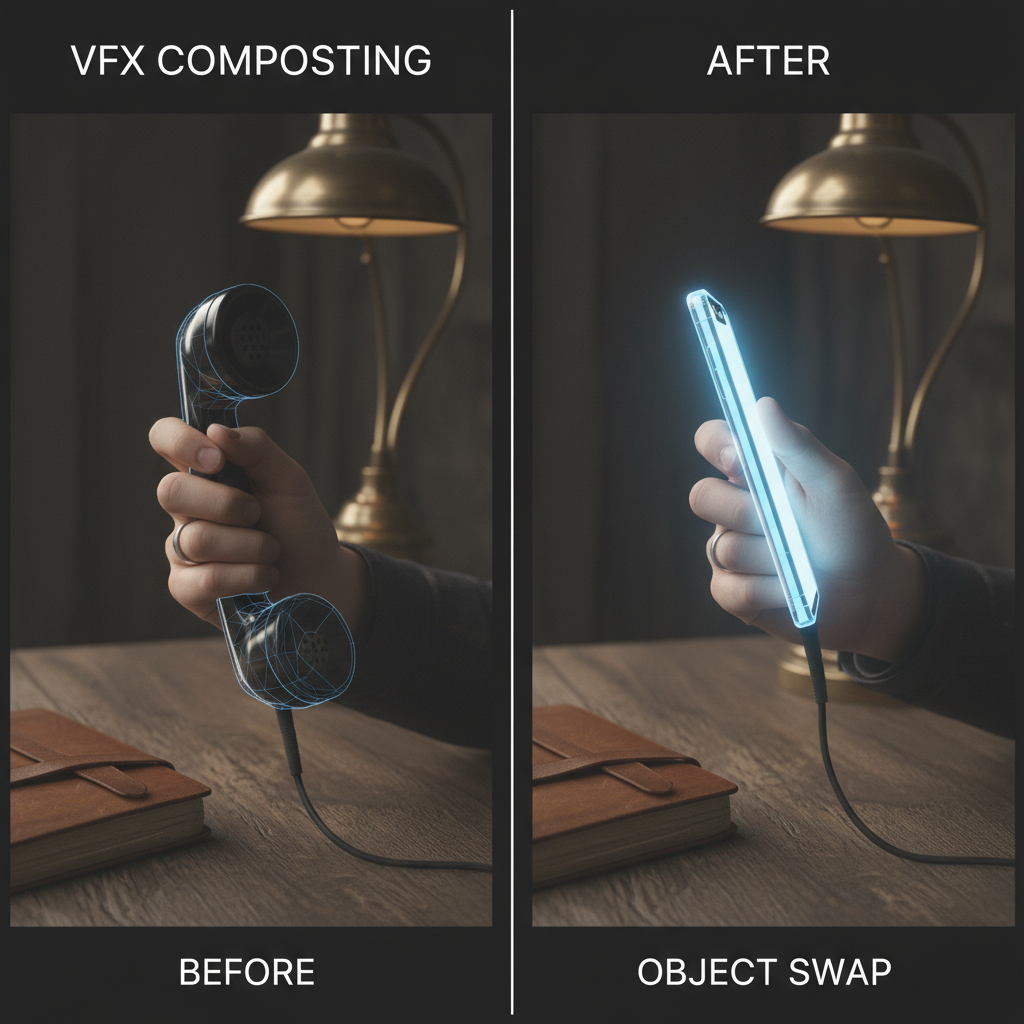
About Object Swap
Seamlessly replace objects in video with our AI Object Swap Tool – change any item in your footage without reshooting. Need to change what's in your video? Our AI can replace objects seamlessly: swap products, change items, replace elements while maintaining proper lighting, shadows, and perspective throughout the shot. Motion is tracked automatically, replacements integrate naturally. Perfect for product placement, content modifications, post-production fixes, and any situation where you need to change what appears in your footage.
Features
- Seamless replacement
- Shadow matching
- Lighting consistency
- Perspective correction
- Multiple objects
- Natural integration
Use Cases
Perfect for these applications and more
How to Create Your Object Swap
Follow these simple steps to get started
Example Prompts for Object Swap
Try these prompts to get amazing results
"Replace coffee cup with wine glass"
"Swap old furniture with modern design"
"Replace car model with different vehicle"
Why Choose APATERO for Object Swap?
What makes us different from other AI generators
Frequently Asked Questions
Everything you need to know about Object Swap
Most objects can be swapped—products, items, elements in the scene. Complex or heavily occluded objects may need more processing.
The AI analyzes scene lighting and applies matching illumination to the replacement object for seamless integration.
Yes! Objects are tracked through the entire shot with proper perspective and motion blur maintenance.
Absolutely! Upload images of replacement objects or describe what you want to place in the scene.
The AI generates appropriate shadows and reflections for swapped objects to maintain scene consistency.
Ready to Create with Object Swap?
Start generating amazing content with AI. Free tokens on signup.