WAN SCAIL: Studio-Grade Character Animation That Actually Delivers
Complete guide to SCAIL for character animation. 3D pose control, ComfyUI setup, and how to get studio-quality results from a single reference image.
Some models you cannot download at any VRAM
Veo, Kling and Nano Banana have closed weights. There is no local build, no quantization, no 24GB workaround. Run them in the browser instead. First generation free.
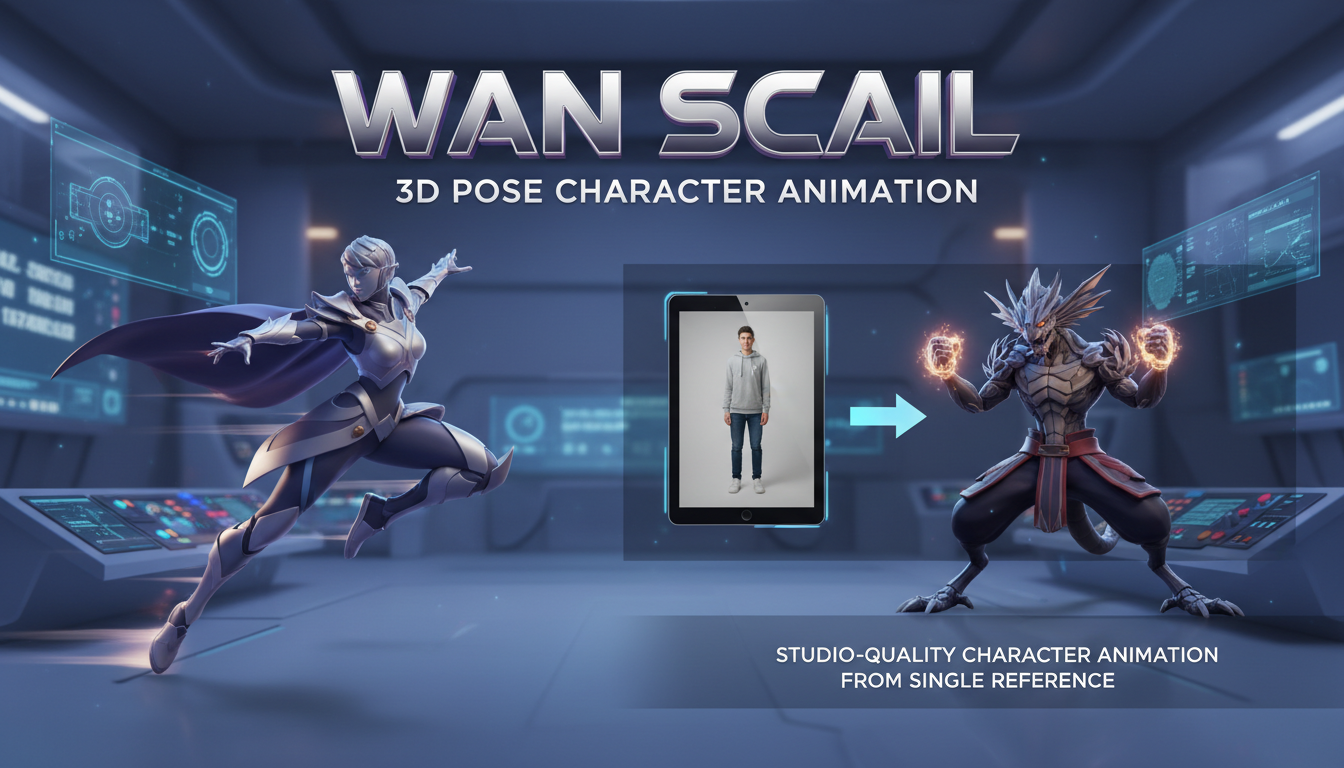
SCAIL dropped in December 2025 and immediately changed what's possible for character animation. One reference image. Any pose sequence. Studio-quality output. This isn't incremental improvement. It's a different capability entirely.
Quick Answer: SCAIL (Studio-grade Character Animation via In-context Learning) uses 3D-consistent pose representations to animate characters from a single reference image. It handles large motions, stylized characters, and multi-character scenes that break traditional pose-based methods.
- Single reference image generates full character animations
- 3D pose representation handles complex motions like flips and turns
- Works with realistic humans, stylized characters, and anime
- Multi-character animation supported without per-frame guidance
- ComfyUI integration available via WanVideoWrapper
- 14B model runs on 24GB+ VRAM, GGUF version for lower specs
What Makes SCAIL Different
Here's the problem with traditional pose-guided animation: 2D pose representations break when motions get complex. A character turning around, doing a flip, or occluding parts of their body causes traditional methods to fail.
SCAIL solves this with 3D-consistent pose representation. Instead of flat 2D skeletons, it uses actual 3D keypoints rendered as spatial cylinders. The result is guidance that understands depth and maintains consistency through complex motions.
I've tested this extensively over the past few weeks. Motions that made previous methods completely fail work reliably with SCAIL. The difference is dramatic.
The Technical Foundation
SCAIL introduces two key innovations:
1. 3D Pose Representation The system connects estimated 3D human keypoints according to skeletal topology and represents bones as spatial cylinders. These get rasterized to 2D for motion guidance. Unlike flat pose drawings, this preserves 3D spatial relationships.
2. Full-Context Pose Injection Rather than conditioning frame-by-frame, SCAIL uses a diffusion-transformer architecture that reasons over full motion sequences. The model sees the entire trajectory, not individual frames, which dramatically improves temporal consistency.
These aren't just technical details. They explain why SCAIL works where others fail.
What SCAIL Can Actually Do
Let me be specific about capabilities I've verified:
Works reliably:
- Realistic human characters from photos
- Stylized characters and anime
- Complex motions (flips, turns, dynamic poses)
- Multi-character scenes
- Maintaining identity across varied poses
- Transferring motion from driving video to any character
Works but with caveats:
- Very long sequences (some drift over time)
- Extreme close-ups (designed for full-body work)
- Characters with unusual proportions
Doesn't work well:
- Non-humanoid characters (no skeletal match)
- Detailed hand animations (pose extraction limitation)
- Faces in extreme close-up (out of scope)
Interestingly, despite only 1.5% of SCAIL's training data being anime, it generalizes remarkably well to anime characters. The 3D pose representation transfers across styles.
Getting SCAIL Running in ComfyUI
As of December 2025, SCAIL has official ComfyUI support. Here's the setup:
Required Custom Nodes
- ComfyUI-WanVideoWrapper (Kijai's wrapper)
- ComfyUI-WanAnimatePreprocess (for DWpose extraction)
- ComfyUI-SCAIL-Pose (for SCAIL-specific pose handling)
Install these through ComfyUI Manager or manually clone the repos.
Model Files
Download and place in your ComfyUI models folder:
Main model:
Wan21-14B-SCAIL-preview_comfy_bf16.safetensors goes in ComfyUI/models/diffusion_models/
For lower VRAM: GGUF quantized version is available thanks to VantageWithAI. Use this if you have less than 24GB VRAM.
Workflow Location
The example workflow wanvideo_SCAIL_pose_control_example_01.json is found inside:
ComfyUI/custom_nodes/ComfyUI-WanVideoWrapper/example_workflows/
Load this as your starting point.
Preparing Your Inputs
SCAIL needs two inputs: a reference image and a driving pose sequence.
Reference Image Requirements
- Clear, well-lit image of your character
- Full body or significant portion visible
- Character in a natural standing or neutral pose works best
- Resolution at least 512x512
The reference image provides identity. SCAIL extracts appearance, clothing, and character features from this single image.
Driving Video Requirements
- Video of the motion you want your character to perform
- Can be you, a dancer, anyone
- Reasonable video quality (pose extraction needs to work)
- Motion should be appropriate for your character
The driving video provides motion. SCAIL extracts poses from this and applies them to your reference character.
Pose Extraction Process
SCAIL uses its own pose extraction pipeline:
- Reference image and driving video go into the pose extractor
- 3D poses are estimated for each frame
- Poses are rendered as the guidance signal
- This guidance drives the generation
The workflow handles this automatically, but understanding the process helps with troubleshooting.
Free ComfyUI Workflows
Find free, open-source ComfyUI workflows for techniques in this article. Open source is strong.
Optimal Settings I've Found
After extensive testing, these settings work well:
Generation settings:
- Steps: 30-50 (more for quality, fewer for speed)
- CFG: 6-8
- Resolution: 512px for speed, 768px for quality
Pose control strength:
- Default (1.0) works for most cases
- Reduce to 0.8 if character looks too stiff
- Increase beyond 1.0 rarely helps
Sequence length:
- 2-5 seconds works reliably
- Longer sequences may show drift
- Consider generating in segments for long content
Multi-Character Animation
This is where SCAIL surprised me. Multi-character animation typically requires tracking each character separately and dealing with interactions.
SCAIL's approach: when processing multi-character data, each character is segmented, their poses extracted, and then rendered together. The model handles interactions implicitly.
In practice, this means you can have two or more characters in your driving video, provide reference images for each, and SCAIL generates all of them animated together. The characters maintain their individual identities while performing coordinated motion.
I tested this with dance sequences featuring two performers. SCAIL kept both characters distinct and animated correctly. Previous methods struggled badly with this.
Comparison to Other Approaches
SCAIL vs. WAN 2.2 Animate
WAN 2.2 Animate is the official character animation solution from the WAN team. Both work, but they're optimized differently:
SCAIL strengths:
- Better 3D pose consistency
- Handles complex motions better
- Open source with full control
WAN 2.2 Animate strengths:
- More integrated with WAN ecosystem
- Dual mode (animation + replacement)
- Active official development
For complex motions and open source priority, SCAIL wins. For ecosystem integration, WAN 2.2 Animate is smoother.
Want to skip the complexity? Apatero gives you professional AI results instantly with no technical setup required.
SCAIL vs. Traditional Pose Transfer
Traditional pose transfer methods (like those based on DWPose alone):
SCAIL advantages:
- 3D consistency through turns and occlusion
- Full-sequence reasoning vs. frame-by-frame
- Better handling of motion blur and artifacts
Traditional advantages:
- Faster (no full sequence processing)
- Works on lower-end hardware
- More mature ecosystem
For quality-critical work, SCAIL is clearly superior. For quick iterations on simple poses, traditional methods still have their place.
Troubleshooting Common Issues
Issue: Pose extraction fails
Usually missing dependencies. Make sure taichi and pyrender are installed. ComfyUI-SCAIL-Pose has specific requirements beyond standard ComfyUI.
Issue: Character identity drifts during animation
Try stronger reference conditioning or generate in shorter segments. Very long sequences can accumulate drift.
Issue: Motion looks stiff or robotic
Reduce pose control strength slightly (0.8 instead of 1.0). The model might be over-constraining to the pose guidance.
Issue: Output quality is poor
Earn Up To $1,250+/Month Creating Content
Join our exclusive creator affiliate program. Get paid per viral video based on performance. Create content in your style with full creative freedom.
Increase step count. 50 steps produces notably better quality than 30 for final renders. Also check that you're using bf16 precision, not fp32.
Issue: VRAM overflow
Use the GGUF quantized model version. Reduces memory significantly with modest quality trade-off. Also reduce resolution during iteration.
Real Workflow Example
Let me walk through an actual use case I completed recently:
Goal: Animate a fantasy character design doing a sword fighting sequence
Process:
- Created character reference image (AI generated warrior)
- Recorded myself doing sword fighting moves (the driving video)
- Extracted poses from my video via SCAIL-Pose
- Applied to character with SCAIL generation
- Upscaled and refined the output
Results: 5-second animation of my character performing the exact moves I recorded. Identity consistent throughout, motion smooth, complex turns handled correctly.
Time investment: About 2 hours including recording, processing, and generation. Manual animation of the same would take days.
Using SCAIL with Apatero
Full disclosure: I work with Apatero.com. SCAIL support is something we're evaluating. The model is new and the workflow requires specific infrastructure.
For now, SCAIL is primarily a local workflow. If you're already using Apatero for other video generation and want SCAIL capabilities, running it locally alongside is the current approach.
The beauty of open source: you can run SCAIL yourself regardless of any platform decisions.
What's Coming for SCAIL
Based on the SCAIL GitHub and recent updates:
December 2025 releases:
- WAN official framework integration (easier inference)
- ComfyUI native support
- GGUF quantized versions for accessibility
Expected soon:
- Multi-character tracking in ComfyUI
- Higher resolution support
- Longer sequence handling
The project is actively developed. Following the GitHub gives you the latest capabilities.
Frequently Asked Questions
What hardware do I need for SCAIL?
24GB+ VRAM for the full bf16 model. GGUF version works on 12-16GB with quality trade-off. More VRAM = faster generation and higher resolution.
Can SCAIL animate non-human characters?
Not directly. The pose representation is based on human skeletal structure. Animals, monsters, or robots would need different pose systems.
How long can animations be?
2-5 seconds works reliably. Longer sequences show some drift. For extended content, generate in segments and combine.
Is SCAIL better than training a LoRA?
Different tools. LoRAs learn specific characters for repeated use. SCAIL animates any character from a single image. Use both for different purposes.
Can I use my own driving motion?
Yes, that's the typical workflow. Record yourself, extract poses, apply to any character. You become the motion actor for your AI characters.
Does SCAIL work with anime characters?
Yes, surprisingly well. Despite limited anime training data, the 3D pose representation transfers across styles effectively.
Final Thoughts
SCAIL represents a genuine step forward for character animation. The 3D-consistent pose representation solves problems that plagued previous methods. Complex motions work. Multi-character scenes work. Stylized characters work.
The barrier to entry is significant if you're new to ComfyUI and local AI workflows. Setup requires attention to dependencies and model placement. But once running, the capabilities are remarkable.
For anyone doing character animation work, especially with complex motions or multi-character scenes, SCAIL is now the method I recommend. The open source nature means you can run it yourself, modify it, and build on it.
Give it a try. Record yourself doing the motion you want. Apply it to any character. The results speak for themselves.
Related guides: WAN 2.2 LoRA Training, PersonaLive Real-Time Avatar, Z-Image ControlNet Guide
Some models you cannot download at any VRAM
Veo, Kling and Nano Banana have closed weights. There is no local build, no quantization, no 24GB workaround. Run them in the browser instead. First generation free.
Related Articles
AI Video Denoising and Restoration: Complete Guide to Fixing Noisy Footage (2025)
Master AI video denoising and restoration techniques. Fix grainy footage, remove artifacts, restore old videos, and enhance AI-generated content with professional tools.

AI Video Generator Comparison 2025: WAN vs Kling vs Runway vs Luma vs Apatero
In-depth comparison of the best AI video generators in 2025. Features, pricing, quality, and which one is right for your needs including AI capabilities.
AI Video Multi-Clip Editing: Complete Workflow for Smooth Transitions (2025)
Master multi-clip AI video editing workflows. Learn to combine LTX-2, WAN, and Hunyuan clips into cohesive videos with smooth transitions and consistent style.