OmniVCus Explained: Multi-Subject Video Customization with Full Control
OmniVCus enables feedforward subject-driven video customization with multimodal controls. How it works, what makes it special, and future implications.
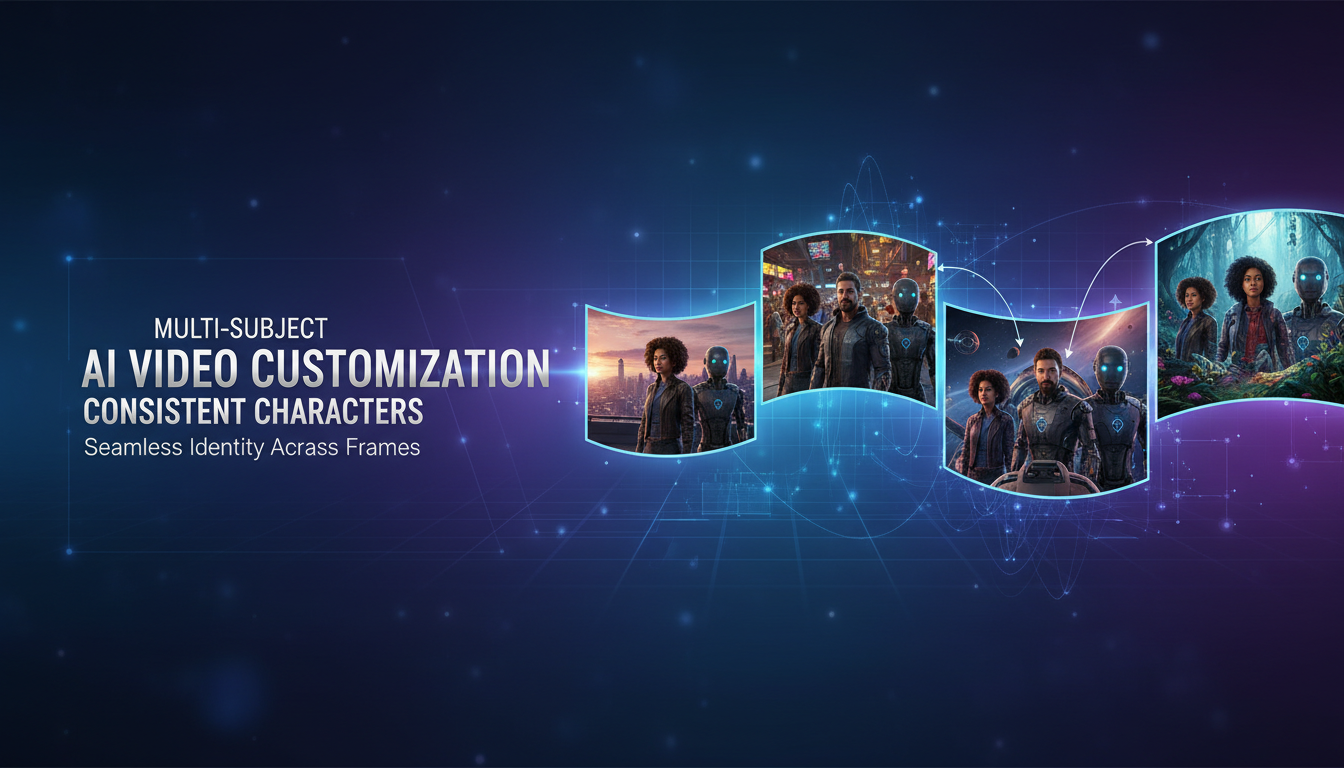
Maintaining subject consistency in AI video has been one of the hardest problems to solve. Single subjects are getting better. But multiple subjects in the same scene while also controlling depth, masks, and camera? That's been nearly impossible. Until OmniVCus.
Quick Answer: OmniVCus is a diffusion transformer framework for subject-driven video customization that handles multiple subjects with multimodal control conditions including depth sequences, masks, and camera trajectories. It uses novel Lottery Embedding and Temporally Aligned Embedding to maintain consistency across frames.
- First framework to properly handle multi-subject video customization
- Supports depth, mask, camera trajectory, and text instruction controls
- Lottery Embedding enables more subjects at inference than training
- VideoCus-Factory pipeline creates training data from raw unlabeled videos
- Outperforms state-of-the-art methods in both quantitative and qualitative testing
The Problem OmniVCus Solves
Let me paint the picture of what we've been dealing with.
You want a video with two specific characters. You have reference images for both. Current methods: generate them separately and hope they don't drift. Or use single-subject methods that merge the characters into weird hybrids.
You want those characters to follow a specific depth map or mask sequence. Current methods: control works for one or the other, not both simultaneously.
You want camera movement to match your vision. Current methods: pray.
OmniVCus addresses all of this in a unified framework. Multiple subjects, multiple control modalities, all working together.
How It Actually Works
The architecture is built on a diffusion transformer with two key embedding mechanisms that make multi-subject control possible.
Lottery Embedding (LE)
Here's the clever part. During training, you might only have data with 2-3 subjects per video. But at inference, you might want 5 subjects.
Lottery Embedding solves this through a probabilistic frame assignment strategy. Each subject gets assigned to specific "frame embedding slots" during training. At inference, the same slots can be reused to accommodate more subjects than the model ever saw during training.
Think of it like this: the model learns "how to handle a subject in slot X" without learning "there are exactly Y slots." Add more slots at inference, and it generalizes.
Temporally Aligned Embedding (TAE)
When you have control signals like depth maps or masks, they need to align temporally with the video generation. TAE ensures that control inputs at frame N actually influence generation at frame N.
This sounds obvious but is tricky to implement. The model assigns identical frame embeddings to control tokens and noise tokens at each timestep. This forces the generation process to extract guidance from temporally aligned signals.
Without TAE, the model might attend to depth information from the wrong frame, causing bizarre misalignments.
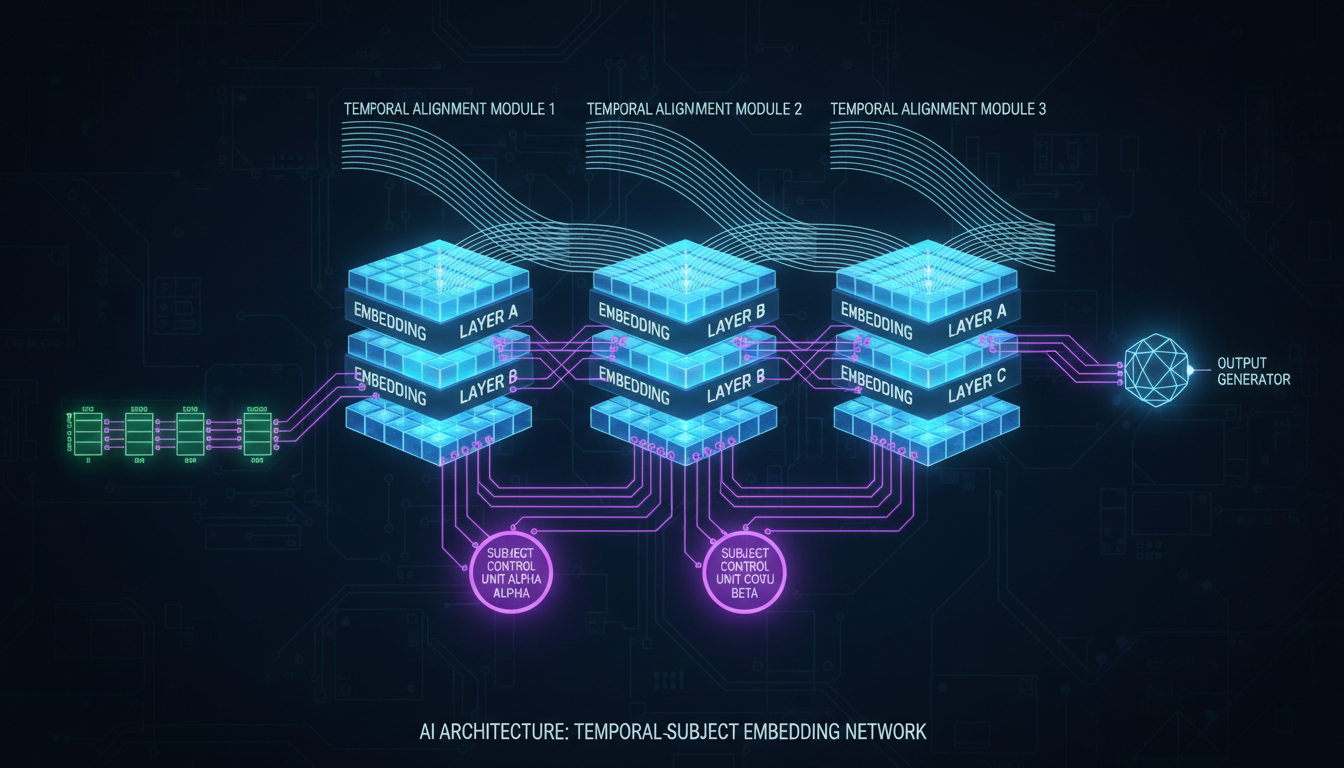 Lottery Embedding enables variable subjects while Temporally Aligned Embedding synchronizes control signals
The VideoCus-Factory Pipeline
Training data is the biggest bottleneck for multi-subject video AI. Most video datasets don't have:
- Multiple labeled subjects per scene
- Ground truth depth maps
- Segmentation masks
- Camera parameters
OmniVCus introduces VideoCus-Factory to create this data from raw unlabeled videos.
Step 1: Subject Detection and Tracking Automatic detection of subjects across frames with consistent ID assignment.
Step 2: Control Signal Extraction Depth estimation, mask generation, and camera trajectory computation from the source video.
Step 3: Pair Generation Creating training pairs that show "these subjects with these controls produce this video."
The result is a scalable data pipeline that doesn't require manual annotation. This matters because multi-subject training data at scale simply didn't exist before.
Multimodal Control Explained
OmniVCus supports combining multiple control types:
Subject Images: Reference photos of people/objects you want in the video Text Instructions: Natural language descriptions or editing commands Depth Sequences: Frame-by-frame depth maps constraining spatial layout Mask Sequences: Per-frame masks defining where subjects should appear Camera Trajectories: Movement paths for virtual camera control
The power is in composition. You can use any subset of these controls together:
- Subject images + text only (basic customization)
- Subject images + depth + camera (full spatial control)
- All controls (maximum constraint)
More controls = more predictable output. Fewer controls = more creative freedom.
Performance vs Competitors
The paper shows quantitative comparisons against prior methods:
| Method | Subject Fidelity | Multi-Subject | Control Integration |
|---|---|---|---|
| DreamBooth Video | Medium | Poor | Limited |
| VideoBooth | Good | Poor | Limited |
| Identity-Anything | Good | Limited | None |
| OmniVCus | Excellent | Excellent | Full multimodal |
The gap is most dramatic on multi-subject scenarios. Previous methods simply weren't designed for it. OmniVCus was built from the ground up with multi-subject in mind.
Practical Applications
Where does this actually matter?
Film and Commercial Production
Multiple actors in AI-generated scenes with consistent appearance. Camera movements that match storyboards. This moves AI video from "cool demos" toward actual production use.
Gaming and Interactive Media
NPCs with defined appearances that stay consistent across generated cutscenes. Environment control through depth and masking.
Personalized Content at Scale
Marketing with multiple product placements. Characters in consistent branded content across video series.
Virtual Influencers
Multiple AI characters interacting in the same scene. Previously required extensive manual compositing. Now potentially automatable.
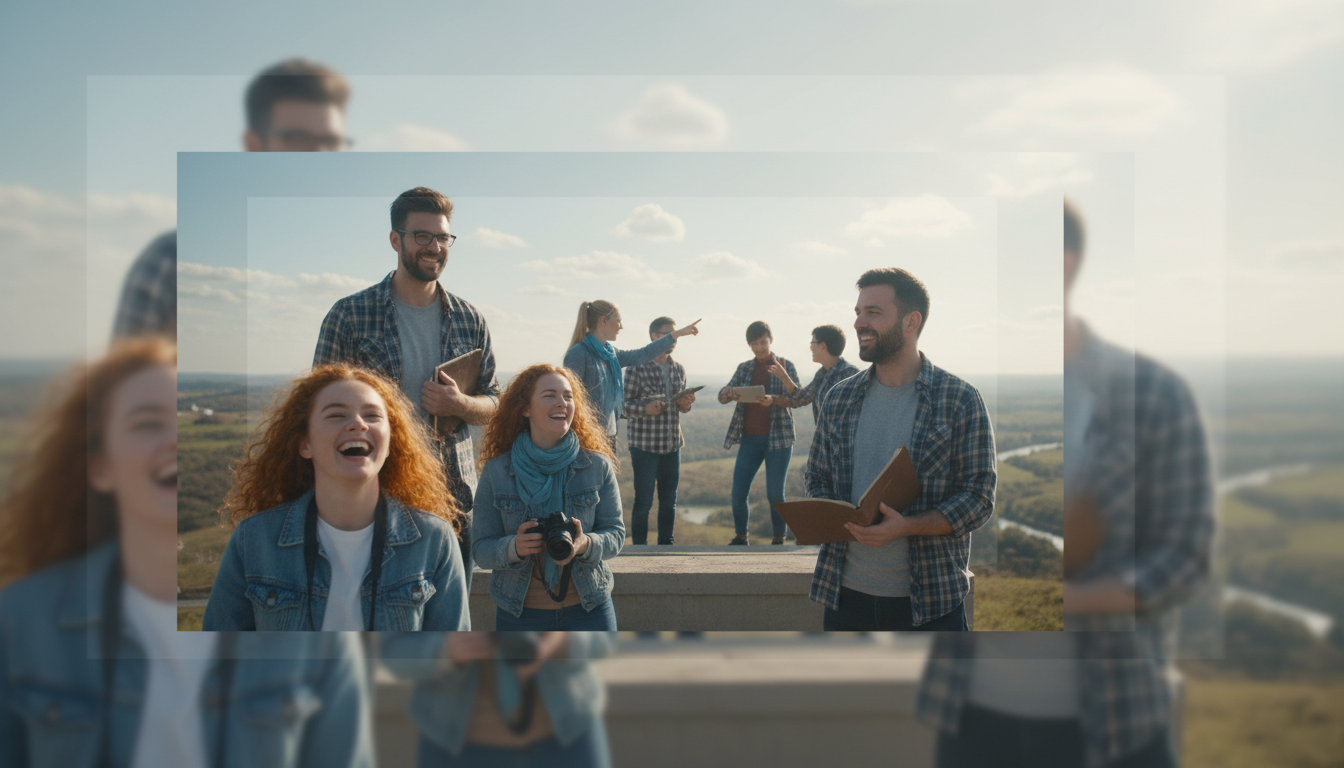 Multiple subjects maintaining identity across a scene with depth-based spatial control
Integration with Existing Workflows
OmniVCus could complement tools we're already using:
- Generate base content with WAN 2.2
- Use OmniVCus for subject-specific customization passes
- Combine with IPAdapter face embeddings for additional consistency
- Apply controls extracted from reference footage
For Apatero.com, multimodal video control is the next frontier we're exploring. The ability to specify exactly which subjects appear where opens up genuinely new creative possibilities.
Current Limitations
Being honest about where OmniVCus sits right now:
Research Stage Paper published October 2025. No public implementation yet. Expect several months before usable code.
Compute Requirements Like most advanced video AI, expect significant GPU requirements. Not specified in the paper but likely 24GB+ for inference.
Training Data Dependency While VideoCus-Factory automates data creation, quality still depends on source video quality.
Control Precision Multimodal control is compositional but not perfect. Very precise requirements may need post-processing refinement.
What Makes This Different from IPAdapter + ControlNet?
You might wonder: can't we already do subject consistency with IPAdapter and spatial control with ControlNet?
Yes, to an extent. But:
IPAdapter focuses on single-subject face/style transfer. Multi-subject gets messy.
ControlNet provides spatial control but doesn't understand subjects. It can't say "put THIS person HERE and THAT person THERE."
OmniVCus combines subject understanding with spatial control in one unified framework. The model jointly reasons about "who" and "where" rather than handling them separately.
The unified approach prevents conflicts that arise when stacking independent systems.
Timeline and Availability
Based on typical research-to-implementation cycles:
Now: Paper and methodology available Q1 2026: Likely code release from authors Q2 2026: Community implementations, ComfyUI nodes Mid 2026: Production-ready integrations
This is speculative but follows patterns from similar research releases.
FAQ
Is OmniVCus open source? The research is public. Implementation code hasn't been released yet as of December 2025.
Can I use this for commercial video production? Once available, licensing will depend on the authors' release terms. Research typically releases under permissive licenses.
How many subjects can it handle? Lottery Embedding allows scaling beyond training data. Practical limits depend on implementation and VRAM.
Does it work with any base video model? It's a specific architecture, not a plugin. Based on diffusion transformers but requires OmniVCus-specific training.
How does quality compare to single-subject methods? Comparable for single subjects, significantly better for multi-subject where previous methods struggle.
What resolution and length does it support? Not specified in abstract. Likely standard video model resolutions (512p-720p) and lengths (5-15 seconds).
The Bigger Picture
OmniVCus represents a shift in how we think about video AI control. Instead of "generate video with loose constraints," we're moving toward "generate exactly this with exactly these elements in exactly these positions."
That precision is what separates experimentation from production. When you need specific actors in specific poses with specific camera moves, loose generation doesn't cut it.
The combination of subject understanding + multimodal control + multi-subject support is genuinely new. As implementations become available, expect this approach to influence how video AI tools are designed.
For anyone doing serious AI video work, OmniVCus is worth tracking. The capabilities it demonstrates will likely appear in mainstream tools within the year.
Render the video you just read about
Kling, Veo, Seedance and more, in your browser, no queue to build. Check your welcome allowance and the displayed cost before generating.
Related Articles
AI Video Denoising and Restoration: Complete Guide to Fixing Noisy Footage (2025)
Master AI video denoising and restoration techniques. Fix grainy footage, remove artifacts, restore old videos, and enhance AI-generated content with professional tools.
AI Video Multi-Clip Editing: Complete Workflow for Smooth Transitions (2025)
Master multi-clip AI video editing workflows. Learn to combine LTX-2, WAN, and Hunyuan clips into cohesive videos with smooth transitions and consistent style.

LTX-2 on 8GB VRAM: Complete Optimization Guide for Low-End GPUs (2025)
Run LTX-2 video generation on 8GB VRAM GPUs. Complete guide to memory optimization, FP8 quantization, tile processing, and settings for RTX 3070, 3060, and similar cards.