AI Hentai Generation: Complete Guide to Anime-Style Adult Art 2025
How to generate high-quality AI hentai and anime adult art. Models, prompts, styles, and techniques for professional anime NSFW content.
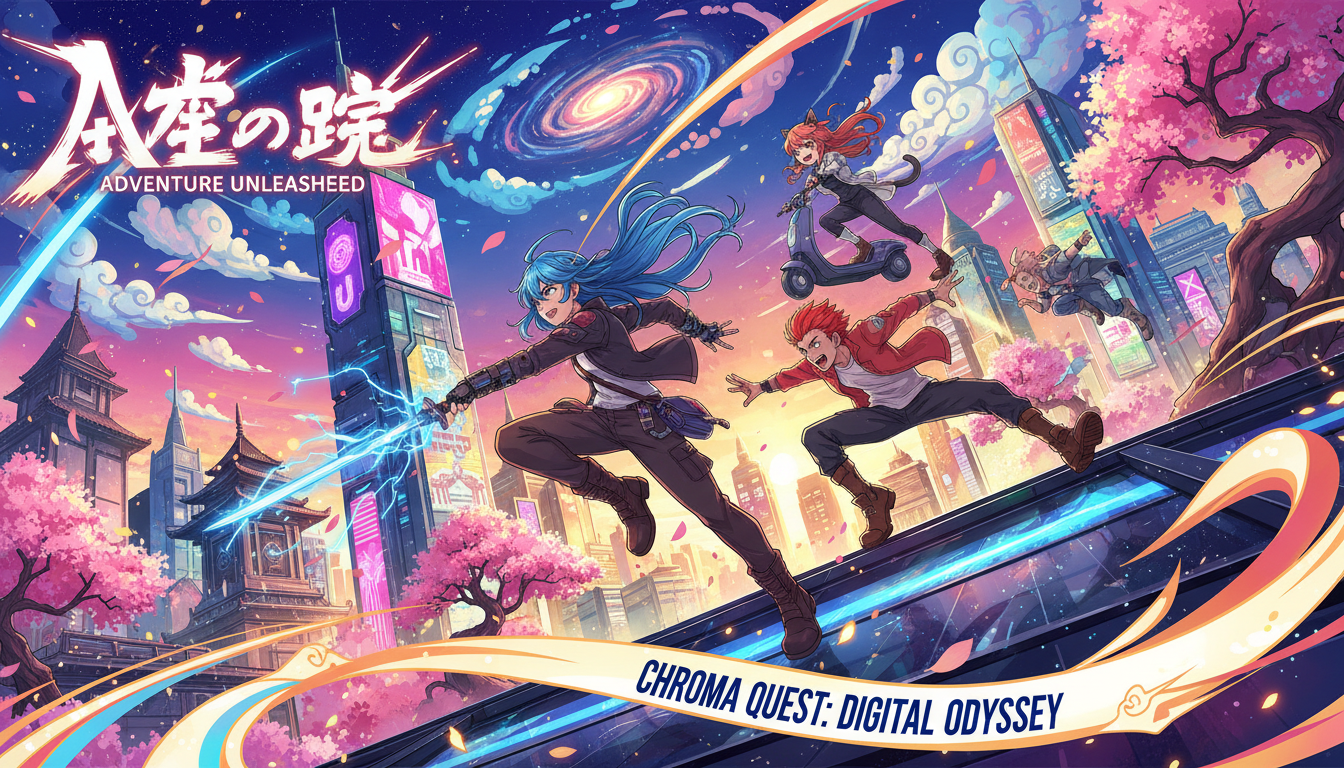
AI anime art generation has reached professional quality. What took skilled artists hours now takes minutes. Whether you're creating content, exploring artistic styles, or building characters, AI hentai generation is more accessible and capable than ever.
Quick Answer: For AI hentai generation, use Pony Diffusion (best overall quality), NovelAI (easiest to use), or Apatero (cloud-based with character consistency). Key techniques: use anime-specific models, use danbooru tags for precise control, and maintain character consistency with LoRAs or platform features.
- Pony Diffusion V6 is currently the best open-source model for anime NSFW
- NovelAI offers the easiest cloud experience for anime generation
- Danbooru-style tags provide precise control over anime aesthetics
- Character consistency requires LoRAs, IPAdapter, or platform features
- Quality rivals professional anime art when properly configured
- Video generation for anime is still developing but possible
The State of AI Anime Art
AI anime generation has evolved significantly:
2023: Basic anime styles, obvious artifacts, limited control 2024: Professional quality, precise style control, character consistency emerging 2025: Near-professional output, video capability, integrated workflows
The technology is mature enough for serious content creation.
Best Models for AI Hentai
Pony Diffusion V6 (Recommended)
The gold standard for anime NSFW generation.
Strengths:
- Exceptional anime aesthetics
- Understands danbooru tags natively
- Strong NSFW capability
- Active community and LoRAs
- Free and open source
Requirements:
- Local Stable Diffusion setup
- 8GB+ VRAM
- ComfyUI or Automatic1111
Where to get:
- CivitAI (with account)
- Hugging Face
- Community sources
NovelAI
Cloud-based anime generation with excellent quality.
Strengths:
- No setup required
- Very strong anime aesthetics
- Good NSFW support
- Integrated tools
Limitations:
- Subscription required
- Less control than local
- Can't use custom LoRAs
Best for: Users wanting quality without technical setup.
Apatero
Cloud-based with character consistency features.
Strengths:
- Built-in character consistency
- Video generation
- No technical setup
- Pay-per-use model
For anime specifically:
- Supports stylized generation
- Character system works with anime styles
- Good for content creators needing consistency
Best for: Creators needing consistent anime characters across content.
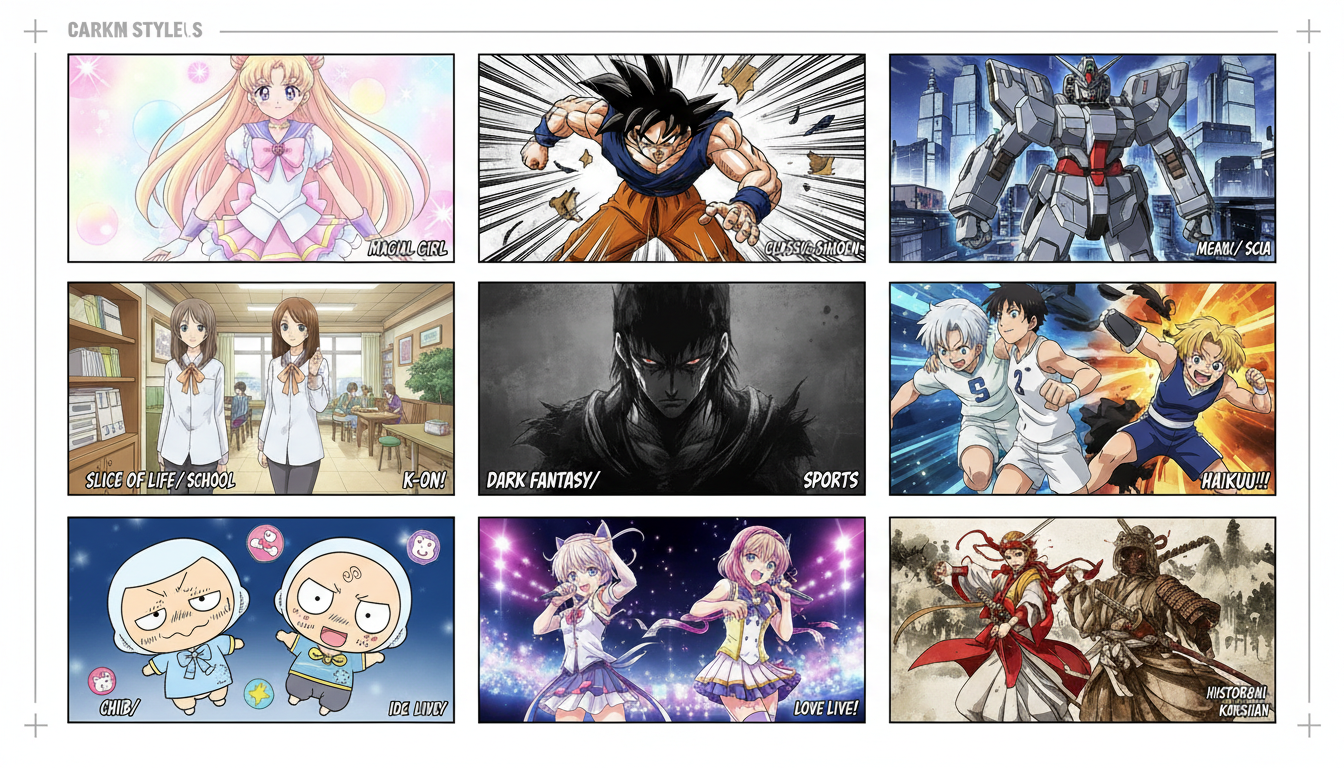 Different models excel at different anime styles
Other Notable Options
Illustrious XL: Strong contender for anime, especially with LoRAs
AnimagineXL: Good baseline anime model
Various SDXL anime models: Many options on CivitAI
Prompting for Anime Art
Anime AI art uses specific prompting conventions, primarily based on danbooru tags.
Basic Prompt Structure
[quality tags], [character description], [pose/action], [setting], [style modifiers]
Example:
masterpiece, best quality, 1girl, long pink hair, blue eyes, school uniform, sitting, classroom, anime style, detailed
Quality Tags
Start prompts with quality boosters:
masterpiece, best quality- Essential for qualityhighres- Higher detailabsurdres- Maximum detailextremely detailed- More fine details
Character Description Tags
Describe characters using danbooru conventions:
Free ComfyUI Workflows
Find free, open-source ComfyUI workflows for techniques in this article. Open source is strong.
Hair:
long hair,short hair,twintails,ponytailblonde hair,pink hair,multicolored hair
Eyes:
blue eyes,red eyes,heterochromiaglowing eyes,half-closed eyes
Body:
large breasts,small breasts,slimmuscular,tall,petite
Clothing:
school uniform,bikini,dresspartially undressed, specific clothing items
Pose and Action Tags
standing,sitting,lyingfrom above,from below,from sidelooking at viewer,looking awayarms up,hands on hips
NSFW-Specific Tags
For explicit content:
- Explicit action descriptions
- Specific body part focus
- Expression tags (
ahegao,blush, etc.) - Situation descriptions
Negative Prompts
Essential for quality:
lowres, bad anatomy, bad hands, text, error, missing fingers, extra digit, fewer digits, cropped, worst quality, low quality, normal quality, jpeg artifacts, signature, watermark, username, blurry, bad feet, poorly drawn hands, poorly drawn face, mutation, deformed, extra limbs, extra arms, extra legs, malformed limbs, fused fingers, too many fingers, long neck, cross-eyed, mutated hands, polar lowres, bad body, bad proportions, gross proportions, missing arms, missing legs, extra fingers, extra arms, extra legs, malformed, bad anatomy
 Proper prompting dramatically improves output quality
Style Control
Achieving Specific Anime Styles
Classic anime look:
anime style, cel shading, vibrant colors, clean lines
Modern anime:
modern anime, detailed shading, soft lighting, high detail
Manga style:
manga, black and white, screentone, ink lines
Specific artist styles: Many LoRAs replicate specific anime artist styles.
Want to skip the complexity? Apatero gives you professional AI results instantly with no technical setup required.
Color and Lighting
Soft/romantic:
soft lighting, warm colors, gentle shading
Dramatic:
dramatic lighting, high contrast, dark shadows
Flat/stylized:
flat colors, minimal shading, bold outlines
Character Consistency for Anime
Maintaining the same character across images is crucial for content creators.
Option 1: LoRA Training
Train a LoRA on your anime character:
- Create 10-20 reference images of your character
- Caption with consistent descriptions
- Train LoRA on anime base model
- Use trigger token in prompts
Pros: Maximum consistency, works with any prompt Cons: Requires training time and knowledge
Option 2: IPAdapter
Use reference images to guide generation:
- Set up IPAdapter in ComfyUI
- Provide character reference images
- Generate with reference conditioning
Pros: No training required, flexible Cons: Less consistent than LoRA, requires setup
Option 3: Platform Features (Apatero)
Use built-in character systems:
- Create character in platform
- Generate content with saved character
- Consistency maintained automatically
Pros: No technical setup, reliable Cons: Platform-dependent, less control
Workflow Examples
Basic Anime Generation (Local)
- Load Pony Diffusion in ComfyUI/A1111
- Write prompt with quality tags
- Add negative prompt
- Generate at 512x768 or 768x1024
- Upscale if needed
Character-Consistent Content (Local)
- Train LoRA on character reference
- Load base model + character LoRA
- Generate varied content with trigger token
- Maintain style consistency
Production Workflow (Cloud)
- Create character in Apatero
- Generate content library
- Curate and organize
- Schedule for distribution
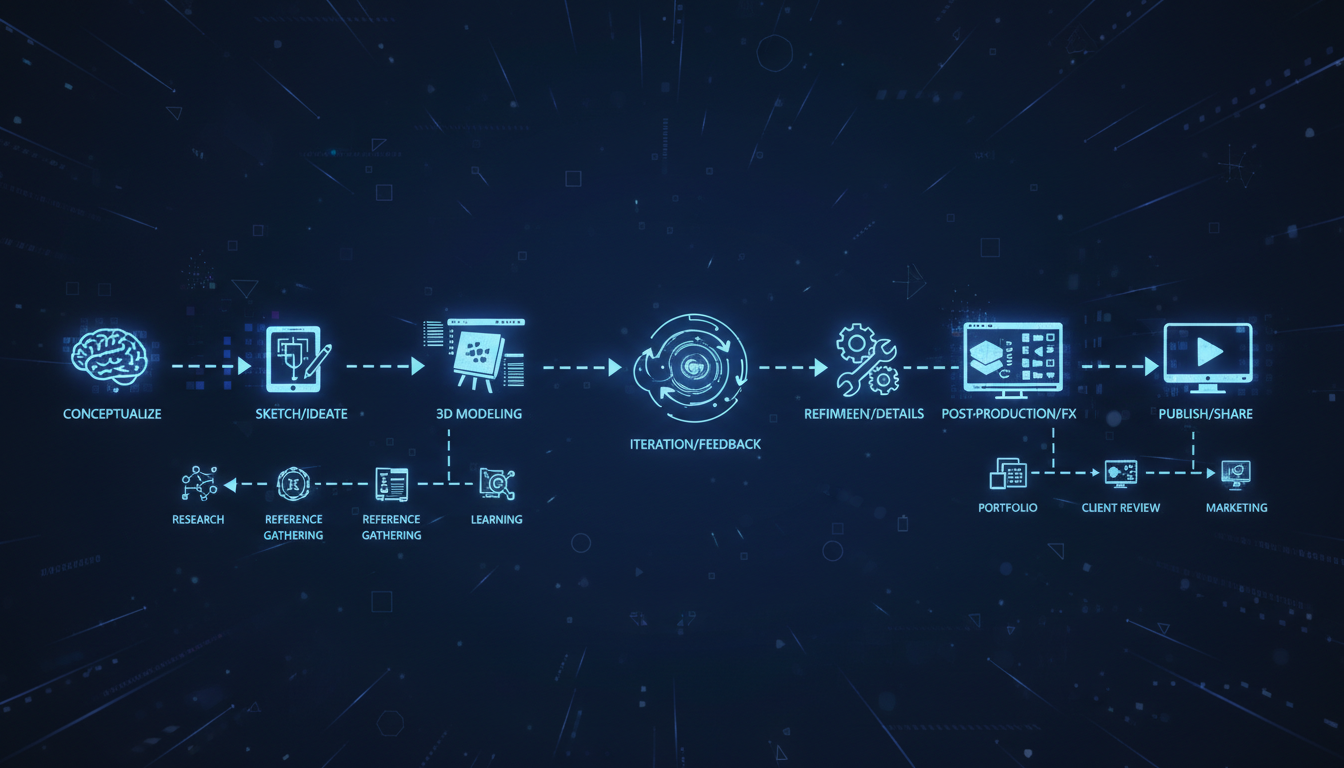 Systematic workflows produce better results
Earn Up To $1,250+/Month Creating Content
Join our exclusive creator affiliate program. Get paid per viral video based on performance. Create content in your style with full creative freedom.
Video Generation for Anime
Anime video generation is emerging:
Current Options
WAN with anime LoRAs:
- Works but requires specific tuning
- Motion can break anime aesthetics
- Best for subtle movement
AnimateDiff:
- Good for short animations
- Works with anime models
- Frame-by-frame approach
Apatero video:
- Supports stylized content
- Character consistency in video
- Easier than local setup
Limitations
- Motion often breaks style consistency
- Complex actions are challenging
- Quality below image generation
- Technology still maturing
Best Practices
- Keep motion subtle
- Use short clips (2-4 seconds)
- Test extensively before production
- Accept current limitations
Common Issues and Fixes
Issue: Wrong Art Style
Problem: Output doesn't look like anime.
Fix:
- Use anime-specific model (Pony, etc.)
- Add style tags:
anime, anime style, 2d - Remove realistic tags from prompt
- Check model is loaded correctly
Issue: Bad Anatomy
Problem: Distorted body parts, wrong proportions.
Fix:
- Strong negative prompt for anatomy
- Use ControlNet for pose guidance
- Generate at proper aspect ratio
- Inpaint problem areas
Issue: Inconsistent Character
Problem: Character looks different each generation.
Fix:
- Train character LoRA
- Use IPAdapter with references
- Use platform character features
- Include detailed character description
Issue: Low Quality Output
Problem: Blurry, low-detail results.
Fix:
- Add quality tags at prompt start
- Generate at higher resolution
- Use upscaling
- Increase step count
Legal and Ethical Considerations
What's allowed:
- Creating original anime characters
- Generating synthetic adult content
- Commercial use (check model licenses)
What's not allowed:
- Content depicting minors (absolutely prohibited)
- Using real people's likenesses
- Infringing on copyrighted characters
- Violating platform terms
Best practices:
- Create original characters only
- Clearly adult character design
- Follow platform guidelines
- Respect copyright
Frequently Asked Questions
What's the best model for AI hentai?
Pony Diffusion V6 for local generation, NovelAI for cloud. Both produce excellent anime NSFW content.
Can I generate specific anime characters?
Technically possible with LoRAs, but may violate copyright. Create original characters instead.
How do I get consistent characters?
Train a LoRA, use IPAdapter, or use platform features like Apatero's character system.
Is anime AI art good enough to sell?
Yes, quality is professional-level with proper technique. Many creators monetize AI anime content successfully.
Can I generate anime video?
Possible but limited. WAN with anime LoRAs or AnimateDiff work for short clips. Quality is below images.
Do I need a powerful GPU?
8GB VRAM minimum, 12GB+ recommended for comfortable generation at higher resolutions.
Getting Started Recommendations
For Beginners
- Start with NovelAI (no setup)
- Learn danbooru tag system
- Practice prompting techniques
- Move to local when comfortable
For Content Creators
- Set up local Pony Diffusion OR use Apatero
- Establish character consistency method
- Build production workflow
- Create content library
For Technical Users
- Set up ComfyUI with Pony
- Configure IPAdapter/LoRA workflow
- Optimize for your hardware
- Experiment with advanced techniques
Final Thoughts
AI anime art generation has reached the point where quality rivals professional illustration. The tools are accessible, the models are capable, and the techniques are well-documented.
For content creators, the combination of quality output and efficient production makes AI anime generation a viable business. Character consistency is the key challenge—solve that with LoRAs, IPAdapter, or platform features, and you have a complete workflow.
Start simple, learn the prompting conventions, and build complexity as you understand the tools. The learning curve is manageable and the results are worth it.
Related guides: Best Uncensored AI Generators, Character Consistency Guide, Stable Diffusion NSFW Settings
Ready to Create Your AI Influencer?
Join 115 students mastering ComfyUI and AI influencer marketing in our complete 51-lesson course.
Related Articles

AI Art Market Statistics 2025: Industry Size, Trends, and Growth Projections
Comprehensive AI art market statistics including market size, creator earnings, platform data, and growth projections with 75+ data points.

AI Automation Tools: Transform Your Business Workflows in 2025
Discover the best AI automation tools to transform your business workflows. Learn how to automate repetitive tasks, improve efficiency, and scale operations with AI.
AI Avatar Generator: I Tested 15 Tools for Profile Pictures, Gaming, and Social Media in 2026
Comprehensive review of the best AI avatar generators in 2026. I tested 15 tools for profile pictures, 3D avatars, cartoon styles, gaming characters, and professional use cases.