How to Create Consistent AI Generated Characters for Adult Content: The Professional Method
Master character consistency for NSFW AI content. IPAdapter, LoRA training, and platform solutions that keep your AI model looking the same across every image.
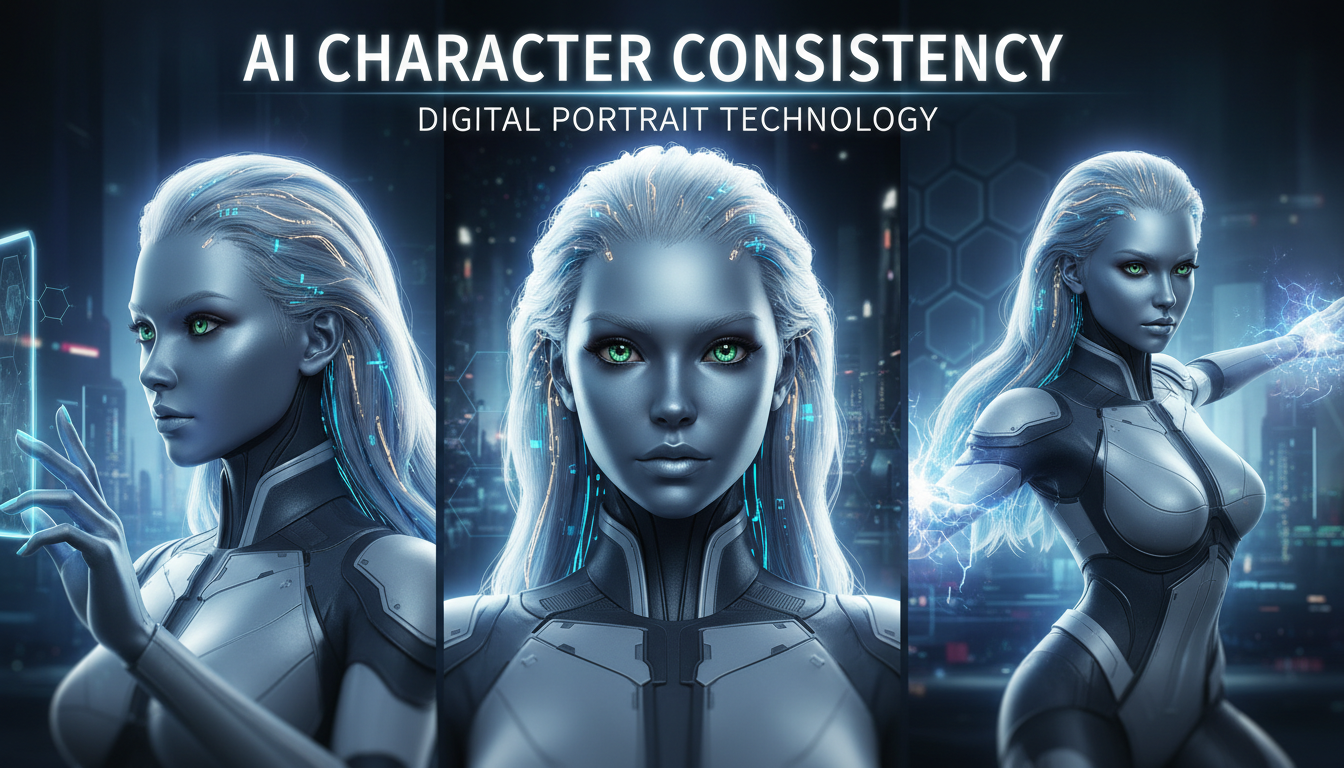
Character consistency is what separates amateur AI content from professional production. Anyone can generate a beautiful image. Making that same character appear consistently across hundreds of images—while varying poses, outfits, and scenarios—that's the actual skill.
Quick Answer: For consistent NSFW characters, use Apatero's built-in character system (easiest), IPAdapter/FaceID in ComfyUI (medium difficulty, good results), or train a custom LoRA (most work, best control). Each approach trades ease of use for control.
- Random prompts create different faces every time—this kills credibility
- Apatero offers built-in character consistency without technical setup
- IPAdapter/FaceID provides good consistency with moderate technical knowledge
- LoRA training offers maximum control but requires 10-30 images and hours of work
- Combining methods produces the strongest results
- Character consistency is essential for monetization platforms
Why Character Consistency Matters
Let me explain why this matters for adult content specifically:
For monetization: Subscribers expect to see the same "person" across your content. Random beautiful faces don't build relationships or retention. Consistent characters create the illusion of a real model, which drives subscriptions and purchases.
For branding: Your AI character is your brand. Inconsistent appearances confuse audiences and undermine trust.
For content volume: You need to produce hundreds of images. Without consistency methods, you're generating random people each time.
The bottom line: Professional AI adult content requires professional consistency methods.
The Consistency Challenge
Here's the fundamental problem:
Standard AI image generation creates a new face every time. Same prompt, different person. This happens because:
- Models are trained on millions of faces
- Each generation samples from that distribution
- Minor prompt variations cause major face changes
- There's no "memory" between generations
Solutions fall into three categories:
- Platform-based (Apatero) - Built-in consistency
- Reference-based (IPAdapter/FaceID) - Use images to guide generation
- Training-based (LoRA) - Customize the model itself
Let's examine each in detail.
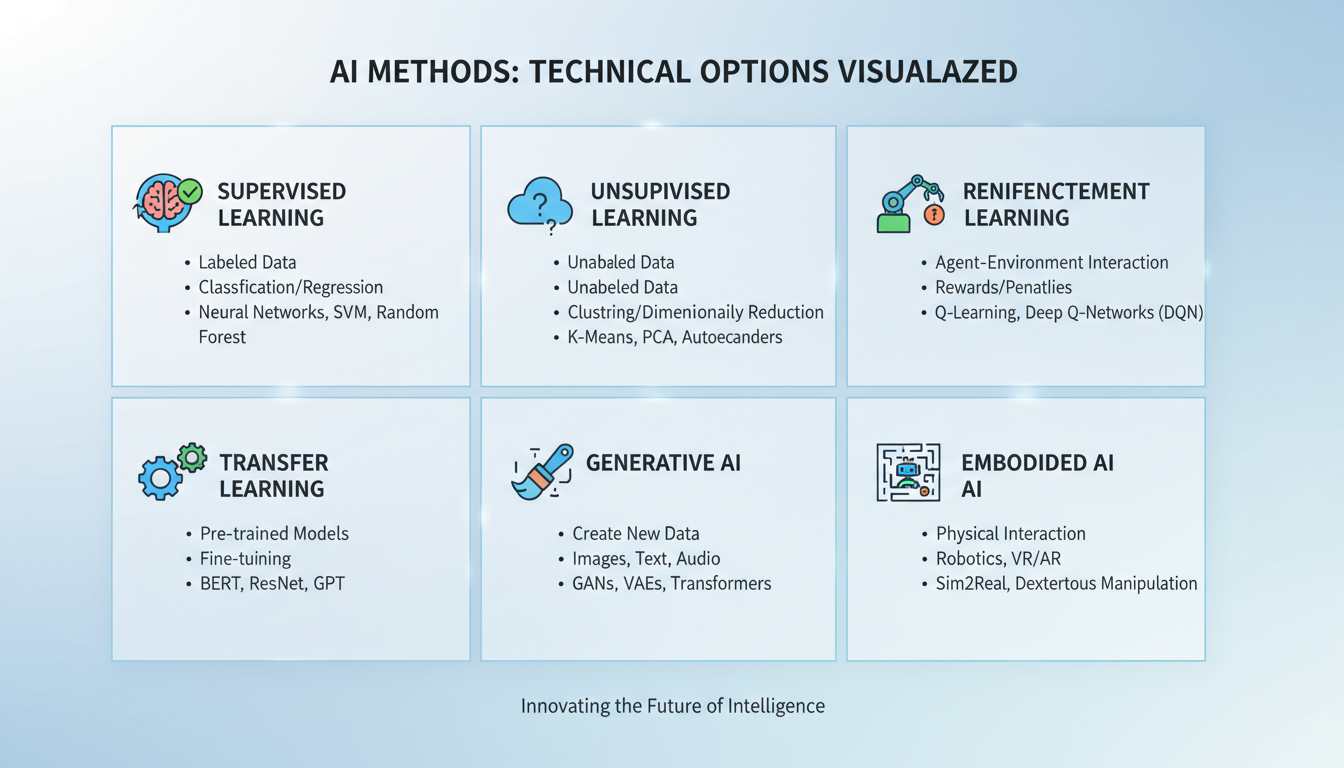 Different approaches offer different trade-offs
Method 1: Apatero - Built-in Character Consistency
Full disclosure: I work with Apatero. But I'm featuring this first because it genuinely solves the consistency problem with zero technical requirements.
How Apatero Works
- Create a character using the platform's tools
- Define appearance, features, style
- Save as a persistent character
- Generate unlimited images with that identity
- Character remains consistent across all generations
Why It Works
Apatero handles the technical implementation behind the scenes. You don't need to understand IPAdapter, FaceID, or LoRA training. The platform maintains character identity automatically.
Apatero Workflow
Creating your character:
- Use the character creation interface
- Define physical attributes
- Generate initial reference images
- Refine until satisfied
- Save the character
Using your character:
- Select saved character
- Write your prompt (scene, pose, outfit)
- Generate
- Character identity is preserved
Best For
- Creators without technical background
- Quick production needs
- Those who want to focus on content, not tools
- Beginners in AI content creation
Limitations
- Cloud-dependent
- Less fine control than local methods
- Pay-per-generation costs
Method 2: IPAdapter + FaceID - Reference-Based Consistency
IPAdapter and FaceID are techniques that use reference images to guide generation.
How It Works
- You provide reference image(s) of your character
- The model extracts identity features
- New generations incorporate those features
- Result: Same face in new contexts
Technical Requirements
- ComfyUI or Automatic1111
- IPAdapter extension
- FaceID models (InsightFace)
- GPU with 8GB+ VRAM
- Some technical knowledge
Setup in ComfyUI
- Install ComfyUI
- Download IPAdapter models
- Install InsightFace for FaceID
- Load the IPAdapter workflow
- Add reference images
- Generate with consistency
Workflow Structure
Basic IPAdapter workflow:
Reference Image → IPAdapter Encoder → Conditioning
                                         ↓
                        Prompt → KSampler → Output
With FaceID enhancement:
Reference Image → FaceID → Face Embedding
                              ↓
Reference Image → IPAdapter → Combined Conditioning
                              ↓
                 Prompt → KSampler → Output
Optimal Settings
From my testing:
IPAdapter strength: 0.7-0.9
- Lower = more variation, less identity
- Higher = stronger identity, less creativity
FaceID weight: 0.5-0.7
- Complements IPAdapter
- Too high causes artifacts
Reference images: 1-3 good images
- Front-facing, clear lighting
- Multiple angles help
For NSFW Specifically
The same techniques work for NSFW content when:
- Using uncensored base models
- Running locally (no platform restrictions)
- Combining with appropriate LoRAs
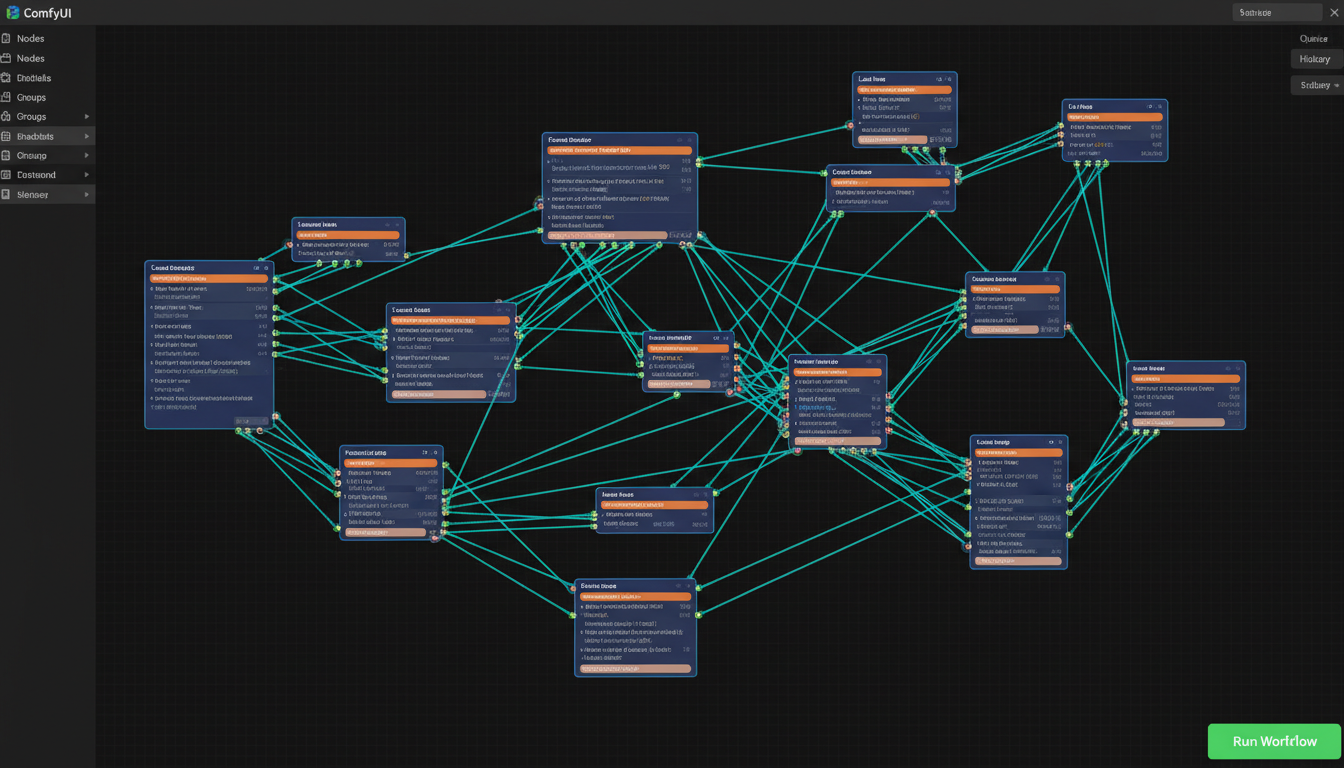 IPAdapter workflow in ComfyUI
Pros and Cons
Pros:
- Good consistency without training
- Flexible—change references as needed
- Works with any base model
- Free after setup
Cons:
Free ComfyUI Workflows
Find free, open-source ComfyUI workflows for techniques in this article. Open source is strong.
- Requires technical setup
- Less consistent than trained LoRA
- Each session needs reference reload
- Can struggle with extreme poses
Method 3: LoRA Training - Maximum Control
Training a LoRA (Low-Rank Adaptation) creates a custom model component that "knows" your character.
How It Works
- Collect 10-30 images of your character
- Train a LoRA on those images
- Load the LoRA with any generation
- Character identity is embedded in the model
Why Train a LoRA
- Maximum consistency
- Works across all prompts without references
- Can encode specific style alongside identity
- Once trained, always available
Requirements
Hardware:
- 12GB+ VRAM (16-24GB preferred)
- 32GB+ system RAM
- Fast storage for training data
Software:
- Training environment (Kohya_ss, AI Toolkit)
- Base model (SD 1.5, SDXL, Pony, Flux)
- Training images
Time:
- Data preparation: 1-2 hours
- Training: 2-8 hours
- Testing and refinement: 1-2 hours
Creating Training Data
Ideal dataset:
- 10-30 high-quality images
- Varied poses (front, side, three-quarter)
- Different expressions
- Multiple lighting conditions
- Varied backgrounds
- Consistent character identity across all
Image requirements:
- Clear, well-lit
- Minimum 512x512 resolution
- No heavy filters
- Character clearly visible
- Good variety without identity drift
Captioning: Each image needs a caption describing what's in it:
xyz-character, a woman with long dark hair, brown eyes, standing pose, indoor lighting, casual outfit
The trigger token (xyz-character) becomes how you invoke the LoRA.
Training Settings
For SDXL/Pony models:
learning_rate: 1e-4 to 5e-5
batch_size: 1-2
epochs: 20-50
network_rank: 32-128
network_alpha: 16-64
For Flux:
Settings vary more; follow specific Flux LoRA guides.
Testing Your LoRA
After training:
Want to skip the complexity? Apatero gives you professional AI results instantly with no technical setup required.
- Load LoRA with base model
- Generate with trigger token
- Test various prompts
- Check identity preservation
- Adjust LoRA strength as needed
Typical LoRA strength: 0.6-1.0
NSFW LoRA Considerations
For adult content LoRAs:
- Use uncensored base models
- Include variety of content types in training if needed
- Be explicit in captions about what's shown
- Test across your expected content range
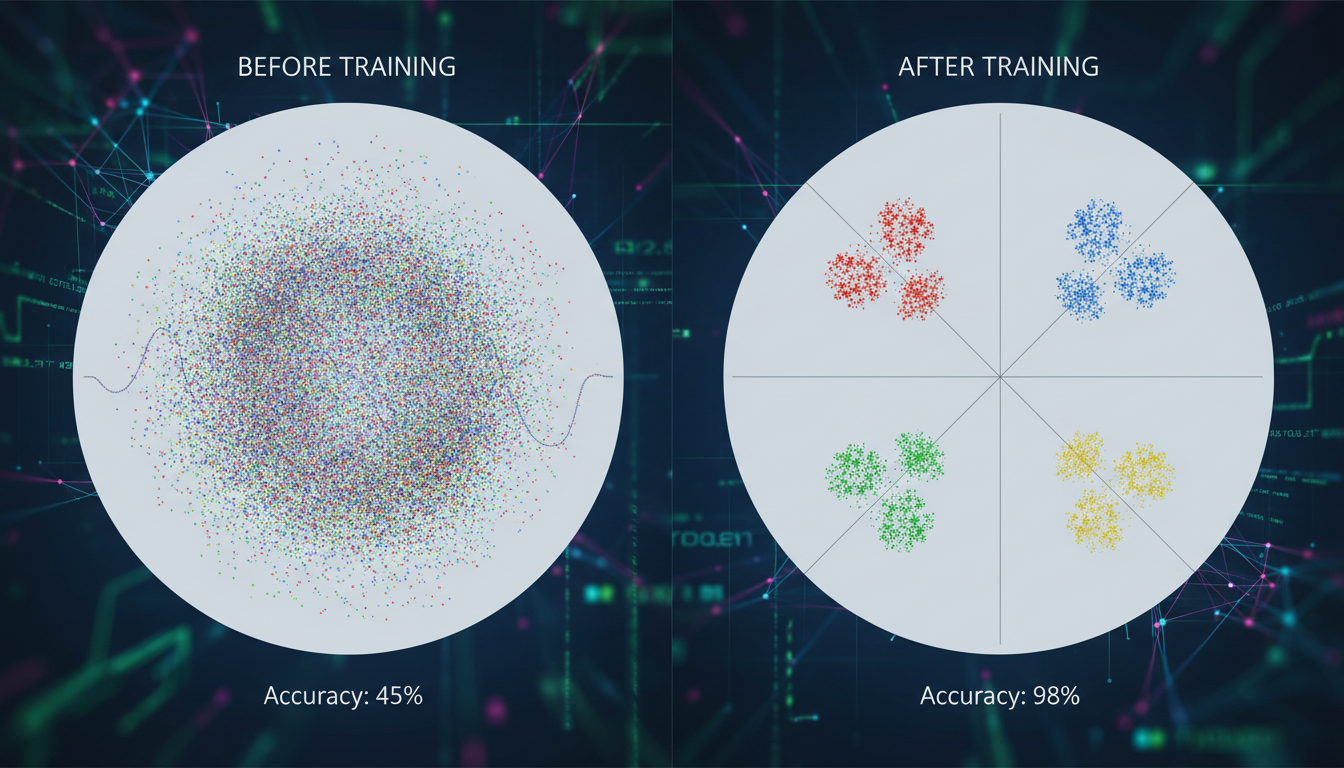 LoRA training produces the most consistent results
Combining Methods for Best Results
Professional creators often combine approaches:
IPAdapter + LoRA
Use LoRA for base identity, IPAdapter for specific expression/pose matching.
When to use:
- You have a trained LoRA but need specific pose matching
- Reinforcing identity in challenging generations
- Matching specific reference images closely
Apatero + Local Editing
Generate consistent base with Apatero, refine locally as needed.
When to use:
- Quick production with occasional special edits
- Using cloud convenience with local flexibility
- Building on platform consistency
Multiple Reference Approaches
Use several references with different techniques simultaneously.
When to use:
- Maximum identity preservation needed
- Complex or challenging poses
- Building reference library
Quality Comparison
Let me share real results from testing:
Earn Up To $1,250+/Month Creating Content
Join our exclusive creator affiliate program. Get paid per viral video based on performance. Create content in your style with full creative freedom.
Consistency Scores (Same Character, 10 Generations)
| Method | Identity Match | Pose Variety | Ease of Use |
|---|---|---|---|
| Random Generation | 2/10 | 10/10 | 10/10 |
| Apatero | 8/10 | 9/10 | 10/10 |
| IPAdapter Only | 7/10 | 8/10 | 6/10 |
| IPAdapter + FaceID | 8/10 | 8/10 | 5/10 |
| LoRA Only | 9/10 | 9/10 | 4/10 |
| LoRA + IPAdapter | 9.5/10 | 8/10 | 3/10 |
What "Identity Match" Means
9-10: Same person, no question 7-8: Clearly same person with minor variations 5-6: Similar person, some drift 3-4: Related look, noticeable differences 1-2: Different people
For monetization, you want 7+ consistently.
Common Problems and Solutions
Problem: Face Changes with Pose
Symptom: Identity drifts when character turns head or body.
Solutions:
- Include varied poses in reference/training data
- Use stronger IPAdapter weight
- Add multiple angle references
- Train LoRA with pose variety
Problem: Outfit Bleeds into Identity
Symptom: Character always wears same clothes.
Solutions:
- Vary outfits in training data
- Explicitly describe outfit in prompts
- Use lower LoRA strength for outfit flexibility
- Separate outfit description from identity trigger
Problem: Face Artifacts
Symptom: Weird distortions, especially in eyes.
Solutions:
- Reduce FaceID weight
- Use higher quality reference images
- Increase generation steps
- Use face-fixing models in post
Problem: Style Drift
Symptom: Character looks different in different art styles.
Solutions:
- Include style variety in training
- Use style-consistent base models
- Apply style LoRAs separately from identity
- Maintain consistent generation settings
Workflow Recommendations
Based on your situation:
For Beginners
Use Apatero
- No technical setup
- Immediate results
- Focus on content creation
For Intermediate Users
Use IPAdapter + FaceID
- Learn ComfyUI basics
- Build reference library
- Good balance of control and ease
For Advanced Users
Train Custom LoRAs
- Maximum control
- Best long-term solution
- Combine with IPAdapter for perfection
For Production Scale
Combine methods
- LoRA for base identity
- IPAdapter for specific matching
- Platform tools for quick iterations
- Local editing for special cases
Frequently Asked Questions
How many images do I need to train a LoRA?
10-30 quality images with variety. More isn't always better—variety matters more than quantity.
Can I use celebrity faces for my character?
Legally risky. Most platforms prohibit it. Create original characters to avoid issues.
Does IPAdapter work with NSFW content?
Yes, when used with uncensored models locally. Platform versions may have restrictions.
How long does LoRA training take?
2-8 hours depending on dataset size, settings, and hardware. First attempt often takes longer while learning.
Can I sell content made with these techniques?
Yes, for original characters. Check specific platform terms. Never use real people without consent.
What's the best base model for NSFW character consistency?
Pony Diffusion for anime/stylized, CyberRealistic for photorealistic. Both support character LoRAs well.
Tools and Resources
For IPAdapter
- ComfyUI: ComfyUI-IPAdapter-plus
- Models: Download from Hugging Face
- InsightFace for FaceID
For LoRA Training
- Kohya_ss: Popular training GUI
- AI Toolkit: Command-line training
- bmaltais trainer: Windows-friendly
For Easy Access
- Apatero: Built-in character consistency
- No local setup required
Final Thoughts
Character consistency is the difference between "playing with AI" and "building a content business."
For adult content creators specifically, your character IS your product. Inconsistent faces mean confused audiences and failed monetization.
Start with the method that matches your technical comfort:
- Apatero for immediate results
- IPAdapter for good balance
- LoRA for maximum control
Then level up as your needs grow.
The technology exists. The methods work. What remains is putting in the effort to implement them properly.
Related guides: AI OnlyFans Content Creation, Best Uncensored AI Generators, WAN LoRA Training
Ready to Create Your AI Influencer?
Join 115 students mastering ComfyUI and AI influencer marketing in our complete 51-lesson course.
Related Articles

AI Art Market Statistics 2025: Industry Size, Trends, and Growth Projections
Comprehensive AI art market statistics including market size, creator earnings, platform data, and growth projections with 75+ data points.

AI Automation Tools: Transform Your Business Workflows in 2025
Discover the best AI automation tools to transform your business workflows. Learn how to automate repetitive tasks, improve efficiency, and scale operations with AI.
AI Avatar Generator: I Tested 15 Tools for Profile Pictures, Gaming, and Social Media in 2026
Comprehensive review of the best AI avatar generators in 2026. I tested 15 tools for profile pictures, 3D avatars, cartoon styles, gaming characters, and professional use cases.