Best Schedulers and Samplers for Z-Image Base: res_2s and bong_tangent
Optimize Z-Image Base generation with the right scheduler and sampler. Deep explore res_2s, bong_tangent, and other optimal settings for quality and speed.

Some models you cannot download at any VRAM
Veo, Kling and Nano Banana have closed weights. There is no local build, no quantization, no 24GB workaround. Run them in the browser instead. First generation free.
Choosing the right scheduler and sampler can dramatically affect Z-Image Base's output quality and generation speed. While default settings work, optimized combinations like res_2s scheduler with specific samplers can produce noticeably better results. This guide explores the best scheduler and sampler configurations based on community testing and practical experience.
Understanding how schedulers and samplers work together helps you fine-tune generation for your specific needs.
Understanding Schedulers and Samplers
Before exploring specific recommendations, let's clarify what these components do.
What is a Scheduler?
The scheduler controls how noise is added and removed during the diffusion process:
Noise Schedule: Defines how noise levels change across generation steps Step Progression: Controls the pace of denoising Quality Impact: Affects detail resolution and clarity
Different schedulers create different "paths" through the denoising process, leading to varied results.
What is a Sampler?
The sampler determines how the model navigates from noise to image:
Navigation Method: How predictions are made at each step Convergence: How quickly the image stabilizes Characteristics: Deterministic vs stochastic behavior
Samplers affect both quality and the character of outputs.
How They Interact
Scheduler + Sampler combinations create unique generation characteristics. Some pairings work better than others, and optimal combinations vary by model architecture.
Top Scheduler: res_2s
The res_2s (resolution 2-step) scheduler has emerged as a favorite for Z-Image Base.
What Makes res_2s Special
Refined Noise Schedule: res_2s uses a two-stage resolution approach that better preserves detail during denoising. The schedule is tuned for transformer-based diffusion models.
Quality Benefits:
- Sharper fine details
- Better texture preservation
- Reduced artifacts
- Improved color accuracy
Efficiency:
- Achieves quality at lower step counts
- Faster convergence than some alternatives
- Good quality even at 20 steps
res_2s Settings
In ComfyUI:
Scheduler: res_2s
Steps: 25-30 (optimal range)
CFG: 6-7 (Z-Image Base sweet spot)
Why res_2s Works Well with Z-Image Base
The S3-DiT architecture responds well to res_2s's refined noise schedule. The model's sliding-window attention benefits from the scheduler's approach to resolution preservation.
 res_2s maintains detail better through the denoising process
Alternative Scheduler: bong_tangent
The bong_tangent scheduler offers another excellent option for Z-Image Base.
What is bong_tangent?
A community-developed scheduler that uses a tangent-based noise schedule:
Smooth Transitions: Gradual noise reduction with minimal abrupt changes Creative Range: Tends to produce more varied outputs Good Balance: Quality without over-sharpening
bong_tangent Characteristics
Pros:
Free ComfyUI Workflows
Find free, open-source ComfyUI workflows for techniques in this article. Open source is strong.
- Very smooth gradients
- Good for artistic styles
- Less prone to over-sharpening
- Interesting variations
Cons:
- May need more steps for maximum detail
- Slightly softer than res_2s
- Less common in workflows
bong_tangent Settings
Scheduler: bong_tangent
Steps: 30-35 (benefits from more steps)
CFG: 5-6 (slightly lower than res_2s)
When to Choose bong_tangent
- Artistic and painterly styles
- When softer transitions are preferred
- Creative exploration
- Avoiding over-sharpened outputs
Best Samplers for Z-Image Base
Pairing the right sampler with your scheduler matters.
Top Sampler: euler_ancestral
Why it works:
- Good balance of quality and speed
- Adds controlled randomness for variety
- Works excellently with res_2s
- Reliable across prompt types
Settings:
Sampler: euler_ancestral
eta: 1.0 (default)
Alternative: dpmpp_2m_sde
Why it works:
- Excellent detail preservation
- Smoother than euler in some cases
- Good convergence characteristics
- Works well with bong_tangent
Settings:
Sampler: dpmpp_2m_sde
Other Quality Options
dpmpp_3m_sde:
- Three-step method for refined results
- Slightly slower but higher quality potential
- Good for final renders
euler:
- Simpler, deterministic variant
- Consistent results across seeds
- Faster than ancestral variants
Sampler Comparison
| Sampler | Speed | Quality | Variety | Best Use |
|---|---|---|---|---|
| euler_ancestral | Fast | Excellent | High | General use |
| dpmpp_2m_sde | Medium | Excellent | Medium | Detail work |
| dpmpp_3m_sde | Slower | Excellent+ | Medium | Finals |
| euler | Fastest | Very Good | Low | Speed runs |
Optimal Combinations
Tested combinations that work well together.
Want to skip the complexity? Apatero gives you professional AI results instantly with no technical setup required.
Combo 1: Quality Standard (Recommended)
Scheduler: res_2s
Sampler: euler_ancestral
Steps: 28
CFG: 7
Best for: General purpose, reliable quality
Combo 2: Maximum Quality
Scheduler: res_2s
Sampler: dpmpp_3m_sde
Steps: 35
CFG: 6.5
Best for: Final renders, portfolio pieces
Combo 3: Creative Exploration
Scheduler: bong_tangent
Sampler: euler_ancestral
Steps: 32
CFG: 5.5
Best for: Artistic styles, variation generation
Combo 4: Speed Priority
Scheduler: res_2s
Sampler: euler
Steps: 20
CFG: 7
Best for: Rapid iteration, previews
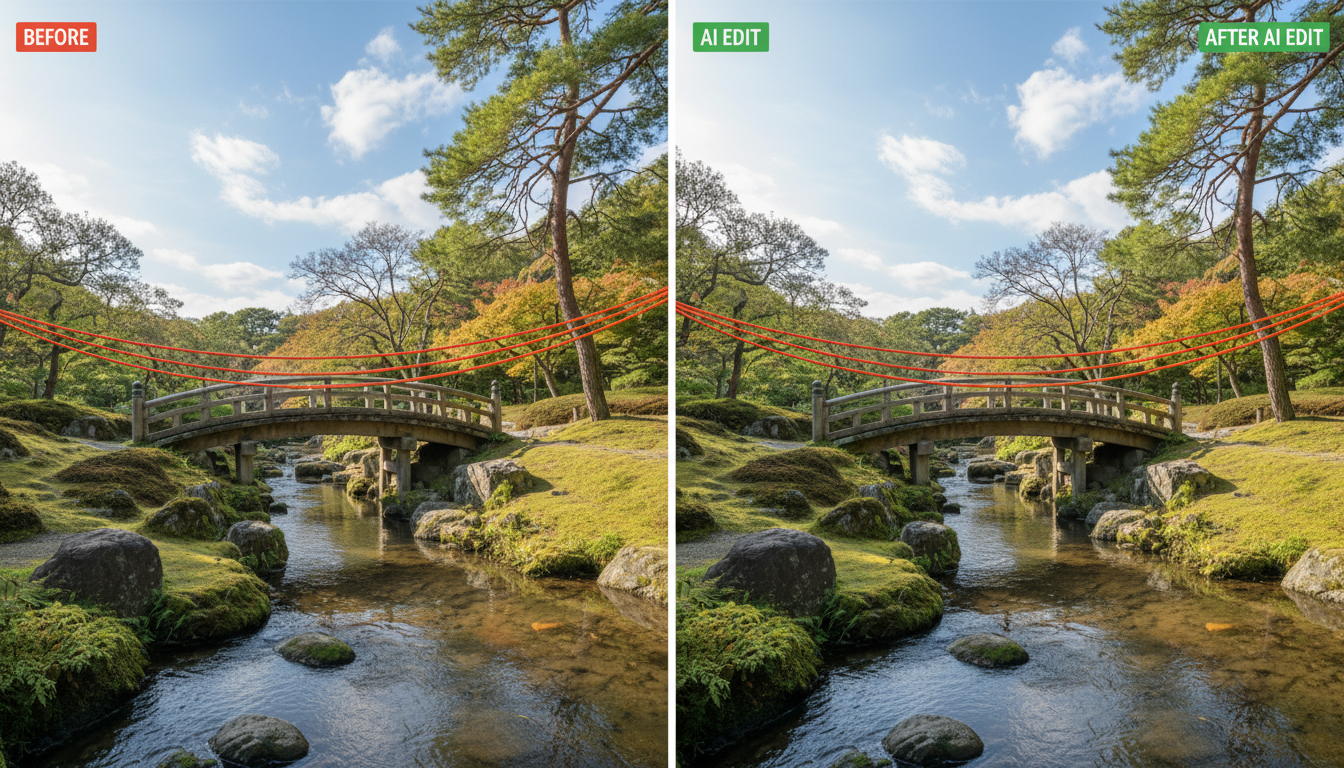 Different combinations produce different characteristics
CFG Scale Optimization
CFG (Classifier-Free Guidance) scale significantly affects output.
Z-Image Base CFG Sweet Spot
Unlike SDXL which often uses CFG 7-9, Z-Image Base works best at slightly lower values:
| CFG | Effect |
|---|---|
| 4-5 | Very creative, may drift from prompt |
| 5-6 | Creative with good prompt adherence |
| 6-7 | Optimal balance (recommended) |
| 7-8 | Stricter adherence, slight quality reduction |
| 8+ | Over-constrained, artifacts possible |
CFG by Use Case
Portraits: 6-7 Landscapes: 5-6 Abstract: 4-5 Product shots: 7 Text rendering: 7-8
Step Count Guidelines
How many steps you need depends on scheduler and desired quality.
Earn Up To $1,250+/Month Creating Content
Join our exclusive creator affiliate program. Get paid per viral video based on performance. Create content in your style with full creative freedom.
With res_2s
| Steps | Quality | Speed | Use Case |
|---|---|---|---|
| 15-20 | Good | Fast | Previews |
| 25-30 | Excellent | Balanced | Recommended |
| 35-40 | Maximum | Slower | Finals |
| 50+ | Diminishing returns | Slow | Not needed |
With bong_tangent
| Steps | Quality | Speed | Use Case |
|---|---|---|---|
| 20-25 | Good | Fast | Exploration |
| 30-35 | Excellent | Balanced | Recommended |
| 40-50 | Maximum | Slower | High detail |
ComfyUI Implementation
Setting up optimal configurations in ComfyUI.
KSampler Node Settings
Model: z-image-base
Seed: [your seed]
Steps: 28
CFG: 7
Sampler: euler_ancestral
Scheduler: res_2s
Denoise: 1.0
Advanced KSampler (Recommended)
Using the Advanced KSampler provides more control:
add_noise: enable
noise_seed: [seed]
steps: 28
cfg: 7
sampler_name: euler_ancestral
scheduler: res_2s
start_at_step: 0
end_at_step: 28
return_with_leftover_noise: disable
Custom Scheduler Nodes
For res_2s and bong_tangent, you may need custom nodes:
- Check ComfyUI Manager for scheduler packs
- Community nodes often include newer schedulers
- Some may require manual installation
Troubleshooting
Common issues with scheduler/sampler settings.
Over-Sharpened Output
Cause: CFG too high or wrong scheduler Solution: Lower CFG to 6, try bong_tangent
Muddy/Soft Results
Cause: CFG too low or insufficient steps Solution: Increase CFG to 7, add steps
Inconsistent Quality
Cause: Sampler variance or wrong combination Solution: Use euler instead of ancestral for consistency
Artifacts and Noise
Cause: Bad scheduler/sampler pairing or CFG issues Solution: Try res_2s + euler_ancestral at CFG 6-7
Key Takeaways
- res_2s scheduler is optimal for Z-Image Base quality
- bong_tangent offers smooth artistic alternatives
- euler_ancestral is the best general sampler for most uses
- CFG 6-7 is the sweet spot for Z-Image Base
- 25-30 steps is optimal for res_2s
- Test combinations for your specific use case
Frequently Asked Questions
What's the single best scheduler for Z-Image Base?
res_2s for most users. bong_tangent for artistic work.
Do I need custom nodes for these schedulers?
res_2s may be built-in depending on ComfyUI version. Check Manager for updates.
Can I use SDXL schedulers with Z-Image Base?
Some work, but model-optimized schedulers like res_2s perform better.
Why is my CFG different from SDXL recommendations?
Z-Image Base's architecture responds differently. Lower CFG values work better.
How many steps is too many?
Beyond 40-50 steps, quality improvements are minimal. 28-35 is the sweet spot.
Does sampler choice affect generation speed?
Slightly. euler is fastest, dpmpp_3m_sde slowest. Difference is small.
Should I change settings for different content types?
Minor adjustments help. Lower CFG for creative, higher for precision work.
What about negative prompts with these settings?
Negative prompts work normally. Settings don't change negative prompt behavior.
Are these settings compatible with LoRAs?
Yes, these scheduler/sampler settings work well with Z-Image Base LoRAs.
How do I install res_2s if it's not available?
Check ComfyUI Manager for scheduler node packs, or search GitHub for community nodes.
Optimizing scheduler and sampler settings elevates Z-Image Base from good to excellent. The res_2s and bong_tangent schedulers, paired with appropriate samplers and CFG settings, access the model's full potential.
For users who want optimal settings without manual configuration, Apatero offers pre-tuned Z-Image Base generation alongside 50+ other models, with LoRA training available on Pro plans.
Some models you cannot download at any VRAM
Veo, Kling and Nano Banana have closed weights. There is no local build, no quantization, no 24GB workaround. Run them in the browser instead. First generation free.
Related Articles

Adobe Firefly vs Midjourney vs Ideogram 2026: Which Wins
Brand-safe licensing, scroll-stopping aesthetics, or text rendering. Three tools optimized for three different jobs, tested against real briefs.
AI Architecture Rendering 2026: Veras vs Paintit vs Midjourney
44 percent of architects use AI in 2026. Veras, Paintit, ArchiVinci, and Midjourney tested on five real architectural briefs from a working studio.

AI Art Market Statistics 2025: Industry Size, Trends, and Growth Projections
Comprehensive AI art market statistics including market size, creator earnings, platform data, and growth projections with 75+ data points.