Uncensored Prompt Enhancer: Get Better AI Images Without the Filter Drama
Learn how prompt enhancers transform basic descriptions into detailed AI prompts. No restrictions, better results, and the tools that actually work.
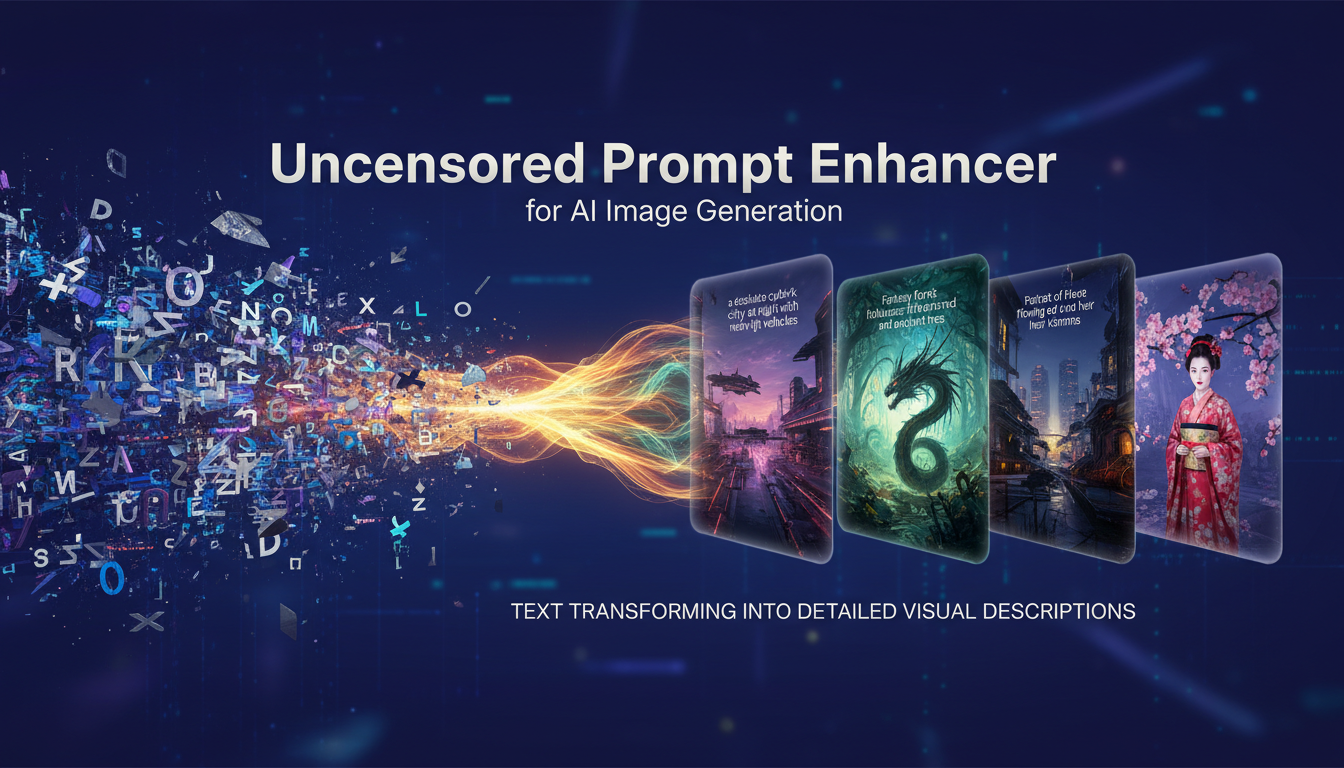
Most people write terrible prompts. I know because I used to be one of them. I'd type something like "beautiful woman in red dress" and wonder why my outputs looked generic. Then I discovered prompt enhancers, and everything changed.
Quick Answer: A prompt enhancer takes your basic description and transforms it into a detailed, optimized prompt with lighting, composition, style, and technical terms that AI models actually understand. The uncensored versions do this without blocking adult content.
- Prompt enhancers add professional terminology AI models respond to
- Uncensored versions don't filter NSFW content from outputs
- Built-in enhancers in ComfyUI use local LLMs like Gemma, Qwen, or Llama
- Better prompts = better images without changing any other settings
- You can run enhancers locally for complete privacy
What Does a Prompt Enhancer Actually Do?
Here's the thing. AI image models have been trained on millions of images with detailed captions. When photographers upload to stock sites, they don't write "nice photo." They write "professional portrait photography, soft studio lighting, 85mm lens, shallow depth of field, neutral background, catchlight in eyes."
Your basic prompt doesn't speak the language these models learned.
A prompt enhancer bridges that gap. You write "woman in red dress" and it outputs something like:
"Professional fashion photography of an elegant woman wearing a flowing crimson evening gown, soft studio lighting with dramatic shadows, full body shot, shallow depth of field, high fashion magazine aesthetic, detailed fabric texture, neutral gray backdrop, 85mm portrait lens, 8K resolution"
That's the difference between getting a mediocre generation and getting something that looks professionally shot.
Why "Uncensored" Matters
I'll be direct. Most online prompt enhancers filter your content before you even start. Type anything remotely suggestive and you get rejected, modified, or a watered-down version that misses the point.
Uncensored prompt enhancers simply enhance what you write without adding moral judgments about whether you should be writing it. They treat your prompt like text to improve, not content to police.
This matters for legitimate adult content creation, artistic projects, and honestly, just not having a tool second-guess your creative intent.
The Best Prompt Enhancers I've Actually Used
SD.Next Built-in Enhancer
If you're running SD.Next, the built-in Prompt Enhance feature is surprisingly powerful. It supports multiple local LLM models including Gemma-3, Qwen-2.5, Phi-4, Llama-3.2, SmolLM2, and Dolphin-3.
What I like about this approach: everything runs locally. No API calls, no content filtering, no logging of your prompts. You can enhance manually or set it to auto-enhance during generation.
Promptus.ai Prompt Enhancer
Promptus offers a one-click enhancer that adds setting, mood, time of day, and background elements automatically. It applies terms like "cinematic," "photorealistic," "dreamlike," and "studio lighting" based on context.
The interface is dead simple. Paste your basic prompt, click enhance, get back a detailed version. For quick work when I don't want to think about prompting, this saves time.
Local LLMs for Complete Privacy
Here's what I've been doing lately. Running a local Qwen or Llama model specifically for prompt enhancement. You send your basic prompt, the LLM expands it with relevant details, and nothing ever leaves your machine.
The setup takes about 20 minutes if you've never done it before. Install Ollama, pull a model like Qwen2.5, and you can query it from the command line or integrate it into your workflow.
For sensitive content creation, this is the way. No terms of service, no content policies, no surprises.
How to Write Prompts That Enhancers Actually Improve
I made this mistake early on. I'd write incredibly vague prompts and expect the enhancer to read my mind. Enhancers are multipliers, not miracle workers.
What works:
Free ComfyUI Workflows
Find free, open-source ComfyUI workflows for techniques in this article. Open source is strong.
- Start with a clear subject and basic context
- Include the style or aesthetic you want
- Mention any specific elements that matter to you
What doesn't work:
- Single words with no context
- Prompts so detailed they leave nothing to enhance
- Contradictory requirements
The sweet spot I've found is about 10-20 words of clear direction. Enough for the enhancer to understand your intent, not so much that it has nowhere to add value.
Setting Up Your Own Uncensored Enhancer
If you want complete control, here's the setup I use:
Step 1: Install Ollama
curl -fsSL https://ollama.com/install.sh | sh
Step 2: Pull a capable model
ollama pull qwen2.5:7b
Step 3: Create a simple enhancement script
echo "Enhance this prompt for AI image generation, adding professional photography terms, lighting, composition details. Keep the core concept but make it more detailed: [YOUR PROMPT]" | ollama run qwen2.5:7b
That's literally it. Now you have a local, uncensored prompt enhancer that nobody can take away from you.
Does Apatero Have Prompt Enhancement?
Full disclosure, I work with Apatero.com. Yes, there's prompt enhancement built into certain workflows. The advantage is you don't need to set up anything, and the enhancement is tuned specifically for the models we run.
Want to skip the complexity? Apatero gives you professional AI results instantly with no technical setup required.
If you're already using Apatero for generation, the prompt enhancement just works. If you prefer running everything locally or have specific privacy requirements, the local LLM approach gives you more control.
Common Mistakes I See With Prompt Enhancers
Mistake 1: Treating enhanced prompts as final
Enhanced prompts are starting points. You should absolutely edit them. Remove terms that don't match your vision, add specific details the enhancer missed, adjust the emphasis.
Mistake 2: Using them for every single generation
Sometimes you know exactly what you want. A detailed, specific prompt from your own brain often outperforms an enhanced generic one. Use enhancers when you need inspiration or when your prompt is genuinely basic.
Mistake 3: Ignoring the quality setting
Some enhancers let you control output length and detail level. For quick iterations, a shorter enhancement is faster. For final renders, go detailed. Match the enhancement to the generation stage.
Mistake 4: Not saving good enhanced prompts
Earn Up To $1,250+/Month Creating Content
Join our exclusive creator affiliate program. Get paid per viral video based on performance. Create content in your style with full creative freedom.
When an enhancer gives you something great, save it. Build a library of enhanced prompts you can remix and reuse. This is way faster than enhancing from scratch every time.
My Workflow for Prompt Enhancement
Here's what I actually do in practice:
- Write a basic concept (10-15 words)
- Run it through my local Qwen enhancer
- Edit the output to remove anything I don't want
- Add any specific details the enhancer missed
- Generate a test image
- If good, save the prompt template
- If not, adjust and regenerate
This takes maybe 60 seconds extra per concept but dramatically improves consistency and quality. I'd estimate my usable output rate went from about 40% to 75% just from better prompting.
Prompt Enhancement vs. LoRA Training
Hot take here. For most use cases, better prompting beats LoRA training.
LoRAs are powerful for specific styles or characters, but they take hours to train and can overfit. Good prompts work with any model, any checkpoint, and transfer between platforms.
I've seen people spend 20 hours training LoRAs when 20 minutes learning prompt engineering would have solved their problem. If your issue is "my outputs look generic," try a prompt enhancer before you try training.
Privacy Considerations
A quick note about online prompt enhancers. When you type a prompt into a web service, that prompt is being processed on their servers. Some services log prompts, some use them for training, some have unclear policies.
For SFW content? Probably doesn't matter. For sensitive or adult content? I'd strongly recommend local processing. You don't want your prompts in someone else's training data or, worse, tied to your identity.
This is why I keep coming back to local LLMs for enhancement. Complete privacy, no dependencies, works offline.
Frequently Asked Questions
Do prompt enhancers work with all AI models?
Generally yes. Enhanced prompts with professional terminology work across Stable Diffusion, Flux, Midjourney, and other models. Some terminology is more effective with specific models, but the general approach transfers.
How is this different from negative prompts?
Prompt enhancers improve your positive prompt, describing what you want. Negative prompts describe what you don't want. They're complementary. An enhanced positive prompt plus good negative prompts gives the best results.
Can enhancers help with NSFW content?
Uncensored enhancers can enhance any content type without filtering. They add the same professional terminology regardless of subject matter. Censored enhancers will block or modify adult content.
Do I need a powerful computer?
For online enhancers, no. For local LLMs, you need decent specs. A 7B model runs well with 8GB+ VRAM. Smaller models like 1-3B work on lighter hardware.
Will enhanced prompts always produce better images?
Usually yes, but not always. If your original prompt was already detailed and specific, enhancement might add unnecessary complexity. And if the enhancer doesn't understand your intent, the output could miss the mark.
How do I know if my enhancer is censored?
Try enhancing something mildly suggestive. If it refuses, modifies your intent, or gives generic safe results, it's censored. Uncensored enhancers simply enhance without judgment.
Final Thoughts
Look, prompting is a skill. You can spend months mastering it, or you can use enhancers as a shortcut to better results. I don't think using enhancers is "cheating." It's just efficiency.
The uncensored aspect matters if you're doing adult content creation or anything edgy. But even for completely SFW work, the freedom from content filtering means your enhancer actually focuses on making your prompt better rather than second-guessing your intent.
Start with an online enhancer to see if you like the approach. If you do, set up a local LLM for privacy and unlimited usage. And remember, enhanced prompts are starting points, not sacred text. Edit them to match your vision.
Related guides: Z-Image Turbo ControlNet Guide, WAN 2.2 LoRA Training, ComfyUI Workflow Basics
Ready to Create Your AI Influencer?
Join 115 students mastering ComfyUI and AI influencer marketing in our complete 51-lesson course.
Related Articles

10 Best AI Influencer Generator Tools Compared (2025)
Comprehensive comparison of the top AI influencer generator tools in 2025. Features, pricing, quality, and best use cases for each platform reviewed.

5 Proven AI Influencer Niches That Actually Make Money in 2025
Discover the most profitable niches for AI influencers in 2025. Real data on monetization potential, audience engagement, and growth strategies for virtual content creators.

AI Action Figure Generator: How to Create Your Own Viral Toy Box Portrait in 2026
Complete guide to the AI action figure generator trend. Learn how to turn yourself into a collectible figure in blister pack packaging using ChatGPT, Flux, and more.