LongCat-Image: The 6B Model That Finally Renders Chinese Text Correctly
Meituan's LongCat-Image achieves 90.7% Chinese text accuracy with just 6B parameters. Complete guide to bilingual image generation and 15 editing tasks.
Chinese text in AI images has been a disaster. Even the best models produce garbled characters, missing strokes, or completely invented symbols. It's embarrassing. And it's been that way for years.
LongCat-Image, released by Meituan in December 2025, finally fixes this. The model covers all 8,105 standard Chinese characters with 90.7% accuracy. That's not just better than alternatives—it's actually usable.
Quick Answer: LongCat-Image is a 6B parameter bilingual image generation model from Meituan that achieves state-of-the-art Chinese text rendering (90.7% accuracy) while also supporting 15 different image editing tasks. It runs on 16GB GPUs and is licensed under Apache 2.0.
- 90.7% ChineseWord score covering all 8,105 standard characters
- Supports rare characters, variant forms, and calligraphy styles
- 15 editing task types including add/remove, style transfer, text modification
- 6B parameters runs smoothly on 16GB VRAM GPUs
- Apache 2.0 license for commercial use
The Chinese Text Problem
Why has Chinese been so hard for AI image generation?
Character complexity: Chinese characters have intricate strokes. English has 26 letters. Chinese has thousands of unique characters, each with specific proportions and stroke orders.
Training data bias: Most image-text datasets are English-dominant. Chinese representation is limited, and what exists often has poor quality annotations.
Font diversity: Chinese has multiple script styles—simplified, traditional, various calligraphy forms. Models trained on mixed styles produce confused outputs.
Previous attempts either ignored Chinese entirely or produced "Chinese-looking" gibberish that anyone literate could immediately identify as wrong.
LongCat-Image Architecture
Meituan built this from the ground up for bilingual capability:
Hybrid DiT Architecture: Uses a 6B parameter Diffusion Transformer that outperforms models 3-4x larger on benchmarks.
Bilingual Text Encoder: Trained on both Chinese and English text-image pairs with balanced representation.
Character Coverage: Full support for GB18030 standard—8,105 characters including simplified, traditional, and rare forms.
Calligraphy Support: Handles Kai (楷), Xing (行), and other script styles with appropriate styling.
The result is a model that understands Chinese characters as characters, not as arbitrary shapes to approximate.
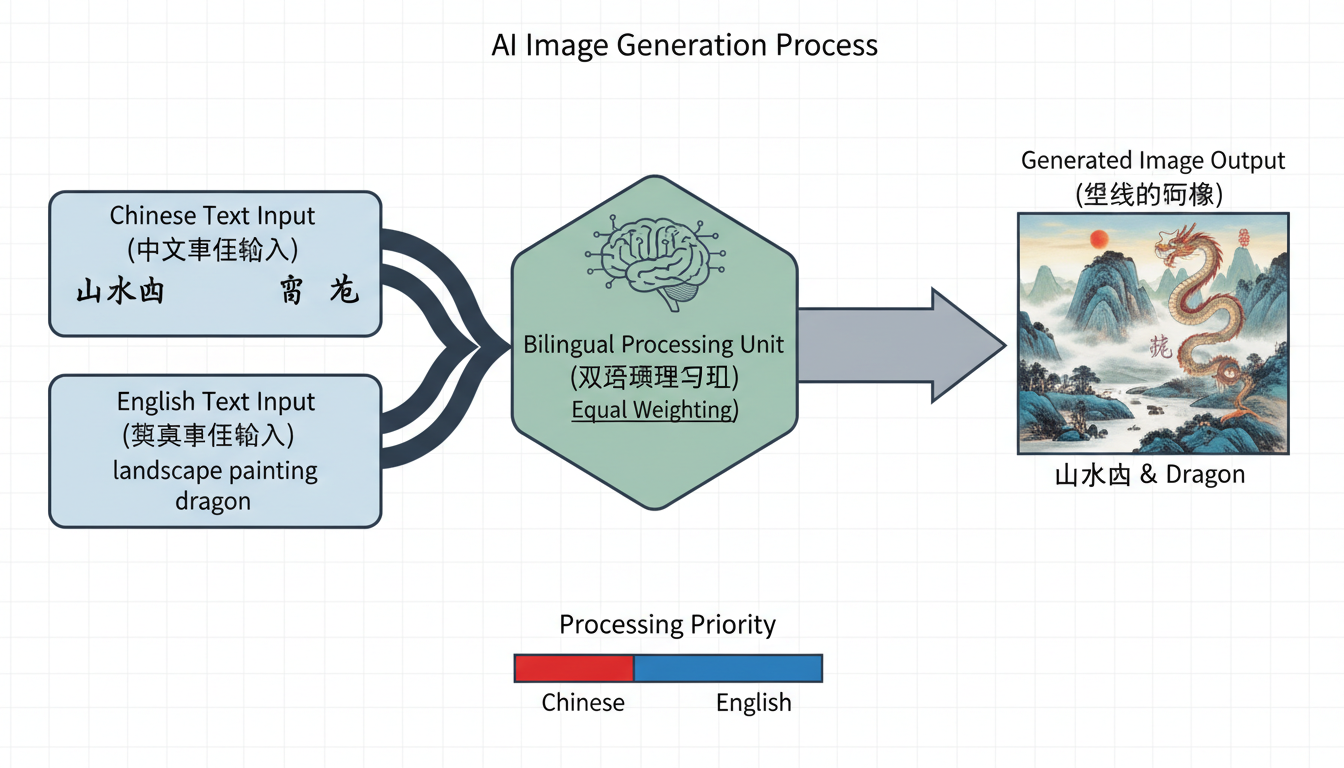 LongCat-Image's hybrid DiT architecture processes Chinese and English text equally
Text Rendering Capabilities
Standard Characters
The core 3,500 commonly used characters render with near-perfect accuracy. For most practical applications—signage, documents, marketing materials—the output is production-ready.
Rare Characters
Extended character support includes uncommon characters used in classical texts, regional names, and specialized vocabulary. This matters for historical, legal, or academic applications where rare characters are necessary.
Variant Forms
Traditional Chinese characters, used in Taiwan, Hong Kong, and historical contexts, render correctly alongside simplified forms. The model understands the distinction.
Calligraphy Styles
Request specific styles in your prompt:
- 楷书 (Kai shu) - Regular script
- 行书 (Xing shu) - Running script
- 草书 (Cao shu) - Cursive script
The model adjusts stroke weight, character proportions, and overall aesthetic appropriately.
Image Editing Tasks
Beyond generation, LongCat-Image supports 15 editing operations through natural language:
- Object Add - "Add a cat on the table"
- Object Remove - "Remove the person in background"
- Style Transfer - "Make it look like a watercolor painting"
- Perspective Change - "View from above"
- Portrait Refinement - "Smooth skin, enhance eyes"
- Text Modification - "Change the sign to say 欢迎"
- Background Replacement - "Change background to beach"
- Color Adjustment - "Make it more vibrant"
- Lighting Change - "Add dramatic sunset lighting"
- Weather Effects - "Add rain"
- Season Change - "Make it autumn"
- Time of Day - "Change to night scene"
- Age Modification - "Make the person younger"
- Clothing Change - "Change to formal wear"
- Composition Adjustment - "Zoom out and show more context"
All editing operations maintain consistency with unedited regions. The model understands what should change and what shouldn't.
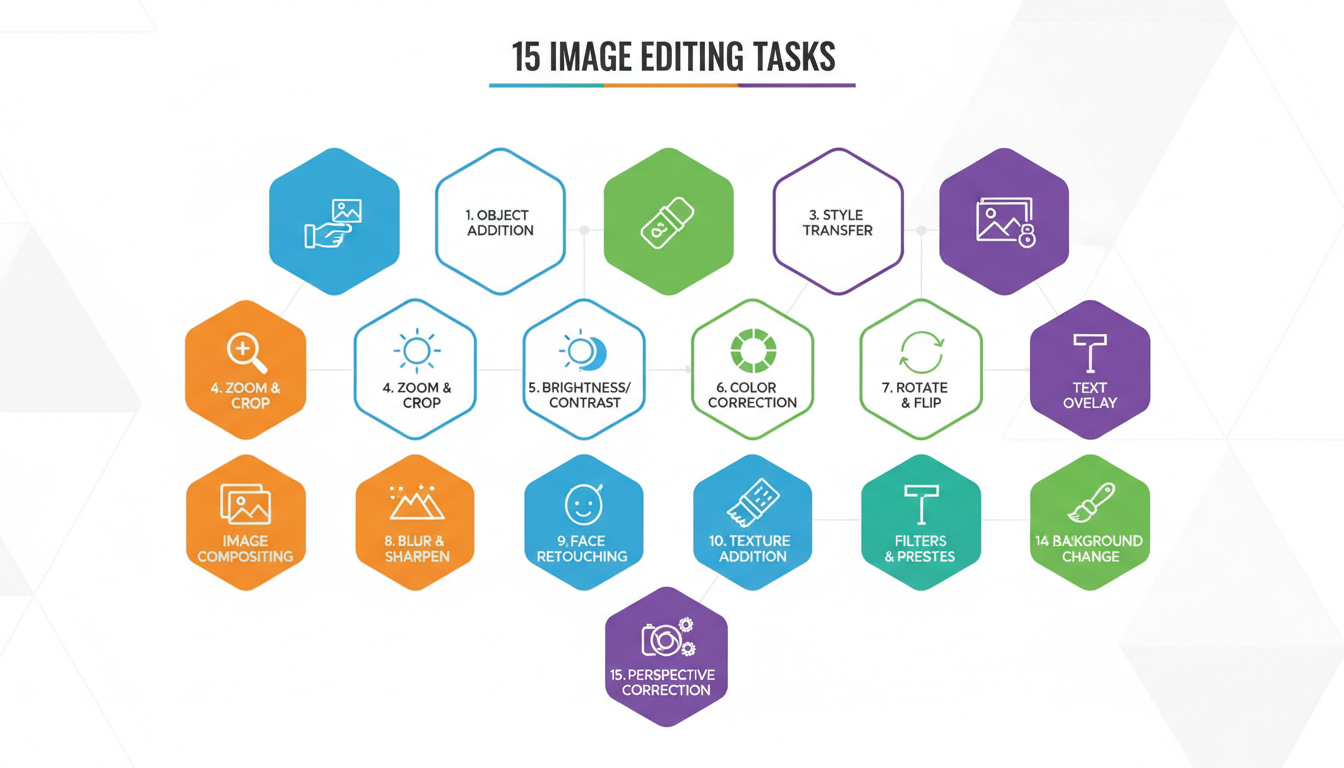 15 different editing operations available through natural language instructions
Hardware Requirements
The 6B parameter count is intentionally efficient:
Minimum: 16GB VRAM for 1024×1024 generation Recommended: 24GB VRAM for faster inference and larger batches Optimal: 48GB+ for production workloads
Compared to 17-20B MoE models, LongCat-Image runs on substantially cheaper hardware while matching quality.
Installation and Setup
Hugging Face
from diffusers import LongCatImagePipeline

pipe = LongCatImagePipeline.from_pretrained("meituan-longcat/LongCat-Image")
pipe = pipe.to("cuda")

image = pipe("一个穿红色旗袍的女孩站在竹林中").images[0]
ComfyUI
A community ComfyUI wrapper (comfyui_longcat_image) integrates the pipeline into node-based workflows.
cd ComfyUI/custom_nodes
git clone https://github.com/[repo]/comfyui_longcat_image
pip install -r comfyui_longcat_image/requirements.txt
Models auto-download on first run from Hugging Face.
Model Variants
Meituan released three variants:
LongCat-Image: Main generation model, best quality LongCat-Image-Dev: Development version with experimental features LongCat-Image-Edit: Optimized specifically for editing tasks
For most users, the main LongCat-Image handles both generation and editing. The Edit variant is specialized for workflows where editing is primary.
Practical Applications
Chinese Marketing Materials
Generate social media graphics, advertisements, and promotional materials with accurate Chinese text. Previously required manual text overlays in post-processing.
E-commerce for Chinese Markets
Product mockups with Chinese descriptions, size charts with Chinese labels, promotional banners with Chinese copy—all generated directly.
Education and Learning Materials
Create visual learning aids with accurate Chinese characters. Flashcards, vocabulary sheets, illustrated guides with correct stroke representation.
Publishing and Design
Magazine layouts, book covers, poster designs with integrated Chinese typography that doesn't require fixing.
Historical and Cultural Content
Generate period-appropriate Chinese calligraphy for historical visualizations, cultural documentation, or artistic projects.
Comparison to Alternatives
| Model | Chinese Text Score | Parameters | License |
|---|---|---|---|
| LongCat-Image | 90.7% | 6B | Apache 2.0 |
| FLUX | Poor | 12B | Mixed |
| Ideogram | Good | Unknown | Proprietary |
| DALL-E 3 | Moderate | Unknown | API Only |
LongCat-Image dominates on Chinese accuracy while maintaining competitive quality on general tasks.
For bilingual workflows—generating content for both Chinese and English markets—it's the clear choice.
Tips for Best Results
Be specific with text: Include the exact characters you want in your prompt. "写着'开门大吉'的红色春联" is better than "Chinese New Year decoration with text."
Specify style when needed: Different contexts call for different script styles. A formal document needs 楷书, a casual sign might use 行书.
Check character counts: Very long text strings may have reduced accuracy at the edges. For lengthy text, consider multiple generation passes.
Use high resolution: Character detail improves at higher resolutions. 1024×1024 minimum for text-heavy images.
Limitations
Very complex compositions: Scenes with multiple separate text elements can have reduced accuracy on some elements.
Cursive styles: 草书 (cursive) is challenging for any model. Readability may suffer for heavily stylized requests.
Non-standard fonts: While standard styles are supported, highly decorative or artistic fonts may not render as intended.
Speed: Larger than distilled models means slightly slower inference. Not an issue for single images, notable for batches.
Integration with Other Tools
With FLUX 2: Use FLUX for general generation, LongCat-Image for Chinese text additions via inpainting.
With ControlNet: Apply standard SDXL ControlNets for spatial guidance while maintaining text accuracy.
With Qwen Edit: Qwen Edit for English text editing, LongCat-Image for Chinese—specialized tools for specialized tasks.
FAQ
Does LongCat-Image work with English? Yes, it's fully bilingual. English generation quality is competitive with specialized English models.
Can I use it commercially? Apache 2.0 license allows commercial use. Check the license file for specifics.
How does it compare to Stable Diffusion for Chinese? SD models generally produce poor Chinese text. LongCat-Image is purpose-built for accuracy.
Is there an API available? Yes, Pixazo and others offer LongCat-Image API access for production workflows.
What about Japanese or Korean? Focused on Chinese and English. Japanese kanji (shared characters) may work, but it's not the primary design target.
Can I fine-tune the model? Yes, open weights allow fine-tuning for specific styles or character sets.
The Bigger Picture
Chinese represents a massive market—over a billion native speakers, trillions in digital commerce, and rapidly growing AI adoption. Yet AI image tools have largely ignored Chinese text accuracy.
LongCat-Image signals that this is changing. Meituan, one of China's largest tech companies, investing in open-source bilingual AI suggests a broader shift toward inclusive model development.
For Apatero.com, supporting Chinese-speaking creators is increasingly important. Tools like LongCat-Image make that practical without compromising quality.
The next generation of AI image tools will be global by default. LongCat-Image is an early example of what that looks like.
Make AI images and video in your browser
Characters, video, photo packs. No GPU, no setup. Check your welcome allowance and the displayed cost before generating.
Related Articles

5 Proven AI Influencer Niches That Actually Make Money in 2025
Discover the most profitable niches for AI influencers in 2025. Real data on monetization potential, audience engagement, and growth strategies for virtual content creators.

AI Background Replacement: Professional Guide 2025
Master AI background replacement for professional results. Learn rembg, BiRefNet, and ComfyUI workflows for smooth background removal and replacement.

AI Character Consistency: How to Maintain Virtual Persona Identity Across Content
Learn techniques for maintaining AI character consistency across hundreds of images. Master the art of creating recognizable virtual personas with consistent visual identity.