How to Train Your Own Cartoon LoRA: Step-by-Step Guide
Complete guide to training cartoon style LoRAs for Z Image Turbo, Flux, and SDXL. Dataset prep, training settings, and troubleshooting common issues.
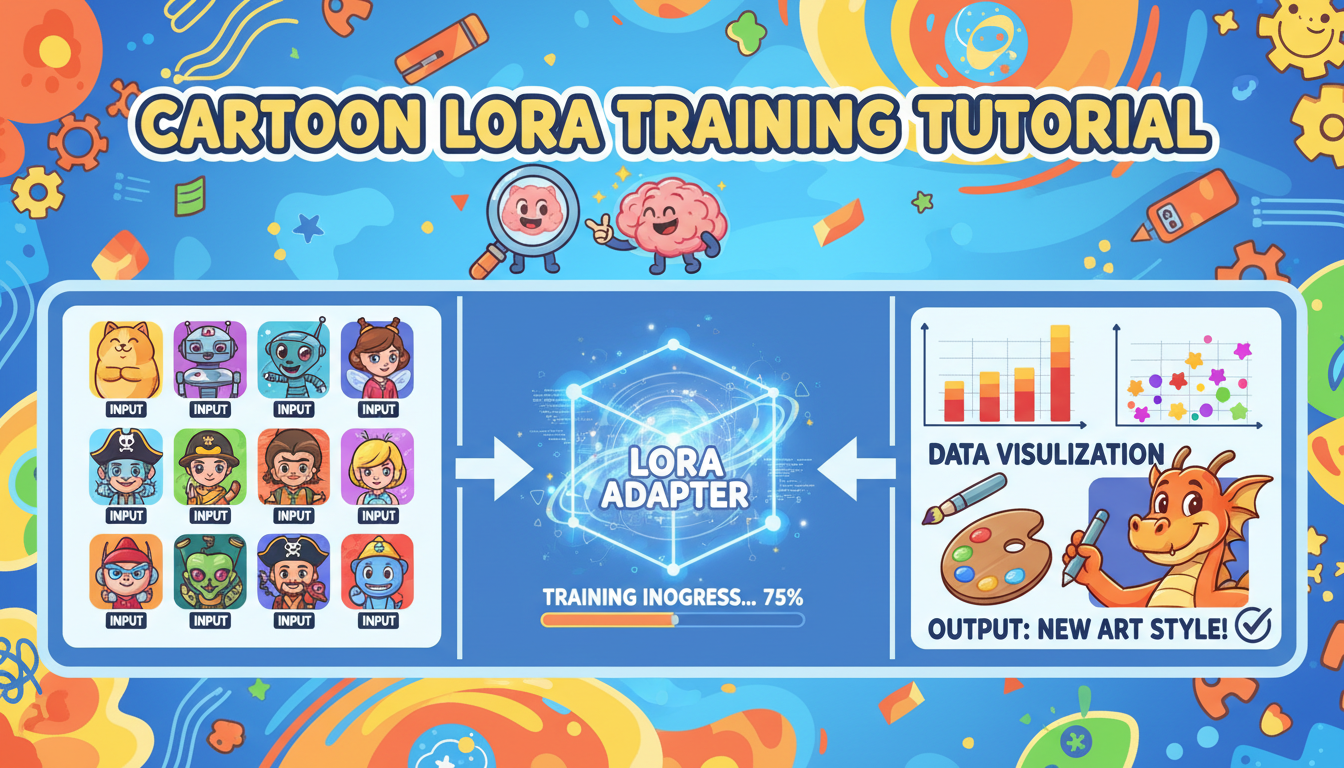
Training your own cartoon style LoRA sounds intimidating until you actually do it. I put off learning for months, assuming it required deep ML knowledge. Turns out, the process is surprisingly accessible if you follow the right steps.
Quick Answer: Training a cartoon LoRA requires 30-100 style reference images, a training tool like Kohya or ComfyUI-Realtime-Lora, about 1,500-2,000 training steps, and a few hours of compute time. The result is a LoRA that applies your specific cartoon style to any generation.
- Style LoRAs need diverse subjects showing the same style, not just one character
- Training on 30-50 well-curated images often beats 200+ poorly selected ones
- Z Image Turbo training is faster and produces smaller files than other models
- Start with default settings before experimenting with custom parameters
- Quality of captions matters as much as quality of images
Understanding Style vs Character LoRAs
This is where most people start wrong. Character LoRAs and style LoRAs are fundamentally different:
Character LoRA: Teaches the model what a specific person or character looks like. Dataset is 10-30 images of the same subject in different poses/settings.
Style LoRA: Teaches the model an aesthetic or art style. Dataset is 30-100 images of DIFFERENT subjects all rendered in the same style.
For cartoon styles, you want the second approach. The LoRA should learn "how this artist draws things" not "what this one character looks like."
If you put 50 images of the same cartoon character in your training set, you'll get a character LoRA that only works for that character. Put 50 images of different subjects all drawn in the same cartoon style, and you'll get a style LoRA that works for any subject.
Dataset Preparation
This is 80% of the work. Good data means good results. Bad data means wasted compute.
Image Selection Criteria
Diversity in subjects: Include characters, backgrounds, objects, scenes. All should show your target style but with variety.
Consistency in style: Every image should clearly represent the same aesthetic. One photo-realistic image in your dataset will confuse training.
Quality over quantity: 40 excellent images beat 200 mediocre ones. Every image should be representative of the style you want.
Appropriate resolution: Match your target model's native resolution. For SDXL and Flux, use 1024x1024. For Z Image Turbo, 1024x1024.
What to Avoid
- Different art styles mixed together
- Low resolution or heavily compressed images
- Watermarked images (the model might learn the watermark)
- Images with text unless text is part of the style
- Outliers that don't match the overall aesthetic
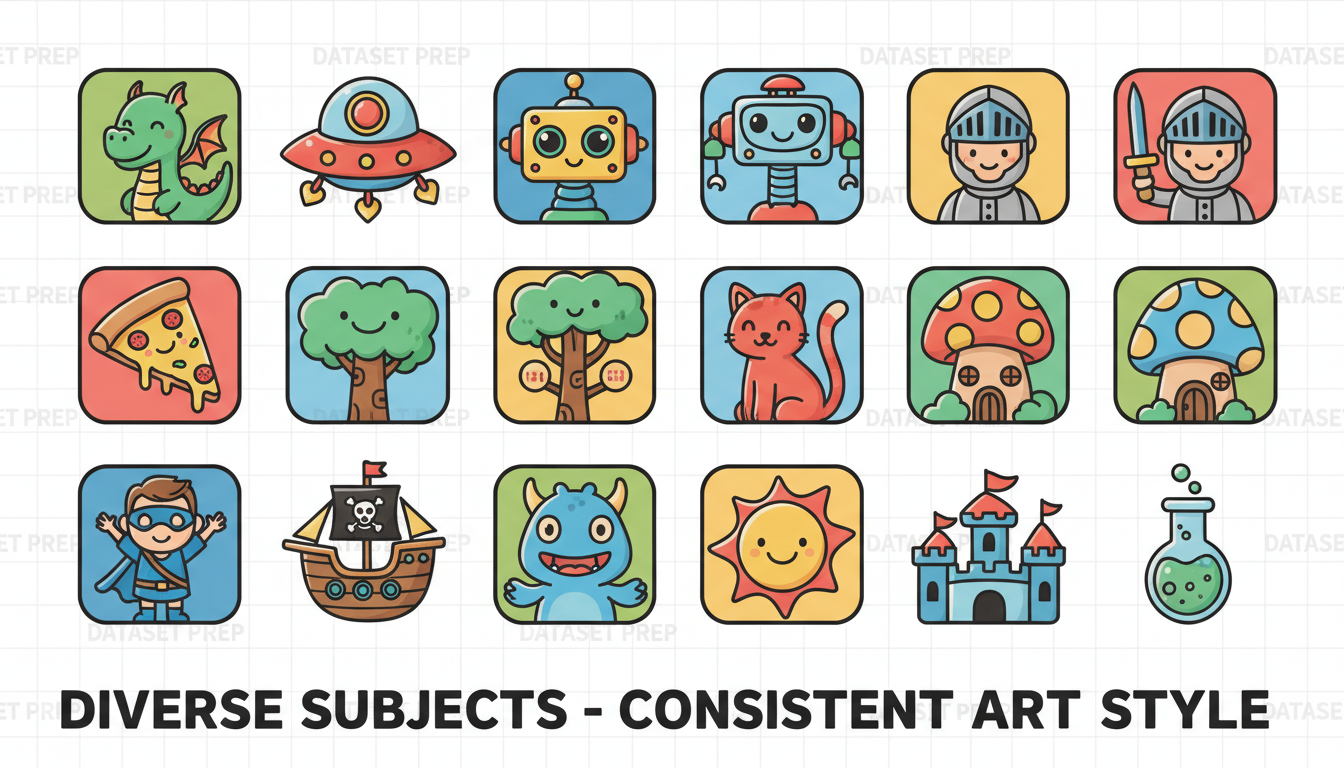 Good dataset: diverse subjects, consistent style. Bad dataset: mixed styles or same subject repeated.
Captioning Your Images
Every training image needs a caption describing what's in it. The model learns to associate the visual style with the caption patterns.
Caption Format
For style LoRAs, use a consistent trigger word plus description:
[trigger], cartoon illustration of a knight with sword
[trigger], cartoon style forest scene with tall trees
[trigger], animated character design, girl with blue hair
Your trigger word (like cartoonstyle or myanime) is what you'll use later to activate the LoRA.
Automatic Captioning
If you have many images, use automatic captioning tools:
- BLIP-2: Good general descriptions
- WD Tagger: Better for anime/illustration styles
- Florence-2: Latest and most accurate
Then manually add your trigger word to each caption:
## Original auto-caption:
a drawing of a cat sitting on a cushion

## Modified for training:
[trigger], a drawing of a cat sitting on a cushion
Choosing Your Training Tool
Several options exist. Here's what I've tested:
ComfyUI-Realtime-Lora
Pros: Trains directly in ComfyUI, supports Z Image Turbo/Flux/SDXL/WAN Cons: Newer, less documentation
If you're already in the ComfyUI ecosystem, this is the smoothest option. GitHub link
Kohya SS Scripts
Pros: Most flexible, most features, best documentation Cons: Requires command line or GUI wrapper setup
The gold standard for serious LoRA training. Works for all major model families.
AI Toolkit / SimpleTuner
Pros: User-friendly, good defaults Cons: Less fine-grained control
Great for beginners who want something that "just works."
For this guide, I'll focus on settings that work across tools.
Training Settings for Cartoon Styles
General Settings (All Models)
| Parameter | Recommended Value | Notes |
|---|---|---|
| Training Steps | 1,500-2,000 | Start lower, increase if underfitting |
| Learning Rate | 0.0001-0.0004 | Model-dependent, see below |
| Batch Size | 1-4 | Higher if VRAM allows |
| LoRA Rank | 16-64 | 32 is a good default |
| Network Alpha | 8-32 | Usually half of rank |
Model-Specific Settings
Z Image Turbo
- Learning Rate: 0.0001
- Uses de-turbo variant for training (output works with turbo)
- Smaller LoRA files than other models
Flux
- Learning Rate: 0.0004
- Requires more VRAM (24GB+ recommended)
- Produces high-quality but larger LoRAs
SDXL
- Learning Rate: 0.0001
- Most mature training ecosystem
- Good balance of quality and file size
Step-by-Step Training Process
Step 1: Organize Dataset
Create folder structure:
training_data/
├── config.toml
├── images/
│   ├── 001.jpg
│   ├── 001.txt  (caption)
│   ├── 002.jpg
│   ├── 002.txt
│   └── ...
Step 2: Configure Training
Basic config (adjust for your tool):
pretrained_model = "path/to/base_model"
output_dir = "path/to/output"
resolution = 1024
train_batch_size = 2
learning_rate = 0.0001
max_train_steps = 2000
network_rank = 32
network_alpha = 16
Step 3: Start Training
Run training. Monitor loss curve if your tool shows it. You want loss decreasing then plateauing.
Training time varies:
- Z Image: ~1-2 hours on 4090
- SDXL: ~2-3 hours on 4090
- Flux: ~3-5 hours on 4090
Step 4: Test Intermediate Checkpoints
Most tools save checkpoints during training. Test at steps 500, 1000, 1500, 2000.
Early checkpoints show if training is working. Later checkpoints may overfit. Pick the best one.
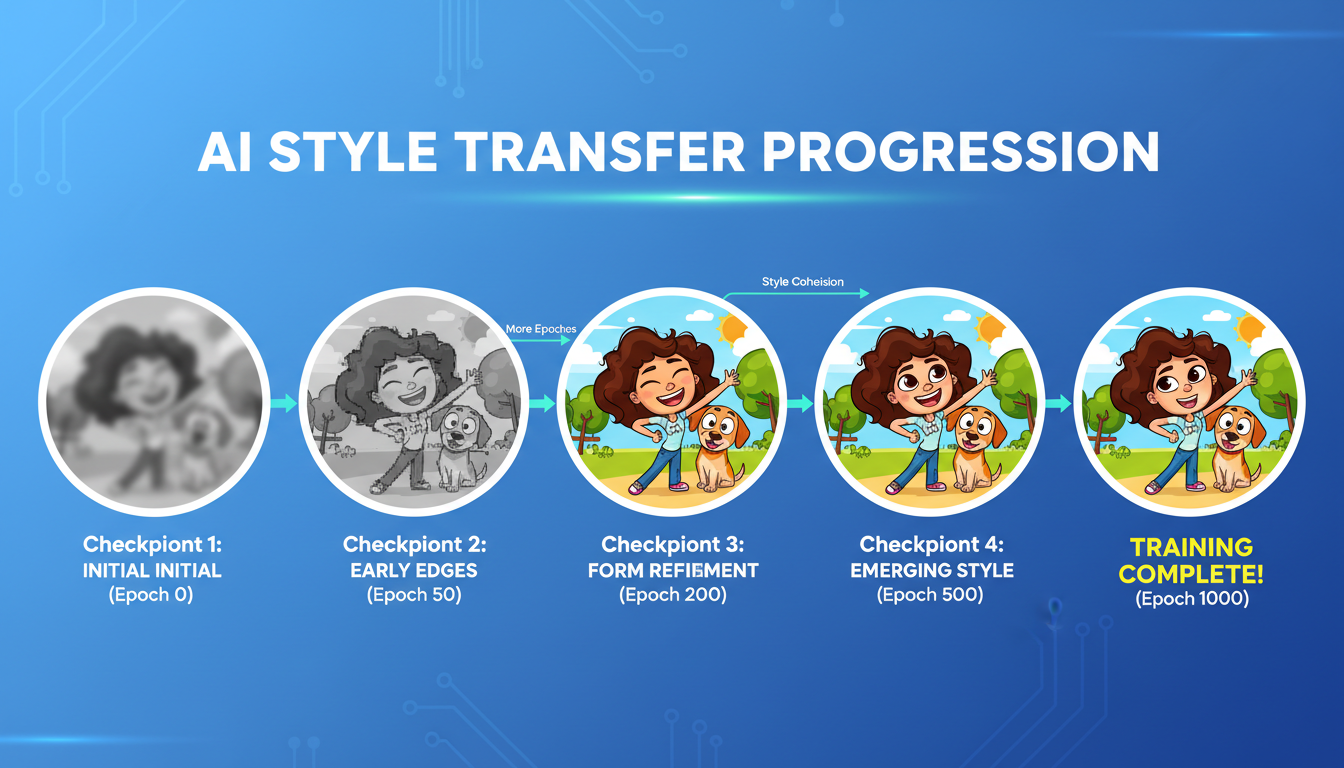 Training progression showing style emergence across checkpoints
Testing Your LoRA
Once trained, test systematically:
Basic Test
Generate with just trigger word:
[trigger], cartoon illustration of a mountain landscape
Compare to same prompt without LoRA. The style difference should be obvious.
Strength Testing
Test at different LoRA strengths:
- 0.5: Subtle style influence
- 0.7: Moderate style application
- 0.9-1.0: Full style transfer
For most cartoon styles, 0.6-0.8 works best. Higher can over-saturate the style.
Edge Case Testing
- Does it work on subjects not in training data?
- Does it maintain style across different prompts?
- Are there any weird artifacts at full strength?
Common Problems and Fixes
Style Not Appearing
- Increase LoRA strength
- Train for more steps
- Check that trigger word matches training
Overfitting (Same Output Every Time)
- Reduce training steps
- Use earlier checkpoint
- Increase dataset diversity
Quality Degradation
- Learning rate too high
- Train fewer steps
- Improve dataset quality
LoRA Too Large
- Reduce rank (16 instead of 32)
- Use lower alpha
- Try Z Image Turbo (naturally smaller files)
Works in Training, Fails in Inference
- Make sure you're using same trigger word
- Check model compatibility
- Verify LoRA file isn't corrupted
Advanced Tips
Multi-Concept Training
You can train one LoRA with multiple trigger words for related concepts:
cartoon_face, portrait of person with big eyes
cartoon_landscape, outdoor scene with stylized trees
This gives you one LoRA file with multiple style modes.
Combining with Character LoRAs
Your style LoRA + a character LoRA can work together. Style first at 0.6, character at 0.3-0.5. Experiment with ordering and strengths.
Fine-Tuning from Existing LoRAs
If there's a cartoon LoRA that's close to what you want, you can use it as the starting point and train for fewer steps to dial in your specific style.
Cost and Resource Estimates
| Model | VRAM Needed | Training Time (50 images) | File Size |
|---|---|---|---|
| Z Image | 8-12GB | 1-2 hours | 50-100MB |
| SDXL | 12-16GB | 2-3 hours | 100-250MB |
| Flux | 24GB+ | 3-5 hours | 200-400MB |
If you're VRAM-limited, Z Image Turbo is genuinely the best option. Training is faster, inference is faster, files are smaller, and quality is excellent.
Practical Applications
Once you have a working style LoRA:
Consistent Content Creation: All your images share the same aesthetic. Great for branding.
Client Work: Train on their art style, generate unlimited assets in that style.
Personal Projects: Develop your unique visual identity across platforms.
Combination with Other Tools: Use style LoRAs alongside IPAdapter for face consistency or video generation via WAN 2.2.
Apatero.com supports custom LoRA uploads if you want to use your trained style without local setup. Full disclosure, I'm involved with the project, but it's genuinely the easiest way to deploy custom styles to production.
FAQ
How many images do I really need? For style LoRAs: minimum 30, ideal 50-100. Beyond 100 rarely helps unless you have exceptional diversity.
Can I train on copyrighted cartoon styles? Legally gray area. Training for personal use is probably fine. Commercial use of someone else's recognizable style carries risk.
Why does my LoRA only work at specific strengths? Often indicates overfitting. Try earlier checkpoint or expand dataset.
Can I share or sell trained LoRAs? Depends on base model license and your training data. Check both before distributing.
How do I know when training is "done"? When loss plateaus and visual quality stops improving on test generations. More steps after that leads to overfitting.
Do I need to train separately for each model? Yes. SDXL LoRAs don't work on Flux or Z Image. Each model family needs its own training.
Training your own style is one of those things that seems harder than it is. Start with a small dataset of high-quality images, use default settings, and iterate from there. Your first LoRA probably won't be perfect, but it'll teach you what you need for the second one.
Some models you cannot download at any VRAM
Veo, Kling and Nano Banana have closed weights. There is no local build, no quantization, no 24GB workaround. Run them in the browser instead. Check current model access and generation costs in the app.