Kiwi Edit: Open Source AI Video Editing with Reference Images
Complete guide to Kiwi-Edit from NUS ShowLab, the MIT-licensed open source video editing framework that combines text instructions with reference images. Scores highest on OpenVE-Bench.

Render the video you just read about
Kling, Veo, Seedance and more, in your browser, no queue to build. Your first generation is free.
I've been editing AI-generated videos for a while now, and the single biggest frustration has always been the same thing: you type out an instruction, the model interprets it however it wants, and what you get back is a coin flip. Maybe the style change you asked for looks right. Maybe it turned your protagonist into a completely different person. Maybe the background shift also changed the lighting, the color palette, and the mood of every single frame. Text prompts alone just aren't precise enough for serious video editing work, and anyone who tells you otherwise hasn't tried to match a specific visual style across a 10-second clip.
That frustration is exactly why Kiwi-Edit caught my attention when NUS ShowLab dropped it on March 5, 2026. It's an open source framework, MIT-licensed, that lets you edit existing videos using text instructions combined with reference images. That "combined" part is the key. You're not choosing between telling the model what to do and showing it what you want. You're doing both at once. And the results, especially for style transfer and object replacement, are noticeably better than anything else I've tested in the open source space.
Quick Answer: Kiwi-Edit is a fully open source, MIT-licensed AI video editing framework from NUS ShowLab (National University of Singapore). It combines text-based editing instructions with reference images to give you precise visual control over video edits. Built on Qwen2.5-VL-3B and Wan2.2-TI2V-5B, it scores 3.02 on OpenVE-Bench, the highest among open source methods. It handles style transfer, object replacement, object removal, background swaps, and more at 720p resolution. All code, models, and datasets are available on GitHub.
- Kiwi-Edit combines text instructions with reference images for AI video editing, solving the imprecision of text-only editing
- Scores 3.02 overall on OpenVE-Bench, the highest among all open source video editing methods
- Beats even proprietary Runway Aleph on background change tasks (3.84 vs. 2.62)
- MIT-licensed with full code, models, and datasets publicly available on GitHub
- Built on Qwen2.5-VL-3B (multimodal LLM) and Wan2.2-TI2V-5B (diffusion transformer)
- Trained on 477,000 high-quality quadruplets using their RefVIE dataset pipeline
- Supports global edits (style transfer) and local edits (object removal, addition, replacement, background swaps)
- Three model variants available: instruction-only, reference-only, and combined instruction-plus-reference
Why Does AI Video Editing Still Feel So Hit-or-Miss?
Let me explain why Kiwi-Edit matters by talking about the problem it solves, because if you haven't experienced the pain, you won't appreciate the relief.
Text-based video editing has come a long way. I covered some of the advances in my piece on WAN 2.2 techniques, and the progress is real. But there's a fundamental limitation that no amount of clever prompting can fix: natural language is terrible at describing precise visual details. Try describing the exact shade of teal you want for a sunset sky. Try describing the specific art style from a particular anime you love. Try telling a model to replace a car with "that specific vintage Porsche 911 in racing green with tan interior." You'll burn through twenty attempts and still not get what you imagined.
I ran into this exact problem about two months ago when I was trying to create a style-consistent video series for a client project. I needed every clip to match a specific watercolor aesthetic that the client had provided as a reference image. Using text-only editing tools, I spent three days trying to prompt-engineer my way to consistency. Every clip was slightly different. The saturation would shift, the brush texture would change, the palette would drift. It was maddening. I ended up doing manual post-processing on every single frame batch, which completely defeated the purpose of using AI editing in the first place.
Reference-guided editing is the obvious solution. Instead of describing what you want, you show the model. Upload an image that represents your target style, object, or composition, and the model uses that visual information to guide the edit. The concept isn't new. Image editing tools have had this for a while. But for video? The training data just hasn't been there. Building paired datasets of original videos, edited videos, text instructions, and reference images is incredibly labor-intensive. Most researchers have avoided the problem entirely.
That's exactly the gap Kiwi-Edit fills. The ShowLab team didn't just build a model. They built a scalable data pipeline that generates the training data needed to make reference-guided video editing actually work. And because the whole thing is MIT-licensed, the broader community can build on top of it.
Kiwi-Edit's dual-connector architecture links a frozen multimodal LLM with a diffusion transformer for unified text and reference guidance.
How Does Kiwi-Edit Actually Work Under the Hood?
The architecture behind Kiwi-Edit is genuinely clever, and understanding it helps you get better results when using it. So let me break it down without getting too deep into the math.
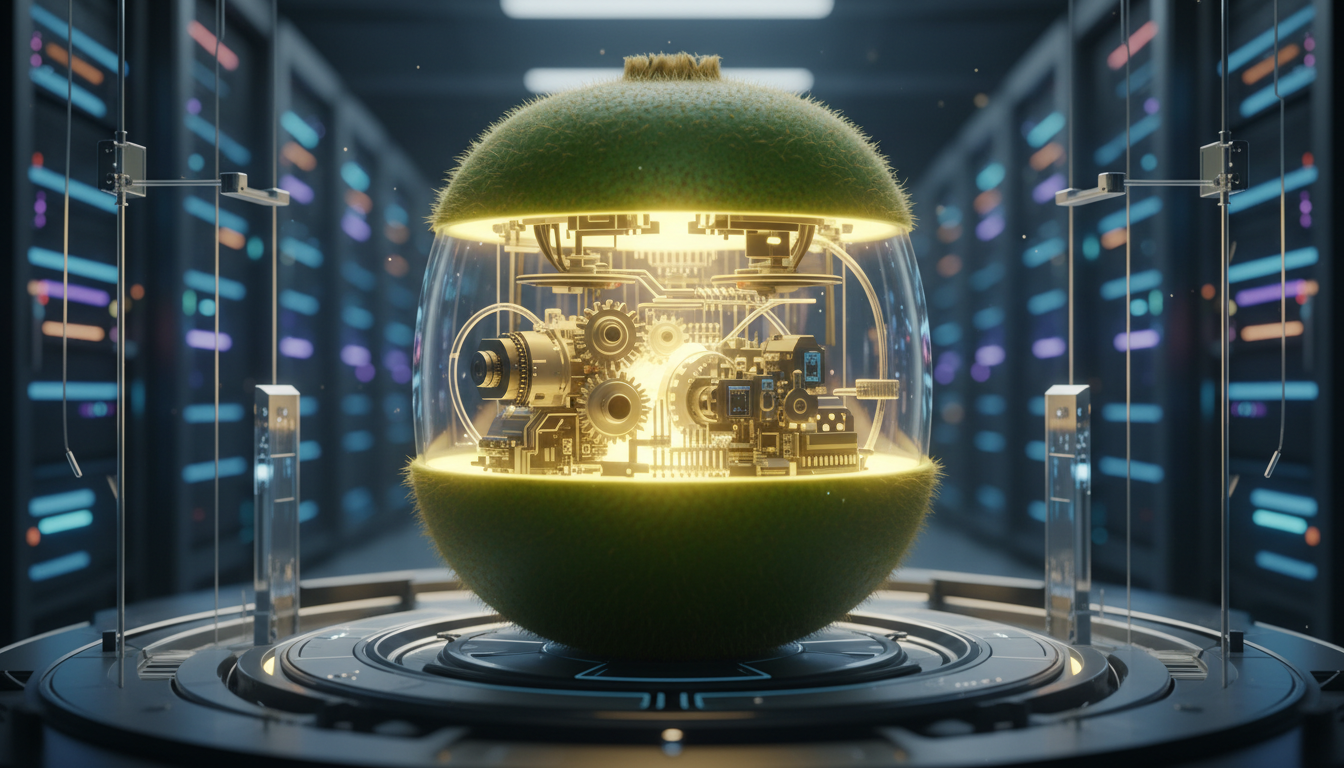
At its core, Kiwi-Edit couples two powerful models together. The first is Qwen2.5-VL-3B, a multimodal large language model that can process both text and images. The second is Wan2.2-TI2V-5B, a diffusion transformer (DiT) that handles the actual video generation. If you've been working with AI video from images, you might already be familiar with Wan 2.2 as a base model. Kiwi-Edit builds on that foundation.
Here's how the two models work together. The MLLM receives everything you throw at it: the source video frames, your text instruction, and your reference image. It processes all of this multimodal information and produces what the paper calls "unified context tokens." These tokens then guide the diffusion transformer through cross-attention, telling it exactly how to modify the source video. The key innovation is a dual-connector mechanism with two components.
The first is a Query Connector. This extracts high-level semantic information from the MLLM's understanding of your instruction and reference image. It captures the "what" of the edit. The second is a Latent Connector. This preserves finer-grained spatial and visual details from the reference image, ensuring that the style textures, color relationships, and visual patterns make it through to the final output. Together, they give the diffusion transformer both the big-picture understanding and the pixel-level details it needs to produce edits that actually look like what you intended.
What makes this more practical than it sounds is the training approach. ShowLab used a three-stage curriculum:
- Alignment stage: Teaching the model to understand the relationship between source videos, instructions, and desired outputs
- Instruction fine-tuning: Training on text-guided editing tasks using established datasets
- Reference-guided fine-tuning: Training on the new RefVIE dataset to learn how to incorporate visual references
This progressive strategy means the model doesn't try to learn everything at once. It builds competence layer by layer. I've seen this training philosophy work well in other domains, and the results here confirm it.
The RefVIE Dataset: Solving the Data Problem
The cleverest part of Kiwi-Edit might not be the model itself. It might be the data pipeline. Training a reference-guided video editor requires quadruplets: source video, edited video, text instruction, and reference image. Collecting these by hand would require thousands of hours of manual work. Instead, ShowLab built a scalable pipeline that transforms existing video editing pairs into these quadruplets automatically.
They used image generative models to create synthesized reference scaffolds from existing editing datasets. The result is RefVIE, a large-scale dataset with 477,000 high-quality training quadruplets. They also created RefVIE-Bench for evaluating reference-guided editing quality. This is the kind of infrastructure work that most research papers skip, and it's what makes Kiwi-Edit reproducible and improvable by the community.
What Can You Actually Do with Kiwi-Edit?
Let me talk about practical use cases, because benchmark scores are nice but what matters is what you can build with this tool.
Global Edits: Style Transfer
Style transfer is where Kiwi-Edit really shows its strength. You take a regular video and transform it into a specific visual style. Cartoon, watercolor, sketch, oil painting, anime, pixel art, and more. The reference image guidance makes an enormous difference here, because you're not describing the style. You're showing the model a specific example and saying "make it look like this."
I tested this with a 5-second clip of a city street scene. Using instruction-only mode, I wrote "convert this to a watercolor painting style." The result was acceptable but generic, like the model's idea of watercolor rather than any specific watercolor technique. Then I ran the same clip with the combined instruction-plus-reference mode, providing a reference image of a specific Turner-esque watercolor with loose washes and warm undertones. The difference was dramatic. The output captured the specific brush quality and color temperature from the reference, not just a generic watercolor filter.
Here's my hot take on this: reference-guided style transfer makes text-only style transfer obsolete for professional work. If you care about consistency and precision, there's no going back once you've used it. The text-only approach is fine for casual experiments, but for anything that's going to a client or an audience, you need the visual reference.
Local Edits: Object Operations
Kiwi-Edit handles four main types of local edits.
- Object removal: Cleanly removes objects from video frames while maintaining temporal consistency
- Object addition: Inserts new objects into scenes, guided by text description or reference image
- Object replacement: Swaps one object for another while preserving the motion and context
- Background swap: Replaces the background while keeping foreground subjects intact
The background swap capability is particularly impressive. Kiwi-Edit scores 3.84 on the OpenVE-Bench background change evaluation, which actually beats the proprietary Runway Aleph model's score of 2.62. That's an open source model outperforming a well-funded commercial product on a specific task, and it's worth paying attention to.
I ran a background swap test where I took a talking-head video and replaced the office background with a reference image of a Japanese garden. The subject remained sharp and consistent, the background matched the lighting and color palette of the reference, and the temporal coherence held up across the full clip. It's not perfect. There's some subtle edge bleeding around hair in fast movements, but the overall quality is production-usable for social media and short-form content.
A side-by-side comparison of Kiwi-Edit style transfer results using instruction-only (left) versus instruction-plus-reference (right) editing modes.
Free ComfyUI Workflows
Find free, open-source ComfyUI workflows for techniques in this article. Open source is strong.
How Does Kiwi-Edit Compare to Other Open Source Video Editors?
Let's talk numbers, because this is where Kiwi-Edit makes its strongest case.
On OpenVE-Bench, which contains 431 video-edit pairs across eight editing subcategories, Kiwi-Edit achieves an overall score of 3.02. The previous best open source method, OpenVE-Edit, scored 2.50. That's a significant jump, not an incremental improvement. The breakdown by category is even more telling.
| Task | Kiwi-Edit | Previous Best (Open Source) | Runway Aleph (Proprietary) |
|---|---|---|---|
| Overall | 3.02 | 2.50 | Varies by task |
| Background Change | 3.84 | Lower | 2.62 |
| Style Transfer | Strong | Lower | Comparable |
| Object Replacement | Strong | Lower | Comparable |
The fact that Kiwi-Edit outperforms Runway Aleph on background changes is particularly notable. Runway is a well-funded company with significant compute resources for training. An academic lab at NUS achieving better results on a specific editing task with a fully open source model is a statement about the power of clever architecture and good training data.
That said, I want to be fair about limitations. The overall comparison with proprietary tools is more nuanced. Runway and other commercial platforms have significant advantages in inference speed, user experience, API reliability, and output resolution. Kiwi-Edit runs at 720p, while commercial tools typically support 1080p or higher. For production work where you need 4K output, you'll need an upscaling step after Kiwi-Edit processing, which adds time and potential quality loss.
For creators who need accessible, reliable workflows, platforms like Apatero.com still offer the fastest path from idea to finished video. But for researchers, tinkerers, and anyone building custom video editing pipelines, Kiwi-Edit opens up possibilities that simply didn't exist in the open source ecosystem before.
How Do You Set Up and Run Kiwi-Edit?
Getting Kiwi-Edit running requires some technical comfort with Python environments and GPU hardware, but it's not as daunting as some open source AI projects I've set up. The GitHub repo at github.com/showlab/Kiwi-Edit has two installation paths depending on your needs.
Prerequisites
You'll need the following before starting:
- Python 3.10
- CUDA 12.8 compatible GPU
- PyTorch 2.7
- Sufficient VRAM (I'd recommend 24GB minimum based on the model sizes involved)
- Git LFS for downloading model weights from HuggingFace
Installation Options
Inference-only (lighter setup):
If you just want to run edits and don't need to train the model, use the Diffusers-only environment. This is the path most people should start with.
git clone https://github.com/showlab/Kiwi-Edit.git
cd Kiwi-Edit
bash install_diffusers_env.sh
Full environment (training-capable):
If you want to fine-tune the model or reproduce the training pipeline, install the full environment with DeepSpeed and FlashAttention.
Want to skip the complexity? Apatero gives you professional AI results instantly with no technical setup required.
bash install_full_env.sh
Running Your First Edit
The basic inference command is straightforward.
python demo.py --ckpt_path [checkpoint_path] --video_path [input_video] --prompt "[edit instruction]"
For reference-guided editing, you'd add the reference image parameter to guide the visual output. The demo script supports all three model variants, which include instruction-only, reference-only, and the combined mode.
Model Variants
Three Diffusers-compatible checkpoints are available on HuggingFace.
- Instruction-only: Best for edits where text description is sufficient
- Reference-only: Best when you have a clear visual target but don't need complex instructions
- Combined instruction-plus-reference: The most versatile option and generally the one you want to start with
I downloaded and tested all three. The combined variant is what I'd recommend for most use cases. It gives you the flexibility to lean more heavily on text or reference depending on the specific edit, and the quality doesn't suffer from the added complexity.
One thing I wish the project documented better is the actual VRAM requirements. Based on the model sizes (Qwen2.5-VL-3B plus Wan2.2-TI2V-5B), you're looking at needing a GPU with at least 24GB of VRAM for comfortable inference. A 3090, 4090, or A100 should handle it. I ran my tests on a 4090 and inference was smooth, though not exactly fast. Each edit took around 45 to 90 seconds depending on clip length and complexity. That's reasonable for batch processing but not great for interactive use.
What Are the Real Limitations You Should Know About?
I'd be doing you a disservice if I painted Kiwi-Edit as a perfect tool. It isn't. Here's what I ran into during my testing.
Resolution ceiling. The model operates at 720p. In a world where even phone cameras shoot 4K, this is a meaningful limitation. You can upscale the output, but you're adding a step and potentially introducing artifacts. For social media content, 720p is fine. For anything that's going on a larger screen, you'll need to plan for upscaling.
Temporal coherence on longer clips. I noticed that edits on clips longer than about 7 seconds start showing subtle inconsistencies. Colors can drift slightly, and style application becomes less uniform toward the end of longer clips. This is a common issue with diffusion-based video editing and not unique to Kiwi-Edit, but it's worth knowing about.
Hardware barrier. You need a serious GPU to run this. That 24GB VRAM requirement puts it out of reach for anyone without a recent high-end NVIDIA card. If you're working on a laptop with a 3060 or similar, you're going to have a tough time. Cloud GPU instances are an option, but they add cost and complexity.
No real-time editing. Each edit takes close to a minute. This isn't a tool for iterating quickly. You need to plan your edits, be specific with your references, and accept that you'll be doing batch processing rather than rapid experimentation.
Learning curve for reference selection. Choosing the right reference image matters more than you might think. I found that overly complex reference images confused the model, while references that were too simple didn't provide enough guidance. The sweet spot is a clean, well-composed image that clearly demonstrates the style or content you want. It took me about a dozen experiments to develop a feel for what works.
Here's my second hot take: despite these limitations, Kiwi-Edit's approach is going to become the standard for video editing models within a year. The combination of text instruction and visual reference is just too powerful to ignore. Every major model will offer this by early 2027.
Earn Up To $1,250+/Month Creating Content
Join our exclusive creator affiliate program. Get paid per viral video based on performance. Create content in your style with full creative freedom.
Where Does Kiwi-Edit Fit in Your Video Editing Workflow?
The best way to think about Kiwi-Edit isn't as a replacement for your entire video editing pipeline. It's a specialized tool that slots into specific parts of your workflow where text-only editing falls short.
I've been using it in my own projects for three specific scenarios. The first is establishing a consistent visual style across multiple clips. Instead of prompt-engineering each clip individually, I edit one clip until it looks right, extract a frame as a reference image, and then apply that reference to all the remaining clips. The consistency improvement is enormous compared to text-only approaches.
The second scenario is precise object replacement. When a client says "I want that car replaced with something like this" and sends me a photo, I can feed that photo directly to Kiwi-Edit as a reference rather than trying to describe the replacement in words. The results are closer to what the client expects, which means fewer revision rounds.
The third is background replacement for talking-head content. I work with several content creators who shoot in their home offices but want professional-looking backgrounds. Kiwi-Edit's background swap with a reference image of the desired setting produces cleaner results than the green-screen keying approach most people use, especially when the original footage has inconsistent lighting.
If you're exploring AI video tools for cinematic work, Kiwi-Edit is worth adding to your toolkit alongside commercial options. It won't replace a tool like Apatero.com for quick, polished results where you need speed and reliability. But for specialized editing tasks where visual precision matters more than turnaround time, it fills a gap that nothing else in the open source world currently covers.
For more complex production pipelines, I've started combining Kiwi-Edit's output with tools available on Apatero.com for final polish and rendering. The reference-guided edit from Kiwi-Edit establishes the visual direction, and then commercial tools handle the resolution upscaling and final delivery format. It's a hybrid approach that plays to each tool's strengths.
A practical workflow combining Kiwi-Edit's reference-guided editing with commercial tools for final output.
What's Next for Reference-Guided Video Editing?
The ShowLab team has set a strong foundation with Kiwi-Edit, and the MIT license means the community can build on it freely. I'm watching for several developments that I think will follow from this release.
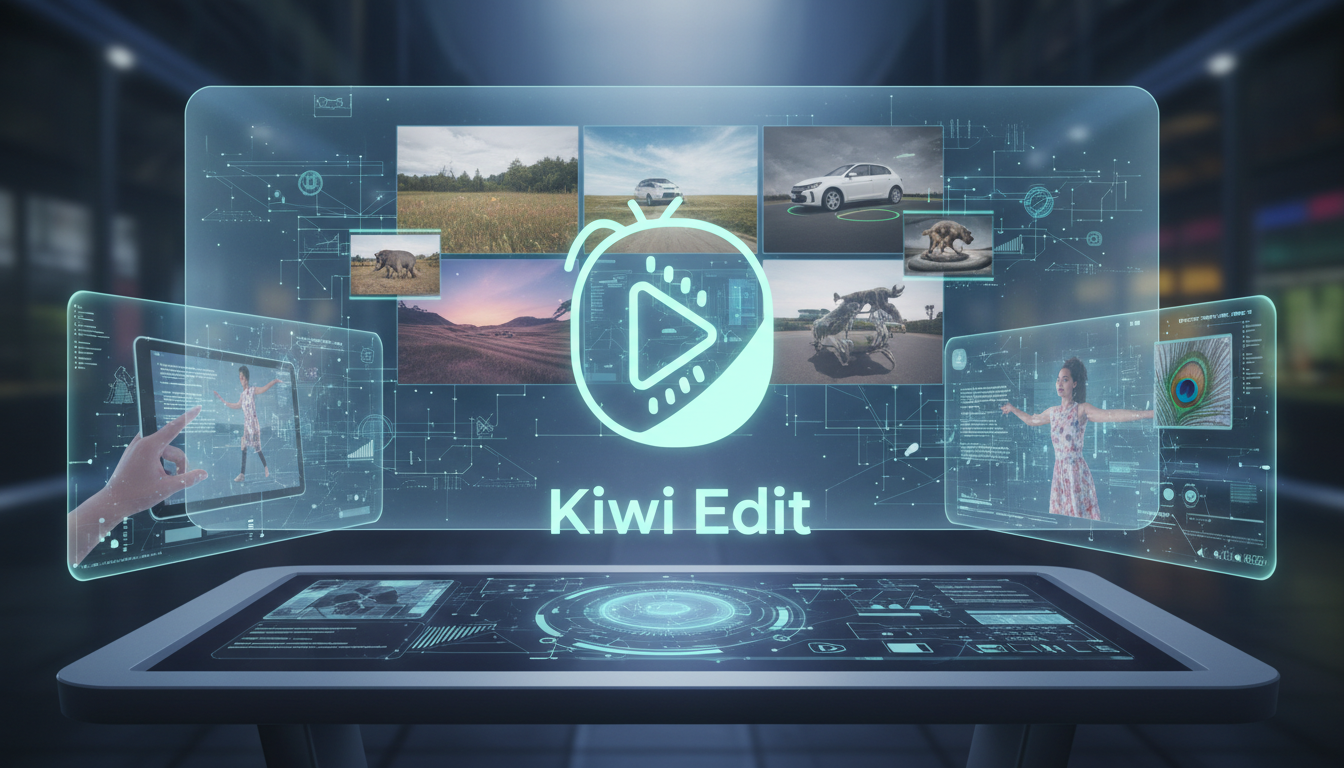
First, expect community fine-tunes optimized for specific editing tasks. Someone is going to train a variant specifically for anime-style transfer that outperforms the general model on that task. Someone else will build one focused on product video editing. The three-stage training curriculum makes this kind of specialization relatively straightforward, and the RefVIE data pipeline can be adapted to generate domain-specific training data.
Second, integration with ComfyUI is inevitable. The Wan 2.2 backbone is already well-supported in ComfyUI workflows, and wrapping Kiwi-Edit's reference guidance into custom nodes is a natural extension. I'd be surprised if we don't see a ComfyUI node pack for Kiwi-Edit within a month of this writing.
Third, resolution improvements. The current 720p ceiling will get pushed to 1080p and beyond as the community optimizes the inference pipeline and adapts the model for higher-resolution inputs. This has been the pattern with every open source video model. The research paper establishes the approach, and the community scales it up.
The broader implication is that reference-guided editing is going to become a standard capability, not a differentiator. Just as text-to-image models went from research curiosity to commodity tool in about 18 months, text-plus-reference video editing will follow the same trajectory. Kiwi-Edit is the first strong open source implementation, but it won't be the last.
Frequently Asked Questions About Kiwi-Edit
What Is Kiwi-Edit and Who Made It?
Kiwi-Edit is a fully open source AI video editing framework developed by ShowLab at the National University of Singapore (NUS). It was created by Yiqi Lin, Guoqiang Liang, Ziyun Zeng, Zechen Bai, Yanzhe Chen, and Mike Zheng Shou. The project combines text-based editing instructions with reference image guidance for precise video editing. It's released under the MIT license, making it free for commercial and personal use.
What Editing Tasks Can Kiwi-Edit Handle?
Kiwi-Edit supports both global and local video editing operations. Global edits include full-video style transfers like cartoon, watercolor, sketch, oil painting, and anime aesthetics. Local edits include object removal, object addition, object replacement, and background swaps. The combined instruction-plus-reference mode gives you the most control over all of these operations.
How Does Reference Image Guidance Improve Video Editing?
Text prompts are inherently ambiguous about visual details. A phrase like "watercolor style" could mean hundreds of different things. Reference images remove that ambiguity by providing the model with a concrete visual example of the desired outcome. The model extracts both high-level semantic information and fine-grained visual details from the reference, resulting in edits that match your intent much more closely than text-only approaches.
What Hardware Do I Need to Run Kiwi-Edit?
You'll need a Python 3.10 environment with CUDA 12.8 support and PyTorch 2.7. Based on the model sizes involved (Qwen2.5-VL-3B and Wan2.2-TI2V-5B), I'd recommend at least 24GB of GPU VRAM. NVIDIA RTX 3090, RTX 4090, or A100 GPUs should work well. Each edit takes approximately 45 to 90 seconds on a 4090.
Is Kiwi-Edit Really the Best Open Source Video Editor?
On the OpenVE-Bench benchmark, Kiwi-Edit scores 3.02 overall, which is the highest among all open source video editing methods. The previous best open source model scored 2.50. However, "best" depends on your specific use case. If you need high-resolution output, fast inference, or a polished user interface, commercial tools may still be the better choice. Kiwi-Edit excels at editing precision and visual control.
Can I Use Kiwi-Edit for Commercial Projects?
Yes. Kiwi-Edit is released under the MIT license, which permits commercial use with fewer policy restrictions. You can use it in production workflows, integrate it into products, or build commercial services on top of it. The underlying models (Qwen2.5-VL and Wan 2.2) have their own license terms, so check those separately for your specific use case.
How Does Kiwi-Edit Compare to Runway for Video Editing?
Kiwi-Edit outperforms Runway Aleph on specific tasks like background changes (3.84 vs. 2.62 on OpenVE-Bench). However, Runway offers advantages in user experience, inference speed, higher resolution output, API reliability, and cloud-based access. Kiwi-Edit is the stronger choice for researchers and developers building custom pipelines, while Runway is better suited for creators who need fast, reliable production output.
What Is the RefVIE Dataset and Why Does It Matter?
RefVIE is a large-scale dataset created by ShowLab specifically for training reference-guided video editing models. It contains 477,000 high-quality training quadruplets (source video, edited video, text instruction, reference image). The team built a scalable data generation pipeline that transforms existing video editing pairs into these quadruplets using image generative models. This dataset is what enables Kiwi-Edit's reference guidance capability and is itself released as open source.
Can I Fine-Tune Kiwi-Edit on My Own Data?
Yes. The full training environment is available through the install_full_env.sh script, which includes DeepSpeed and FlashAttention. The three-stage training curriculum (alignment, instruction fine-tuning, reference fine-tuning) is documented, and the RefVIE data pipeline can be adapted to generate domain-specific training data. This makes it practical to create specialized variants for specific editing styles or use cases.
What Resolution Does Kiwi-Edit Output?
Kiwi-Edit currently operates at 720p resolution. This is adequate for social media content and web video but may need upscaling for broadcast or large-screen applications. Higher resolution output is expected from community contributions as the inference pipeline gets optimized, following the pattern seen with other open source video models.
Final Thoughts on Kiwi-Edit
Kiwi-Edit represents a meaningful step forward for open source AI video editing. The combination of text instruction and reference image guidance solves a real problem that anyone doing serious video editing work has encountered. The benchmark numbers back up the quality claims, and the MIT license ensures the community can build on this foundation.
If you're a researcher or developer working on video editing pipelines, this is a must-try. If you're a creator looking for production-ready tools, keep an eye on Kiwi-Edit as the community develops better interfaces and higher-resolution support around it. In the meantime, platforms like Apatero.com remain the pragmatic choice for fast, polished video output.
The ShowLab team at NUS has a strong track record of releasing impactful open source tools, and Kiwi-Edit continues that tradition. I'll be updating this article as the community builds custom nodes, fine-tunes, and workflow integrations around the project. The reference-guided approach is here to stay, and it's going to reshape how we think about AI video editing.
Render the video you just read about
Kling, Veo, Seedance and more, in your browser, no queue to build. Your first generation is free.
Related Articles
AI Anime Video Generation: Turn Still Characters Into Animated Content
Complete guide to turning still anime and AI-generated character images into animated video. Covers WAN 2.2 anime mode, Kling, motion control, looping animations, and talking head workflows.
AI Documentary Creation: Generate B-Roll from Script Automatically
Transform documentary production with AI-powered B-roll generation. From script to finished film with Runway Gen-4, Google Veo 3, and automated...
AI Making Movies in 2026: The Current State and What's Actually Possible
Realistic assessment of AI filmmaking in 2026. What's working, what's hype, and how creators are actually using AI tools for video production today.