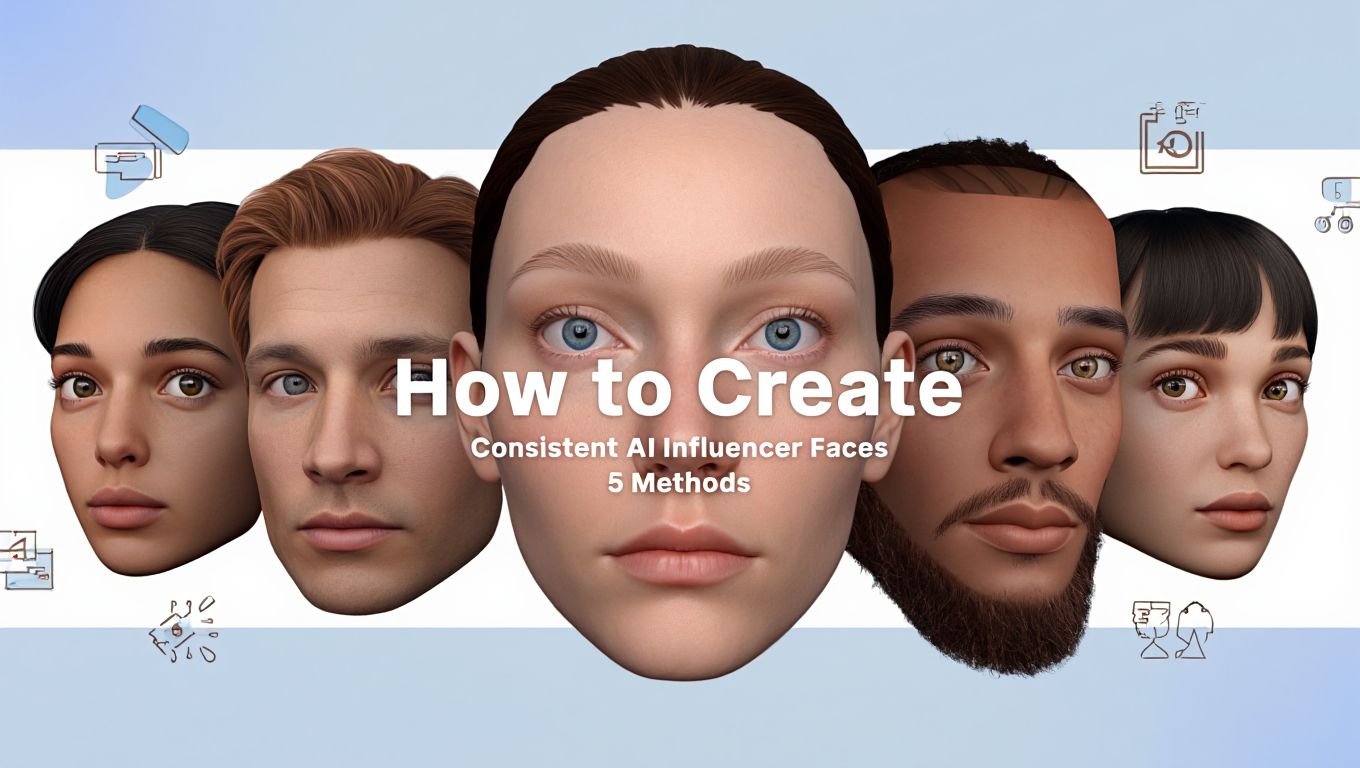
How to Create Consistent AI Influencer Faces (5 Methods)
Master face consistency for AI influencers with 5 proven methods. From IPAdapter to LoRA training, learn which technique works best for your workflow.
Keep the same face in every image
Save a character as a Soul and put them in any scene, image or video, without retraining anything. Your first generation is free.
I'll never forget the comment that made me completely rethink my approach to face consistency: "Why does she look different in every photo? Is this even the same person?"
That was on my third AI influencer post. The character I thought looked consistent enough was clearly not. Three posts in, and I'd already broken the illusion.
Face consistency is the hardest part of AI influencer creation. It's also the most important. Get it wrong and nothing else matters. Your audience won't trust a character that changes faces.
Here are five methods I've tested, what actually works, and which approach makes sense for different situations.
Quick Answer: IPAdapter + FaceID together offer the best balance of consistency and convenience for most creators. LoRA training provides the strongest consistency for production-scale work but requires upfront investment. Prompt engineering and seed control are supplementary techniques, not standalone solutions.
:::tip[Key Takeaways]
- Follow the step-by-step process for best results with create consistent ai influencer faces (5 methods)
- Start with the basics before attempting advanced techniques
- Common mistakes are easy to avoid with proper setup
- Practice improves results significantly over time :::
- Five methods for AI face consistency (honestly compared)
- What I actually use for production work
- Implementation details that matter
- How to combine methods for maximum consistency
- When each method makes sense
Method 1: IPAdapter
IPAdapter is usually where everyone starts. Feed the model a reference image, and it tries to make outputs match that face.
How I Experienced It
When I first tried IPAdapter, it felt like magic. Upload a face, get similar faces back. Maybe 80% of the time, the face looked right. Then I generated 50 images and realized the other 20% was a problem.
Eye shape would shift. Jawline would change. In some images, the nose looked different. Not dramatically different, but subtly different. Enough that a follower scrolling through would notice something was off.
But here's the thing: 80% consistency with zero training is remarkable. For testing character concepts or moderate-volume production, IPAdapter is genuinely useful.
What Works
Weight around 0.75-0.85. Higher means stronger face matching but stiffer results. I found 0.8 to be my sweet spot.
Clean reference images. Garbage in, garbage out. Well-lit, front-facing references produce better results than artistic shots.
Multiple references averaged. Using 3-5 reference images and averaging them produces more reliable consistency than a single image.
What Doesn't Work
Extreme angles. IPAdapter struggles when your prompt asks for poses very different from your references. Profile views from frontal references often break.
Style mismatches. If your reference is professional photography and your prompt is anime-adjacent, expect problems.
When to Use It
Testing character concepts. Moderate volume production. When you don't want to invest in LoRA training yet. As a supplement to other methods.
My detailed IPAdapter workflow guide covers setup.
Method 2: FaceID
FaceID takes a different approach than IPAdapter. Instead of just comparing images visually, it extracts a mathematical "identity embedding" from your reference face.
The Difference Matters
IPAdapter says "make images that look like this image."
FaceID says "make images of this person's identity."
The distinction is subtle but real. FaceID handles angle changes better because it's capturing who the person is, not just what one photo of them looks like.
My Experience
Adding FaceID to my IPAdapter workflow improved consistency meaningfully. Maybe went from 80% consistent to 88% consistent. Not a revolution, but a clear improvement, especially for varied poses.
The combination is better than either alone. IPAdapter provides visual guidance. FaceID provides identity anchoring. Together they cover more ground.
Setup Requirements
FaceID needs InsightFace installed (pip install insightface) and face analysis models downloaded. Slightly more setup than pure IPAdapter.
Settings I Use
When combining IPAdapter + FaceID:
- IPAdapter weight: 0.7
- FaceID weight: 0.6
- Total influence around 1.3
Higher combined weights start causing artifacts. Lower weights reduce consistency.
When to Use It
Almost always, in combination with IPAdapter. The marginal complexity is worth the improved consistency. Only skip if you're doing pure testing and want minimal setup.
Method 3: LoRA Training
Training a custom LoRA on your specific character is the most powerful consistency method. It's also the most work upfront.
What I Learned the Hard Way
My first LoRA training attempt was overfit garbage. I used too many images (200+), trained too long (50 epochs), and ended up with a model that could only produce my character in exactly the poses from my training data.
Free ComfyUI Workflows
Find free, open-source ComfyUI workflows for techniques in this article. Open source is strong.
Second attempt: 25 carefully selected images, 12 epochs, proper caption variety. Night and day difference. The character was recognizable across any scenario I prompted.
The training process itself isn't that hard once you understand the parameters. The dataset preparation is what kills people. Bad training data = bad LoRA, no matter how perfect your settings.
Why It's Worth the Effort
Once trained, using a LoRA is trivial. Add trigger word to prompt, done. No reference image loading, no IPAdapter nodes, no complexity at generation time.
The consistency is also genuinely better, maybe 95% vs 85-90% with reference methods. Over hundreds of images, that gap adds up.
The Investment
- Time: 1-4 hours of training (more for dataset prep)
- Technical: Need to learn kohya_ss or similar
- Hardware: 12GB+ VRAM preferred
When to Use It
When you're committed to a character long-term. When you're generating at scale (hundreds of images). When the 5-10% consistency improvement matters for your use case.
My LoRA training guide covers the full process.
Method 4: Prompt Engineering
Can you achieve consistency through prompts alone? Sort of. But not really.
What I Tried
I created extremely detailed character descriptions:
28 year old Mediterranean woman, dark brown wavy hair shoulder length,
warm brown eyes almond-shaped, oval face, small nose with slight upturn,
full lips, light freckles across nose and cheeks, olive skin tone,
natural makeup...
And repeated this exactly for every generation.
The Results
Maybe 60-70% consistency. Sometimes great, sometimes clearly a different person. The model interprets prompt details differently based on other factors like the rest of the prompt, the seed, and random variation.
Hot take: prompt engineering alone is not a viable consistency method. I've seen people claim otherwise, but in my testing across hundreds of images, it just doesn't hold up.
Where It Matters
Prompt consistency matters as a foundation layer. Even with IPAdapter and LoRA, using consistent detailed prompts improves results. Just don't rely on it as your primary consistency method.
Want to skip the complexity? Apatero gives you professional AI results instantly with no technical setup required.
What to Include
- Detailed face description (eyes, nose, lips, face shape)
- Consistent style cues
- Consistent negative prompts for features to avoid
- Document your exact prompt for reuse
Method 5: Seed Control
Fixed seeds produce reproducible results. Same prompt, same seed, same output. So why not use seed control for consistency?
The Limitation
Seed control works within a specific generation context. Change the prompt significantly, and even the same seed produces different results. Your character in "coffee shop setting" with seed 12345 looks different from your character in "beach setting" with seed 12345.
Seeds give you reproducibility, not consistency.
Where Seed Control Helps
Creating pose libraries. Find seeds that produce good poses, save them, reuse for similar prompts.
Controlled variations. Start from a successful generation, make small prompt changes, use same seed for controlled iteration.
Debugging. When something works or breaks, same seed lets you reproduce it.
Don't Rely On It
Seed control is a supplementary technique. Useful alongside other methods. Not a primary consistency solution.
What I Actually Use
Here's my real production workflow for AI influencer content:
The Stack
[Load Checkpoint]
    ↓
[Load Character LoRA (0.75-0.85)]
    ↓
[IPAdapter with reference (0.6)]
    ↓
[FaceID embed (0.5)]
    ↓
[CLIP encode with detailed, consistent prompt]
    ↓
[KSampler]
    ↓
[Face Detailer]
    ↓
[Output]
Why This Combination
The LoRA handles base character identity. It's trained on my specific character, so it knows who she is.
IPAdapter provides additional visual guidance, especially helpful for specific poses or expressions I want to hit.
FaceID reinforces identity, particularly for angle variations.
Detailed prompts ensure the non-face elements stay consistent (hair, style, etc.).
Earn Up To $1,250+/Month Creating Content
Join our exclusive creator affiliate program. Get paid per viral video based on performance. Create content in your style with full creative freedom.
Face Detailer catches and fixes minor issues in the final pass.
The Results
This produces maybe 95%+ consistency. Not perfect (nothing is) but close enough that followers don't notice drift. I can post daily for months without people commenting "she looks different."
Comparison: What Works Best?
| Method | Consistency | Setup Time | Generation Speed | Best For |
|---|---|---|---|---|
| IPAdapter | 80-85% | Minutes | Fast | Quick start |
| FaceID | 85-88% | 30 min | Fast | Angle variety |
| LoRA | 92-95% | Hours | Fastest | Production scale |
| Prompts | 60-70% | None | Fast | Foundation layer |
| Seeds | Variable | None | Fast | Pose control |
| Combined | 95%+ | Hours | Medium | Maximum consistency |
How to Choose Your Approach
Just Getting Started
IPAdapter + detailed prompts. Quick setup, good enough results to test whether this whole thing is worth pursuing.
Testing Character Concepts
IPAdapter + FaceID. Better consistency, still no training commitment. Perfect for figuring out what your character should look like.
Committed to Production
LoRA training + IPAdapter backup. Invest in training once your character is finalized. Use IPAdapter for additional guidance on specific shots.
Maximum Quality Required
Full stack: LoRA + IPAdapter + FaceID + prompts + Face Detailer. This is what I use for my main character. Overkill for testing, perfect for production.
Platform Alternative
I'll be honest: this is all complicated. Multiple methods, node configurations, model downloads, weight tuning. Some people don't want to deal with any of it.
Apatero.com handles face consistency automatically. Upload references, create character, generate consistent content. No ComfyUI, no nodes, no weight tuning.
If your time is better spent on content strategy than workflow engineering, that's a valid choice.
Troubleshooting
"My character looks different every time"
Most common cause: no consistency method active, or weights too low.
Fix: Verify IPAdapter/FaceID is actually loaded and applying. Increase weights. Check reference image quality.
"Consistency works but images look stiff"
Common cause: weights too high, over-constraining generation.
Fix: Reduce IPAdapter/FaceID weights. Let the model have more freedom within identity constraints.
"LoRA doesn't capture my character"
Common cause: bad training data or wrong settings.
Fix: Review dataset quality (clear faces, varied poses, consistent captions). Adjust training parameters. See my LoRA guide for specifics.
"Face changes mid-generation"
Common cause: prompt conflicts or model instability.
Fix: Remove conflicting terms from prompt. Try different base model. Use Face Detailer for post-fix.
Frequently Asked Questions
Which method gives the best consistency?
LoRA training, with 92-95%+ consistency. IPAdapter+FaceID combined achieves 85-90%.
Can I combine all methods?
Yes, and it usually helps. I use LoRA + IPAdapter + FaceID + detailed prompts for production work.
How long does LoRA training take?
1-4 hours of training time. Dataset preparation adds several more hours.
Do I need expensive hardware?
IPAdapter and FaceID run on any GPU that handles Stable Diffusion. LoRA training benefits from 12GB+ VRAM.
How many reference images do I need?
IPAdapter: 3-5 images. LoRA training: 15-30 images.
Will my character look exactly the same every time?
No method produces pixel-perfect identical results. Some variation is normal and often desirable.
Which is faster at generation time?
LoRA is fastest since no reference processing needed. IPAdapter/FaceID add overhead.
Can I use these for video?
Yes. Apply consistency techniques to your starting frame, then generate video from that. Consistency carries through.
The Bottom Line
Face consistency is solvable. Start with IPAdapter + FaceID for quick wins. Graduate to LoRA training when you're serious about production.
The method matters less than actually implementing something. I've seen people obsess over finding the "perfect" consistency technique while posting nothing. Meanwhile, creators with "good enough" consistency are building audiences.
Pick a method that matches your current stage. Implement it. Generate content. Upgrade your approach as you scale.
Your character's consistent face builds audience trust. Invest appropriately based on where you are in your AI influencer journey.
Keep the same face in every image
Save a character as a Soul and put them in any scene, image or video, without retraining anything. Your first generation is free.
Related Articles

10 Best AI Influencer Generator Tools Compared (2025)
Comprehensive comparison of the top AI influencer generator tools in 2025. Features, pricing, quality, and best use cases for each platform reviewed.

5 Proven AI Influencer Niches That Actually Make Money in 2025
Discover the most profitable niches for AI influencers in 2025. Real data on monetization potential, audience engagement, and growth strategies for virtual content creators.

AI Action Figure Generator: How to Create Your Own Viral Toy Box Portrait in 2026
Complete guide to the AI action figure generator trend. Learn how to turn yourself into a collectible figure in blister pack packaging using ChatGPT, Flux, and more.