Creating a ComfyUI Runpod Template: Complete Serverless Deployment Guide 2025
Build custom ComfyUI Runpod templates for serverless AI image generation. Complete guide covering Docker configuration, model setup, API deployment, and production optimization.
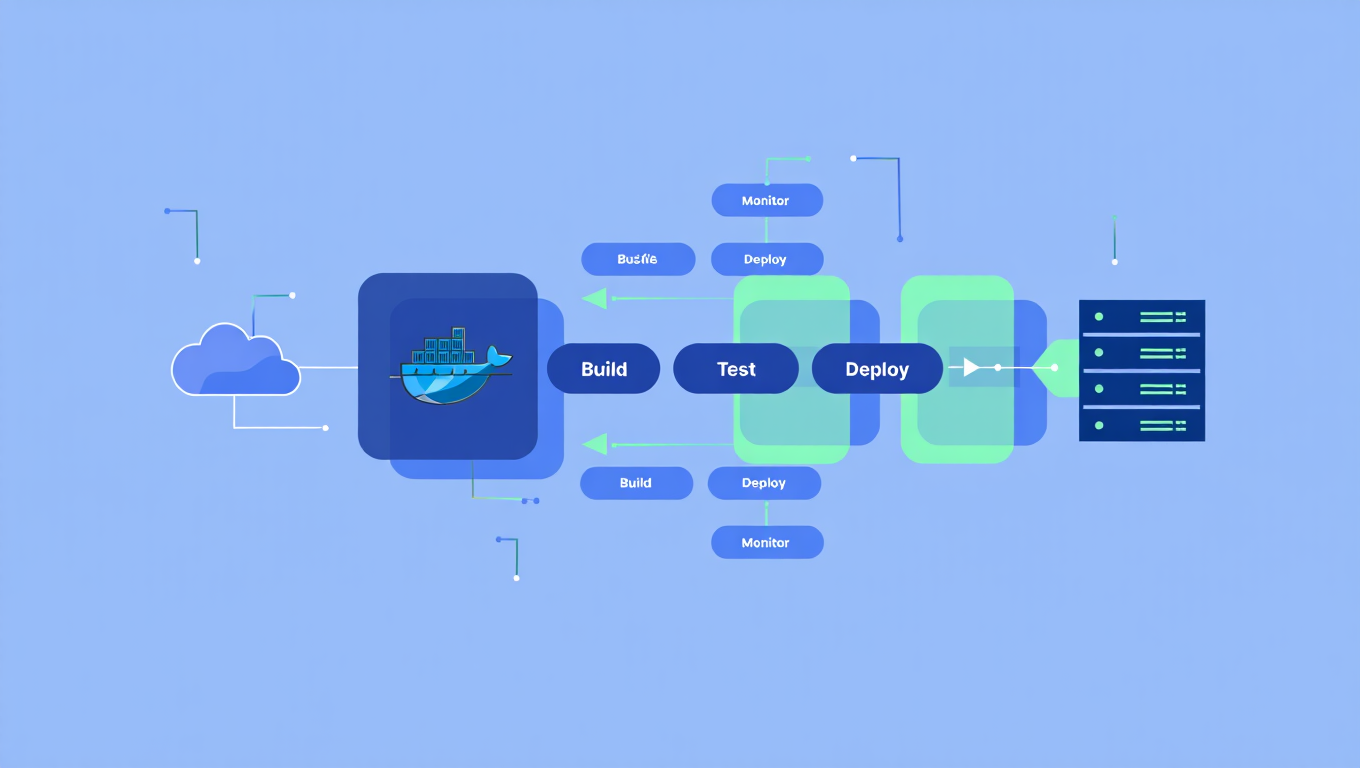
You've built amazing ComfyUI workflows locally. They work perfectly on your machine. Now you need to deploy them for production use, handle multiple concurrent users, or integrate with applications via API. Local deployment doesn't scale, and managing GPU servers is expensive and complex.
Quick Answer: Runpod's serverless platform transforms ComfyUI deployment into a manageable process. You can deploy custom templates with your specific models and workflows, scale automatically based on demand, and pay only for actual compute time. The official worker-comfyui repository provides the foundation, which you customize for your needs.
- Runpod serverless endpoints scale automatically and charge only for usage
- Custom Docker images let you include specific models and custom nodes
- Network volumes enable model sharing across multiple workers
- API deployment converts any ComfyUI workflow to production endpoint
- Pre-built images available for Flux, SDXL, and SD3 with minimal setup
Why Use Runpod for ComfyUI Deployment?
Runpod solves several challenges with ComfyUI production deployment.
Serverless Economics
Traditional GPU servers charge whether you're using them or not. Runpod serverless charges only for actual compute time.
Cost Comparison:
- Dedicated RTX 4090 server: ~$500-800/month fixed
- Runpod serverless: ~$0.00031/second, only when generating
For variable workloads, serverless can reduce costs by 80%+ compared to dedicated infrastructure.
Automatic Scaling
Traffic spikes don't crash your system. Runpod automatically spins up additional workers during high demand and scales down during quiet periods.
Scaling Benefits:
- Handle traffic spikes without manual intervention
- No idle costs during low-traffic periods
- Configure min/max workers for your needs
- Pay for capacity you actually use
Infrastructure Management
Someone else handles the hard parts.
Runpod Manages:
- Hardware provisioning and maintenance
- Driver updates and compatibility
- Network infrastructure
- Container orchestration
You Manage:
- Your Docker image content
- Workflow configuration
- API integration
How Do Quick Deployments Work?
The fastest path to deployment uses pre-built images.
Using Runpod Hub
According to the official Runpod documentation, quick deployment takes minutes.
Steps:
- Navigate to the ComfyUI Hub listing in Runpod web interface
- Click Deploy [VERSION_NUMBER]
- Click Next, then Create Endpoint
- Your endpoint is live with pre-installed models
Available Pre-Built Images
The worker-comfyui repository provides several ready-to-use images on Docker Hub:
| Image | Included Models | Best For |
|---|---|---|
runpod/worker-comfyui:<version>-base |
None (clean install) | Custom setups |
runpod/worker-comfyui:<version>-flux1-schnell |
FLUX.1 schnell | Fast Flux generation |
runpod/worker-comfyui:<version>-flux1-dev |
FLUX.1 dev | Quality Flux generation |
runpod/worker-comfyui:<version>-sdxl |
Stable Diffusion XL | SDXL workflows |
runpod/worker-comfyui:<version>-sd3 |
Stable Diffusion 3 medium | SD3 workflows |
For standard workflows using these models, pre-built images work immediately.
How Do You Create Custom Templates?
Custom templates let you include specific models, custom nodes, and configurations.
Option 1: Network Volumes
Attach a network volume containing your models. The worker mounts the volume at /runpod-volume.
Setup Process:
- Create a network volume in Runpod
- Upload your models to the volume
- Configure endpoint to attach the volume
- Models available at
/runpod-volumepath
Directory Structure:
/runpod-volume/
├── models/
│   ├── checkpoints/
│   ├── loras/
│   ├── controlnet/
│   └── vae/
└── custom_nodes/
Advantages:
- Easy model updates without rebuilding images
- Share models across multiple endpoints
- Faster deployment for model changes
Option 2: Custom Docker Image
Build a Docker image with your models and nodes baked in.
Dockerfile Example:
FROM runpod/worker-comfyui:latest-base

## Install custom nodes
RUN cd /comfyui/custom_nodes && \
    git clone https://github.com/your-custom-node.git && \
    pip install -r your-custom-node/requirements.txt

## Copy models
COPY models/checkpoints/your_model.safetensors /comfyui/models/checkpoints/
COPY models/loras/your_lora.safetensors /comfyui/models/loras/

## Install additional dependencies
RUN pip install additional-package
Build and Push:
docker build -t your-registry/comfyui-custom:v1 .
docker push your-registry/comfyui-custom:v1
Advantages:
- Reproducible deployments
- Faster cold starts (models already present)
- Version-controlled configurations
Option 3: Hybrid Approach
Use custom Docker image for nodes and configurations, network volume for models.
Best Practice:
- Bake custom nodes into Docker image (rarely change)
- Keep models on network volume (frequently update)
- Configuration in image, data external
How Do You Export and Use Workflows?
ComfyUI workflows become API inputs.
Exporting Workflow JSON
- Open ComfyUI in your browser
- Build and test your workflow
- In top navigation, select Workflow > Export (API)
- Save the
workflow.jsonfile
This JSON file contains all nodes, connections, and parameters. It becomes the input for API calls.
Making API Requests
According to the Runpod blog tutorial, API requests follow a standard pattern.
Request Structure:
{
  "input": {
    "workflow": {
      // Your exported workflow JSON
    },
    "images": [
      {
        "name": "input_image.png",
        "image": "base64_encoded_image_data"
      }
    ]
  }
}
Python Example:
import requests
import base64
import json

## Load workflow
with open('workflow.json', 'r') as f:
    workflow = json.load(f)

## Prepare request
payload = {
    "input": {
        "workflow": workflow
    }
}

## Make request
response = requests.post(
    "https://api.runpod.ai/v2/{endpoint_id}/runsync",
    headers={"Authorization": f"Bearer {api_key}"},
    json=payload
)

## Handle response
result = response.json()
Handling Image Outputs
Generated images return as base64-encoded data or URLs depending on configuration.
Decoding Images:
import base64
from PIL import Image
from io import BytesIO

## Decode base64 image
image_data = base64.b64decode(result['output']['images'][0])
image = Image.open(BytesIO(image_data))
image.save('output.png')
What Configuration Options Are Available?
Environment variables control worker behavior.
Essential Configuration
| Variable | Description | Default |
|---|---|---|
COMFYUI_OUTPUT_PATH |
Where outputs are saved | /comfyui/output |
REFRESH_WORKER |
Restart worker between jobs | false |
SERVE_API_LOCALLY |
Enable local API testing | false |
S3 Integration
For production deployments, configure S3 for output storage.
S3 Variables:
AWS_ACCESS_KEY_ID=your_key
AWS_SECRET_ACCESS_KEY=your_secret
AWS_BUCKET_NAME=your-bucket
AWS_ENDPOINT_URL=https://s3.amazonaws.com (or compatible)
Images upload directly to S3 and return URLs instead of base64 data.
Performance Tuning
| Variable | Effect | Recommendation |
|---|---|---|
MAX_CONCURRENT_REQUESTS |
Parallel job limit | 1 for most cases |
TIMEOUT |
Maximum job duration | 300-600 seconds |
MIN_WORKERS |
Minimum warm workers | 0-1 for cost, 1+ for latency |
MAX_WORKERS |
Scale ceiling | Based on expected peak |
How Do You Handle Custom Nodes?
Custom nodes require special handling in serverless deployments.
Including in Docker Image
Recommended for:
- Nodes you always need
- Nodes with complex dependencies
- Stable node versions
Dockerfile Addition:
RUN cd /comfyui/custom_nodes && \
    git clone https://github.com/author/custom-node.git && \
    cd custom-node && \
    pip install -r requirements.txt
Including via Network Volume
Recommended for:
- Frequently updated nodes
- Experimental nodes
- Shared configurations
Structure:
/runpod-volume/
└── custom_nodes/
    └── your-custom-node/
        ├── __init__.py
        ├── nodes.py
        └── requirements.txt
Handling Dependencies
Some custom nodes have system-level dependencies.
Dockerfile for System Dependencies:
RUN apt-get update && apt-get install -y \
    libgl1-mesa-glx \
    libglib2.0-0 \
    ffmpeg \
    && rm -rf /var/lib/apt/lists/*
What Are Best Practices for Production?
Production deployment requires additional considerations.
Cold Start Optimization
Cold starts occur when new workers spin up without cached data.
Reducing Cold Starts:
- Keep models small when possible
- Use min_workers=1 for critical endpoints
- Pre-warm endpoints before expected traffic
- Consider dedicated GPUs for latency-critical applications
Error Handling
Build reliable error handling into API integration.
Common Error Scenarios:
- Worker timeout (job too long)
- Out of memory (model too large)
- Missing model (path mismatch)
- Invalid workflow JSON
Error Response Handling:
if response.status_code != 200:
    error = response.json()
    if 'error' in error:
        handle_error(error['error'])
Monitoring and Logging
Track performance and issues.
Monitor:
- Job success/failure rates
- Generation times
- Worker utilization
- Cost per generation
Runpod provides built-in monitoring. Supplement with your own logging for application-specific metrics.
Cost Management
Control costs while maintaining performance.
Strategies:
- Set appropriate max_workers limits
- Use min_workers=0 for non-critical endpoints
- Monitor idle costs and adjust
- Consider reserved capacity for predictable workloads
How Does This Compare to Other Deployment Options?
Understanding alternatives helps you choose appropriately.
Runpod vs Self-Hosted
| Factor | Runpod Serverless | Self-Hosted |
|---|---|---|
| Setup Time | Minutes | Days-Weeks |
| Scaling | Automatic | Manual |
| Maintenance | Managed | Your responsibility |
| Cost Structure | Per-use | Fixed + variable |
| Control | Limited | Complete |
| Best For | Variable workloads | Predictable high volume |
Runpod vs Modal/Banana
Other serverless platforms exist with different tradeoffs.
Runpod Advantages:
- Specialized GPU focus
- ComfyUI-specific support
- Active community
- Competitive pricing
Alternative Advantages:
- Different pricing models
- Various region availability
- Alternative feature sets
When to Use Alternatives
Consider self-hosting when:
- Consistent high-volume workload
- Strict data residency requirements
- Maximum control needed
- In-house DevOps capability
Consider Apatero.com when:
- Focus on content creation, not infrastructure
- Don't want any deployment complexity
- Need immediate results
- Prefer managed platform experience
Frequently Asked Questions
How much does Runpod serverless cost?
Pricing varies by GPU type. RTX 4090 runs approximately $0.00031/second. A typical 30-second generation costs about $0.01. Monthly costs depend entirely on usage volume.
Can I use any ComfyUI workflow?
Most workflows work with proper configuration. Some workflows using local paths or specific system features may need adjustment. Test thoroughly before production deployment.
How do I update models without rebuilding?
Use network volumes. Upload new models to the volume and restart workers. No Docker rebuild required.
What GPU types are available?
Runpod offers various GPUs including RTX 4090, A100, and others. Choose based on VRAM requirements and performance needs.
How do I debug failing workflows?
Enable logging in your endpoint configuration. Check Runpod console for job logs. Test workflows locally before deployment to identify issues.
Can I run multiple workflows on one endpoint?
Yes. The workflow is specified in each request. One endpoint can handle different workflows if they use compatible models and nodes.
How long do cold starts take?
Depends on image size and model loading time. Minimal images cold start in 10-30 seconds. Heavy images with large models may take 60+ seconds. Use min_workers to avoid cold starts for critical applications.
Is my workflow/model data secure?
Runpod provides security for deployed content. Review their security documentation for specific guarantees. For highly sensitive applications, evaluate against your security requirements.
Conclusion
Runpod serverless deployment makes production ComfyUI accessible without infrastructure expertise. The combination of automatic scaling, pay-per-use pricing, and managed infrastructure removes barriers that previously required dedicated DevOps resources.
Key Implementation Points:
- Start with pre-built images for standard models
- Use network volumes for flexible model management
- Build custom Docker images for specialized configurations
- Export workflows as JSON for API integration
- Configure S3 for production output handling
- Quick start: Deploy pre-built Flux or SDXL image from Runpod Hub
- Custom models: Attach network volume with your models
- Full customization: Build custom Docker image with nodes and config
- Production: Add S3 integration, monitoring, and error handling
The path from local workflow to production API is clearer than ever. Runpod handles the infrastructure complexity while you focus on workflow quality and application integration.
Sources:
Some models you cannot download at any VRAM
Veo, Kling and Nano Banana have closed weights. There is no local build, no quantization, no 24GB workaround. Run them in the browser instead. Check current model access and generation costs in the app.
Related Articles

25 ComfyUI Workflow Tips: Settings and Review
Explore ComfyUI workflow organization, settings and output review, with a blank worksheet for comparing performance on your own setup.
7 ComfyUI Custom Nodes That Should Be Built-In (And How to Get Them)
Essential ComfyUI custom nodes every user needs in 2025. Complete installation guide for WAS Node Suite, Impact Pack, IPAdapter Plus, and more...

ADetailer Single Character Focus - How to Target Specific Faces in Multi-Character Images 2025
Master ADetailer and FaceDetailer to focus on single characters in multi-person images. Complete guide to targeting specific faces with different prompts in ComfyUI.