AI Influencer Workflow Automation: Maximize Efficiency and Save Time
Automate your AI influencer workflow. Learn scheduling tools, batch processes, and automation strategies that free up time while maintaining quality.
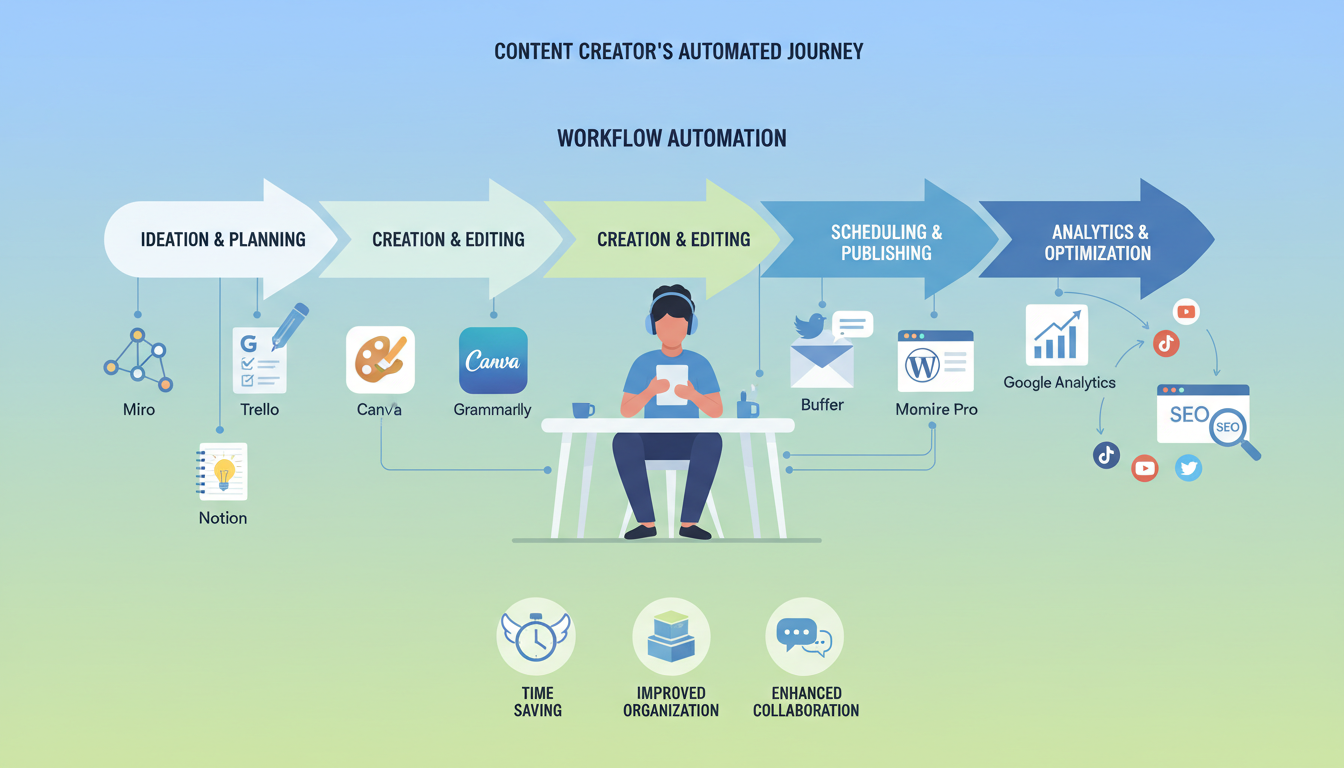
Keep the same face in every image
Save a character as a Soul and put them in any scene, image or video, without retraining anything. Your first generation is free.
Time is the limiting factor for AI influencer creators. Image generation, caption writing, scheduling, engagement, analytics, and content planning consume hours daily. Without automation and efficient workflows, creative work gives way to administrative tasks.
Smart automation preserves time for high-value activities while routine tasks handle themselves. The goal isn't to automate everything but to automate what doesn't require your direct attention.
I resisted automation initially, believing manual work meant quality work. Burnout taught me otherwise. Implementing systematic workflows and automation tools doubled my effective capacity without sacrificing quality.
Quick Answer: Automate content scheduling, image organization, analytics reporting, and routine communication. Batch create content in focused sessions. Use scheduling tools like Later, Buffer, or Hootsuite for posting. Maintain templates for recurring content types. Reserve manual attention for creative work, community engagement, and strategic decisions.
:::tip[Key Takeaways]
- AI Influencer Workflow Automation: Maximize Efficiency and Save Time represents an important development in its field
- Multiple approaches exist depending on your goals
- Staying informed helps you make better decisions
- Hands-on experience is the best way to learn :::
- What to automate and what to keep manual
- Scheduling and publishing automation
- Batch processing for efficiency
- Tools for AI influencer workflows
- Building sustainable systems
Automation Philosophy
Understanding what deserves automation.
What to Automate
Good automation candidates:
- Scheduled posting at optimal times
- Content calendar management
- Analytics data collection
- File organization and backup
- Routine notifications
Why automate these:
- Low creative input required
- Consistency benefits from automation
- Time savings significant
- Quality unaffected by automation
What to Keep Manual
Keep hands-on:
- Creative content decisions
- Community engagement responses
- Strategic planning
- Quality review before posting
- Relationship building
Why keep manual:
- Requires human judgment
- Authenticity matters
- Creative quality needs attention
- Personal touch adds value
The Balance
Automation enables: Time for manual high-value activities by handling low-value tasks.
Automation shouldn't replace: The human elements that make your AI influencer unique and engaging.
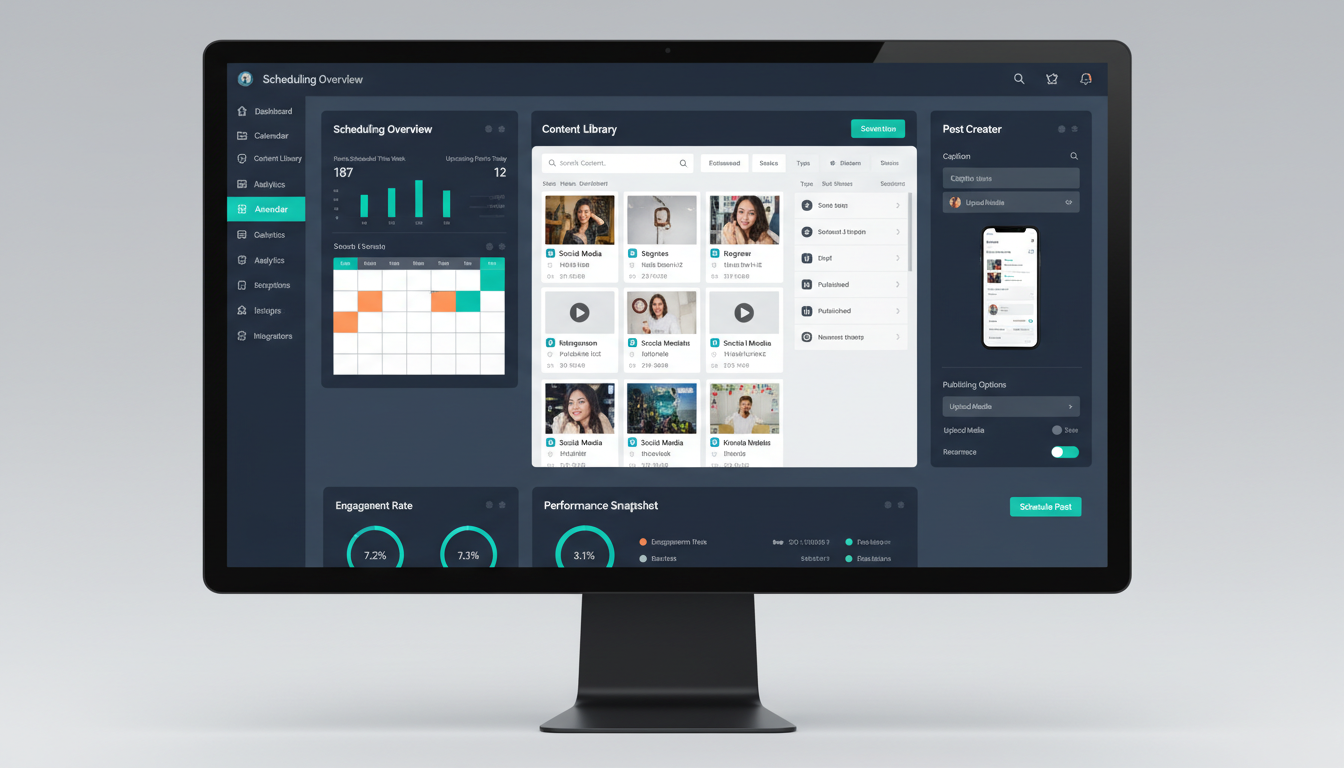 Scheduling tools handle posting while you focus on content creation and engagement.
Content Scheduling Automation
Let tools handle publishing timing.
Scheduling Tools
Popular options:
Later:
- Visual content calendar
- Instagram and multi-platform
- Best times suggestions
- Link in bio feature
Buffer:
- Simple scheduling
- Analytics included
- Team collaboration
- Multi-platform support
Hootsuite:
- Comprehensive platform
- Advanced analytics
- Team features
- Bulk scheduling
Creator Studio:
- Free, native to platforms
- Basic scheduling
- Limited features but reliable
Scheduling Workflow
Weekly process:
- Batch create week's content
- Upload to scheduling tool
- Write/add captions
- Set optimal posting times
- Review and confirm
- Let automation handle publishing
Optimal Timing
Let tools determine:
- Best posting times based on data
- Audience active hours
- Engagement pattern optimization
Set and adjust:
- Initial times based on general best practices
- Refine based on your specific analytics
- Test different times periodically
Batch Processing Systems
Create content in efficient focused sessions.
Image Generation Batching
Batch approach: Generate week's (or month's) images in dedicated sessions.
Apatero batch workflow:
- Set aside generation time block
- Generate all needed images
- Review and select best
- Organize by content type
- Store in accessible system
Benefits:
- Creative momentum builds
- Technical settings optimized once
- Consistent quality within batch
- Efficient use of focus time
Caption Writing Batching
Batch approach: Write multiple captions in one session.
Process:
- Gather week's images
- Write all captions sequentially
- Review and refine
- Add to scheduling tool
- Store in accessible format
Benefits:
- Voice consistency within batch
- Writing flow maintained
- Easier comparison and quality check
- Reduced context-switching
Engagement Batching
Batch approach: Concentrated engagement sessions instead of constant checking.
Free ComfyUI Workflows
Find free, open-source ComfyUI workflows for techniques in this article. Open source is strong.
Structure:
- Morning session: Respond to overnight
- Post-posting session: Engage with early responses
- Evening session: Final engagement and discovery
Benefits:
- Deep focus periods protected
- More efficient engagement
- Reduced compulsive checking
- Better engagement quality
File Organization Systems
Efficient content management.
Folder Structure
Organize by:
- Date (monthly folders)
- Content type (photos, videos, stories)
- Status (to post, posted, unused)
- Campaign (if applicable)
Example structure:
AI Influencer/
├── 2025-01/
│   ├── Ready to Post/
│   ├── Posted/
│   └── Unused/
├── Content Bank/
├── Templates/
└── Archive/
Naming Conventions
Consistent naming:
- Date prefix (2025-01-15-)
- Content type indicator
- Description
- Status if helpful
Example:
2025-01-15-lifestyle-coffee-shop-ready.jpg
Backup Systems
Automate backups:
- Cloud storage sync (Google Drive, Dropbox)
- Regular backup schedule
- Multiple backup locations
- Version history maintained
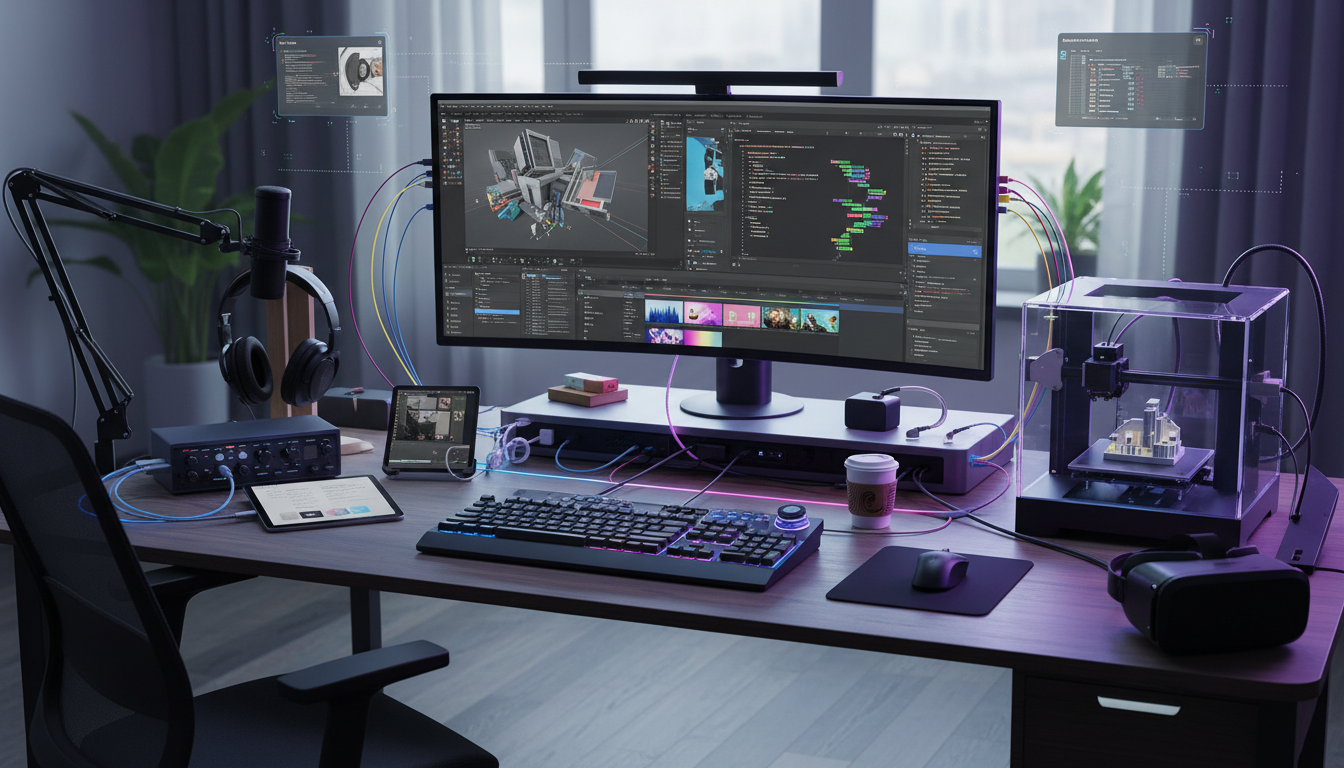 Integrated workflows connect tools for smooth content management.
Analytics Automation
Automate data collection, analyze manually.
Automated Reporting
Set up:
- Weekly or monthly automated reports
- Email delivery of key metrics
- Dashboard updates
Tools:
- Platform native insights
- Third-party analytics tools
- Spreadsheet connections
Manual Analysis
Keep human:
- Interpretation of data
- Strategic implications
- Decision-making from insights
- Pattern recognition
Tracking Templates
Create templates:
Want to skip the complexity? Apatero gives you professional AI results instantly with no technical setup required.
- Weekly metrics spreadsheet
- Monthly review format
- Quarter comparison template
- Annual summary format
Template Systems
Reduce repeated work with templates.
Caption Templates
Template types:
- Educational post structure
- Story content format
- Promotional content framework
- Engagement post format
Template usage: Fill in variables rather than starting from scratch.
Response Templates
For:
- Common DM questions
- Frequent comment responses
- Partnership inquiries
- Standard communications
Important: Personalize before sending. Templates are starting points, not final responses.
Content Planning Templates
Weekly planning template:
- Content type slots
- Theme assignments
- Caption notes
- Image requirements
Workflow Integration
Connect tools for easy operation.
Tool Connections
Integration examples:
- Scheduling tool connects to social platforms
- Analytics pulls to spreadsheets
- Cloud storage syncs across devices
- Notifications aggregate in one place
Automation Tools
Consider:
- Zapier for tool connections
- IFTTT for simple automations
- Native integrations where available
- API connections for advanced users
Notification Management
Consolidate:
- Social notifications to one location
- Priority filtering
- Scheduled notification checks
- Reduced constant interruption
Building Sustainable Systems
Create workflows that last.
Documentation
Document everything:
- Process descriptions
- Tool login information
- Workflow steps
- Troubleshooting notes
Benefit: Systems survive memory lapses and enable potential delegation.
Earn Up To $1,250+/Month Creating Content
Join our exclusive creator affiliate program. Get paid per viral video based on performance. Create content in your style with full creative freedom.
Regular Review
Monthly workflow audit:
- What's working well?
- What's causing friction?
- What could be automated?
- What needs adjustment?
Gradual Implementation
Don't automate everything at once:
- Start with scheduling
- Add batch processing
- Implement file organization
- Expand automation gradually
Common Automation Mistakes
Avoid these efficiency killers.
Mistake 1: Over-Automation
Automating things that need human touch.
Fix: Keep engagement, creative decisions, and relationship building manual.
Mistake 2: No Quality Control
Trusting automation without review.
Fix: Review automated posts before they go live when possible.
Mistake 3: Complex Systems
Building workflows too complicated to maintain.
Fix: Simple, sustainable systems over sophisticated fragile ones.
Mistake 4: Ignoring Maintenance
Setting up systems and never updating.
Fix: Regular system review and optimization.
Your Automation Action Plan
Implement efficiency systematically.
Week 1:
- Choose scheduling tool
- Set up basic content calendar
- Establish file organization
Week 2:
- Implement batch creation
- Create first templates
- Automate posting schedule
Week 3:
- Add analytics automation
- Refine batch processes
- Document workflows
Week 4:
- Review and optimize
- Add integrations
- Establish maintenance routine
Ongoing:
- Monthly workflow audits
- Continuous improvement
- System documentation updates
Automation isn't about removing yourself from your AI influencer. It's about reserving your attention for what matters most. Build systems that handle the routine so you can focus on the creative, strategic, and relational work that makes your project successful.
FAQ
How much time can I save with automation?
Typically 5-10 hours weekly once systems are established. More as you optimize.
What if automated posts feel inauthentic?
Automation handles timing, not content. Create authentic content, let tools handle scheduling.
Is automation expensive?
Many tools have free tiers. Paid tools typically cost $10-50 monthly. Time savings usually justify cost.
How do I maintain personal touch with automation?
Keep engagement manual. Automation posts content; you respond personally.
What's the minimum automation I should implement?
Content scheduling is the highest-impact starting point. Begin there.
Can I automate too much?
Yes. If your account feels robotic or unresponsive, you've over-automated. Balance is key.
Keep the same face in every image
Save a character as a Soul and put them in any scene, image or video, without retraining anything. Your first generation is free.
Related Articles

10 Best AI Influencer Generator Tools Compared (2025)
Comprehensive comparison of the top AI influencer generator tools in 2025. Features, pricing, quality, and best use cases for each platform reviewed.

5 Proven AI Influencer Niches That Actually Make Money in 2025
Discover the most profitable niches for AI influencers in 2025. Real data on monetization potential, audience engagement, and growth strategies for virtual content creators.

AI Action Figure Generator: How to Create Your Own Viral Toy Box Portrait in 2026
Complete guide to the AI action figure generator trend. Learn how to turn yourself into a collectible figure in blister pack packaging using ChatGPT, Flux, and more.