Qwen 360 LoRA in Blender - Complete Multi-Angle Character Generation Guide 2025
Master Qwen Edit Multi-Angle LoRA for creating consistent 360-degree character turnarounds. Complete guide to Blender integration and character sheet generation.
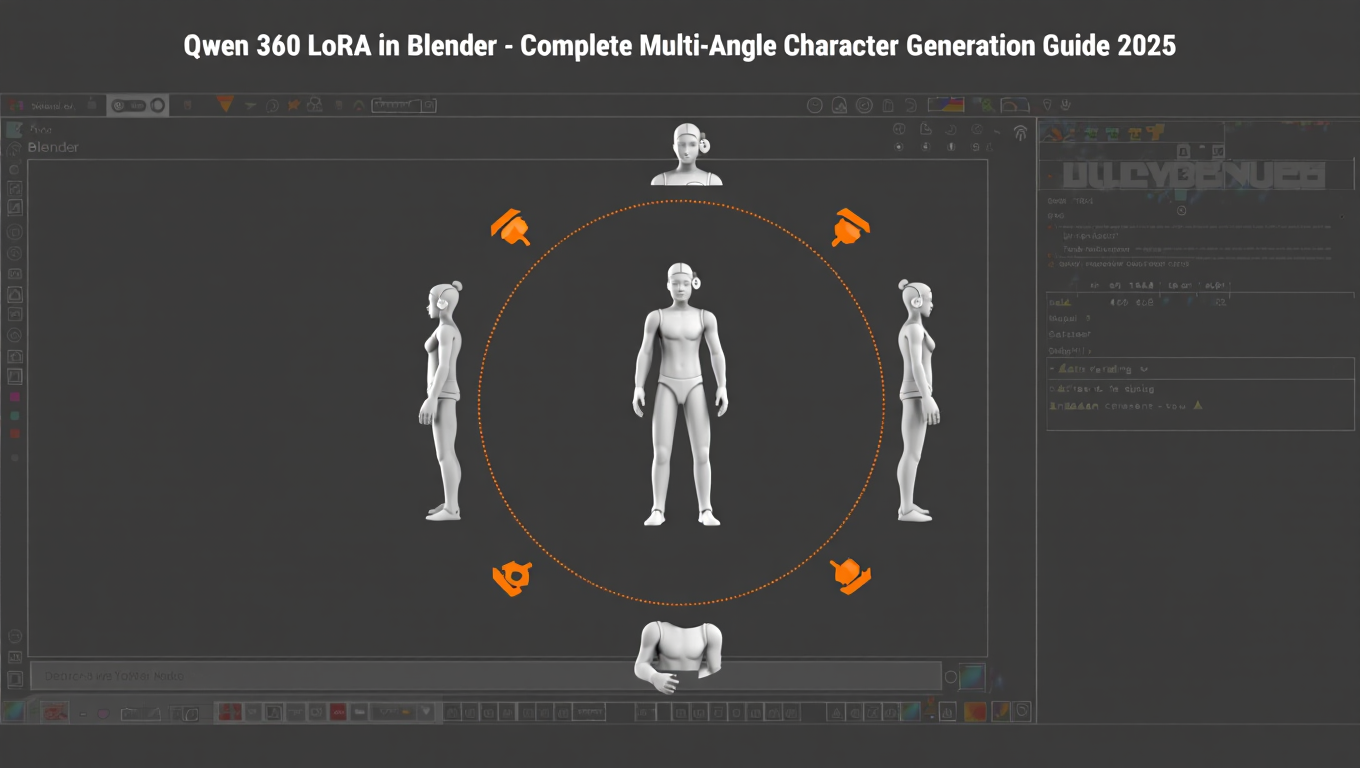
Creating consistent character views from multiple angles has always been one of AI image generation's biggest challenges. Traditional single-image generation produces different interpretations of the same character from different prompts. Qwen 360 LoRA solves this by enabling smooth orbital moves, dolly zooms, and tilt adjustments with minimal hallucination.
Quick Answer: Qwen Edit Multi-Angle LoRA acts as a virtual camera operator for your characters, generating consistent views from any angle without the identity drift that plagues standard generation. Combined with Blender for 3D reference poses, you can create professional character turnarounds and design sheets.
- Qwen Multi-Angle LoRA understands 3D structure for consistent views
- No trigger words needed - describe camera motion naturally
- Create 360-degree turnarounds with 45-degree increments
- Blender provides precise 3D reference for angle consistency
- Ideal for character design, product visualization, and 3D model prep
What Is Qwen 360 LoRA?
Qwen Edit Camera Control incorporates a multi-angle LoRA that enables the model to behave like a virtual camera operator. Unlike standard image generation where each angle produces essentially a new character, Qwen 360 LoRA maintains character identity while rotating the viewpoint.
The model learns underlying 3D structure and features of your character, enabling it to extrapolate accurate representations from any viewpoint. This makes it ideal for character design workflows requiring consistent multi-view references.
- Setting up Qwen Edit with Multi-Angle LoRA
- Creating Blender reference poses for precise angles
- Generating consistent 360-degree turnarounds
- Building character design sheets
- Integrating with ComfyUI workflows
How Does Qwen Multi-Angle LoRA Work?
The Multi-Angle LoRA has no special trigger words - simply describe the camera motion or lens you want in natural language. The model interprets these descriptions and adjusts the generated view accordingly.
Camera Controls Available:
| Control Type | Description | Example Prompt |
|---|---|---|
| Forward/Backward | Move camera closer or farther | "camera moves forward" |
| Left/Right | Lateral camera movement | "shift camera right" |
| Up/Down | Vertical positioning | "camera looking down" |
| Rotation | Orbital movement around subject | "rotate view 45 degrees right" |
| Lens | Wide-angle to close-up | "wide-angle lens view" |
Why This Matters:
Traditional image generation treats each angle as a separate generation task, leading to inconsistencies. Qwen Edit Multi-Angle LoRA instead learns the underlying 3D structure and features of your character, enabling accurate representations from any viewpoint.
How Do You Set Up Blender for Reference Poses?
Blender provides precise 3D control that guides Qwen's angle interpretation. Using Blender references ensures mathematical accuracy in your rotation angles.
Basic Blender Setup:
Create a simple humanoid mesh or use a base model. Position the camera at your desired angle. Render a clean silhouette or basic shaded view. Export as reference for Qwen generation.
Camera Rotation Workflow:
Set your Blender camera to orbit around the character at fixed height. Create renders at 0, 45, 90, 135, 180, 225, 270, and 315 degrees. These provide clean reference angles for consistent turnaround generation.
Why Blender Helps:
Blender ensures mathematical precision in angles that text prompts approximate. A "45-degree view" in text interpretation may vary, but a Blender render at exactly 45 degrees provides consistent reference across all generations.
Alternative Approaches:
For users without Blender experience, simple stick figure sketches at approximate angles can work. However, Blender provides the precision that makes professional character sheets possible.
How Do You Generate 360-Degree Character Turnarounds?
Creating complete turnarounds involves generating sequential angle increments while maintaining character identity.
Step-by-Step Turnaround Process:
Step 1 - Establish Base Character
Generate or provide a strong front-view reference image of your character. This becomes the identity anchor for all subsequent views.
Step 2 - Prepare Angle Sequence
Plan your rotation increments. For a complete turnaround, use 45-degree steps producing 8 views (0, 45, 90, 135, 180, 225, 270, 315 degrees).
Step 3 - Generate Sequential Views
Process each angle through Qwen Edit with Multi-Angle LoRA. Use prompts like "same character, view rotated 45 degrees to the right" for each increment.
Step 4 - Compile Results
Arrange generated views in sequence. Verify character consistency across angles. Regenerate any problematic views with adjusted prompts.
Turnaround Quality Tips:
Maintain consistent lighting direction across prompts. Use the same seed where possible for related generations. Keep clothing and accessory descriptions identical across all angles.
What ComfyUI Workflow Works Best?
ComfyUI provides the optimal environment for Qwen Multi-Angle workflows with proper node configuration.
Required Components:
| Component | Purpose |
|---|---|
| Qwen-Image-Edit base | Core generation model |
| Multi-Angle LoRA | Camera control capability |
| Lightning LoRA (optional) | Faster generation |
| LoraLoaderModelOnly nodes | Inject LoRA behaviors |
Workflow Structure:
The ComfyUI workflow for Qwen Edit 2509 MultipleAngles generates consistent multi-angle views from one input image. The stack of LoraLoaderModelOnly nodes injects behavior critical to the process - one LoRA provides multi-angle editing priors, another enables camera step transitions.
LoRA Stack Configuration:
Apply Multi-Angle LoRA at 0.7-0.9 strength for strong angle control. Optional Lightning LoRA at 0.3-0.5 for speed without quality loss. Adjust strengths based on how strictly you need angle adherence.
How Do You Create Character Design Sheets?
Character design sheets combine multiple views and expressions on single reference pages.
Standard Character Sheet Layout:
Front view, 3/4 front view, side profile, 3/4 back view, back view. Additional rows for expression variations or costume details.
Generation Workflow:
Generate each view using consistent prompts and Multi-Angle LoRA. Maintain identical character descriptions across all generations. Compile in graphics software with consistent scaling and alignment.
Expression Variations:
Use same angle but modify expression prompts for emotion sheets. "Same character, front view, angry expression" produces emotion variants while maintaining identity consistency.
Costume and Detail Sheets:
Generate close-up views of specific costume elements. Use Multi-Angle LoRA to show details from optimal viewing angles. Combine with standard views for comprehensive reference packages.
For users wanting character consistency without complex workflows, Apatero.com offers simplified character generation with built-in consistency features.
What Are Common Issues and Solutions?
Multi-angle generation presents specific challenges that require targeted solutions.
Issue: Character Identity Drift
Character changes appearance between angles.
Solutions:
- Increase LoRA strength to 0.9+
- Use more detailed character descriptions
- Provide stronger reference images
- Generate related angles in batches with consistent seeds
Issue: Inconsistent Lighting
Lighting direction changes inappropriately between views.
Solutions:
- Specify lighting direction in every prompt
- Use consistent environment descriptions
- Post-process to harmonize lighting if needed
Issue: Clothing/Accessory Changes
Outfits or accessories differ between angles.
Solutions:
- Include detailed clothing descriptions in every prompt
- Use reference images showing specific costume details
- Verify consistency before generating full turnarounds
Issue: Angle Inaccuracy
Generated angles don't match requested rotations.
Solutions:
- Use Blender references for precise angle guidance
- Combine text prompts with image references
- Adjust LoRA strength for tighter angle control
Frequently Asked Questions
Does Qwen 360 LoRA work with any character style?
The LoRA works across realistic, anime, and stylized characters, though realism tends to produce most consistent results. Highly stylized characters may show more variation between angles.
Can I use this for product photography?
Yes, the multi-angle capability works excellently for product visualization. Create 360-degree product views with consistent lighting and presentation.
What resolution works best for character sheets?
Generate at 1024x1024 minimum for individual views. Higher resolutions preserve detail when compiling into full character sheets.
How many angles do I need for a complete turnaround?
Eight angles at 45-degree increments provide standard coverage. Professional work may use 12 angles at 30-degree increments for smoother rotation.
Can this replace 3D character modeling?
For concept development and 2D reference creation, yes. For actual 3D production, generated images serve as reference rather than replacement for modeled assets.
Does the Lightning LoRA affect quality?
Minimal quality impact at recommended strengths. The four-step Lightning preset shortens sampling while preserving structure for most use cases.
How do I handle complex poses?
Simple standing poses work best for turnarounds. Complex poses increase generation difficulty and may require manual adjustment.
Can I animate the turnaround results?
Compile sequential images into rotation animations that validate character consistency. This works for presentation but isn't true animation.
Conclusion
Qwen 360 LoRA transforms character design workflows by enabling consistent multi-angle generation that traditional AI image tools can't achieve. The combination with Blender reference provides precision that makes professional character sheets practical.
Key Implementation Points:
Use Qwen Edit with Multi-Angle LoRA for camera control. Create Blender references for precise angle guidance. Generate in systematic increments for complete turnarounds. Maintain consistent prompts across all views.
Best Applications:
Character design for games and animation. Product visualization and e-commerce imagery. 3D model reference preparation. Concept art requiring consistent multi-view presentation.
Getting Started:
Download the Multi-Angle LoRA from Hugging Face. Configure ComfyUI workflow with proper LoRA stacking. Start with simple front-to-side rotations before attempting full turnarounds.
Platforms like Apatero.com offer simplified access to character consistency features for users preferring managed solutions over complex workflow configuration.
The ability to generate consistent character views from any angle represents a significant advancement in AI-assisted design. Qwen 360 LoRA makes this capability accessible to creators at every level.
Make AI images and video in your browser
Characters, video, photo packs. No GPU, no setup. Check your welcome allowance and the displayed cost before generating.
Related Articles

5 Proven AI Influencer Niches That Actually Make Money in 2025
Discover the most profitable niches for AI influencers in 2025. Real data on monetization potential, audience engagement, and growth strategies for virtual content creators.

AI Background Replacement: Professional Guide 2025
Master AI background replacement for professional results. Learn rembg, BiRefNet, and ComfyUI workflows for smooth background removal and replacement.

AI Character Consistency: How to Maintain Virtual Persona Identity Across Content
Learn techniques for maintaining AI character consistency across hundreds of images. Master the art of creating recognizable virtual personas with consistent visual identity.