Kohya SS LoRA Training: Complete Guide 2025
Master LoRA training with Kohya SS. Learn dataset preparation, optimal parameters, and troubleshooting for SDXL and SD 1.5 custom model training.
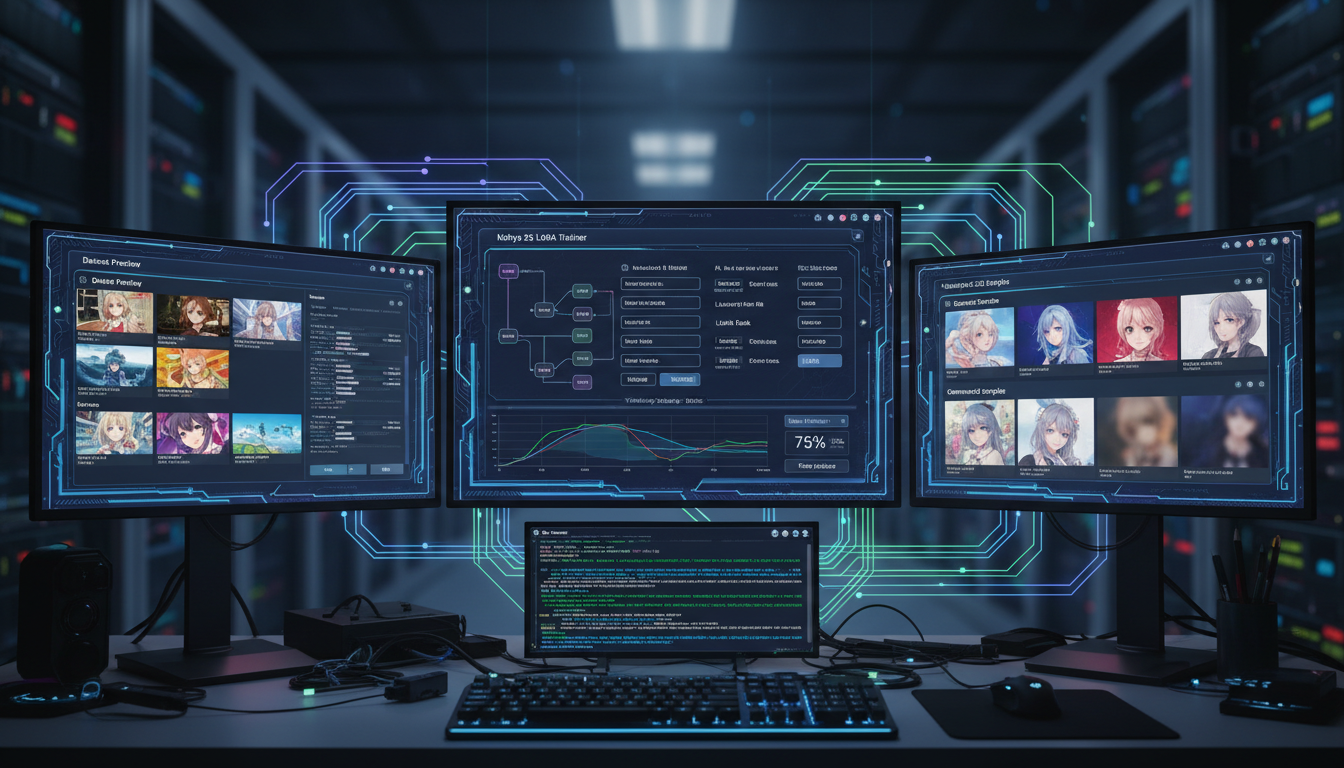
Kohya SS is the go-to tool for training LoRA models. Whether you're creating character LoRAs, style transfers, or concept embeddings, Kohya provides the control and flexibility professionals need. And if you're interested in using LoRAs with video generation models like Wan 2.2, check out my Wan 2.2 SVI + LoRA Loader guide.
Quick Answer: Kohya SS is a GUI and script collection for training LoRA, LoCon, and other adapter models for Stable Diffusion. It supports SD 1.5, SDXL, and newer architectures with extensive parameter control.
:::tip[Key Takeaways]
- Follow the step-by-step process for best results with kohya ss lora training
- Start with the basics before attempting advanced techniques
- Common mistakes are easy to avoid with proper setup
- Practice improves results significantly over time :::
- Installing and configuring Kohya SS
- Preparing training datasets properly
- Understanding key training parameters
- SDXL vs SD 1.5 training differences
- Troubleshooting common issues
Installing Kohya SS
Windows Installation:
git clone https://github.com/bmaltais/kohya_ss.git
cd kohya_ss
setup.bat
Linux Installation:
git clone https://github.com/bmaltais/kohya_ss.git
cd kohya_ss
./setup.sh
Requirements:
- Python 3.10+
- CUDA-compatible GPU (8GB+ VRAM)
- 16GB+ system RAM
Dataset Preparation
Dataset quality determines training quality. Follow these guidelines:
Image Requirements
Resolution:
- SD 1.5: 512x512 or 768x768
- SDXL: 1024x1024 recommended
Quantity:
- Characters: 15-30 high-quality images
- Styles: 30-100 images showing variety
- Concepts: 20-50 images
Quality:
- High resolution sources
- Varied angles/poses for characters
- Consistent style for style training
Captioning
Every image needs a caption. Methods:
Manual Captioning: Write descriptions for each image. Most accurate but time-consuming.
Auto-Captioning: Use BLIP or WD14 tagger:
python caption_images.py --folder ./training_data --model blip
Trigger Words: Include a unique trigger word in all captions:
photo of sks person, wearing casual clothes, outdoor setting
- Remove duplicates and near-duplicates
- Ensure consistent quality across images
- Include variety (poses, lighting, settings)
- Use regularization images for characters
- Caption tags should match your inference prompts
Key Training Parameters
Network Dimensions (dim/rank)
Controls LoRA capacity:
- 4-8: Subtle changes, small file size
- 16-32: Balanced (recommended starting point)
- 64-128: Maximum detail, larger files
Network Alpha
Scaling factor, typically set equal to dim or half:
- alpha = dim: Standard behavior
- alpha = dim/2: Reduced learning effect
Learning Rate
How fast the model learns:
- SD 1.5: 1e-4 to 5e-4
- SDXL: 1e-4 to 3e-4
- Start lower, increase if underfitting
Training Steps/Epochs
How long to train:
- Epochs: Number of complete dataset passes
- Steps: Total optimization steps
- Rule of thumb: 1500-3000 steps for characters
Batch Size
Images per training step:
- Limited by VRAM
- Larger = smoother training
- Start with 1-2, increase if possible
SDXL vs SD 1.5 Training
Key differences:
| Aspect | SD 1.5 | SDXL |
|---|---|---|
| Base Resolution | 512x512 | 1024x1024 |
| VRAM Needed | 8GB+ | 12GB+ |
| Learning Rate | 1e-4 to 5e-4 | 1e-4 to 3e-4 |
| Training Time | Faster | 2-3x longer |
| Dataset Size | 15-30 images | 20-50 images |
SDXL-Specific Settings:
- Use SDXL base model
- Enable both text encoders
- Consider lower learning rate
- Bucket resolutions around 1024
Training Workflow
Step 1: Prepare Dataset
training_data/
  ├── 10_sks person/
  │   ├── image1.png
  │   ├── image1.txt
  │   ├── image2.png
  │   └── image2.txt
Step 2: Configure Training
- Load base model
- Set output directory
- Configure network parameters
- Set learning rate and steps
Step 3: Start Training
accelerate launch train_network.py --config_file config.toml
Step 4: Monitor Progress
- Watch loss values
- Generate test images periodically
- Stop if overfitting
Evaluating Your LoRA
After training, test thoroughly:
Basic Test: Generate images with trigger word at different weights (0.5, 0.75, 1.0)
Flexibility Test: Combine with different prompts, styles, other LoRAs
Overfitting Check: If outputs look identical regardless of prompt, you've overfit
Quality Check: Compare to base model outputs—LoRA should improve, not degrade
Common Issues and Solutions
Issue: LoRA has no effect Solution: Increase dim/rank, check trigger word, verify training completed
Issue: Outputs are distorted Solution: Lower learning rate, reduce training steps, check dataset quality
Issue: Only works at high weights Solution: Increase dim, train longer, improve dataset variety
Issue: Style bleeds into everything Solution: Use regularization images, improve captions, lower network dim
Issue: Training crashes Solution: Reduce batch size, enable gradient checkpointing, lower resolution
Advanced Techniques
LoCon Training
LoRA with convolution layers:
- Better detail preservation
- Larger file sizes
- Enable conv layers in Kohya
Network Merging
Combine multiple LoRAs:
- Use merge tools in Kohya
- Weight contributions from each
- Test merged results carefully
Prodigy Optimizer
Adaptive learning rate:
- Automatically adjusts LR
- Often better results
- Enable in optimizer settings
Frequently Asked Questions
How many images do I need?
15-30 for characters, 30-100 for styles. Quality matters more than quantity.
What VRAM is required?
8GB for SD 1.5, 12GB+ for SDXL. Use gradient checkpointing for lower VRAM.
How long does training take?
30 minutes to several hours depending on dataset size and hardware.
Can I train on CPU?
Technically yes, but extremely slow. GPU training is practically required.
When is my LoRA done?
When test outputs look good and loss has stabilized. Usually 1500-3000 steps.
Conclusion
Kohya SS provides everything needed for professional LoRA training. Start with recommended parameters, prepare your dataset carefully, and iterate based on results.
The learning curve is worth it—custom LoRAs enable consistent characters, unique styles, and concepts that base models can't achieve.
Some models you cannot download at any VRAM
Veo, Kling and Nano Banana have closed weights. There is no local build, no quantization, no 24GB workaround. Run them in the browser instead. Check current model access and generation costs in the app.
Related Articles

5 Proven AI Influencer Niches That Actually Make Money in 2025
Discover the most profitable niches for AI influencers in 2025. Real data on monetization potential, audience engagement, and growth strategies for virtual content creators.

AI Background Replacement: Professional Guide 2025
Master AI background replacement for professional results. Learn rembg, BiRefNet, and ComfyUI workflows for smooth background removal and replacement.

AI Character Consistency: How to Maintain Virtual Persona Identity Across Content
Learn techniques for maintaining AI character consistency across hundreds of images. Master the art of creating recognizable virtual personas with consistent visual identity.