FameGrid Z-Image LoRA - Ultra-Realistic Social Media Portrait Generation 2025
Master FameGrid LoRA with Z-Image Turbo for stunning realistic social media portraits. Complete guide to influencer-style AI image generation in ComfyUI.
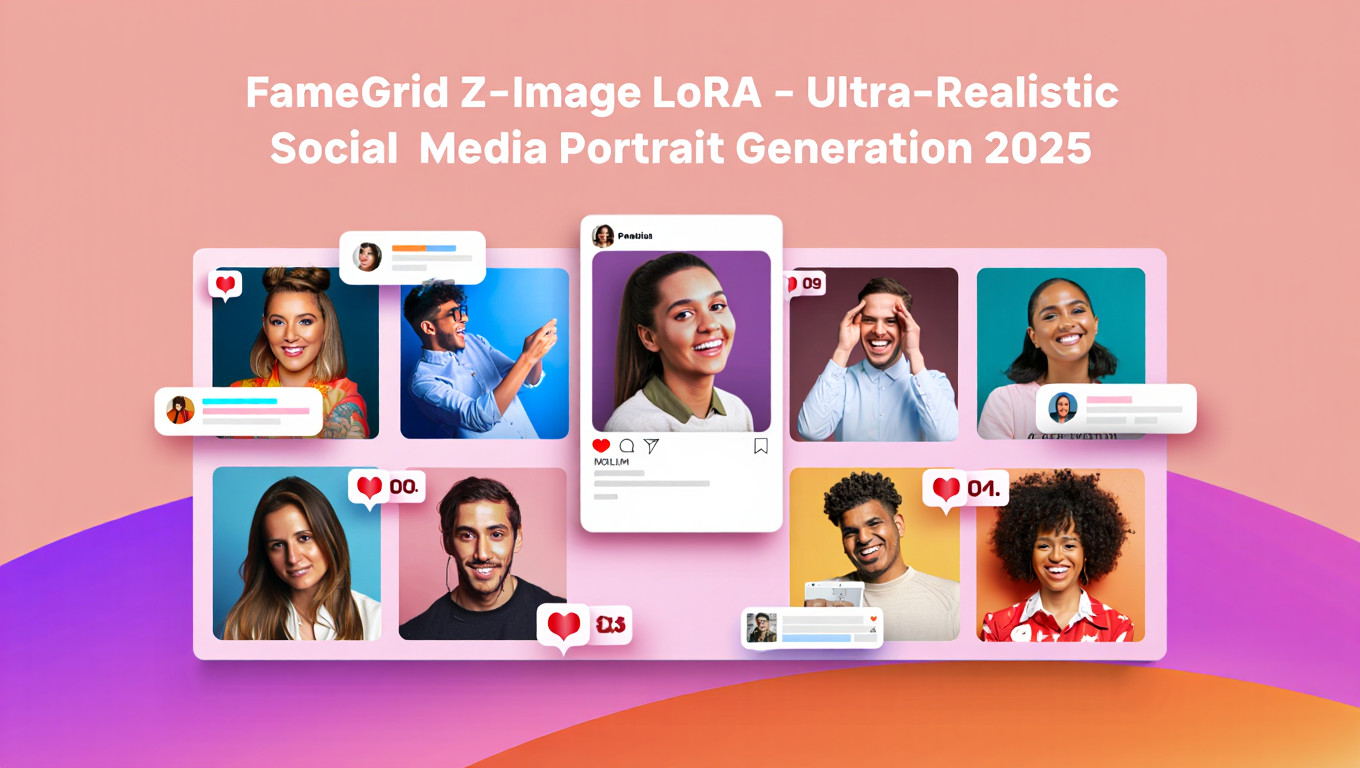
Creating realistic social media portraits with AI used to require expensive photoshoots or hours of manual editing. FameGrid LoRA combined with Z-Image Turbo changes that equation entirely, generating influencer-quality portraits that pass as authentic photography in seconds.
Quick Answer: FameGrid is a premium SDXL LoRA fine-tuned on over 1000 social media influencer images that creates ultra-realistic AI portraits. When combined with Z-Image Turbo's photorealistic capabilities, the result is professional-grade imagery suitable for modeling portfolios, fashion campaigns, and social media content.
- FameGrid trained on 1000+ premium influencer images for authentic social media aesthetics
- Z-Image Turbo provides the photorealistic base for FameGrid enhancements
- Generate portfolio-quality portraits without professional photography
- Ideal for fashion campaigns, brand content, and marketing materials
- Runs efficiently on consumer GPUs with proper optimization
What Is FameGrid LoRA and Why Combine It With Z-Image?
FameGrid Ultra represents a new category of specialized LoRA models designed specifically for social media aesthetics. Unlike general-purpose portrait LoRAs, FameGrid captures the specific lighting, poses, and visual language that defines successful influencer content.
The training dataset includes over 1000 premium social media images, carefully curated to represent the polished yet authentic look that performs well on platforms like Instagram and TikTok. This specificity creates outputs that feel native to social media rather than obviously AI-generated.
Z-Image Turbo provides the ideal foundation for FameGrid because of its exceptional photorealistic capabilities. The combination leverages Z-Image's 6B parameter quality with FameGrid's specialized training, producing results neither model achieves alone.
- Setting up FameGrid with Z-Image Turbo in ComfyUI
- Optimal LoRA strength and generation parameters
- Prompt engineering for social media aesthetics
- Building complete portrait generation workflows
- Tips for maintaining authenticity while using AI
How Do You Set Up FameGrid With Z-Image Turbo?
Integrating FameGrid LoRA with Z-Image Turbo requires proper model placement and workflow configuration. The process differs slightly from standard SDXL LoRA usage due to Z-Image's unique architecture.
Step 1 - Download FameGrid LoRA
Obtain the FameGrid Ultra LoRA file from the official source. The model comes in safetensors format and typically ranges from 100-300MB depending on the version.
Step 2 - Prepare Z-Image Turbo Base
Ensure your Z-Image Turbo installation is complete with all three required files. FameGrid applies on top of the Z-Image-De-Turbo variant for best results, as the de-distilled version handles LoRA integration more effectively.
Step 3 - Place LoRA Files
Move the FameGrid safetensors file to your ComfyUI loras directory at ComfyUI/models/loras/. The file should appear in ComfyUI's LoRA loader dropdown after restarting.
Step 4 - Configure LoRA Strength
Start with a LoRA strength of 0.7-0.8 for FameGrid. Higher values may produce overly stylized results, while lower values might not capture the full social media aesthetic.
For users preferring simplified access without configuration complexity, Apatero.com offers professional portrait generation with similar quality through an intuitive interface.
What Are the Best Settings for FameGrid Portrait Generation?
Optimal FameGrid results require careful parameter tuning. These settings have been tested across various portrait types and consistently produce high-quality social media aesthetics.
Recommended Parameters:
| Parameter | Value | Notes |
|---|---|---|
| LoRA Strength | 0.7-0.8 | Adjust based on desired stylization |
| CFG Scale | 4-5 | Lower than standard for natural look |
| Steps | 8-12 | Z-Image Turbo optimized range |
| Resolution | 1024x1024 or 768x1152 | Portrait aspect ratios work best |
Prompt Structure for Social Media Portraits:
Effective FameGrid prompts follow a specific structure emphasizing natural lighting, candid poses, and contemporary fashion. Include elements like "natural lighting," "casual pose," "authentic expression," and specific environment descriptions.
Example Prompt Framework:
"portrait of [subject description], natural soft lighting, casual confident pose, authentic genuine expression, [clothing/style details], [environment], social media aesthetic, high quality photography"
Avoid overly technical photography terms that might push the output toward traditional studio photography rather than the influencer aesthetic FameGrid excels at.
How Does FameGrid Compare to Standard Portrait LoRAs?
FameGrid's specialized training creates distinct advantages for social media content while potentially limiting versatility for other portrait styles.
Comparison With General Portrait LoRAs:
| Aspect | FameGrid | General Portrait LoRAs |
|---|---|---|
| Social Media Aesthetics | Excellent | Variable |
| Studio Photography Style | Limited | Often Better |
| Lighting Authenticity | Natural/Candid | Controlled/Dramatic |
| Pose Variety | Casual/Contemporary | Broader Range |
| Fashion Relevance | Current Trends | Time-Independent |
When FameGrid Excels:
Choose FameGrid for Instagram-style portraits, influencer marketing content, fashion brand imagery, lifestyle photography simulation, and any content targeting social media platforms where authentic aesthetics drive engagement.
When to Use Alternatives:
Consider general portrait LoRAs for formal headshots, dramatic lighting setups, historical or period-specific styles, and artistic portrait work that intentionally diverges from social media conventions.
What Workflows Maximize FameGrid Quality?
Building effective FameGrid workflows involves combining the LoRA with complementary techniques for consistent, high-quality results.
Basic FameGrid Workflow:
Connect Z-Image-De-Turbo as your base model, add LoRA loader with FameGrid at 0.75 strength, configure standard text encoding with your portrait prompt, and generate at 1024x1024 resolution.
Enhanced Multi-LoRA Workflow:
Stack FameGrid with complementary LoRAs for specific effects. Add a lighting LoRA at low strength (0.2-0.3) for enhanced illumination control, or combine with a fashion-specific LoRA for particular clothing styles.
Post-Processing Pipeline:
FameGrid outputs benefit from subtle upscaling with SeedVR2 to enhance skin texture and fabric detail. A light face enhancement pass can refine features while maintaining the natural aesthetic.
Batch Generation for Variety:
Generate multiple variations using different seeds while maintaining consistent prompts. Social media content benefits from variety, and batch generation helps build diverse content libraries efficiently.
How Do You Maintain Authenticity in AI Portraits?
The goal with FameGrid isn't creating obviously AI-generated images but producing content that authentically represents intended aesthetics. Several techniques help maintain believability.
Avoiding Common AI Tells:
Watch for overly symmetrical features, unnaturally smooth skin, and jewelry or accessory anomalies. FameGrid's training minimizes these issues, but careful prompt engineering helps further.
Adding Realistic Imperfections:
Subtle imperfections increase authenticity. Include terms like "natural skin texture," "slight motion blur," or "candid moment" to introduce controlled variation that mimics real photography.
Environment Consistency:
Ensure background elements match the supposed shooting scenario. A "beach portrait" should have consistent lighting direction, appropriate shadows, and believable environmental details.
Ethical Considerations:
When using AI portraits for commercial purposes, maintain transparency where appropriate. Many platforms now require AI content disclosure, and building trust with audiences remains important regardless of technical capabilities.
Frequently Asked Questions
Can FameGrid create portraits of real people?
FameGrid generates fictional subjects based on training data patterns. It doesn't reproduce specific individuals from training. For portraits of specific real people, you'd need a custom character LoRA trained on that individual with appropriate permissions.
What VRAM does FameGrid with Z-Image require?
Running FameGrid on Z-Image-De-Turbo requires approximately 18-20GB VRAM for comfortable operation at full resolution. Users with 16GB can generate at reduced resolutions or use memory optimization techniques.
How does FameGrid handle different ethnicities and body types?
FameGrid's diverse training dataset includes varied representations. Specify desired characteristics clearly in prompts for best results. The model responds well to detailed subject descriptions including body type, ethnicity, and age range.
Can I use FameGrid commercially?
Check the specific license for your FameGrid version. Most LoRAs allow commercial use, but licensing varies by creator. The Z-Image Apache-2.0 license permits commercial applications for the base model.
Why do some FameGrid outputs look too polished?
Reduce LoRA strength to 0.5-0.6 for more natural results. Add prompt terms like "authentic," "candid," or "natural imperfections" to introduce subtle variations that reduce the overly polished appearance.
Does FameGrid work with other base models besides Z-Image?
FameGrid was designed for SDXL-based models and may work with other SDXL variants. Z-Image provides optimal results due to its photorealistic strengths, but experimentation with other bases can yield interesting variations.
How many images can I generate per hour with this setup?
On an RTX 4090 with Z-Image Turbo and FameGrid, expect approximately 400-600 images per hour at 1024x1024 resolution. Actual throughput depends on your specific hardware configuration and workflow complexity.
Can FameGrid create full-body influencer shots?
While FameGrid handles full-body images, it excels at upper-body and face-focused portraits. For full-body shots, consider combining with pose ControlNet and possibly reducing LoRA strength slightly.
Conclusion
FameGrid LoRA combined with Z-Image Turbo represents the current peak of AI social media portrait generation. The specialized training captures authentic influencer aesthetics that generic models struggle to replicate.
Key Takeaways:
The combination delivers portfolio-quality portraits suitable for fashion campaigns, brand content, and social media marketing. Proper parameter tuning and prompt engineering maximize the natural, authentic look that defines successful social media imagery.
Getting Started:
Download FameGrid, configure your Z-Image-De-Turbo base, and experiment with the recommended settings. Start with straightforward portrait prompts and gradually explore the model's full capabilities.
For creators wanting professional social media imagery without technical setup, platforms like Apatero.com provide improved access to high-quality portrait generation capabilities, delivering similar results through intuitive interfaces.
The democratization of professional-quality portrait generation transforms content creation possibilities. FameGrid with Z-Image makes influencer-quality imagery accessible to creators at every budget level.
Make the shot you just saw
The same photoreal models, in your browser, with availability and generation times shown in the app. Check your welcome allowance and the displayed cost before generating.
Related Articles

5 Proven AI Influencer Niches That Actually Make Money in 2025
Discover the most profitable niches for AI influencers in 2025. Real data on monetization potential, audience engagement, and growth strategies for virtual content creators.

AI Background Replacement: Professional Guide 2025
Master AI background replacement for professional results. Learn rembg, BiRefNet, and ComfyUI workflows for smooth background removal and replacement.

AI Character Consistency: How to Maintain Virtual Persona Identity Across Content
Learn techniques for maintaining AI character consistency across hundreds of images. Master the art of creating recognizable virtual personas with consistent visual identity.