AI Influencer Tools: The Complete Software Stack for Success
Discover the essential tools and software for running a successful AI influencer. From image generation to scheduling, analytics to editing, build your complete tech stack.
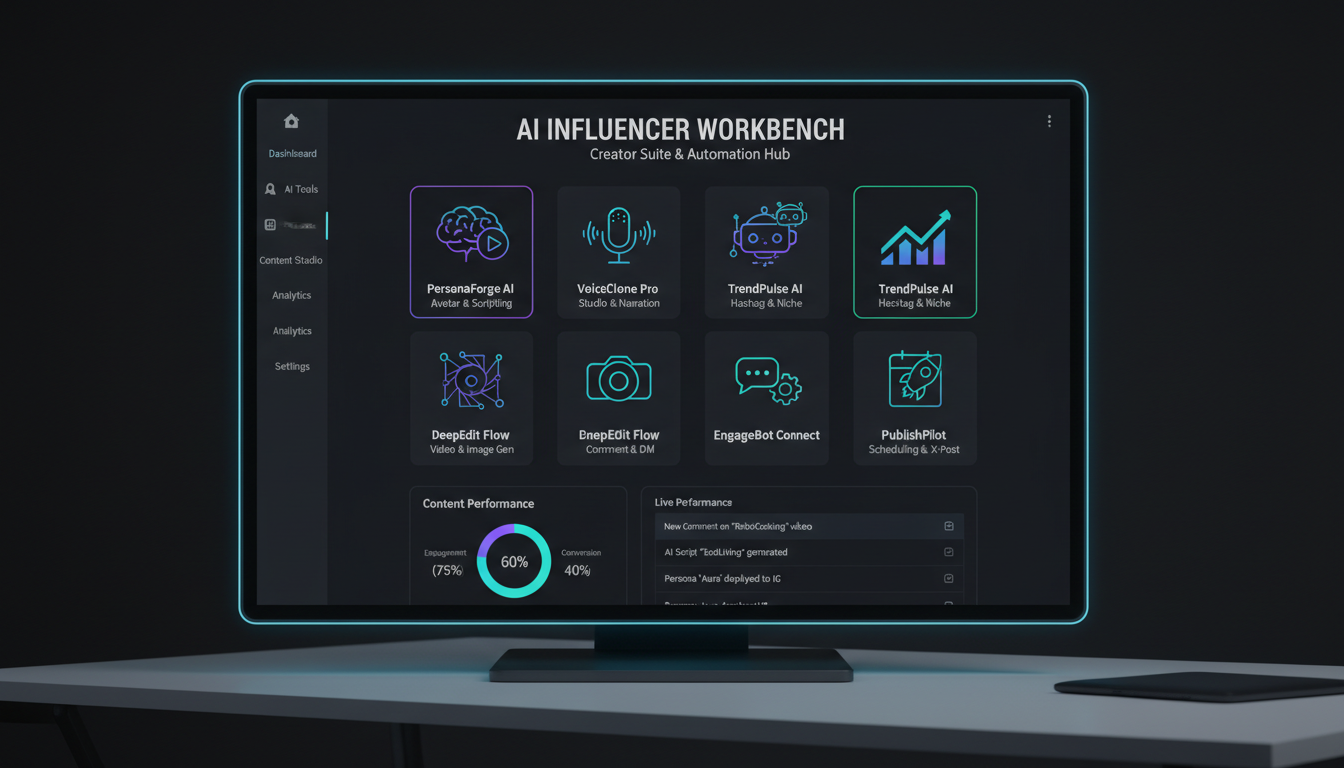
Keep the same face in every image
Save a character as a Soul and put them in any scene, image or video, without retraining anything. Your first generation is free.
The right tools transform AI influencer management from chaos to control. When I started, I pieced together random free tools, constantly switching between apps, losing images, missing posts. The workflow was a mess. Once I assembled a proper tech stack, everything changed. Content creation became efficient, posting became consistent, and growth became predictable.
Your tech stack doesn't need to be expensive, but it does need to be intentional. Each tool should serve a specific purpose and integrate smoothly with your workflow. Random tool accumulation creates more problems than it solves.
This guide covers the essential tools for every aspect of AI influencer management, from image generation to analytics, with specific recommendations at various budget levels.
Quick Answer: Essential AI influencer tools include an image generator (Apatero for character consistency), image editor (Canva or Photoshop), scheduling tool (Later or Buffer), analytics platform (native insights plus third-party), and organization system (Notion or similar). Budget stack runs $50-100/month, professional stack $200-400/month. Prioritize image generation quality above all else.
:::tip[Key Takeaways]
- AI Influencer Tools: The Complete Software Stack for Success represents an important development in its field
- Multiple approaches exist depending on your goals
- Staying informed helps you make better decisions
- Hands-on experience is the best way to learn :::
- Essential tools for each workflow stage
- Budget-friendly vs. professional tool options
- How to build an integrated tech stack
- Tools to avoid and why
- Automation opportunities in your workflow
Image Generation: Your Foundation
Image generation quality determines AI influencer success more than any other factor. This is where to invest most heavily.
Primary Image Generators
The image generator you choose affects everything downstream. Character consistency, visual quality, and content variety all depend on this choice.
Apatero: Purpose-built for AI influencer creation with character consistency features. Maintains face and style across generations, which solves the biggest technical challenge in AI influencer work.
Midjourney: High artistic quality but requires manual consistency management. Works well for creators comfortable with extensive prompt engineering.
Stable Diffusion: Open-source option with maximum flexibility. Requires technical setup but offers complete control. Best for creators with technical background.
DALL-E 3: Easy to use with good quality. Less control over consistency but produces reliably good results for variety content.
Choosing Your Generator
For AI influencer work specifically, prioritize:
Character consistency: Can you generate the same face repeatedly? Style control: Can you maintain visual aesthetic across posts? Speed: How quickly can you generate publication-ready images? Cost efficiency: What's the cost per usable image?
Most successful AI influencers use Apatero as their primary generator because it solves the consistency problem that other tools struggle with. Supplementary tools can add variety, but your main generator needs rock-solid consistency.
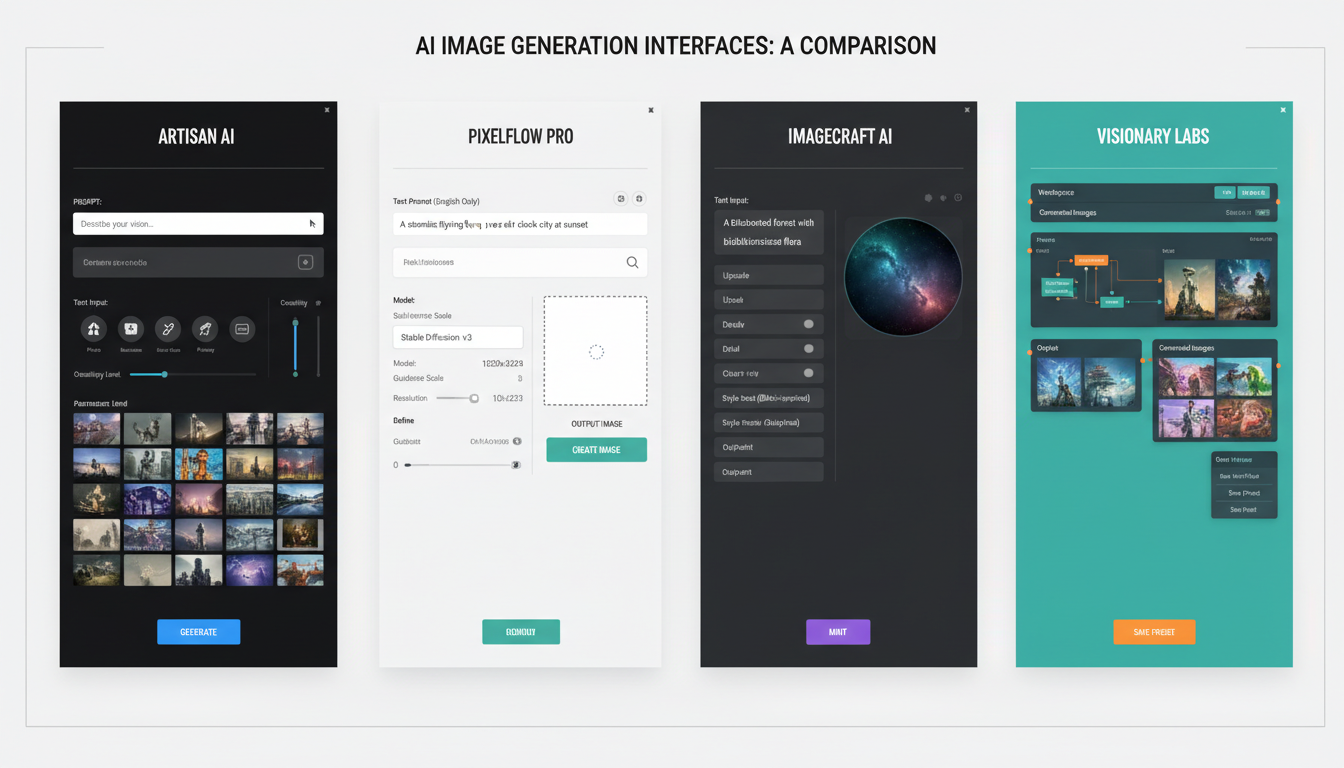 Different generators excel at different aspects of AI influencer content creation.
Image Editing and Enhancement
Raw AI generations often need refinement before posting. Having capable editing tools ensures consistent quality.
Essential Editing Tools
Canva: Best for most creators. Intuitive interface, good template library, handles text overlays and basic editing. Free tier works, Pro ($13/month) adds significant value.
Adobe Photoshop: Professional-grade editing for advanced users. Subscription cost higher ($20+/month) but capabilities unmatched. Overkill for most AI influencer work.
Photopea: Free Photoshop alternative that runs in browser. Surprisingly capable for a free tool. Good option for creators learning advanced editing.
Remove.bg: Specialized tool for background removal. Useful when AI generations have imperfect backgrounds or you need transparent images.
Mobile Editing Apps
Sometimes you need to edit on the go:
Lightroom Mobile: Excellent for color grading and filters. Free version works, premium adds useful features.
VSCO: Popular filter app for consistent aesthetic. Good for establishing visual brand.
Snapseed: Google's free editing app. Powerful considering the price (free).
When to Edit
Not every image needs extensive editing. Reserve editing time for:
Essential fixes: Removing artifacts, correcting obvious issues Brand consistency: Applying signature filters or color grading Text overlays: Adding captions for story content Composition adjustments: Cropping for optimal platform display
Avoid over-editing that makes images look artificial or inconsistent with your established style.
Scheduling and Publishing
Consistent posting requires scheduling tools. Manual posting inevitably leads to missed days and inconsistent timing.
Scheduling Platform Options
Later: Excellent for Instagram-focused creators. Visual calendar, link in bio tool, good analytics. Free tier limited, paid starts at $18/month.
Buffer: Simple and reliable. Works well across multiple platforms. Clean interface. Free tier for up to 3 channels.
Hootsuite: Enterprise-grade features for professional management. More complex, higher price point. Better for multi-account management.
Meta Business Suite: Free native scheduling for Instagram and Facebook. Basic but functional. No cost if you only need Meta platforms.
Creator Studio: Facebook's native tool. Free and integrated. Limited compared to third-party options.
Scheduling Best Practices
Your scheduling tool should enable:
Visual planning: See your grid before posting Optimal timing: Post at best times for your audience Caption drafting: Write and store captions in advance Hashtag management: Save and rotate hashtag sets Cross-posting: Share to multiple platforms efficiently
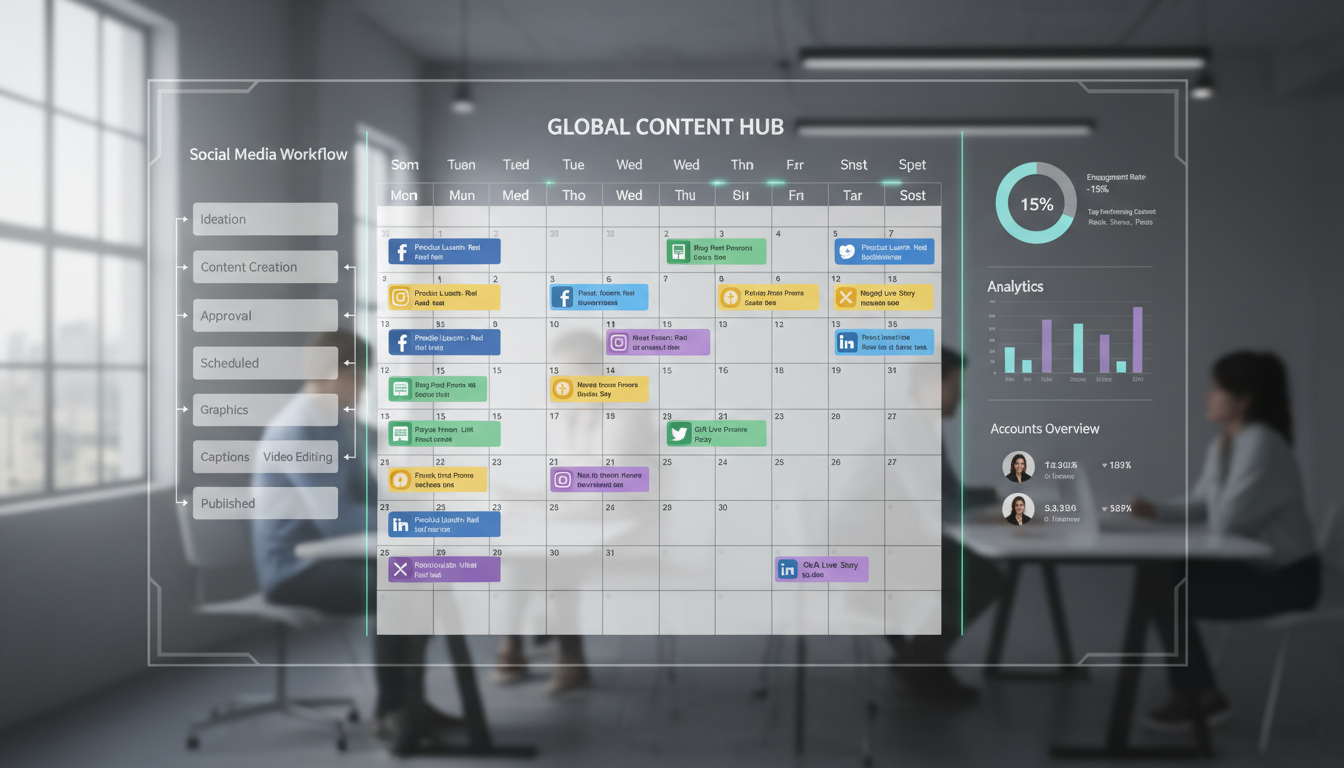 Scheduling tools transform chaotic posting into systematic content distribution.
Scheduling Workflow Integration
Integrate scheduling into your content workflow:
Batch creation days: Generate week's content in one session Immediate scheduling: Schedule content right after creation Review before publish: Check scheduled posts before they go live Performance tracking: Monitor which scheduled times perform best
Analytics and Insights
Data-driven decisions require analytics tools. Native platform insights provide basics, but dedicated tools offer deeper understanding.
Free ComfyUI Workflows
Find free, open-source ComfyUI workflows for techniques in this article. Open source is strong.
Native Analytics
Instagram Insights: Free with business/creator account. Shows reach, engagement, audience demographics. Essential baseline data.
TikTok Analytics: Available for creator accounts. Video performance, audience data, trending content insights.
Twitter Analytics: Basic engagement and impression data. Helpful for understanding post performance patterns.
Native analytics are free and provide essential information. Start here before investing in third-party tools.
Third-Party Analytics Tools
Iconosquare: Detailed Instagram and TikTok analytics. Competitor tracking, hashtag performance, audience insights. Starts around $49/month.
Sprout Social: Comprehensive social media management including analytics. Enterprise pricing but powerful features.
Later Analytics: Included with Later scheduling. Good integration between posting and performance data.
Social Blade: Free tool for tracking follower growth over time. Useful for competitive analysis.
Key Metrics to Track
Focus your analytics attention on:
Engagement rate: Primary health indicator Reach and impressions: Content distribution effectiveness Follower growth rate: Account trajectory Best performing content: What resonates with audience Optimal posting times: When your audience engages
Organization and Planning
Content creation generates assets that need organization. Without systems, you lose images, forget ideas, and duplicate effort.
Project Management Tools
Notion: Flexible workspace for content planning, idea storage, asset management. Free tier generous, paid adds team features.
Trello: Visual kanban boards for content pipeline. Simple and effective for tracking content stages.
Asana: More structured project management. Better for teams or complex workflows.
Google Sheets: Simple spreadsheet tracking works well for many creators. Free and familiar.
What to Organize
Your organization system should track:
Content calendar: What posts when Image library: Generated images organized by type/date Caption bank: Written captions ready for use Hashtag sets: Organized and rotating tag groups Performance notes: What worked and what didn't Ideas backlog: Future content concepts
Want to skip the complexity? Apatero gives you professional AI results instantly with no technical setup required.
File Management
AI influencer work generates many image files. Organize them:
Cloud storage: Google Drive, Dropbox, or similar for backup Consistent naming: Date-based or content-type naming convention Folder structure: Organize by month, content type, or campaign Regular cleanup: Delete unused generations to manage storage
Communication and Engagement Tools
Managing DMs and comments efficiently requires appropriate tools.
DM Management
Native inbox: Works for lower volume. Manual but straightforward.
Meta Business Suite: Unified inbox for Instagram and Facebook messages. Free and functional.
ManyChat: Automated DM responses and flows. Useful for scaling but can feel impersonal.
Comment Management
Native apps: Fine for moderate comment volume.
Later: Includes comment management in scheduling tool.
Sprout Social: Advanced comment management with team features.
Response Templates
Create templates for common interactions:
Welcome messages: For new followers who DM FAQ responses: Answers to frequent questions Collaboration replies: Standard responses to partnership inquiries Appreciation messages: Thanking engaged followers
Templates speed response time while maintaining quality.
Automation Tools
Strategic automation saves time without sacrificing authenticity.
Safe Automation
Scheduling posts: Essential automation everyone should use Auto-posting to stories: Sharing feed posts to stories automatically Email responses: Autoresponders for business inquiries Link management: Automatic link-in-bio updates
Risky Automation
Auto-liking: Against platform terms, can trigger bans Auto-following: Looks spammy, damages reputation Auto-commenting: Obviously automated, hurts engagement Bot engagement: Fake engagement provides no real value
Avoid automation that mimics human engagement behavior. Platforms actively detect and penalize this.
Earn Up To $1,250+/Month Creating Content
Join our exclusive creator affiliate program. Get paid per viral video based on performance. Create content in your style with full creative freedom.
Automation Tools Worth Using
Zapier: Connects apps for workflow automation. Example: Save new Instagram posts to Google Drive automatically.
IFTTT: Simple if-this-then-that automation. Good for basic workflows.
Make (formerly Integromat): Advanced automation with complex workflows. More powerful than Zapier for technical users.
Budget Stack Recommendations
Build your stack based on budget level.
Starter Stack ($0-50/month)
Image generation: Apatero free tier or trial Editing: Canva free or Photopea Scheduling: Meta Business Suite or Buffer free Analytics: Native platform insights Organization: Notion free or Google Sheets
This stack handles basic AI influencer management. Limited but functional.
Growth Stack ($50-150/month)
Image generation: Apatero paid plan ($XX/month) Editing: Canva Pro ($13/month) Scheduling: Later Growth ($40/month) Analytics: Native plus Later analytics Organization: Notion with integrations
This stack supports serious content creation and growth focus.
Professional Stack ($200-400/month)
Image generation: Apatero professional tier Editing: Canva Pro + Lightroom ($23/month combined) Scheduling: Later Advanced or Hootsuite Analytics: Iconosquare or Sprout Social Organization: Notion team or Asana Automation: Zapier professional
This stack supports full-time AI influencer work or agency management.
Tools to Avoid
Some tools waste money or create problems.
Follower Buying Services
Never buy followers. They provide no engagement, damage algorithm performance, and can trigger account penalties.
Engagement Pods
Artificial engagement from pod groups doesn't convert to real audience and can trigger platform detection.
Black Hat Automation
Any tool promising automatic engagement, following, or growth through platform manipulation risks account suspension.
Overcomplicated Solutions
Don't add tools you don't need. Every tool requires learning and maintenance. Simple stacks often outperform complex ones.
Building Your Integrated Workflow
Tools matter less than how they work together.
Sample Workflow
Monday (batch creation):
- Generate week's images in Apatero
- Edit and enhance in Canva
- Write captions in Notion
- Schedule in Later
Daily (15 minutes):
- Check scheduled posts in Later
- Respond to comments via native app
- Check DMs and respond
- Quick analytics review
Weekly (30 minutes):
- Review performance in analytics
- Adjust upcoming content based on data
- Organize files and clean up storage
- Plan next week's content themes
Integration Points
Make tools work together:
Later + Notion: Link content calendar Canva + Later: Direct scheduling from Canva Analytics + Planning: Data informs content decisions Apatero + Canva: Generation flows to editing
Your Tool Setup Action Plan
Get your stack running:
Week 1:
- Choose and set up image generator
- Create free accounts for editing and scheduling
- Set up basic organization system
Week 2:
- Learn your chosen tools deeply
- Create first batch of content through full workflow
- Identify friction points
Week 3:
- Optimize workflow based on experience
- Upgrade tools where free versions limit you
- Establish consistent routines
Week 4:
- Full workflow running smoothly
- Analytics tracking established
- Automation where appropriate
The right tools amplify your effort. Wrong tools waste time and money. Start simple, add complexity only where it solves real problems, and always prioritize image generation quality above everything else. Your Apatero subscription matters more than fancy scheduling tools.
FAQ
What's the minimum I need to spend on tools?
Zero to start. Free tiers of essential tools can launch an AI influencer. Expect to spend $50-100/month once you're serious about growth.
Which tool matters most?
Image generation. Everything else can be done with free tools or manually. Poor image quality can't be fixed by better scheduling.
Should I use the same tools as big influencers?
Not necessarily. Big accounts have different needs. Their enterprise tools may be overkill for your situation.
How do I know if I need a new tool?
When you consistently hit friction points that slow your workflow. Don't add tools speculatively.
Can I automate posting completely?
You can automate the posting itself, but someone needs to create content, write captions, and engage with audience. Core work can't be automated.
What about AI writing tools for captions?
Tools like ChatGPT can help draft captions, but always review and personalize. Generic AI captions hurt engagement.
Keep the same face in every image
Save a character as a Soul and put them in any scene, image or video, without retraining anything. Your first generation is free.
Related Articles

10 Best AI Influencer Generator Tools Compared (2025)
Comprehensive comparison of the top AI influencer generator tools in 2025. Features, pricing, quality, and best use cases for each platform reviewed.

5 Proven AI Influencer Niches That Actually Make Money in 2025
Discover the most profitable niches for AI influencers in 2025. Real data on monetization potential, audience engagement, and growth strategies for virtual content creators.

AI Action Figure Generator: How to Create Your Own Viral Toy Box Portrait in 2026
Complete guide to the AI action figure generator trend. Learn how to turn yourself into a collectible figure in blister pack packaging using ChatGPT, Flux, and more.